I Selected 4K Without Thinking. My Phone Storage Paid the Price
Why the highest video quality is not always the smartest choice for your screen, mobile data, or limited phone storage
I Selected 4K Without Thinking. My Phone Storage Paid the Price
Why the highest video quality is not always the smartest choice for your screen, mobile data, or limited phone storage
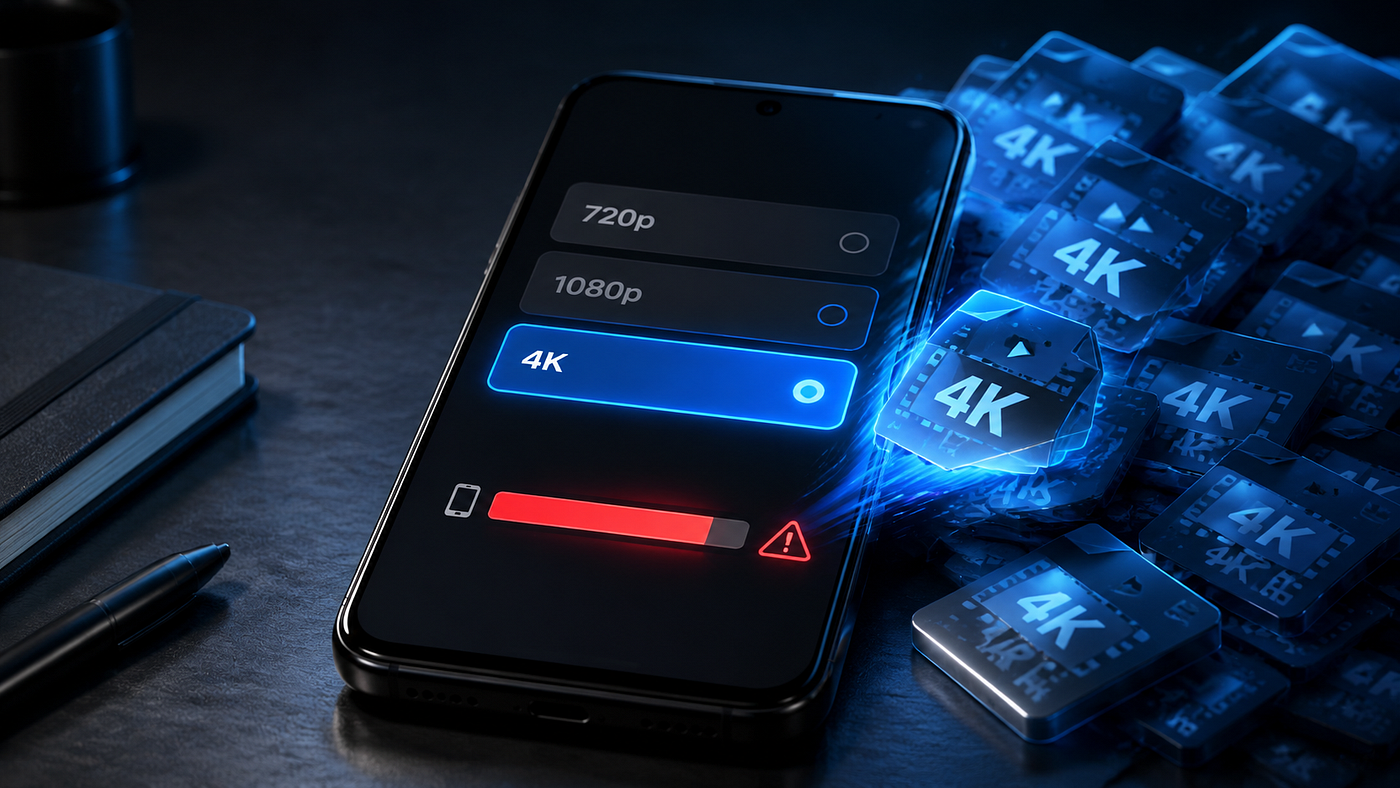
The download menu gave me several choices: 720p, 1080p, 2K, and 4K.
My decision took less than a second.
4K was the highest option, so it had to be the best one. Why would anyone choose a lower quality when a sharper version was available?
The video looked great after downloading. The problem appeared later.
My phone displayed the storage warning that every mobile user eventually meets: “Storage space running out.”
One video was not entirely responsible. It was simply the latest addition to a growing collection of downloaded Reels, tutorials, travel clips, screenshots, and forgotten files.
Still, it taught me something useful. The highest resolution is not automatically the right resolution.
Sometimes 4K gives you a noticeably better picture. Sometimes it gives you a much larger file that looks almost identical on your phone.
What 4K Actually Means
Video resolution describes the number of pixels used to create an image.
A 720p video has fewer pixels than a 1080p video. A 4K video contains far more visual information than both.
That extra detail can make a real difference on a large television, a high-resolution monitor, or during professional video editing. It can help when you need to crop part of a video while keeping the remaining image clear.
The difference may be much harder to notice on a small phone screen.
Screen size, display resolution, viewing distance, video compression, and the quality of the original recording all affect what you actually see. A 4K label cannot repair a blurry source or restore details that were never recorded.
This is where many beginners get caught.
They see a list of quality options inside a video-downloading tool and assume each one represents a genuine version of the original video. That is not always the case.
Some tools only display the formats available from the source. Others may process or convert the video. If the original upload was 1080p, converting it into a 4K file does not magically create true 4K detail.
The number becomes larger. The picture may not become meaningfully better.
The Hidden Cost of Choosing the Highest Quality
Video files need storage, and higher-resolution files are usually larger.
The final size does not depend on resolution alone. Video length, frame rate, format, codec, audio quality, and compression settings also matter. Two videos with the same resolution can have very different file sizes.
Even so, repeatedly choosing 4K can fill a phone much faster than choosing 720p or 1080p.
Imagine a student saving a collection of educational videos for offline viewing. One clip may not cause a problem. After downloading lectures, language lessons, and tutorials for several weeks, the storage cost becomes noticeable.
The same applies to travellers. Saving videos before a long journey can be helpful when the internet is slow or unavailable. However, selecting the highest quality for every clip may leave too little space for photos and videos taken during the trip.
The impact can be greater in countries such as Pakistan, India, and Bangladesh, where affordable Android phones are often the main internet device. Many users manage work, entertainment, communication, and personal files on the same phone.
That experience is not limited to South Asia. A person in the US or UK using an older phone with limited storage can face exactly the same problem.
The device does not care where you live. When the storage is full, it is full.
Storage Is Only Part of the Problem
A larger file also takes longer to download.
On a fast home connection, the difference may not feel important. On limited mobile data or an unstable connection, it can become frustrating.
A 4K download may stop halfway through, restart, or consume more data than expected. If the connection fails repeatedly, the user may waste both time and bandwidth.
This matters for people who buy limited mobile-data packages or live in places where fast internet is expensive or unreliable. It also matters when someone is travelling and relying on a weak hotel, airport, or mobile connection.
The download may also use more battery because the phone remains active for longer while receiving and processing a larger file.
None of this means 4K is bad. It means 4K has a cost, and that cost should serve a real purpose.
When 4K Is Worth Choosing
Choose 4K when you have a clear reason for needing the extra detail.
It may be useful when you plan to watch the video on a large 4K television or monitor. It can also help if you are saving your own original content for editing, archiving, or future projects.
Creators may need high-resolution copies because editing often involves cropping, zooming, adding effects, or exporting the same footage in different formats.
A 4K version can also make sense when the original recording is genuinely available in 4K, your device can display or process it properly, and you have enough storage.
In those situations, the larger file provides a practical benefit.
When 1080p Is the Better Choice
For ordinary viewing on a smartphone, 1080p is often a sensible balance between clarity and file size.
It is clear enough for most modern phone screens, online tutorials, travel clips, educational Reels, and personal offline viewing. It also takes less storage and usually downloads faster than 4K.
A lower resolution can be even more practical when the video is short-lived or mainly contains speech.
For example, a student saving a lecture may care more about readable slides and clear audio than tiny visual details. If the video still looks clear at 720p, choosing that option can save storage and mobile data.
When only the sound matters, an audio format such as MP3 or M4A may be more suitable, provided the user owns the content or has permission to save it.
The goal is not to choose the smallest file every time. The goal is to choose enough quality for the way you will actually use it.
A Better Habit Before Pressing Download
Before selecting a resolution, ask yourself three questions.
Where will I watch this?
A phone screen usually does not need the same file that you would prepare for a large television.
How long will I keep it?
A temporary clip does not need to occupy a large part of your storage. An original project file or an important personal recording may deserve a higher-quality copy.
How much free space and mobile data do I have?
Checking your available storage before downloading a collection of videos can prevent an annoying cleanup later.
It also helps to download one sample before saving an entire series. Compare 720p, 1080p, and 4K on the screen you normally use. If you cannot see a meaningful difference, the larger file may offer little value.
The Mistake of Trusting the Label
A quality label is useful, but it does not tell the whole story.
A downloader may offer MP4, MP3, 720p, 1080p, or 4K options, but availability can change depending on the source video and the tool. VidMate, SnapTube, and browser-based downloaders are third-party tools. They are not official Instagram applications, and their available features may change.
A “4K” button should therefore be treated as an option to inspect, not a guarantee of superior quality.
Look at the original video first. If it already appears compressed, pixelated, or poorly recorded, a larger download is unlikely to solve the problem.
You should also be careful when a website asks you to install unknown software, allow unrelated permissions, or click several similar download buttons. A video is not worth exposing your device to a modified application or suspicious file.
If an application is distributed outside an official app store, checking its source, permissions, update process, and reputation becomes especially important. Avoid files from unknown websites, and never disable security protections simply because a page tells you to do so.
Downloading Is Not the Same as Owning
There is another lesson that matters more than resolution.
Saving a public Instagram video does not transfer ownership of that content to you.
A creator may allow people to watch a Reel publicly, but that does not automatically give others permission to repost it, edit it, sell it, or present it as their own work.
Downloading makes sense when you are backing up your own content, saving material with the creator’s permission, or using a platform feature in a way allowed by its rules.
Private content should remain private. No downloader should be used to bypass account restrictions or access media you are not permitted to view.
If you want to reuse someone else’s video, ask first. A short message can prevent a much larger problem.
The Simple Rule I Use Now
I no longer choose the highest number automatically.
For casual phone viewing, I start with 1080p. If storage or mobile data is limited, I consider 720p. I choose 4K only when I know the source is truly high resolution and I have a reason to keep the extra detail.
I also remove temporary downloads instead of allowing them to collect quietly in forgotten folders.
That small habit protects my storage, saves data, and makes file management much easier.
The lesson was not that 4K is a bad choice.
The lesson was that “best quality” and “best choice” are not always the same thing.
Short Summary
Choosing 4K can quietly drain storage, data, and battery. Learn when 1080p is enough and how to save videos without filling your phone too quickly.
Medium Tags
Video Downloading
Android
Mobile Technology
Digital Safety
메타데이터
- post_id
- a381068d58d4
- slug
- i-selected-4k-without-thinking-my-phone-storage-paid-the-price-a381068d58d4
- url
- https://medium.com/@AppToolHub/i-selected-4k-without-thinking-my-phone-storage-paid-the-price-a381068d58d4
- canonical_url
- https://medium.com/@AppToolHub/i-selected-4k-without-thinking-my-phone-storage-paid-the-price-a381068d58d4
- author_url
- https://medium.com/@AppToolHub
- status
- ok
- fetched_at
- 2026-08-08 08:50:16




