Reviving Kepler: Running BOINC with NVIDIA Quadro K5000 on Fedora 43 Server
This guide covers the specialized process of configuring a legacy NVIDIA Quadro K5000 (Kepler) on a Fedora 43 Server for BOINC distributed…
Reviving Kepler: Running BOINC with NVIDIA Quadro K5000 on Fedora 43 Server
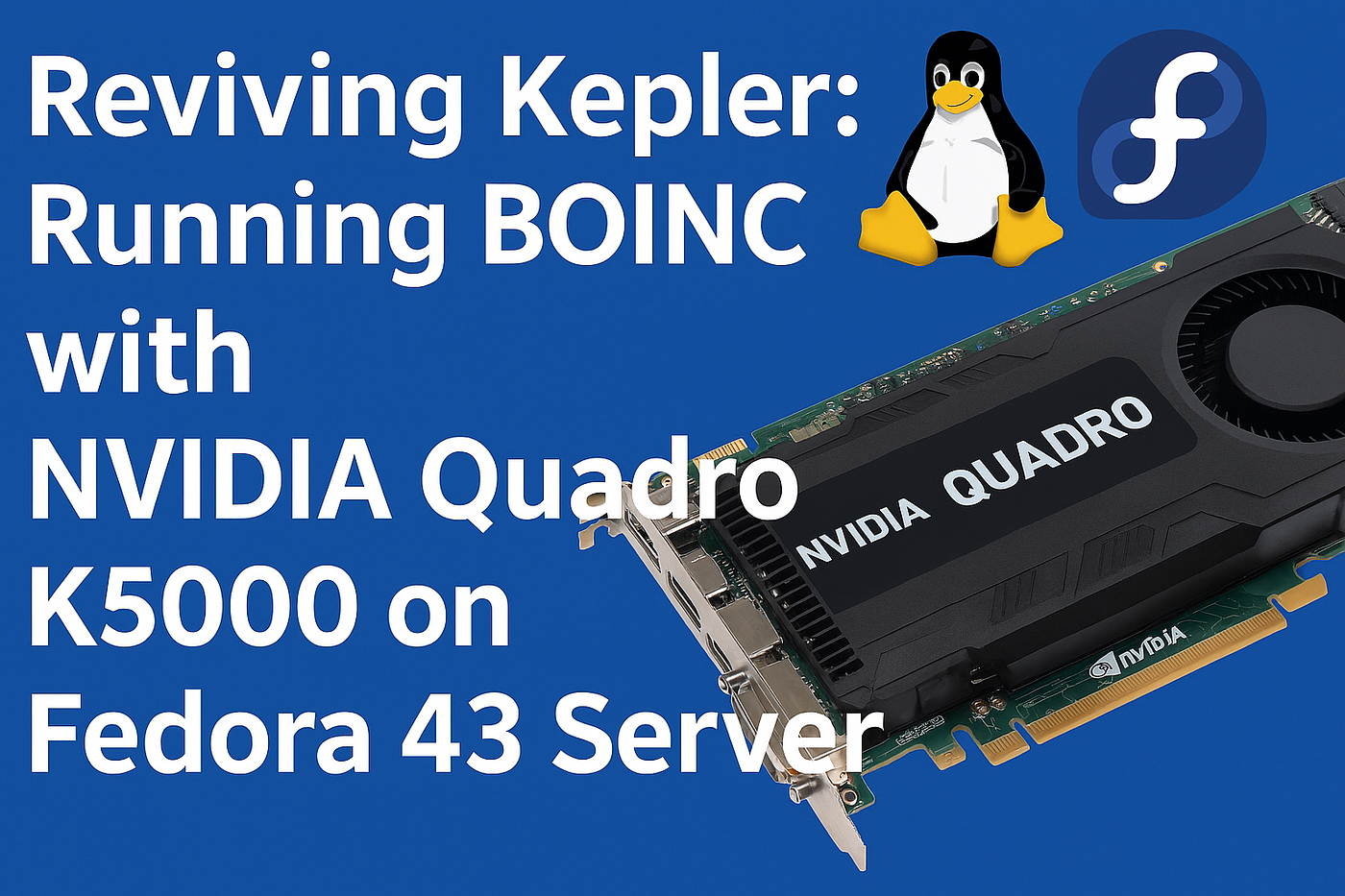
This guide covers the specialized process of configuring a legacy NVIDIA Quadro K5000 (Kepler) on a Fedora 43 Server for BOINC distributed computing. It addresses the unique challenges of legacy drivers, SELinux sandboxing, and thermal management in a headless environment.
1. Driver Installation (The Legacy Path)
Modern Fedora repositories do not carry the legacy drivers required for the Kepler architecture (K5000). You must use RPM Fusion to access the NVIDIA 470.xx driver series, the final version supporting this hardware.
Enable Repositories & Install
# Enable RPM Fusion Non-free
sudo dnf install [https://mirrors.rpmfusion.org(rpm](https://mirrors.rpmfusion.org(rpm) -E %fedora).noarch.rpm
sudo dnf install [https://mirrors.rpmfusion.org(rpm](https://mirrors.rpmfusion.org(rpm) -E %fedora).noarch.rpm
# Install NVIDIA Driver and CUDA Support
sudo dnf install akmod-nvidia xorg-x11-drv-nvidia-cuda
Wait 5 minutes for the kernel module to build (akmods) before rebooting.
2. Breaking the SELinux Sandbox
Fedora 43 applies strict SELinux policies to the boinc-client. Even if /dev/nvidia* permissions are set to 666, SELinux will block the service, often resulting in a CUDA Error 201 (NVML Initialization Failed).
Generate a Custom Policy
If setsebool fails, use audit2allow to grant the specific permissions needed for GPU access:
# Set to permissive to capture all denials
sudo setenforce 0
sudo systemctl restart boinc-client
# Wait 10 seconds, then generate the fix
sudo ausearch -m avc -c boinc — recent | audit2allow -M boinc_nvidia_gpu
sudo semodule -i boinc_nvidia_gpu.pp
# Re-enable enforcement
sudo setenforce 1
3. Stability: The Persistence Daemon
On headless servers with legacy drivers, the NVIDIA kernel module may “sleep” when no X11 session is active, causing BOINC to lose connection to the hardware.
Enable Persistence
sudo systemctl enable — now nvidia-persistenced
4. BOINC Optimization for Legacy Hardware
The BOINC client may ignore older GPUs unless explicitly told to use them.
Create cc_config.xml
Create /var/lib/boinc/cc_config.xml to force GPU detection:
<cc_config> <options> <use_all_gpus>1</use_all_gpus> </options> </cc_config>
# Ensure the file is owned by the boinc user
sudo chown boinc:boinc /var/lib/boinc/cc_config.xml
5. Thermal Management (Safety First)
The Quadro K5000 is an older card; running it at 100% load 24/7 requires thermal caps to prevent hardware failure.
Set Power and Temp Limits
# Limit Power to 80W (Default is ~137W)
sudo nvidia-smi -pl 103.05
This is an alternative
# Set a Target Temperature of 70°C
sudo nvidia-smi -tt 70
6. Verification Checklist
Use these commands to confirm your host is fully operational:
- Check Hardware Recognition: nvidia-smi (Should show Driver 470.xx and your K5000).
- Check BOINC Log: sudo journalctl -u boinc-client | grep -i “CUDA” (Should list your GPU and available VRAM).
- Check Task Status: boinccmd — get_state | grep gpu_active_frac (Should return 1.000000).
Summary
Driver Version: 470.256.02 (Legacy)
CUDA Version: 11.4
SELinux Fix: Custom module via audit2allow
Service: nvidia-persistenced (Must be Active)
BOINC Config: <use_all_gpus>1
How to Monitor
While BOINC is running, you can watch the temperature in real-time with this command:
watch -n 2 nvidia-smi
Final Step: Attach to your account manager:
boinccmd — acct_mgr attach https://scienceunited.org <email> <password>
Make Power Settings Permanent
Changes made via nvidia-smi are lost on reboot. To make them stick, create a simple systemd service.
- Create the script:
sudo nano /usr/local/bin/gpu-limit.sh
- Add these lines:
!/bin/bash
Set Power Limit to 80 Watts
nvidia-smi -pl 80
Set Target Temp to 70C
nvidia-smi -tt 70
- Permissions and Service:
sudo chmod +x /usr/local/bin/gpu-limit.sh
# Create a quick service to run at boot
sudo systemctl edit — force — full gpu-throttle.service
- Paste this into the editor:
[Unit] Description=NVIDIA GPU Thermal Limits After=nvidia-persistenced.service
[Service] Type=oneshot ExecStart=/usr/bin/bash /usr/local/bin/gpu-limit.sh
[Install] WantedBy=multi-user.target
- Enable it:
sudo systemctl enable — now gpu-throttle.service
메타데이터
- post_id
- a3da2fa63cc5
- slug
- reviving-kepler-running-boinc-with-nvidia-quadro-k5000-on-fedora-43-server-a3da2fa63cc5
- url
- https://medium.com/@alejandro.marin.badilla/reviving-kepler-running-boinc-with-nvidia-quadro-k5000-on-fedora-43-server-a3da2fa63cc5
- canonical_url
- https://medium.com/@alejandro.marin.badilla/reviving-kepler-running-boinc-with-nvidia-quadro-k5000-on-fedora-43-server-a3da2fa63cc5
- author_url
- https://medium.com/@alejandro.marin.badilla
- status
- ok
- fetched_at
- 2026-06-22 17:31:34





