How to Create Product Mockups Without Photoshop
A simple way to make your ebook, course, report, lead magnet, or affiliate bonus look more professional before you promote it.
How to Create Product Mockups Without Photoshop
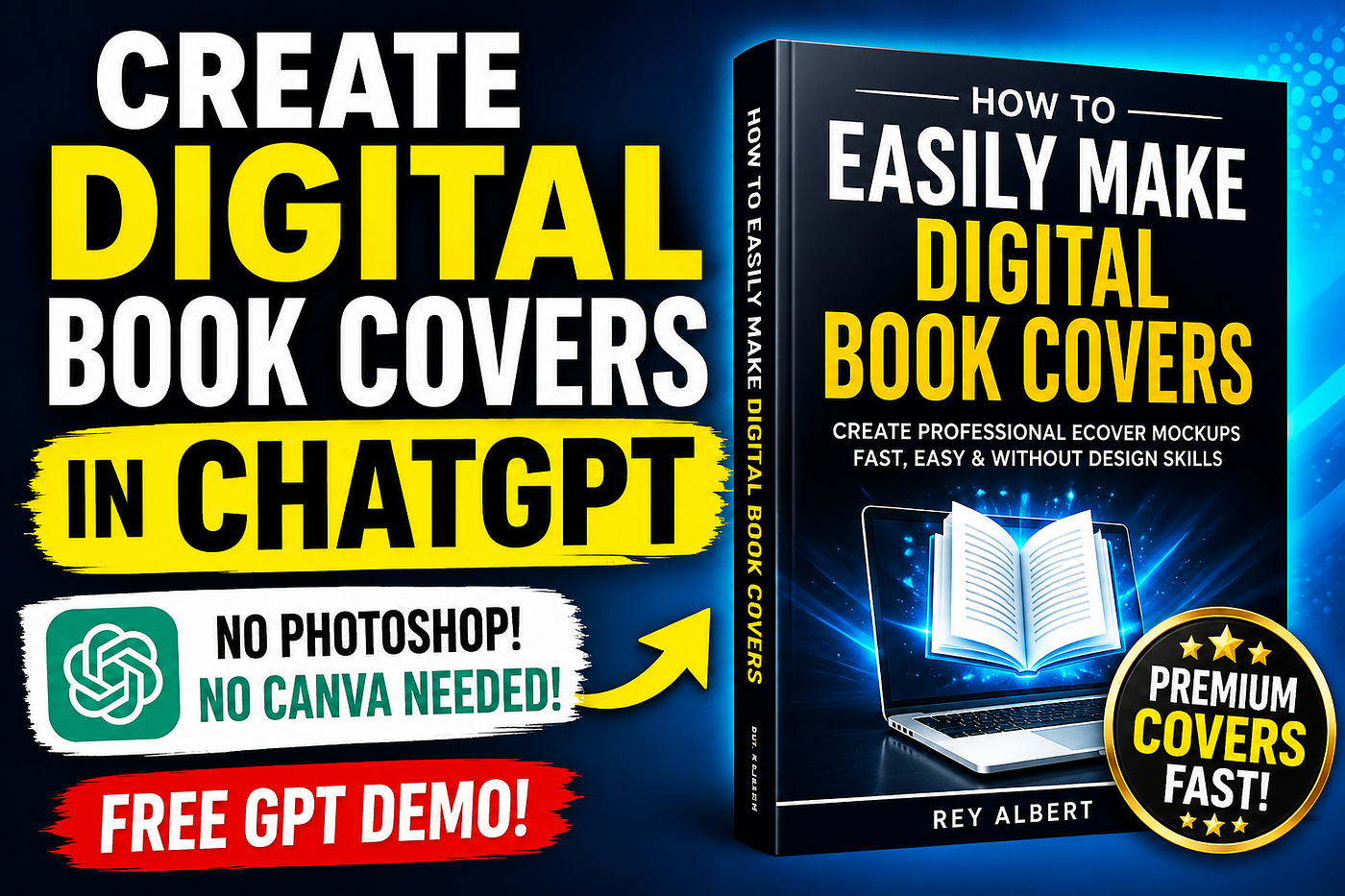
A simple way to make your ebook, course, report, lead magnet, or affiliate bonus look more professional before you promote it.
Many digital products do not fail because the information is bad.
They fail because the product does not look valuable enough for people to stop, click, and take it seriously.
That may sound uncomfortable, but it is true.
Someone can spend days writing an ebook, recording a mini-course, building a workbook, or creating an affiliate bonus, then promote it with a flat PDF cover, a plain screenshot, or a graphic that looks like it was put together at the last minute.
The result?
The product may be useful, but the presentation quietly works against it.
People online make fast judgments. They see the visual before they read the full description. They decide in seconds whether the offer feels professional, trustworthy, and worth their attention.
That is why product mockups matter.
Not because they magically make a weak product good.
But because they help a good product look like something people can understand, value, and want.
So the real question is not just, “How do I create a product mockup?”
The better question is, “How do I make my digital product look as valuable as the thing I created?”
The Problem With Most Digital Product Graphics
If you have ever tried to make a product image yourself, you know how fast it can get frustrating.
You open Canva.
You search through templates.
You move text around.
You try different fonts.
You resize boxes.
You change colors.
Then somehow, after 45 minutes, the image still does not feel right.
Photoshop is not much easier if you are not already comfortable with design tools. You may need templates, layers, smart objects, lighting effects, exports, and a basic eye for layout.
That is a lot of friction just to create one product image.
And hiring a designer does not always make sense either, especially if you are creating small digital products, lead magnets, prompt packs, templates, checklists, quick-start guides, or affiliate bonuses.
So creators often settle.
They use a basic cover.
They upload a plain PDF image.
They skip the mockup entirely.
But that creates a different problem.
The offer starts to feel unfinished.
And when a digital product feels unfinished visually, the buyer may assume the content is unfinished too.
That is not always fair.
But it is how first impressions work.
The Shift: Your Product Image Is Part of the Offer
Most creators think of product graphics as decoration.
They are not.
Your product image is part of the offer.
It helps people understand what they are getting before they read every detail.
A report mockup says, “This is useful and specific.”
A spiral workbook says, “This is practical and hands-on.”
A paperback or hardback book says, “This is educational and complete.”
A software box says, “This is a system or toolkit.”
A membership card says, “This gives access.”
That format matters because it gives shape to something digital.
Digital Products Need Tangibility
Physical products are easier to understand because people can see them.
A book has a cover.
A box has depth.
A workbook has pages.
A membership card suggests access.
Digital products do not naturally have that. An ebook, course, prompt pack, or bonus file can feel abstract unless you package it visually.
That is what a mockup does.
It makes the product feel more real.
The Right Mockup Creates Context
The mistake is not just having a bad graphic.
The bigger mistake is using the wrong type of graphic.
If you created a checklist, it may work better as a report or booklet.
If you created a step-by-step training, a workbook mockup may make more sense.
If you created a prompt pack or toolkit, a software box may make the offer feel more complete.
If you created a private resource vault, a membership card can quickly communicate access.
The goal is not to make something pretty just for the sake of it.
The goal is to make the product easier to understand and more valuable at first glance.
That is the shift.
A product mockup is not just a picture.
It is a visual shortcut that helps explain the offer.
A Simple Way to Create Product Mockups
Once you understand that your product image is part of the offer, the next step is making the process easier.
You do not need to become a designer.
You do not need to spend hours learning Photoshop.
You do not need to stare at a blank Canva screen every time you create a new guide, report, ebook, course, or affiliate bonus.
You need a simple workflow.
That is where a tool like the Free Image Mockup Generator can help.
It is built for content creators, affiliate marketers, coaches, consultants, course creators, prompt sellers, and digital product creators who need their offers to look more professional without getting stuck in design work.
You enter your product title, subtitle, author or brand name, and product details. Then you choose the format you want, such as a digital report, spiral workbook, paperback book, hardback book, software box, booklet, or membership card.
You can try it here as a free resource: https://imgsthatsell.com/mockup-generator
The point is simple.
Instead of starting with a blank design screen, you start with the product itself.
The tool uses your product context to help create a mockup that matches your niche, audience, promise, and offer style.
What You Can Realistically Expect
A mockup will not fix a bad offer.
But it can improve the way a good offer is perceived.
For example, a plain PDF titled “Affiliate Bonus Checklist” may feel like a simple file.
That same idea shown as a polished report or workbook mockup can feel more complete and useful.
A course that only has a title graphic may feel unfinished.
Show it as a software box with a workbook, and it can feel more like a complete training system.
A lead magnet with no image may feel forgettable.
Give it a strong visual, and it becomes easier to promote in posts, emails, landing pages, and videos.
In practical terms, one good mockup can give you a better image for your landing page, a stronger visual for social media, a more polished email promotion, and a clearer first impression.
And the whole process can take minutes instead of hours.
Before You Promote, Package the Product Visually
If your digital product is worth promoting, it is worth presenting well.
The product does not need to be fancy.
It does not need to look like a million-dollar brand.
But it should look complete, intentional, and easy to understand.
That is the real value of a product mockup.
It helps your offer feel real before someone clicks, reads, watches, or buys.
So before you promote your next ebook, report, course, workbook, affiliate bonus, prompt pack, template, or lead magnet, create a visual that supports the value of the thing you made.
The Free Image Mockup Generator is a simple place to start: https://imgsthatsell.com/mockup-generator
What type of digital product are you working on right now — ebook, course, report, workbook, prompt pack, or affiliate bonus?
메타데이터
- post_id
- a540d04b8375
- slug
- how-to-create-product-mockups-without-photoshop-a540d04b8375
- url
- https://medium.com/@ralbert856/how-to-create-product-mockups-without-photoshop-a540d04b8375
- canonical_url
- https://medium.com/@ralbert856/how-to-create-product-mockups-without-photoshop-a540d04b8375
- author_url
- https://medium.com/@ralbert856
- status
- ok
- fetched_at
- 2026-06-09 15:37:30