How to Build, Publish, and Sell a Browser Extension in 2026 — Without Writing Code
Most browser extension ideas die before they start. Not because the idea is weak, but because the path from idea to published extension has…
How to Build, Publish, and Sell a Browser Extension in 2026 — Without Writing Code
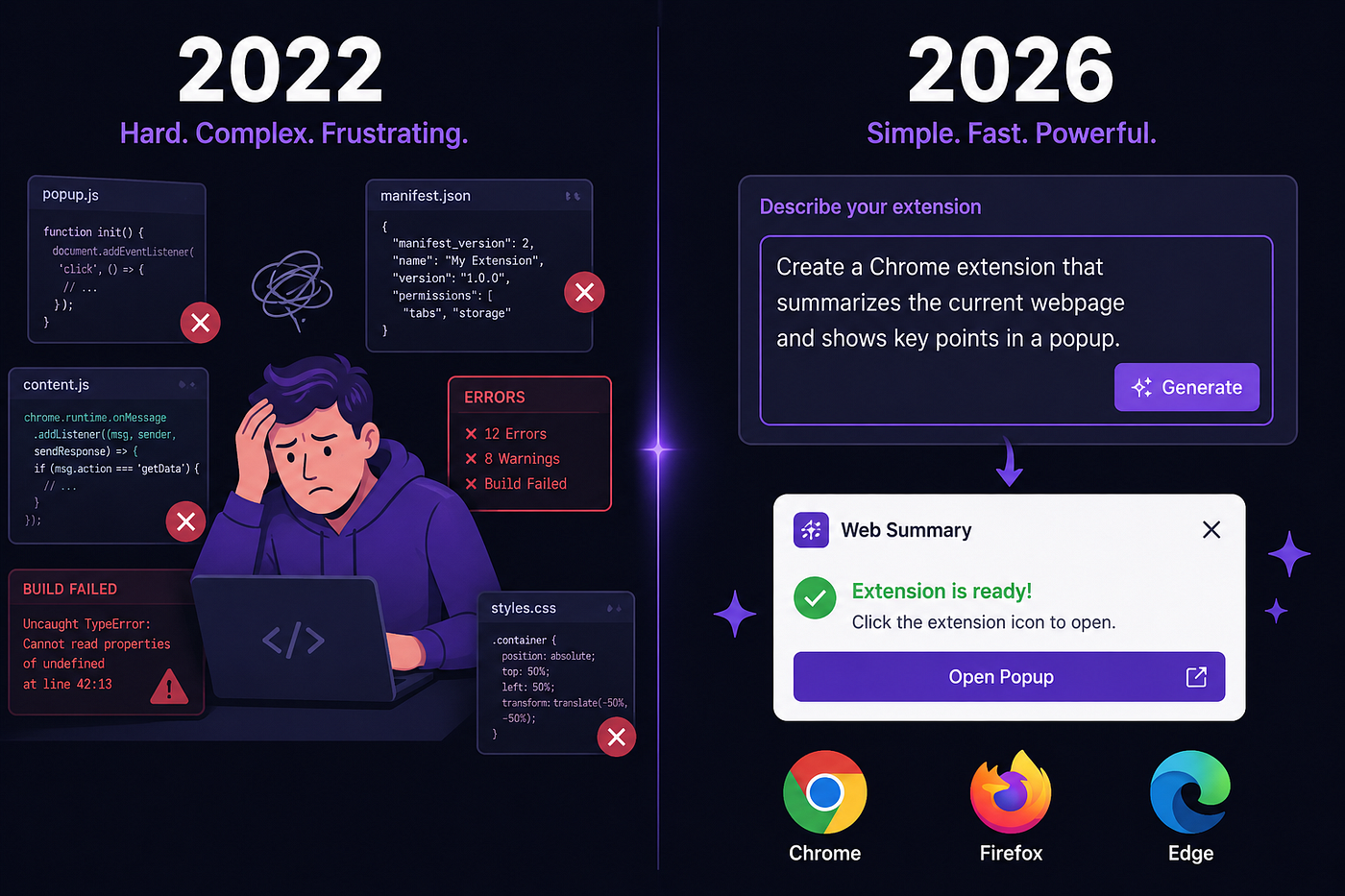
Most browser extension ideas die before they start. Not because the idea is weak, but because the path from idea to published extension has always required a developer. Learning JavaScript, studying Chrome’s API documentation, configuring manifest files, handling cross-browser differences, packaging for submission — each step is its own project.
Extinde removes that path entirely. You describe what you want. It builds the extension. You refine, publish, and optionally sell it — all from one platform.
Here’s exactly how each part works.
Step One: Generate From a Plain English Description
Type what you want your extension to do. The AI reads your description and produces a complete, installable extension — not a code snippet, but a full working package including the manifest file, popup interface, background scripts, content scripts, CSS, and icons, all correctly connected and compliant with Chrome’s current Manifest V3 standard.
The quality of the first output depends heavily on how specific your description is. “Make a productivity tool” gives the AI very little to work with. “Build a Chrome extension that tracks time spent on each website and displays a daily summary in the popup with a reset button” is specific enough to produce something close to finished on the first pass, cutting the number of follow-up refinements from four or five down to one or two.
New accounts receive 25 free credits on signup. Each generation costs 5–8 credits, which covers approximately three complete extensions before any payment is needed.
Step Two: Refine It Through Conversation
After the first generation, you talk to it. Extinde’s chat interface lets you describe changes in plain English — adjust the layout, add a feature, change a behavior — and the AI updates only the files that need changing, leaving everything else intact.
This is different from starting over. Each refinement builds on the previous version. You’re not regenerating the extension each time; you’re improving it. There’s no cap on how many refinements you can make, and because changes are surgical rather than wholesale, the extension gets better with each iteration without losing what already works.
Refinement operations cost a minimum of 3 credits each. All credits, whether from the free plan or a paid subscription, roll over indefinitely and never expire.
Step Three: Edit Every File Directly
Every file the AI generates is accessible inside a Monaco-powered code editor built directly into Extinde. Monaco is the same engine that powers Visual Studio Code — full syntax highlighting, IntelliSense, and multi-file editing across the entire extension.
If you’re non-technical, you may never open the editor. If you are a developer, you have complete access to every file without switching to an external IDE. Both users are working in the same platform.
A live preview renders your popup UI in real time as you edit. The alternative — saving files, navigating to chrome://extensions, reloading, clicking the extension icon, evaluating, and repeating — costs 20–30 minutes per session. Extinde eliminates that loop entirely. What the popup looks like is visible immediately, at whatever screen size you want to test.
Step Four: Publish to the Chrome Web Store
When the extension is ready, Extinde generates a store-ready ZIP file for whichever browsers you’re targeting. Chrome, Firefox, Microsoft Edge, and Safari are all supported — each export handles the manifest version differences and browser-specific API adjustments automatically. You don’t configure anything separately for each browser.
For Chrome Web Store submission: download the ZIP, go to your Chrome developer account, upload the package, complete the store listing — title, description, screenshots, privacy policy — and submit for review. The one-time Chrome developer account fee is $5. Firefox and Edge submissions are free.
Because Extinde validates your manifest automatically during generation, the most common reason extensions get rejected — overly broad permissions and manifest errors — is caught before it reaches a reviewer. First-time submissions from new accounts typically take 7–14 business days. Established accounts see 2–5 days.
Step Five: Sell It on the Extinde Marketplace
This is where Extinde does something no other AI extension builder currently offers.
Once your extension is published, you can list it on Extinde’s built-in marketplace, set a price, and sell it directly to other users. Payments are processed through Stripe. The revenue goes to you. Categories include Productivity, Privacy, Focus, Utilities, Social Media, and Developer Tools. Free extensions can be listed too.
The Chrome Web Store is where most extensions go unnoticed. Discoverability there depends on search ranking, review count, and install volume — all of which are hard to build from zero. The Extinde Marketplace is a separate channel: an audience already on the platform, actively looking for browser tools to install or buy. It’s not a replacement for store distribution, but it’s a meaningful addition to it.
You can also fork other creators’ extensions from the marketplace and use them as a starting point for your own build.
What Other Tools Don’t Do
Every competing AI extension builder covers one or two of these stages.
Kromio generates Chrome extensions quickly, including from uploaded UI screenshots, but has no editor, no live preview, and no Firefox or Safari support. ChilledSites produces a draft in under 60 seconds but stops there — no refinement, no editor, Chrome only. Emergent is a full-stack development platform with deep backend capabilities, but it’s not built for extensions specifically and costs $200/month for meaningful usage. Manus specializes in webpage reading and content extraction — useful for that narrow use case, not others.
None of them have a marketplace. None guide you through store submission. None let you iterate, edit, preview, and publish without leaving the platform.
Pricing
The free plan provides 25 credits — enough for roughly three full extensions. Paid plans start at $9.99/month for 250 credits. The $19.99/month Builder plan covers approximately 125 generations per month. All credits roll over and don’t expire.
Who This Is For
If you have an extension idea and no coding background, Extinde is currently the most complete path from idea to published extension without touching code. The only input required is being able to describe what you want.
If you’re an entrepreneur, a working, publishable extension can go from first prompt to Chrome Web Store submission in a single day — without hiring a developer.
If you’re a developer, the generation handles MV3 boilerplate, cross-browser configuration, and icon sizing automatically. The Monaco editor gives you full control when you want it.
The extension ideas that never got built because the process was too hard — most of them are now a description away.
메타데이터
- post_id
- a58e0429da32
- slug
- how-to-build-publish-and-sell-a-browser-extension-in-2026-without-writing-code-a58e0429da32
- url
- https://medium.com/@extinde/how-to-build-publish-and-sell-a-browser-extension-in-2026-without-writing-code-a58e0429da32
- canonical_url
- https://medium.com/@extinde/how-to-build-publish-and-sell-a-browser-extension-in-2026-without-writing-code-a58e0429da32
- author_url
- https://medium.com/@extinde
- status
- ok
- fetched_at
- 2026-06-13 12:55:53