I Learned How to Vibe Code for You
One weekend. Three financial apps. No coding — just vibes.
I Learned How to Vibe Code for You
One weekend. Three financial apps. No coding — just vibes.
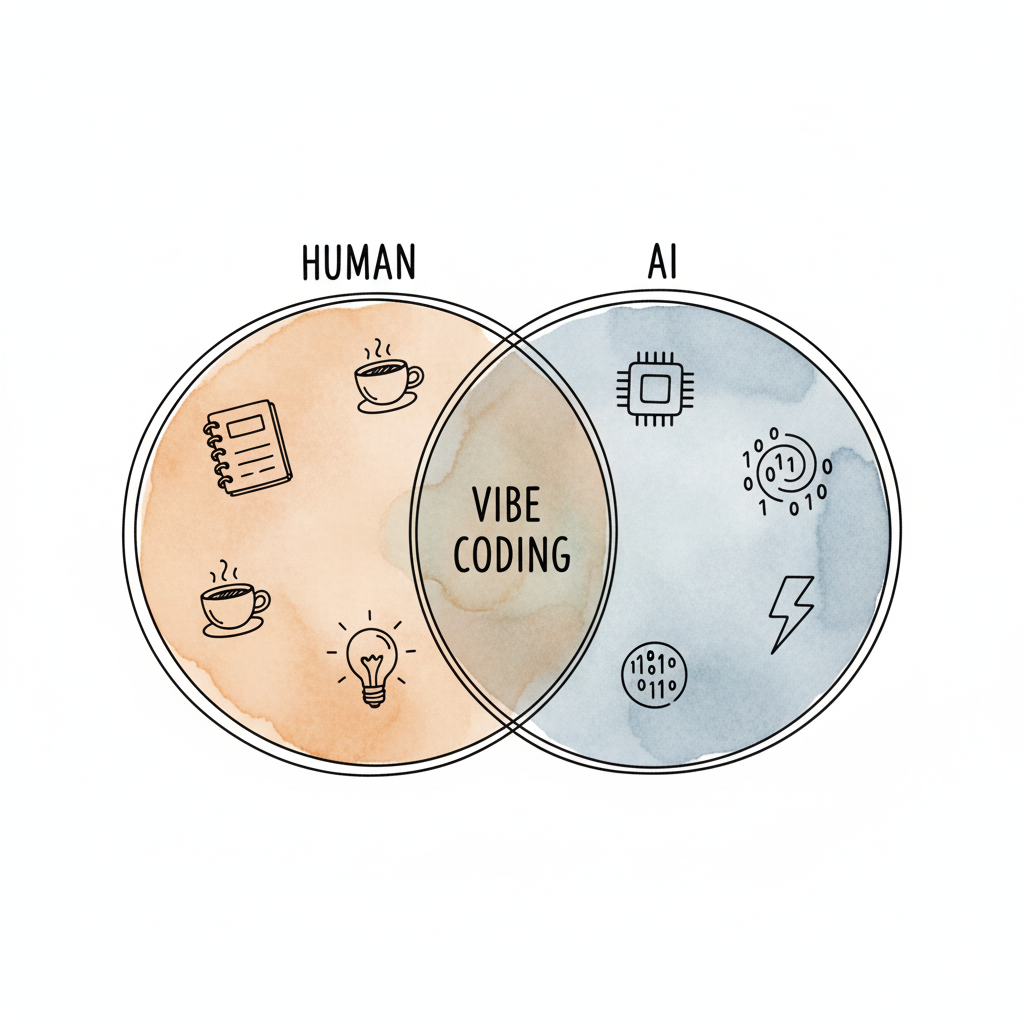
Last weekend, I decided to test the “vibe coding” philosophy. I wanted to see if I could build something practical — something that combines my love for data, analytics, and finance.
So, one Saturday morning, I opened my laptop, made a cup of coffee, and said to myself:
“Alright, let’s see if this vibe coding thing actually works.
And guess what? It did.
💼 The 3 Financial Apps I Built
By the end of that weekend, I had built three mini-apps that actually solved real problems I face in my financial projects:
1. Break-Even Point Calculator A simple, interactive app that helps users instantly calculate their break-even point — adjusting costs and prices to forecast profits.
2. Investment Appraisal Tool Built using the core principles of financial modeling — it calculates NPV, IRR, and payback period to help evaluate project investments.
3. Variance Investigator Pro A data analytics mini-app that simplifies variance analysis — clean, fast, and built for clarity.
(You can find all of them on my blog: Free AI Tools — AccuStats)
So, here’s the cliffnotes version — to save you the hundreds, actually probably at this point thousands of hours I have spent watching YouTube tutorials, taking courses, but honestly, mostly just trial and error as I’m developing my own applications through vibe coding and it’s totally different.
It felt like I was finally creating without the friction. Not just coding — but communicating ideas to AI that turn into working products.
If I could go back to my university days, when I felt a little sad about not majoring in Computer Science, I’d tell my past self:
“Don’t worry — vibe coding will make up for it.”
Because it really has.
Now, I’m diving deeper into its fundamentals, frameworks, and principlesand I want to share what I’ve learned so far.I’ll also teach you how to apply these principles of vibe coding with any tool.
Now, without further ado, let’s get going.
You’ve probably heard the term “vibe coding” a lot by now_
This term was actually coined by Andrej Karpathy, one of the founding members of OpenAI.
On February 3rd, 2025, he made a post on X that said:
“There’s a new kind of coding I call vibe coding where you fully give into the vibes. Embrace exponentials and forget that the code even exists.”
It’s possible because LLMs — for example, Cursor Composer with Sonnet — are getting too good.
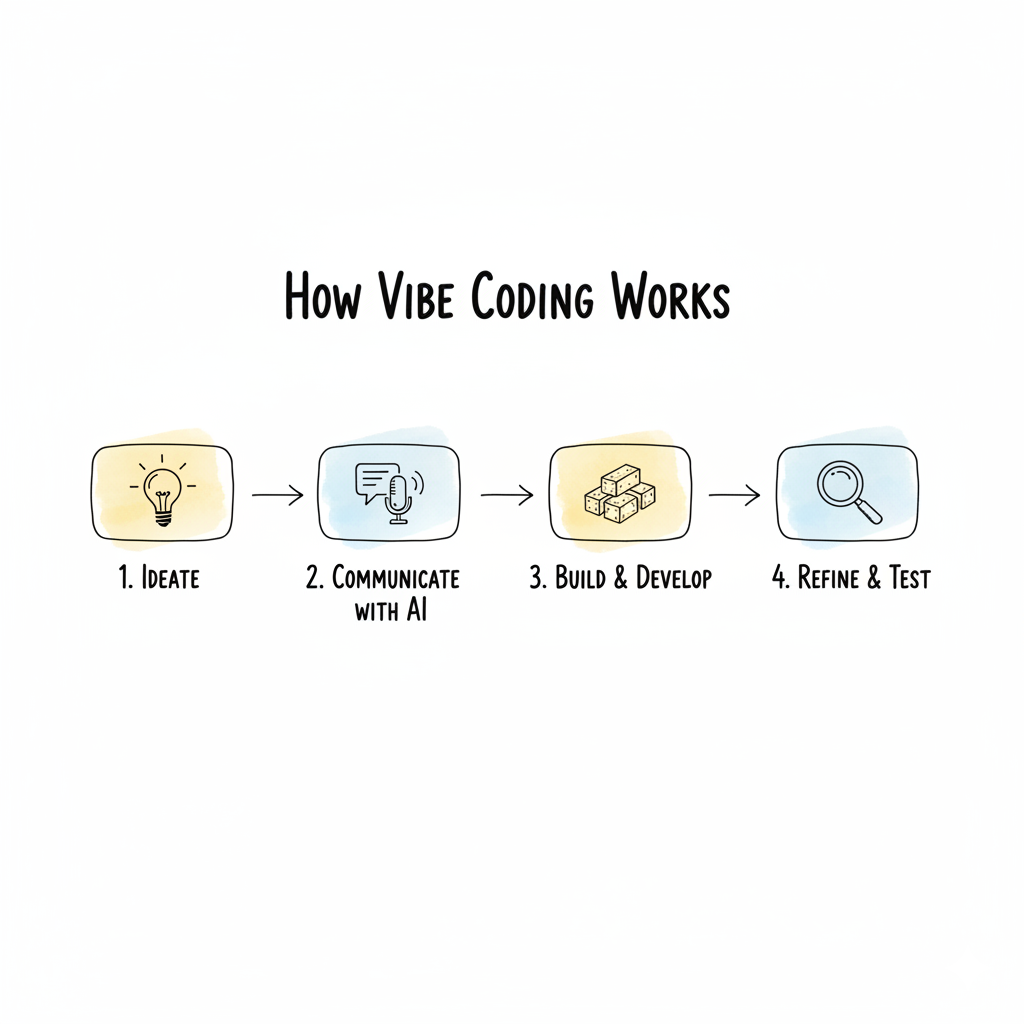
You basically just tell the LM what you want to build, and it just builds it for you. Some people literally just speak to it, using voice.
For example, you can just prompt it like this:
“Create a simple React web app called Daily Vibes. Users can select a mood from a list of emojis, optionally write a short note, and submit it. Below, show a list of past mood entries with the date and note.”
And yeah — that’s it. You give it to the LM, and it generates the code for you.
Crazy, right? You can see how it fundamentally changes the way you code and build things.
I simplified Vibe coding in this post shortly,you might like ,”Talking to AI is Becoming the New Programming (Vibe Coding)”
But it’s not black magic. Vibe coding doesn’t magically just work for everything. There are still principles and order in this chaos — in how you ask AI to build things.
So let’s actually cover these principles.
The Five Principles of Vibe Coding
According to Vibe Coding 101 with Replit, there are five fundamental skills in vibe coding:
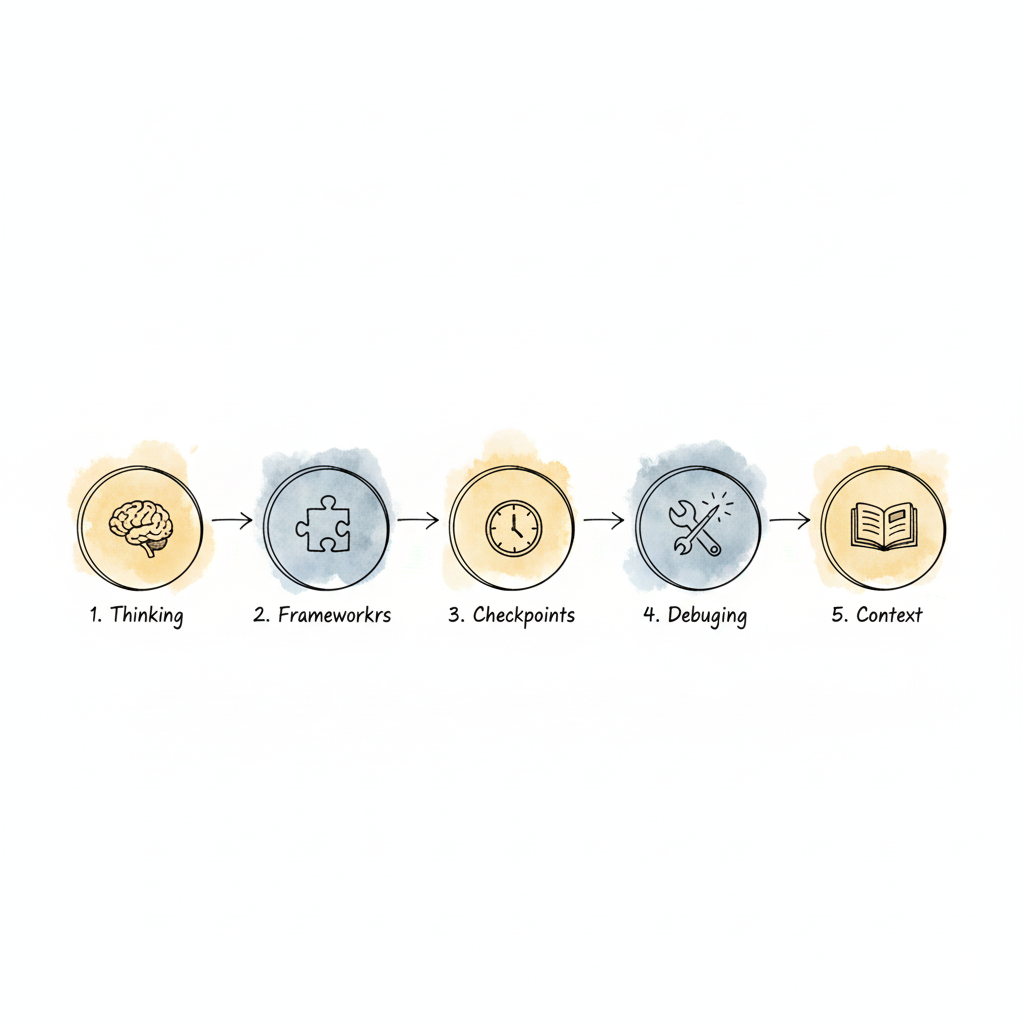
Let’s go through each.
1. Thinking
You need to thoroughly think through what it is that you want to build — and then communicate that with AI.
Thinking thoroughly happens in four levels:
Logical Thinking: What is the app? (e.g., “the app is revenue forecaster ”)
Analytical Thinking: How do I build this app? (what’s the main objective)
Computational Thinking: How do I fit this analysis logic into a set of rules and configurations?
Procedural Thinking: How do I excel at this? What strategies or boundaries can I push?
When vibe coding, you must go through these four levels to define your project clearly.
If you don’t think through what you want, how can AI figure it out for you?
The best way to clarify your thinking is to create a Product Requirements Document (PRD).
Your PRD should include:
Overview: What’s the project and what problem it solves.
Skills & Tools: What’s needed to build it.
Key Features: What exactly the app should do.
Procedural Details: How to make it the best possible experience.
The clearer your vision, the better the AI’s output.
2. Frameworks
Whatever you’re building, someone has likely built something similar.
Since AI is trained on existing frameworks, you’ll get better results if you direct it toward known ones.
For example:
For styling → use Tailwind CSS
For animations → use Three.js
If you don’t know which frameworks to use, just ask AI first — “What’s the best way to implement drag and drop in React?”
Understanding frameworks isn’t about knowing every line of code. It’s about understanding structure — frontend, backend, and how they communicate.
Think of it as learning and building with AI at the same time.
3. Checkpoints
Things will break. That’s a fact.
That’s why you need checkpoints and version control.
Tools like Replit have built-in version control, but for most serious projects, learn Git and GitHub.
Even in vibe coding, you can just say:
“Use Git to commit these changes and push to GitHub.”
But understanding what’s happening — git add, git commit, git push, git reset — gives you control over your project’s timeline.
4. Debugging
This part I found most magical.Whatever you build, something will go wrong.Personally I found the debugging part most exhausted,you know just a comma or brackets mistake inside your code and boooom..eroor !
Debugging is about identifying where and what the problem is, then applying fixes — sometimes multiple times.
In vibe coding, debugging is often just:
Copy the error → paste it to AI → say “There’s an error.”
And the AI will try to fix it.
Be patient. Guide it. Give it context.
If you understand even a little about file structures or dependencies, you can point it toward the right fix.
That’s when debugging becomes collaboration.
5. Context
The general rule: The more context you give, the better the results.
Context means details — about the project, environment, preferences, and errors.
Provide:
Full error messages
Screenshots
Example data
PRDs or mockups
Clear expectations
AI can’t read your mind — but it can read your details.
Two Modes of Vibe Coding
When you’re vibe coding, you’re either:
Implementing a new feature, or just debugging an error.
If you’re implementing — provide context, frameworks, and documentation.
If you’re debugging — provide clues, context, and clarity.
The secret to effective vibe coding is knowing which mode you’re in — and giving AI the right kind of input for that moment.
Final Tips for Vibe Coding
Start small. Always begin with the MVP (Minimum Viable Product). Get it working first, then add features.
Add checkpoints. Save versions often.
Use rules. Define best practices in a “rules” file — things like:
“Limit code changes to the minimum.”
“Rate limit API endpoints.”
“Enable CAPTCHA on signup pages.”
Understand security basics. Don’t expose API keys.
Keep learning frameworks. It compounds.
So now,if you understand how things work, AI becomes your co-pilot — not your crutch.
Build small, learn deeply, communicate clearly — and soon, you’ll be coding purely on vibes.
Happy vibe coding.
The vibe coding movement is just getting started. If you’ve learned something from this post,👏and share it, or teach it forward.I’ll be sharing more tools, templates, and live builds soon. Drop a comment or follow along.
This article was brought to you by **StartupInsider**. Our mission is to provide you with the insights and tools you need to build smarter. While our articles lay the foundation, our digital products help you execute.
We’ve built practical toolkits for every stage. **Browse the full collection and find your advantage!**
메타데이터
- post_id
- a6a9dbc0e032
- slug
- i-learned-how-to-vibe-code-for-you-a6a9dbc0e032
- url
- https://medium.com/startup-insider-edge/i-learned-how-to-vibe-code-for-you-a6a9dbc0e032
- canonical_url
- https://medium.com/startup-insider-edge/i-learned-how-to-vibe-code-for-you-a6a9dbc0e032
- author_url
- https://medium.com/@tanjima
- status
- ok
- fetched_at
- 2026-06-16 19:09:56