CRLF and LF on Windows and Docker — Small Cause, Big Trouble
Solution: Two simple batch files to check if your project has EOL issues — and fix them directly if needed.
CRLF and LF on Windows and Docker — Small Cause, Big Trouble ⚙️
Solution: Two simple batch files to check if your project has EOL issues — and fix them directly if needed.
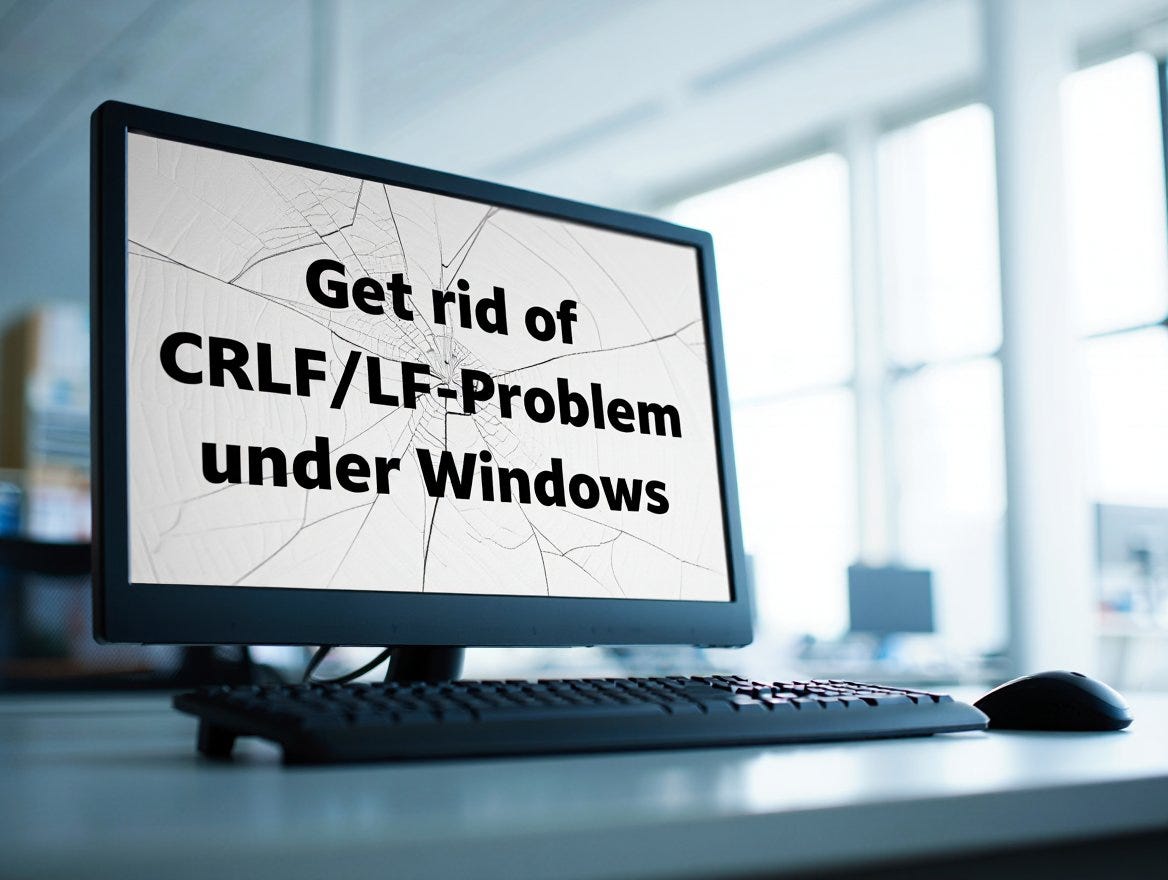
AI generated main-picture showing a Screen with the problem’s text on it
Anyone who has ever developed on Windows and run their code in a Docker environment or on a Linux server may have encountered this seemingly small but nasty stumbling block: line endings.
CRLF and LF — two worlds 🌍
- CRLF stands for Carriage Return + Line Feed (
\r\n) and is the standard for line breaks on Windows. - LF stands for Line Feed (
\n) and is the standard in the Linux and Unix world.
As long as you only work in your own editor, the difference is hardly noticeable — modern tools like VS Code or Notepad++ display both just fine. But as soon as the code ends up in an environment that expects LF only, trouble can start.
Typical issues in practice 🐛
Docker containers or other virtualization setups that run Linux under the hood often can’t handle CRLF — especially with scripts and configuration files. Typical symptoms include:
- Shell scripts (
.sh) throw cryptic error messages when executed. bashorshreport “Command not found” even though the line looks perfectly fine.- Some tools interpret CR (
\r) as a character and fail to process the command correctly.
In short: The file looks like a normal text file — but is unusable for Linux.
Affected file types 📂
Particularly critical are server-relevant files, such as:
- Shell scripts (
.sh) - Python scripts (
.py) - PHP files (
.php) - Config files (
.conf,.ini,.env,.yml,.yaml) Dockerfileanddocker-compose.yml- Database scripts (
.sql) - CGI/Perl scripts (
.cgi,.pl)
Other file types like HTML, CSS, or TXT are usually unproblematic — they are reinterpreted line-by-line by the server or browser anyway.
Why Windows becomes a stumbling block here 🪟
Windows traditionally stores each new line as a combination of CR (Carriage Return) and LF (Line Feed). This goes back to the typewriter era and was retained under DOS/Windows. Linux, on the other hand, adopted LF only — simpler, shorter, and more efficient.
When Windows developers create files, they automatically contain CRLF — unless the editor or the version control system (e.g., Git) converts them automatically.
Preventive measures 🛡️
- Set your editor: In VS Code, you can change the line ending from
CRLFtoLFin the bottom right – ideally for entire projects. - Adjust Git config: With
git config core.autocrlf input, you prevent Git from inserting CRLF when checking out files. - Automated checks: A small script can check before deployment whether critical files have the correct line endings.
- Conversion before upload: Tools like
dos2unixor custom batch/PowerShell scripts help convert entire folders to LF.
Batch files — fire & forget CRLF problem 🤖
In our case, we made the job easier with the help of generative AI:
- Batch file 1: Checks the entire project folder for CRLF/LF and lists only the files that do not match the recommended line endings.
- Batch file 2: Goes a step further and corrects the EOLs in all relevant files directly — adapted to the server requirements (e.g., LF for scripts and configs).
Important note ⚠️
Before running the modification batch file, always create a complete backup! There is no warranty — use is at your own risk. Especially with automatic changes, it’s better to be safe than sorry.
Conclusion 📌
Line endings may seem like a detail — until they suddenly block the entire build or the start of a container. Anyone working on Windows and running code in a Linux environment should keep the LF vs. CRLF topic in mind.
The safest approach: Always convert server-relevant files to LF. Anything else can cause trouble — and that trouble will cost more time than setting up a proper conversion.
The files are available on GitHub:
메타데이터
- post_id
- a7005482bc79
- slug
- crlf-and-lf-on-windows-and-docker-small-cause-big-trouble-️-a7005482bc79
- url
- https://medium.com/rigel-computer-com/crlf-and-lf-on-windows-and-docker-small-cause-big-trouble-%EF%B8%8F-a7005482bc79
- canonical_url
- https://medium.com/rigel-computer-com/crlf-and-lf-on-windows-and-docker-small-cause-big-trouble-%EF%B8%8F-a7005482bc79
- author_url
- https://medium.com/@rigel-computer
- status
- ok
- fetched_at
- 2026-07-18 05:46:27