HTML to PDF Generation using IronPDF in Web API
While the DinkToPdf library is a popular option for HTML to PDF conversion, IronPDF offers a robust, modern alternative that supports the…
HTML to PDF Generation using IronPDF in Web API
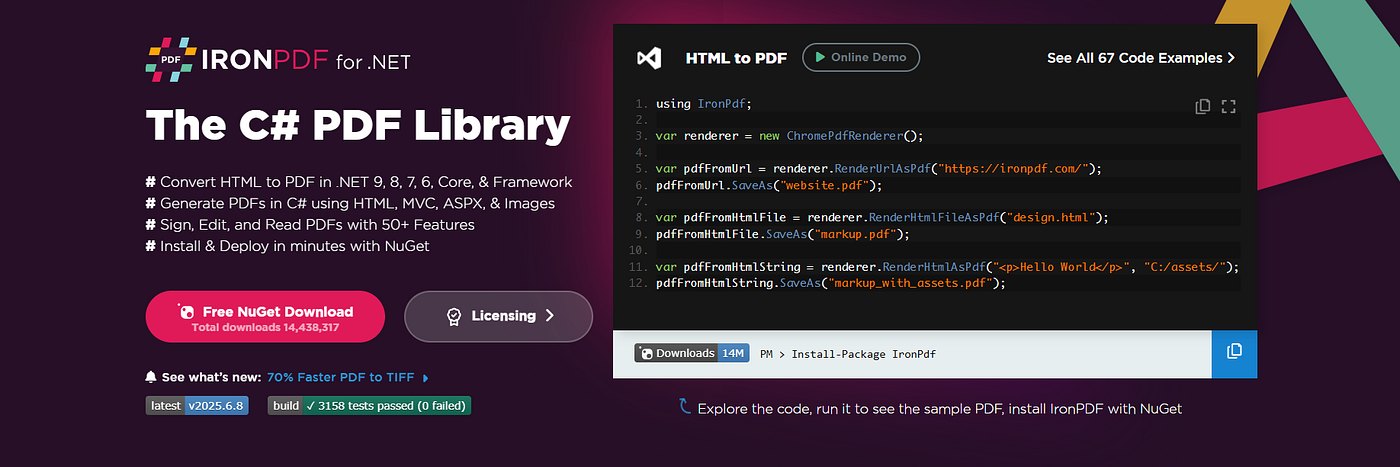
While the DinkToPdf library is a popular option for HTML to PDF conversion, IronPDF offers a robust, modern alternative that supports the latest version of .NET, requires no external dependencies like the Webkit engine, and includes out-of-the-box support for advanced features like JavaScript rendering, custom fonts, and PDF/A generation. In this section, we’ll walk through creating the same report generation service using IronPDF within .NET 8 Web API project.
“Check out my stories on Medium! Proud to be a Friend of Medium supporting writers 🌟”
Prerequisites
- .NET 8 SDK installed
- Visual Studio 2022 or your preferred IDE
- Installed IronPDF via NuGet
dotnet new webapi -n IronPdfExample

dotnet add Package IronPdf
Step 1: HTML Template Setup
As with the DinkToPdf version, add an HTML file in a folder named Templates. Templates/ReportTemplate.html (same as before).
Step 2: Create the PDF Generation Service with IronPDF
Create a folder named Services and add a class IronPdfReportService.cs
namespace IronPdfExample.Services
{
    public class IronPdfReportService
    {
        private readonly ChromePdfRenderer _renderer;

        public IronPdfReportService()
        {
            _renderer = new ChromePdfRenderer();
        }

        public byte[] GeneratePdf(string htmlContent)
        {
            using var pdf = _renderer.RenderHtmlAsPdf(htmlContent);
            return pdf.BinaryData;
        }
    }

}
This uses IronPDF’s ChromePdfRenderer, which simulates a full Chromium browser internally, elimiting the need for separate browser installs or external renderers.
Step 3: Register the Service in Program.cs
builder.Services.AddScoped<IronPdfReportService>();Step 4: Create the Controller
Add an endpoint for IronPDF-based generation in the same ReportController.cs or in a separate controller if preferred:
using IronPdfExample.Services;
using Microsoft.AspNetCore.Mvc;
using IronPdf;

namespace IronPdfExample.Controllers
{
    [ApiController]
    [Route("api/[controller]")]
    public class ReportController : ControllerBase
    {
        private readonly IronPdfReportService _pdfService;

        public ReportController(IronPdfReportService pdfService)
        {
            _pdfService = pdfService;
        }

        [HttpGet("generate-ironpdf")]
        public IActionResult GenerateIronPdfReport()
        {
            var htmlPath = Path.Combine(Directory.GetCurrentDirectory(), "Templates", "ReportTemplate.html");

            if (!System.IO.File.Exists(htmlPath))
                return NotFound("HTML template not found.");

            var htmlContent = System.IO.File.ReadAllText(htmlPath);
            var pdfBytes = _pdfService.GeneratePdf(htmlContent);

            return File(pdfBytes, "application/pdf", "report-ironpdf.pdf");
        }
    }
}
Step 5: Run and Test the Endpoint
Run the Web API:
dotnet runThen navigate to:
https://localhost:{PORT}/api/report/generate-ironpdfPDF Output

Why Choose IronPDF?
- No external dependencies (no WkHtmlToPdf library or Webkit)
- Better JavaScript and CSS support via real browser rendering
- Commercial support and active development
- PDF/A, security, watermarking, digital signatures, and more
- Native .NET 8 support with minimal configuration
Conclusion:
Which to Choose?
Both DinkToPdf and IronPDF are capable tools for HTML to PDF conversion, but your choice will depend on your project needs:

IronPDF is a great choice for production-grade solutions where reliability, support, and advanced features are essential.
Try IronPDF for Free : Want to try IronPDF in your project? Download the free trial here.
I offered you others medium article: Visit My Profile
also, My GitHub : Md Hasan Monsur
Connect with me at LinkedIn : Md Hasan Monsur
메타데이터
- post_id
- a73043a1cbc5
- slug
- html-to-pdf-generation-using-ironpdf-in-web-api-a73043a1cbc5
- url
- https://medium.com/asp-dotnet/html-to-pdf-generation-using-ironpdf-in-web-api-a73043a1cbc5
- canonical_url
- https://medium.com/asp-dotnet/html-to-pdf-generation-using-ironpdf-in-web-api-a73043a1cbc5
- author_url
- https://medium.com/@hasanmcse
- status
- ok
- fetched_at
- 2026-06-10 21:21:38