The Secure Way to Send Documents Online (Without Losing Your Mind)
Every day, people email things they probably shouldn’t email — signed contracts, ID scans, financial reports, client deliverables — all…
The Secure Way to Send Documents Online (Without Losing Your Mind)
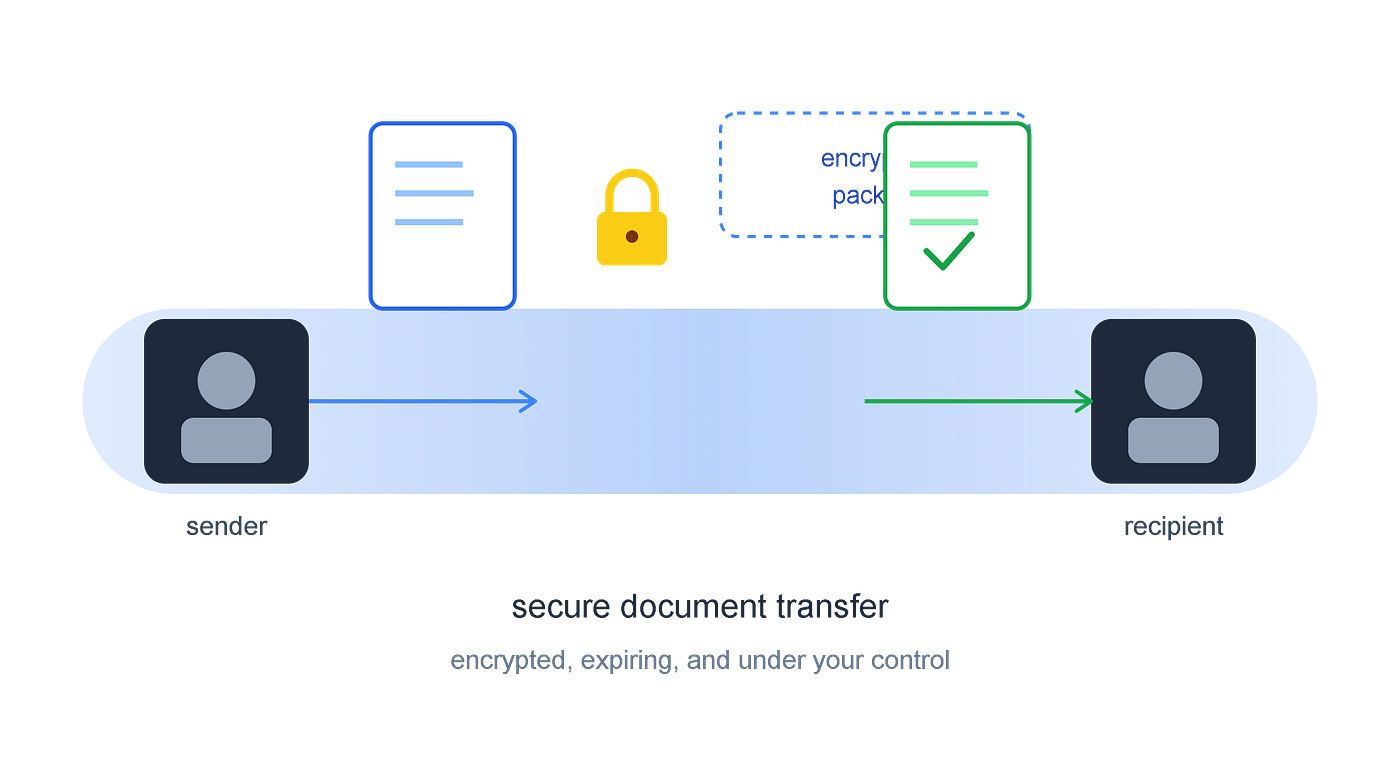
Every day, people email things they probably shouldn’t email — signed contracts, ID scans, financial reports, client deliverables — all sitting in an inbox that was never designed to protect them. If you’ve ever paused before hitting “send” on a sensitive file, wondering whether there’s a safer way, you’re asking the right question.
Why Email Isn’t Actually Secure
Email feels private because it’s personal, but technically it isn’t built for security:
- Attachments often sit unencrypted on mail servers indefinitely.
- Once sent, you lose all control — no way to revoke access or set an expiry.
- Forwarding, CC mistakes, and hacked inboxes can expose files to the wrong people.
- Large or sensitive files often get compressed or bounced, forcing risky workarounds like public cloud links with no expiry.
None of this is ideal when the file in question is a contract, a tax document, or client data.
What “Secure” Should Actually Mean
A genuinely secure way to send documents online should give you:
- Encryption in transit — so files can’t be intercepted or read while moving between sender and recipient.
- Controlled access — only the intended recipient should be able to open the file.
- Expiry control — the ability to set how long a link stays active, from a single day to forever.
- No unnecessary storage — files shouldn’t sit around indefinitely on someone else’s server once you no longer need them shared.
- Simplicity — security tools people find complicated get abandoned in favor of “just emailing it,” which defeats the purpose.
How DocShare Handles Document Security
**DocShare (useadoc.com)** is built around exactly this problem — sending documents in a way that’s both secure and effortless.
- Encrypted data pipeline — files are broken into encrypted packets, routed through secure nodes, and reassembled only for the recipient, reducing the risk of interception.
- Flexible link expiry — set your document link to expire in 1, 3, 7, 30, or 60 days, or keep it available indefinitely — your call, not a default you have to fight.
- Two delivery options — send documents directly via email, or generate a download link to share however you prefer (Slack, WhatsApp, a client portal, etc.).
- Multiple recipients — share the same document securely with several people in a single transfer.
- No bloated learning curve — drag, drop, and send. Security shouldn’t require a manual.
When This Matters Most
- Sending signed contracts or NDAs to clients
- Sharing financial statements, invoices, or tax documents
- Transferring HR documents like offer letters or ID verification
- Delivering confidential business reports to stakeholders
- Sending legal or medical paperwork that requires discretion
In each of these cases, an expiring, encrypted link is a meaningfully safer choice than a permanent email attachment sitting in someone’s inbox — and in some cases, a search index — forever.
Final Thought
“Secure” doesn’t have to mean complicated. The best way to send documents online is one where security is built in by default, not something you have to configure with five extra steps. That’s the gap tools like DocShare are designed to close — letting you send sensitive files with the same ease as an email, but with the protections email was never built to offer.
Try it yourself at useadoc.com.
메타데이터
- post_id
- a74cfa06d4df
- slug
- the-secure-way-to-send-documents-online-without-losing-your-mind-a74cfa06d4df
- url
- https://medium.com/@useadoc/the-secure-way-to-send-documents-online-without-losing-your-mind-a74cfa06d4df
- canonical_url
- https://medium.com/@useadoc/the-secure-way-to-send-documents-online-without-losing-your-mind-a74cfa06d4df
- author_url
- https://medium.com/@useadoc
- status
- ok
- fetched_at
- 2026-08-12 14:20:29




