Understanding chown and chmod in Linux — A Beginner-Friendly Guide
Linux is powerful — no doubt. But with great power comes great responsibility, especially when it comes to file permissions. If you’ve…
Understanding chown and chmod in Linux — A Beginner-Friendly Guide
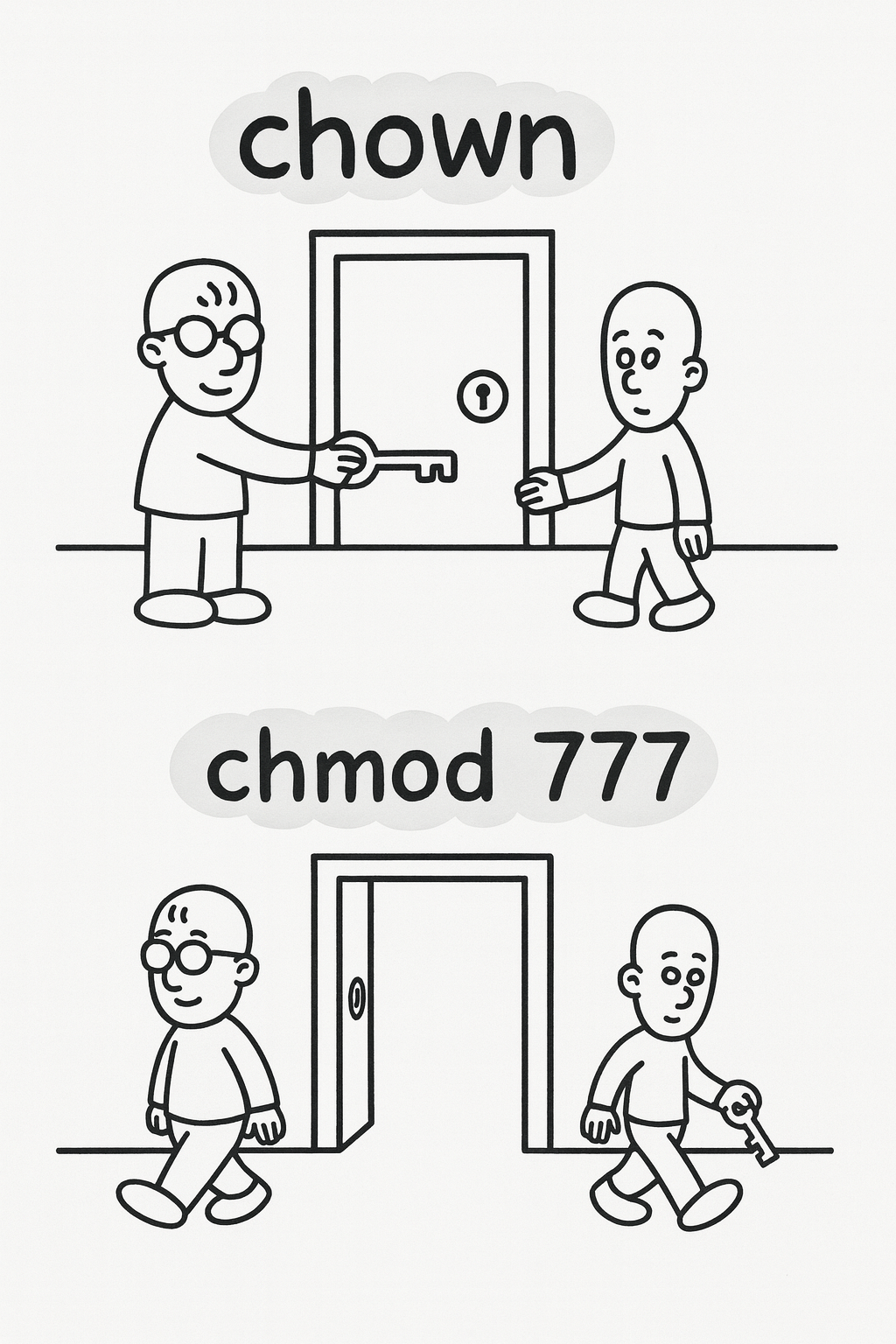
Linux is powerful — no doubt. But with great power comes great responsibility, especially when it comes to file permissions. If you’ve ever seen a scary Permission denied error while working in Linux, you’ve already met the two heroes of today’s story:-
**chown** — Changes ownership**chmod** — Changes permissions
In this blog, we’ll break down both of these commands in simple English with real-world examples that will help you understand when and why to use them.
- Why File Permissions Matter
Linux is a multi-user system. That means:-
- Different users can access the same machine.
- Applications run under specific users.
- Files must be protected from unwanted access.
This is where ownership and permissions play a crucial role.
What is chown?
chown stands for Change Owner.
It allows you to change who owns a file or directory — and which group it belongs to.
chown [options] owner:group fileYou can modify:-
- Only the owner
- Only the group
- Both owner and group
Change Only the Owner
chown mahesh file.txt
The user mahesh now becomes the owner of file.txt.
Change Only the Group
chown :developers file.txtThe file now belongs to the developers group.
Change Owner and Group Together
chown mahesh:developers file.txtApply Ownership Recursively (Directory)
chown -R mahesh /var/www/htmlThis changes ownership for the entire directory and everything inside it.
Where is chown Actually Used?
chown is used in almost every real-world Linux setup:
• Web servers
Apache/NGINX usually run as www-data.
They need ownership to access website files.
sudo chown -R www-data:www-data /var/www/html• DevOps deployment
Giving apps permission to read/write certain folders.
• Fixing “Permission Denied” Issues
If a file was created by root but needs to be accessed by a normal user.
2. What is chmod?
chmod controls permissions on files and directories.
Linux uses 3 basic permissions:-
- r → read
- w → write
- x → execute
And these permissions apply to:-
- u → user (owner)
- g → group
- o → others
Two Ways to Use chmod
Symbolic Method (Using letters)
chmod u+r file.txt   → add read for user
chmod g-w file.txt   → remove write for group
chmod o+x script.sh  → add execute for others
Numeric Method (Using numbers)
Each permission has a value:
- 4 → read
- 2 → write
- 1 → execute
Examples:-
chmod 755 script.shMeaning:-
- Owner: rwx
- Group: r-x
- Others: r-x
chmod 644 file.txtMeaning:-
- Owner: rw-
- Group: r —
- Others: r —
Where is chmod Used?
- Making Scripts Executable
chmod +x deploy.sh- Securing SSH Keys
chmod 600 aws-key.pem(Required by SSH to work)
• Restricting Config Files
Sometimes only the owner should read or edit them.
• Setting Correct Permissions During Deployment
Final Thoughts:-
Linux might seem complicated at first, but once you understand ownership and permissions, everything becomes much smoother. Commands like chown and chmod give you complete control over who can access or modify your files — which is crucial for security and system stability.
If you’re learning DevOps, Linux admin, cloud, or backend development, these two commands are going to be your everyday tools.
Linkdin :- Click here
GitHub :- Click here
blogs :- Click here
메타데이터
- post_id
- a7eed75904bc
- slug
- understanding-chown-and-chmod-in-linux-a-beginner-friendly-guide-a7eed75904bc
- url
- https://medium.com/@maheshshelke05/understanding-chown-and-chmod-in-linux-a-beginner-friendly-guide-a7eed75904bc
- canonical_url
- https://medium.com/@maheshshelke05/understanding-chown-and-chmod-in-linux-a-beginner-friendly-guide-a7eed75904bc
- author_url
- https://medium.com/@maheshshelke05
- status
- ok
- fetched_at
- 2026-06-23 17:05:31



