Stop Just Measuring Time, Start Controlling Gravity.
Rethinking Productivity with Pomodoro & Interval Modes in ABILITY: Gravity & Time v1.0.3
Stop Just Measuring Time, Start Controlling Gravity.
Rethinking Productivity with Pomodoro & Interval Modes in ABILITY: Gravity & Time v1.0.3
Intro: The Boredom of Efficiency
We live in an era of hyper-efficiency. But as a developer and a user, I’ve often asked myself: “Why does efficiency have to be so boring?” Most timers are utilitarian — dry, static, and uninspiring. With ABILITY: Gravity, I didn’t want to build just another tool. I wanted to grant users a “Superpower” to command their time.
The Evolution: Beyond a Simple Countdown (v1.0.3)
The initial release of Gravity focused on pure, singular immersion. However, real-world productivity requires a more sophisticated rhythm. With the v1.0.3 update, I have expanded the domain of “Gravitational Control” into three distinct temporal modes.
1. Classic Mode: The Pure Singularity
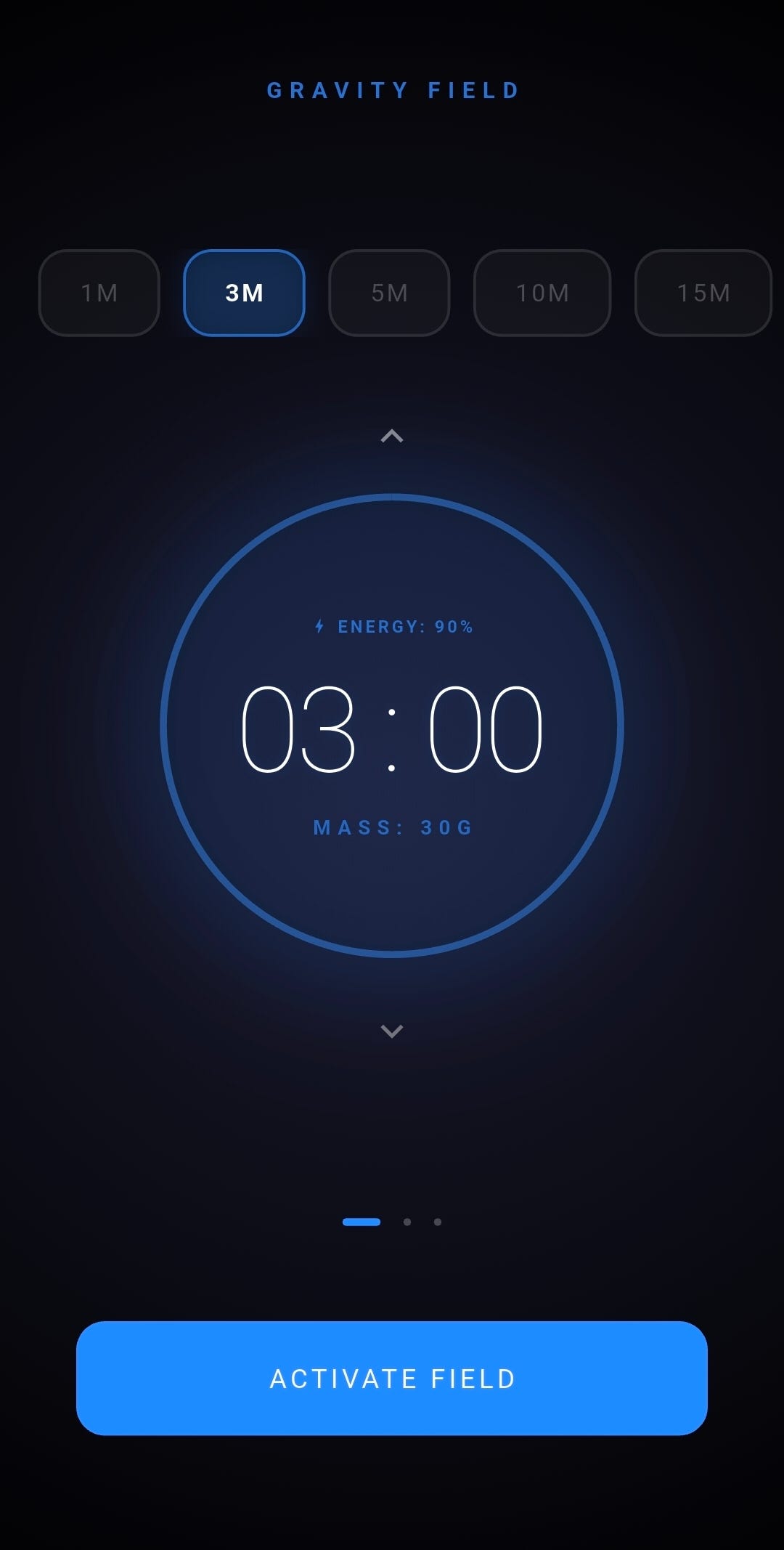
The original mode for singular, deep immersion. It is designed for those moments when you need to dive into a single task and break through your mental limits.
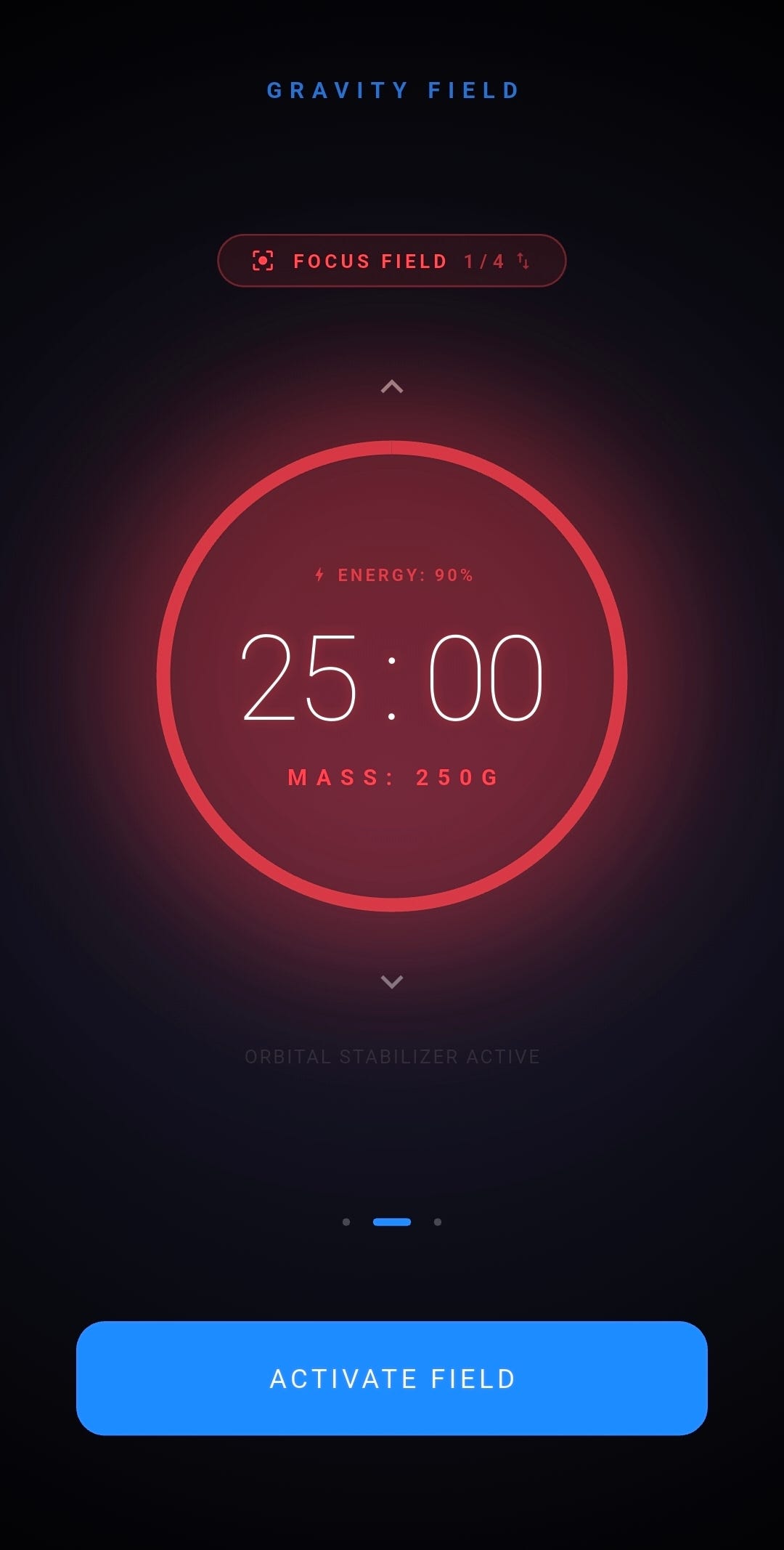
2. Pomodoro Mode: Expanding Your Galaxy
In ABILITY, Pomodoro is not just a 25/5-minute cycle. It is a process of forming a galaxy through focus and stabilizing its orbit through rest. Users alternate between 25 minutes of “Gravitational Deployment” and 5 minutes of “Zero-G” to maintain a sustainable flow state.
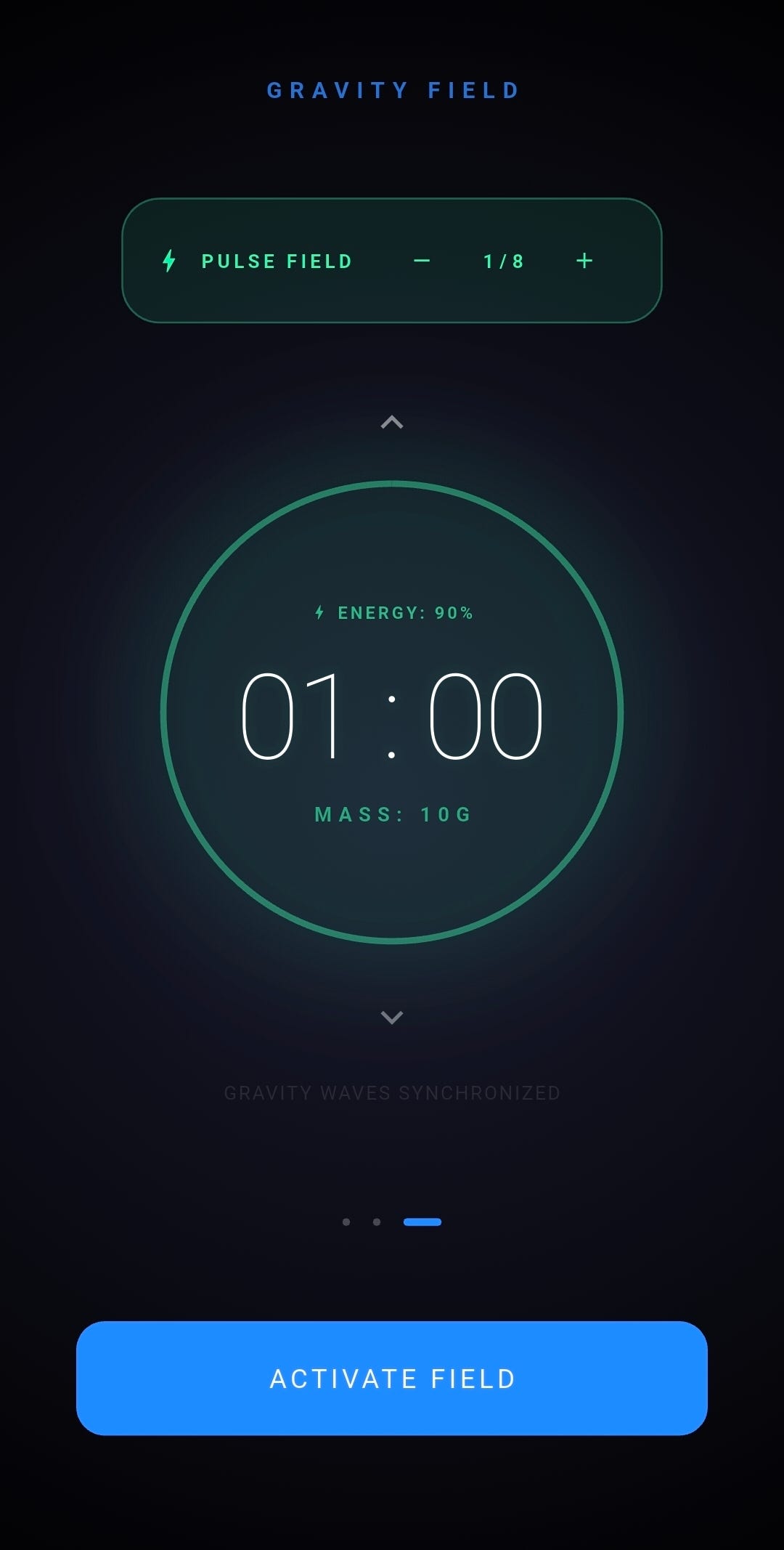
3. Interval Mode: Temporal Shifts
Optimized for workouts or high-intensity bursts of work. This mode allows users to master “Temporal Shifts” — precise, rhythmic waves of high and low intensity.
Engineering Reliability: The Invisible Backbone
The soul of a productivity app is Trust. In v1.0.3, I dedicated significant effort to perfecting background synchronization, a common pain point for mobile timers.
- Native Alarm Manager: Even if the app is killed or the OS enters “Doze Mode,” the system-level alarm ensures the “Gravity Stabilized” notification never fails.
- Single Source of Truth: I engineered a logic that synchronizes the UI with the absolute
Target Timedown to 0.1-second precision. The moment you return to the app, the time is exactly where it should be. - Wakelock Plus: To eliminate the friction of touching the phone, the screen stays on during focus. You can monitor your gravitational field with a silent glance, keeping your “Flow” unbroken.
Conclusion: Time Pulls
Developing ABILITY: Gravity has proven that even routine tasks, like a 25-minute study session, can be transformed through a strong metaphor and meticulous UX.
Productivity shouldn’t feel like a chore; it should feel like you are harnessing a force of nature.
Time doesn’t just pass. It pulls.
🔗 Explore the Gravity Field:
- Google Play Store: https://play.google.com/store/apps/details?id=com.yoonjongryu.timer
- Project Status: v1.0.3 Stable Production
- Korean Article: https://isa-dev.tistory.com/393
- Tech Stack: Flutter, Native Alarm Manager, AdMob, Wakelock Plus.
메타데이터
- post_id
- a8a5eeb48bf3
- slug
- stop-just-measuring-time-start-controlling-gravity-a8a5eeb48bf3
- url
- https://medium.com/@yunjongRyu/stop-just-measuring-time-start-controlling-gravity-a8a5eeb48bf3
- canonical_url
- https://medium.com/@yunjongRyu/stop-just-measuring-time-start-controlling-gravity-a8a5eeb48bf3
- author_url
- https://medium.com/@yunjongRyu
- status
- ok
- fetched_at
- 2026-07-11 00:19:17