Is WinForms Dead in 2026? I Looked at the Data So You Don’t Have To
Published on: VectoArt · 5 min read · Tags: C#, .NET, WinForms, Desktop Development, Open Source
Is WinForms Dead in 2026? I Looked at the Data So You Don’t Have To
Published on: VectoArt · 5 min read · Tags: C#, .NET, WinForms, Desktop Development, Open Source
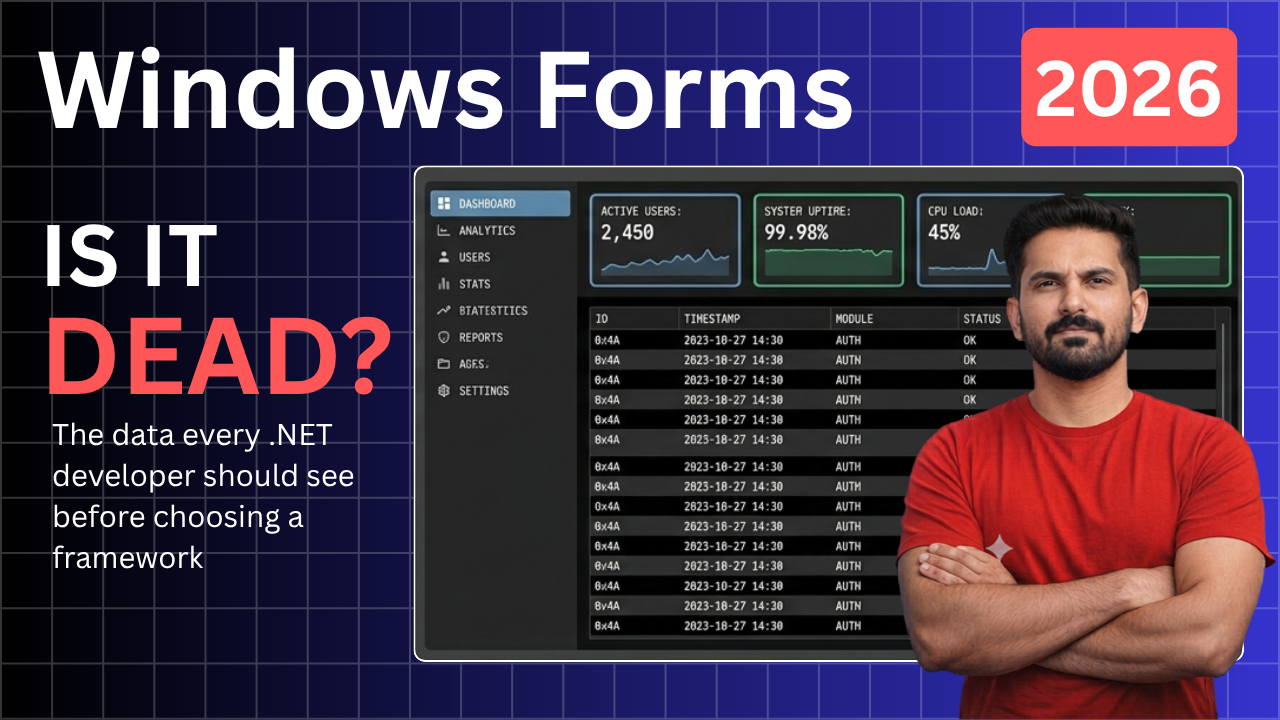
Every few months, a new wave of posts declares WinForms finally, definitively dead. The reasons are always the same: it’s a 2001 technology, it’s ugly, it’s Windows-only, and real developers have moved on to Avalonia or MAUI or Blazor Hybrid or whatever framework won the conference circuit this year.
I’ve been hearing this argument for at least five years. And every year I open LinkedIn and find thousands of WinForms job postings. So I decided to stop reading opinions and start reading data.
The Numbers Nobody Quotes

The JetBrains Developer Ecosystem Survey 2025 found that approximately 28% of .NET developers still work with Windows Forms applications. That’s not nostalgia — that’s a significant slice of the world’s most widely-deployed development platform.
On the job market side, a sweep of LinkedIn, indeed, and Glassdoor in June 2026 returned over 11,000 active postings mentioning WinForms across the US, UK, and EU. WPF came in slightly higher at around 14,000. Avalonia UI — the modern cross-platform alternative — had roughly 1,200. MAUI sat at around 900.
These numbers don’t tell you which framework to build your next greenfield application in. They tell you that WinForms knowledge has real, tangible job market value in 2026, whether the internet acknowledges it or not.
What Microsoft Actually Said
WinForms was open sourced in 2019. The full source is on GitHub under the MIT license, and the repository currently has over 3,000 contributors and receives commits every week. Microsoft ships WinForms in every .NET LTS release, including .NET 8, and has committed to supporting it through at least 2029 under the .NET 10 roadmap.
“We are committed to continuing to improve Windows Forms, WPF, and WinUI for Windows desktop application development.” — .NET Blog, Microsoft
That is not the language of a framework on death row. It’s the language of a framework in maintenance mode — which is a very different thing. Maintenance mode means: stable, reliable, supported, and not going anywhere. It does not mean: exciting, cutting-edge, or recommended for new feature development.
What WinForms Is Actually Good At in 2026
Let’s be specific, because “WinForms is fine” is not useful advice on its own.

Internal tooling. If you’re building a file processor, a database browser, a bulk data entry form, or any tool that your own team uses rather than external customers — WinForms remains one of the fastest paths from idea to running application. The Visual Studio designer is mature. The drag-and-drop workflow requires zero XAML knowledge. You can go from File → New Project to a functional form in under five minutes.
Line-of-business applications. ERP systems, inventory management, legacy system frontends. These applications care about correctness, data integrity, and stability above all else. WinForms has been delivering that for 25 years.
Prototyping. Before writing a full MVVM-based Avalonia application, validating your domain model and data flows in a WinForms prototype can save weeks. The code is trivially portable to more structured frameworks afterward.
Legacy maintenance. If you have 200,000 lines of WinForms code, the migration cost to any modern framework is enormous. Continuing to maintain and extend that codebase is a legitimate engineering decision, not a failure of ambition.
Where WinForms Falls Short
Honesty is the point of this article, so here are the genuine limitations:

- Windows-only. There is no path to macOS or Linux. If your application needs to run outside Windows, WinForms cannot help you.
- Styling is painful. There is no native dark mode, no CSS-equivalent styling system, and no animation framework. Producing a modern-looking WinForms UI requires overriding paint events, using third-party control libraries, or accepting that it will look like 2005.
- No first-class MVVM. WPF and Avalonia were designed around data binding and the MVVM pattern. WinForms can do it — the CommunityToolkit.Mvvm library helps — but it feels like retrofitting rather than natural design.
- Limited future investment. Microsoft’s desktop roadmap is focused on WinUI 3 and MAUI. WinForms will receive bug fixes and security patches, but significant new capabilities are unlikely.
The Decision Framework
Here is how I’d think about it in 2026:

Use WinForms if: you need Windows-only tooling quickly, you’re maintaining an existing codebase, you’re a .NET beginner who wants the fastest path to a running application, or your team’s skills are already here and migration cost isn’t justified.
Move to Avalonia if: you want cross-platform desktop support, modern MVVM architecture, sophisticated styling capabilities, or you’re starting a greenfield application with a multi-year roadmap. Avalonia 11 is production-stable, MIT-licensed, and runs natively on Windows, macOS, and Linux with the same codebase.
Consider WPF if: you need Windows-only but want richer UI capabilities than WinForms, and you’re comfortable with XAML. WPF has the deepest ecosystem, the most mature tooling, and the largest job market of any .NET desktop framework.
A Note on Digital Sovereignty

WinForms, WPF, and Avalonia are all open source. Their source code is visible, forkable, and not locked behind a subscription. That matters when you’re making a long-term investment in a framework. When you choose an open-source foundation, you’re choosing a stack that no vendor can take away from you.
Whatever you choose — own it. Know why you chose it. Understand its trade-offs. That’s the difference between using a tool and depending on one.
Watch the Full Video

I built a live WinForms dark-theme dashboard in .NET 8 and compared it side-by-side with the equivalent Avalonia 11 application on this channel. The Visual Studio solution — both projects, ready to clone and run — is linked in the video description. Watch it at **https://youtu.be/0XXufWRmItc**
Are you still writing WinForms in 2026? Leave a comment — I read every one.
메타데이터
- post_id
- a8a6c3960669
- slug
- is-winforms-dead-in-2026-i-looked-at-the-data-so-you-dont-have-to-a8a6c3960669
- url
- https://medium.com/@artillustration391/is-winforms-dead-in-2026-i-looked-at-the-data-so-you-dont-have-to-a8a6c3960669
- canonical_url
- https://medium.com/@artillustration391/is-winforms-dead-in-2026-i-looked-at-the-data-so-you-dont-have-to-a8a6c3960669
- author_url
- https://medium.com/@artillustration391
- status
- ok
- fetched_at
- 2026-07-18 12:31:40


