SFMC Tips #219 : Marketing Cloud Engagement: Spring ’26 Release Highlights
The details of the Spring ’26 new feature release for Marketing Cloud Engagement have been published, so in this article I’d like to…
SFMC Tips #219 : Marketing Cloud Engagement: Spring ’26 Release Highlights
Photo by DANNY G on Unsplash
The details of the **Spring ’26 new feature release for Marketing Cloud Engagement** have been published, so in this article I’d like to summarize the key highlights.
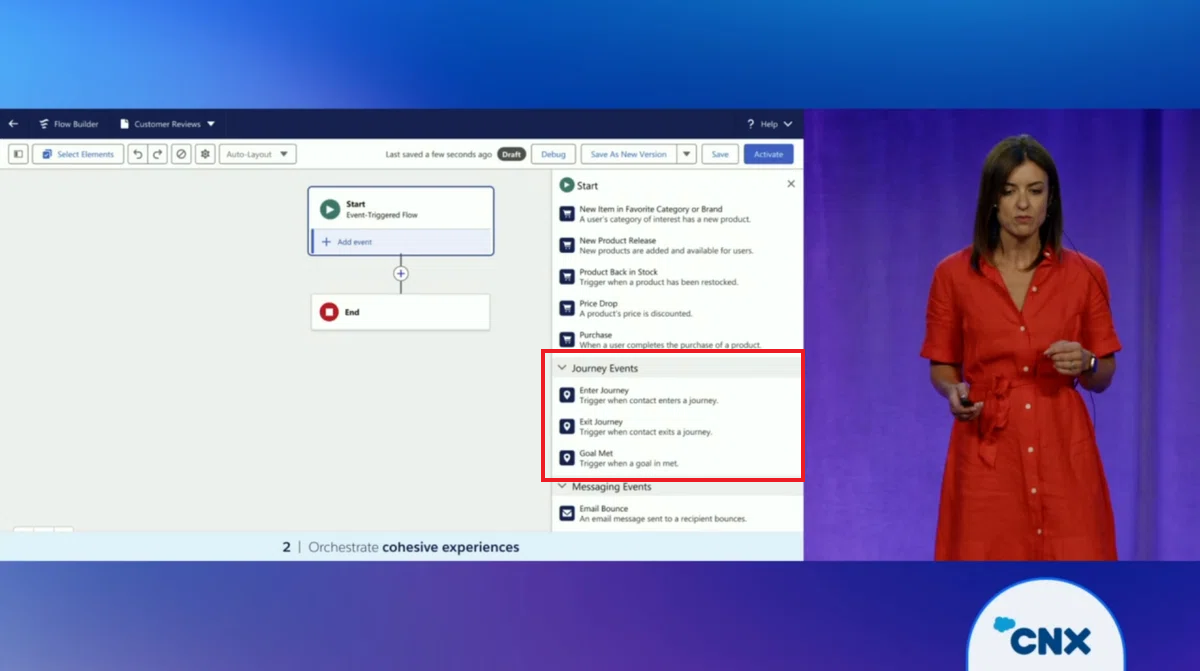
The most notable updates in this release are on the Marketing Cloud Next for Engagement side. With features such as segment-triggered flows, it is now possible to directly select and send Marketing Cloud Engagement emails.
Please note that to use this feature, you must upgrade to Marketing Cloud Engagement+ (Plus).
Now, let’s take a look at the new features in release order.
Marketing Cloud Next for Engagement
① Marketing Cloud Engagement Emails Are Now Available
You can now send Marketing Cloud Engagement emails through segment-triggered flows, event-triggered flows, activation-triggered flows, or broadcast flows.
By using the Send Marketing Cloud Engagement Email action, you can efficiently target Data 360 segments while leveraging existing Marketing Cloud Engagement content and settings — without requiring data activation or duplication.
How to use: To use this action, add the Send Marketing Cloud Engagement Email element to the Flow Builder canvas, then configure the following:
- Select the business unit
- Select the email content to use
- Select the publication list for consent management
- (Optional) Directly map personalization data from the flow to the triggered send data extension
This enables flexible and efficient automation of Marketing Cloud Engagement email sends directly from Flow.
② Addition of Distributed Marketing
To improve productivity without compromising brand consistency, approved email templates created in Marketing Cloud Next can now be shared with non-marketing users, such as sales representatives.
Distributed Marketing and Alerts works in the same way as the existing Distributed Marketing feature.
After marketers create email templates, they can add them to a flow and lock or unlock specific components. Once the flow is published, the templates become available in a simplified email creation screen that is ready for immediate use.
To use this feature, administrators must enable Distributed Marketing and Alerts in Setup and add the required Lightning components to record pages.
③ Unifying Existing Engagement Data into Marketing Cloud Next
Note: This “Data Unification” applies only to accounts using certain legacy data models and is not relevant for the majority of accounts.
If the “Unify Data” page does not appear in your settings, you can safely ignore this change.
You can now unify existing Marketing Cloud Engagement data so it can be used in Marketing Cloud Next.
To maintain compatibility with new features such as Marketing Performance reports, update the settings for existing and previously received Engagement data. Previously, some users on older data models were unable to unify Engagement data in Marketing Cloud Next.
Who this applies to: This change does not apply to most accounts using Engagement. To check whether it applies to your org, enter “Marketing Cloud Engagement” in Quick Find in Salesforce Setup and select Unify Data.
Automation Studio
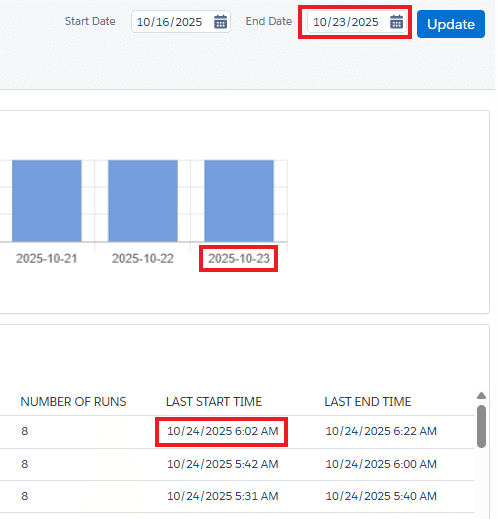
① Improved Reliability of Event Notification Service (ENS)
A new 7-day retry window has been introduced to prevent missed batches caused by delivery failures.
If a batch delivery of notification events fails, ENS will retry delivery at regular intervals (with progressively shorter intervals) for up to 7 days. After 7 days, retries stop and the delivery is treated as failed.
Previously, once delivery failed, the callback URL was immediately disabled.
Einstein
① Bot Scoring with Einstein Metrics Guard
By enabling Einstein Metrics Guard, you can now score bot-driven email engagement data in Marketing Cloud Engagement using Data 360 data.
This feature identifies non-human opens and clicks, providing clearer metrics to more accurately assess campaign performance.
Requirements: Einstein Metrics Guard is available in orgs where Data 360 is enabled and connected to Marketing Cloud Engagement via the Marketing Cloud Engagement Connector.
Setup
① Define Client Secret Rotation Policies
To strengthen API integration security, you can now define rotation policies for OAuth 2.0 client secrets. When a rotation period is defined, marketing administrators receive email notifications as the rotation date approaches.
How to configure:
- For new integrations: When creating an OAuth 2.0 integration in Setup, select a period from the Target Secret Rotation Period dropdown.
- For existing integrations: Stage a new client secret, then select a period from the Target Secret Rotation Period dropdown.
② Expiration Introduced for Client Secrets
From March 23, 2026, client secrets for API integrations will have a validity period of 180 days, starting from the time the secret is generated.
Note: Client secrets generated before this date will expire on September 30, 2026.
Newly generated client secrets are 64 characters long and start with “SFMC_”. To check the expiration date of a client secret, refer to “Installed Packages” in Setup.
Package Manager
① Preserve Original External Key Values in Package Manager
When deploying entities using Package Manager, the original external key values defined in the source account are now preserved.
For Journey Builder entry sources, the original event definition key values are retained.
This makes it easier to deploy objects called by external APIs and eliminates the need for manual updates.
Supported entities:
- Event definition keys for Journey Builder entry sources
- External keys for data extensions
- External keys for shared data extensions
- External keys for triggered send emails
- External keys for user-initiated send emails
Mobile
① Drive Customers with WhatsApp CTA (Call-to-Action) URLs
By including CTA URLs in WhatsApp messages, customers can be easily guided to relevant resources. Marketers can define button text and specific URLs to clearly prompt the next action.
② Boost Sales with Single or Multi-Product Catalog Messages on WhatsApp
You can now send single-product or multi-product catalog messages directly from WhatsApp to simplify purchasing. Marketers can configure multi-product templates that display up to 30 products across 10 sections, with direct links to catalogs or product IDs.
③ Send Payment Options via WhatsApp (Brazil Only)
Payment options can now be sent to customers using WhatsApp payment message templates.
Up to two payment methods — such as Pix, Boleto, or payment links — can be configured. This feature is currently available only in Brazil.
④ Optimize Marketing Message Delivery with MM Lite
You can enable Marketing Messages Lite (MM Lite) to maximize the effectiveness of WhatsApp marketing campaigns.
This Meta-provided optimization can deliver up to a 5% improvement in delivery rates and improved return on ad spend (ROAS).
⑤ Enhance Contact Saving with Virtual Contact File (VCF) Support
Subscribers can instantly save business contact information. Marketers can upload VCF contact cards in Content Builder and send them as MMS attachments via MobileConnect or Journey Builder.
⑥ Accurately Measure SMS Engagement with Bot Click Detection
Bot click detection metrics have been added to SMS link click reports and Journey Builder activities. Automatic bot click detection ensures only human clicks are measured, eliminating bot-triggered journeys and enabling more accurate evaluation of SMS campaign engagement.
Conclusion
The Spring ’26 release will be rolled out gradually between January 16 and February 20, 2026. At the time of publishing this article, these new features have not yet been activated, so please keep that in mind.
Additional enhancements related to Journey Builder and Automation Studio have not yet been documented. If more updates are announced, I will add them later.
That’s all for now.
Stay tuned for more Salesforce Marketing Cloud tips! 😎
Nobuyuki Watanabe
https://www.linkedin.com/in/nobuyuki-watanabe/ (+Follow me)
메타데이터
- post_id
- a8d2c8f973de
- slug
- marketing-cloud-engagement-spring-26-release-highlights-a8d2c8f973de
- url
- https://medium.com/@marketingcloudtips/marketing-cloud-engagement-spring-26-release-highlights-a8d2c8f973de
- canonical_url
- https://medium.com/@marketingcloudtips/marketing-cloud-engagement-spring-26-release-highlights-a8d2c8f973de
- author_url
- https://medium.com/@marketingcloudtips
- status
- ok
- fetched_at
- 2026-07-28 06:17:56