How to Repurpose Long Videos into Dozens of Short Clips Automatically
Long-form video is powerful. Podcasts, webinars, product demos, interviews — they build authority and depth.
How to Repurpose Long Videos into Dozens of Short Clips Automatically
Long-form video is powerful. Podcasts, webinars, product demos, interviews — they build authority and depth.
But here’s the reality:
Most audiences today don’t sit through 45-minute videos.
They scroll.
They consume short clips.
They discover brands through bite-sized content on YouTube Shorts, TikTok, Instagram Reels, and Facebook.
So the smarter question isn’t just how to create long videos.
It’s this:
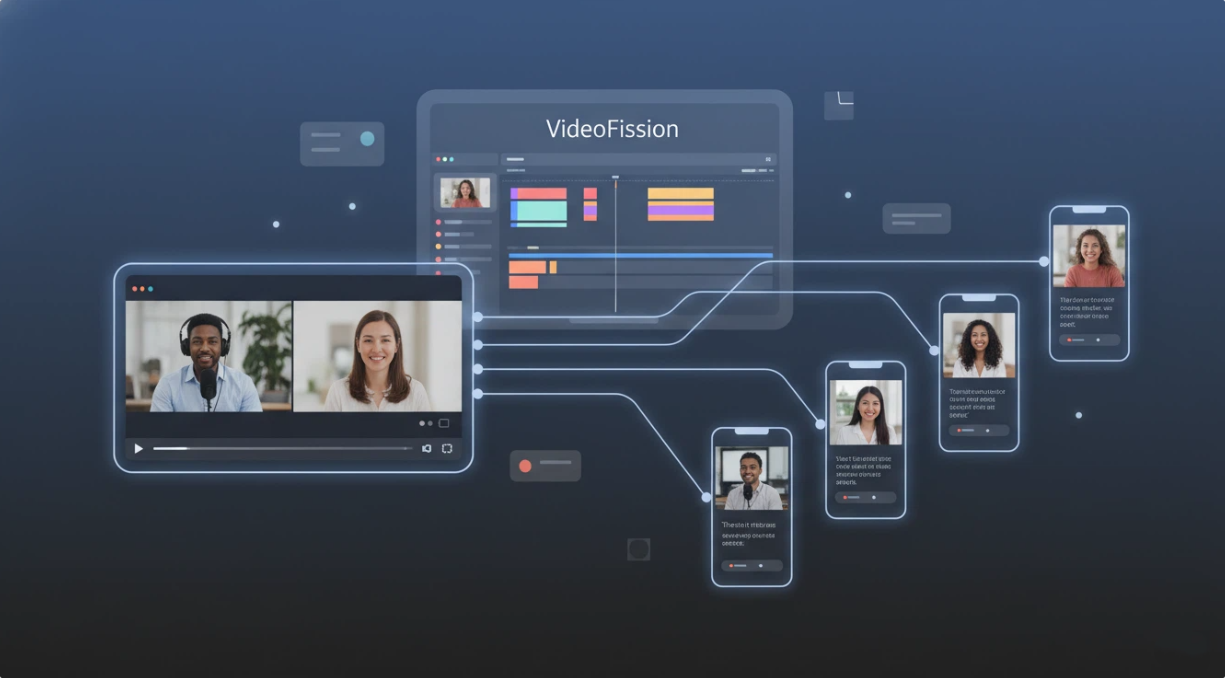
How do you turn one long video into dozens of short, platform-ready clips — without editing for hours?
That’s where automation changes everything.
Why Manual Repurposing Doesn’t Scale
Let’s say you record:
- A 60-minute webinar
- A 40-minute podcast
- A 30-minute product walkthrough
Manually repurposing that content usually means:
- Watching the full video
- Marking timestamps
- Cutting clips
- Reframing for vertical
- Exporting multiple versions
- Renaming files
- Uploading to different platforms
That process can easily take longer than creating the original video.
For agencies, content teams, or creators posting daily — this simply isn’t sustainable.
The Smarter Workflow: Automated Clip Generation
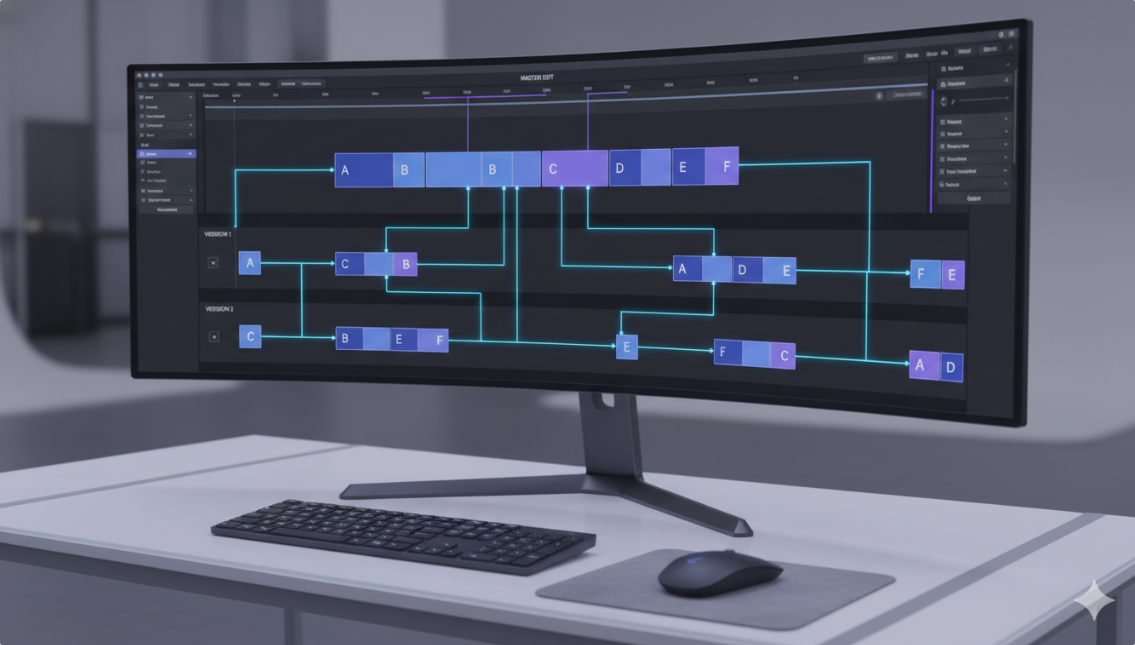
Instead of editing everything manually, modern video automation tools can:
- Detect key scenes
- Identify topic shifts
- Split videos into structured segments
- Reformat clips for different aspect ratios
- Export multiple variations automatically
This turns one long-form asset into a full content library.
And this is exactly where VideoFission fits.
How VideoFission Turns One Video into Many
VideoFission is built for scalable content workflows — especially when repurposing long videos.
Here’s how the process works:
1. Import Your Long Video
Upload your full webinar, podcast, or presentation into VideoFission.
The system analyzes scenes and structure.
2. Automatic Scene Segmentation
Instead of cutting randomly, VideoFission detects:
- Topic transitions
- Visual changes
- Natural pauses
- Section breaks
This creates multiple structured mini-videos — each one coherent and complete.
3. Generate Multiple Standalone Clips
Here’s the key difference:
It doesn’t just trim random fragments.
VideoFission allows you to combine scenes and rearrange them, meaning you can generate multiple full mini-videos from the same source footage.
You can also:
- Insert additional media
- Add external clips
- Include branded intros or outros
- Merge different segments into new variations
One source file can produce dozens of unique outputs.
4. Auto-Format for Every Platform
Each clip can be automatically exported in:
- 16:9 for YouTube
- 9:16 for Shorts and TikTok
- 1:1 for Facebook and LinkedIn
No manual resizing. No re-editing timelines.
Just generate and export.

Why This Strategy Is Exploding in 2026
Content repurposing isn’t optional anymore.
Algorithms reward frequency. Short-form dominates discovery. Multi-platform presence increases reach.
Creators who repurpose outperform creators who publish once and move on.
The brands growing fastest right now aren’t filming more — they’re extracting more value from what they already filmed.
Who Benefits Most from Automated Repurposing?
- Podcast creators
- Webinar hosts
- Course creators
- Agencies managing client content
- Brands running educational campaigns
- YouTube channels entering Shorts
If you’re sitting on hours of recorded content, you’re sitting on dozens of unused videos.
Why VideoFission Works for This Use Case
Many tools can trim clips.
Very few are designed to:
- Process large volumes
- Reconstruct multiple full mini-videos
- Allow scene recombination
- Import external assets
- Export platform-ready versions in bulk
VideoFission focuses on scalable production, not just one-off edits.
It turns long-form video into a content engine.
The Real Shift: From Creation to Multiplication
In 2026, the competitive edge isn’t who creates more content.
It’s who multiplies their content more efficiently.
One long video should never equal one upload.
With the right automation workflow, it becomes:
10 Shorts 15 Reels 5 YouTube clips 3 LinkedIn videos and more variations for testing.
That’s the difference between content publishing and content scaling.
메타데이터
- post_id
- a8eef8a92eb3
- slug
- how-to-repurpose-long-videos-into-dozens-of-short-clips-automatically-a8eef8a92eb3
- url
- https://medium.com/@pklnpcoauwav465/how-to-repurpose-long-videos-into-dozens-of-short-clips-automatically-a8eef8a92eb3
- canonical_url
- https://medium.com/@pklnpcoauwav465/how-to-repurpose-long-videos-into-dozens-of-short-clips-automatically-a8eef8a92eb3
- author_url
- https://medium.com/@pklnpcoauwav465
- status
- ok
- fetched_at
- 2026-06-09 15:37:30