Audio Transcriber AI Review: A Free AI Tool for Audio Transcription and Summaries
Turning audio recordings into useful content can be surprisingly time-consuming. Whether it is a long interview, a business meeting, an…
Audio Transcriber AI Review: A Free AI Tool for Audio Transcription and Summaries
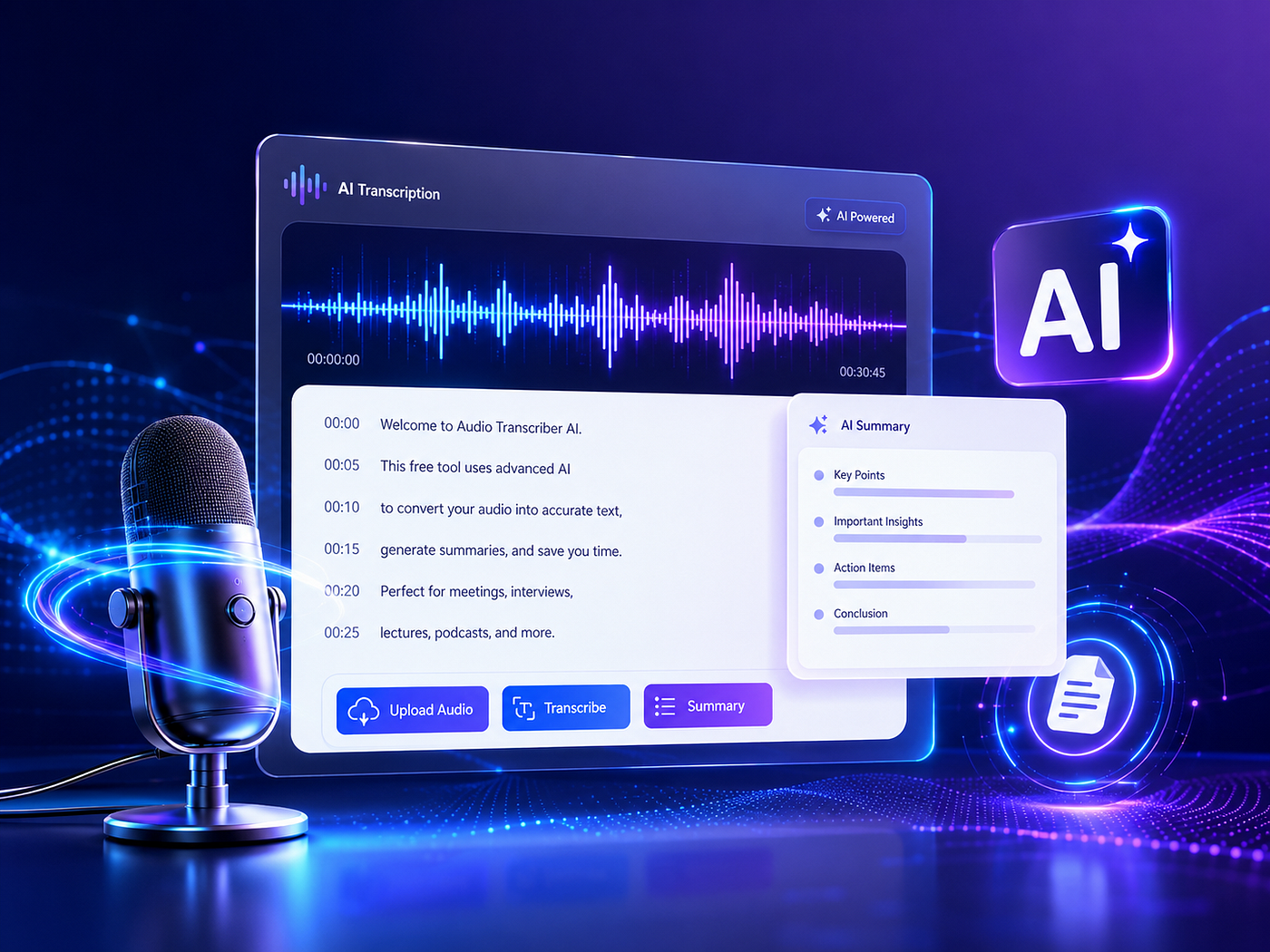
Turning audio recordings into useful content can be surprisingly time-consuming. Whether it is a long interview, a business meeting, an online course, or a podcast episode, manually listening and taking notes often takes much longer than expected.
Audio Transcriber AI aims to solve this problem by using AI to automatically convert audio into accurate transcripts, subtitles, summaries, and structured notes. With a simple upload process, no login requirement, and free access, it provides an easy way for users to save time and get more value from their audio content.
What Is Audio Transcriber AI?

Audio Transcriber AI is an online AI-powered transcription tool that converts audio files into editable text automatically. Instead of spending hours replaying recordings and typing every sentence, users can upload their files and let AI handle the transcription process.
The tool was created in response to a growing need for faster content processing. Today, people generate and consume large amounts of audio content every day, from podcasts and interviews to meetings and educational recordings. However, extracting important information from these recordings remains a frustrating and repetitive task.
Audio Transcriber AI provides a simpler workflow: upload audio, generate a transcript, create summaries or subtitles, and export the results. For users who want a straightforward way to manage audio content without complicated software, this approach can be very practical.
Key Features of Audio Transcriber AI
1. One-Click Audio Transcription Without Login
The biggest advantage of Audio Transcriber AI is its simple user experience. Users do not need to create an account or complete complicated setup steps before getting started.
The process is straightforward:
Upload an audio file → AI processes the recording → Receive a complete transcript.
This is especially convenient for occasional users who only need transcription from time to time. For example, a student can upload a recorded lecture after class, or a professional can quickly process a meeting recording before preparing a report.
I found this no-login experience particularly convenient because many online tools require registration before allowing users to test their basic features. Audio Transcriber AI removes that extra step and lets users immediately focus on the task they need to complete.
2. Generate Subtitles with Timestamps
Audio transcription is not only useful for reading. For many creators, turning spoken content into subtitles is an important part of the publishing process.
Audio Transcriber AI can generate subtitle files with timestamps, helping users synchronize text with audio or video content more efficiently.
This feature can benefit:
- YouTube creators adding captions to videos
- Online educators preparing course materials
- Businesses creating training videos
- Social media creators repurposing existing content
Creating subtitles manually can quickly become frustrating. Even a short video requires constant pausing, adjusting, and checking timing. Automatic subtitle generation reduces this repetitive work and allows creators to spend more time improving their content.
3. 30+ AI Summary Templates for Different Content Types
One feature that makes Audio Transcriber AI more than a basic transcription tool is its AI summary capability.
After generating a transcript, users can choose from more than 30 summary templates designed for different purposes. Instead of receiving only a block of text, users can transform their transcripts into more structured information.
For example:
- Students can create organized study notes from lectures
- Professionals can extract meeting highlights and action points
- Researchers can summarize interview discussions
- Creators can find important moments from podcasts or videos
I found this feature useful because transcription is usually only the first step. Most people do not want a transcript just to read it from beginning to end. They want to quickly understand the important points and use the information elsewhere.
4. Multiple Export Formats and Timestamp Support
A good transcription tool should make it easy to continue working after the transcript is created.
Audio Transcriber AI supports multiple export formats, allowing users to save and reuse their content in different workflows. Whether someone needs text for writing, subtitles for videos, or timestamped transcripts for reviewing recordings, the exported files provide more flexibility.
This is especially helpful for creators and professionals who often move content between different platforms.
A podcast transcript can become a blog article. A meeting transcript can become internal documentation. A lecture transcript can become personal study notes.
5. Fast Processing for Different Audio Scenarios
Audio Transcriber AI can be used for various types of recordings, including interviews, podcasts, meetings, lectures, and voice notes.
The flexibility of the tool makes it suitable for different groups of users. Someone recording a quick idea on their phone and someone managing hours of professional interviews may both benefit from the same basic workflow.
The main value is not just converting audio into words, but making those words easier to search, organize, and reuse.
How Audio Transcriber AI Helps Users Save Time
The biggest benefit of Audio Transcriber AI is reducing manual work.
Listening to audio requires time and attention. If a recording lasts two hours, reviewing it completely just to find a few useful points can be inefficient.
Audio Transcriber AI helps solve several common problems:
Reduce Manual Transcription Work
Typing every sentence from a recording is one of the most time-consuming tasks. Even experienced typists need much longer than the original recording length.
By automatically generating transcripts, Audio Transcriber AI allows users to focus on analyzing and using information instead of simply writing it down.
Make Audio Content Easier to Search
Audio files themselves are difficult to navigate. Finding one specific sentence from a long recording often requires manually searching through the entire file.
Once converted into text, users can quickly scan the content and locate important sections.
Repurpose Existing Content
Many creators have valuable information hidden inside old recordings.
A single podcast episode can become:
- A written article
- Social media posts
- Video subtitles
- Short-form content ideas
With transcripts and summaries, Audio Transcriber AI makes it easier to discover new possibilities from existing content.
Improve Learning and Research Efficiency
Students and researchers often work with large amounts of spoken information. Having searchable transcripts makes reviewing lectures, interviews, and discussions much faster.
Instead of repeatedly listening to the same section, users can quickly find and review the exact information they need.
Audio Transcriber AI Pros and Cons
Pros
Completely free
Audio Transcriber AI is free to use, making it accessible for users who need transcription without paying for expensive subscriptions.
No login required
Users can start immediately without creating an account, which makes the experience faster and more convenient.
Simple transcription workflow
The upload-and-transcribe process is easy to understand, even for beginners.
Automatic subtitle generation
Timestamped subtitles make it useful for video creators and educators.
30+ summary templates
Different templates help users create more useful outputs for different scenarios.
Multiple export formats
Users can save transcripts and subtitles in formats that fit their workflow.
Cons
Accuracy can depend on audio quality
Like most AI transcription tools, unclear recordings, strong background noise, or multiple people speaking at the same time may affect accuracy.
Not designed for advanced professional editing
Users looking for complex collaboration features or enterprise-level transcription management may need more specialized platforms.
May require manual review for technical content
Industry-specific terms or uncommon names may occasionally need correction.
Final Verdict: Is Audio Transcriber AI Worth Using?
Audio Transcriber AI is a practical choice for anyone who wants to convert audio into useful text without dealing with complicated tools or subscription barriers.
It is especially suitable for:
- Content creators who need transcripts and subtitles
- Students who want faster study materials
- Professionals organizing meetings and interviews
- Researchers analyzing recorded conversations
- Anyone who wants to save time processing audio files
After testing its workflow, I think Audio Transcriber AI succeeds because it focuses on a common problem: people have more audio content than they have time to process.
It is not trying to replace every professional editing platform. Instead, it provides a simple and efficient solution for turning audio into transcripts, summaries, and subtitles. For users looking for a free, no-login AI transcription tool, Audio Transcriber AI is worth considering.
메타데이터
- post_id
- a9290fc92665
- slug
- audio-transcriber-ai-review-a-free-ai-tool-for-audio-transcription-and-summaries-a9290fc92665
- url
- https://medium.com/@sas_46817/audio-transcriber-ai-review-a-free-ai-tool-for-audio-transcription-and-summaries-a9290fc92665
- canonical_url
- https://medium.com/@sas_46817/audio-transcriber-ai-review-a-free-ai-tool-for-audio-transcription-and-summaries-a9290fc92665
- author_url
- https://medium.com/@sas_46817
- status
- ok
- fetched_at
- 2026-07-18 23:24:10




