Restart, Reboot &Reset
When in Doubt — Restart!
Tip for life with screens :)
Restart, Reboot &Reset
When in Doubt — Restart!
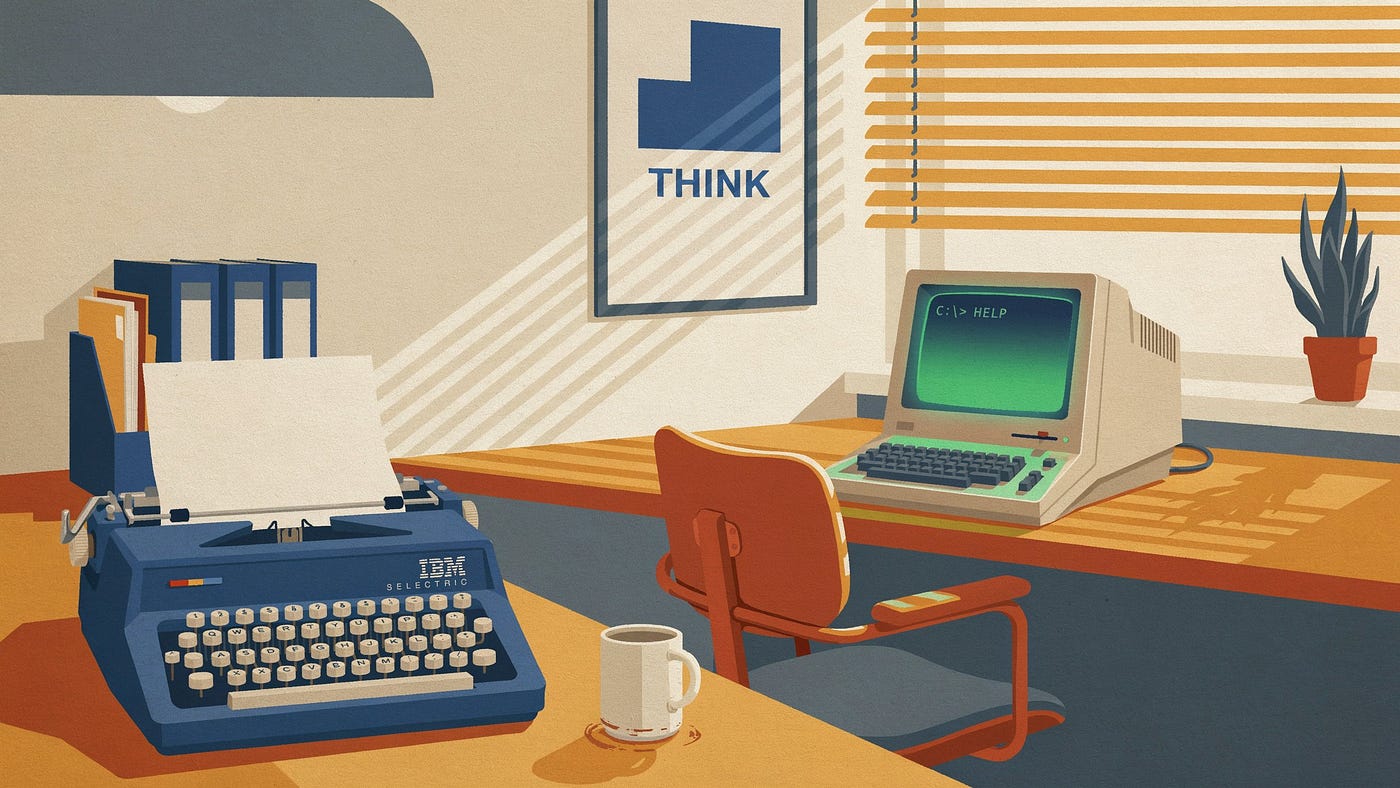
Image created using Canva by Hiranmayee Panchangam
Have you ever wondered when the weird-looking IT guy just randomly power cycles your computer and everything falls in it’s place? Yes, Restarting almost all the time works like magic. Thus, it truly is an immediate fix in the computing world.
Articulating the actual problem here.
To put it in words, let us imagine a toddler who is not ready for the world to get his chores but is good enough to carry out a few tasks like — visiting a small candy store to purchase a lollipop. In this scenario, the toddler might not remember the whole route, however, he has a few cues down the street, like turning left when you see the red poster endorsing cars and the kid would reach the store.
Imagine what the kid would do if he did not find that red poster, ultimately he would never take that left turn that he was supposed to, in such case, if he detours, he would be lost.
Put the kid back home and allot the same task, and he would be like — “ Ah! I know the route, now let me go”. Something similar happens to the computer when we overload it with commands and a few programs become unresponsive. The minute we restart and begin fresh, everything works just fine. It recovers from the unresponsive state of action.
Power cycling — It’s a hard restart method, where the device is switched off and then on again, which consciously resolves system errors, and software glitches and flushes out temporary problems.
Rebooting — It’s the technique to soft reset the computing machines, by actually not removing the power out of it. It restarts the OS and the firmware, this should be the first troubleshooting step before the power cycle.
When Rebooting it clears out temporary files and cache data that now is irrelevant to the program being run currently by providing a clean base to it.
7 Reasons — Why does rebooting save the life of a “Maximum IT guy”?
- Fresh RAM initialization: When users forget to end the already being run programs and open more programs the RAM gets overburdened by the current running apps, uses its memory till cap causing performance issues, and slows down the computing overall life. During a reboot, all the background run apps close and move back to ROM giving more capacity to RAM for running more processor-intensive applications improving speed & responsiveness.
- Stop Memory Leaks: Programmers are also humans and they err. Sometimes a few programs prevent overwriting in the free space creating lags and unforeseen consequences. In such cases, a reboot clears cache memory.
- Fix S/W glitches: Most times few features of an app suddenly malfunction due to huge storage of data, and reboot immediately resets such glitches. Like the search function in SNOW etc.
- Auto-Update N/W settings: Ever wondered when you restart a computer and it updates a whole set of things like Windows updates, firmware updates, and network updates without exclusively stating it? Internet and Bluetooth connections can be annoying. Rebooting automatically updates network settings which gives a better connection.
- Enhanced Performance & Time Conservation: Rebooting ensures it expedites the speed and efficiency of the computer by preventing the formation of cobwebs. We might save 2 hours every week for troubleshooting any unfortunate bug if we restart the computer every day.
- PC Overheating: A 100 of tabs and 100s of apps are run regularly for computer-intensive jobs with 100% RAM utilization, It’s obvious that the computer overheats, in such cases a reboot initiates reset commands to the CPU, memory, controllers, and peripherals. By resetting these, commands that were previously occurring are wiped clean, and from there, you can start again when the computer cools down fully ensuring the system’s health.
- Cybersecurity: Highly crucial security patches are automatically downloaded, installed, and upgraded with a reboot which ensures system health, functionality, speed, and performance as well. This protects the computing system from malware too.
Reboot, Reboot Reboot!
Thus, reboot once a week and know that sleep mode is not restart, sleep just hibernates the system which consumes power as if it were running to keep the then mode saved.
Fun Fact: This technique works on technology and humans too. When a person encounters a stroke, it’s not that the heart stopped pumping but is not pumping rhythmically. That’s when cardiologists use a defibrillator to stop and restart the heart to catch the rhythm and tune.
Support writers. All our non-profit’s offerings here.
Click for Wordsmith, Mystery Writing, Write Like Stephen King, more

By the EIC Susan Brearley with Ideogram
메타데이터
- post_id
- a97cb3db63ef
- slug
- restart-reboot-reset-a97cb3db63ef
- url
- https://medium.com/it-chronicles/restart-reboot-reset-a97cb3db63ef
- canonical_url
- https://medium.com/it-chronicles/restart-reboot-reset-a97cb3db63ef
- author_url
- https://medium.com/@hiranmayeepanchangam37
- status
- ok
- fetched_at
- 2026-07-13 10:53:13