Automate Website Contact Research Without Writing Code
Still copying emails and phone numbers off company websites one tab at a time? Pull emails, phones, LinkedIn profiles, and social links…
Automate Website Contact Research Without Writing Code
Still copying emails and phone numbers off company websites one tab at a time? Pull emails, phones, LinkedIn profiles, and social links from any website at scale. No code. No Chrome extensions. Here’s the exact setup.
The Problem with Manual Contact Research
If you’ve ever tried to build an outreach list by pulling contact details from company websites, you know how fast it falls apart.
One prospect list turns into:
- Opening each company’s website separately in a new tab
- Hunting for the Contact or About page to find an email address
- Copying phones, social links, and LinkedIn profiles into a spreadsheet row by row
- A list that’s half-complete by the time you reach company twenty
A list of fifty company websites. Two hours of clicking and copy-pasting. I knew there had to be a better way.
The Tool That Changed Everything
What if you could paste a list of websites and get back every email, phone, and social link on each one automatically?
That’s exactly what the **Contact Details Scraper** does.
Paste one website or a hundred. The actor crawls each one and extracts every piece of contact data it finds. No manual searching. No clicking through Contact and About pages.
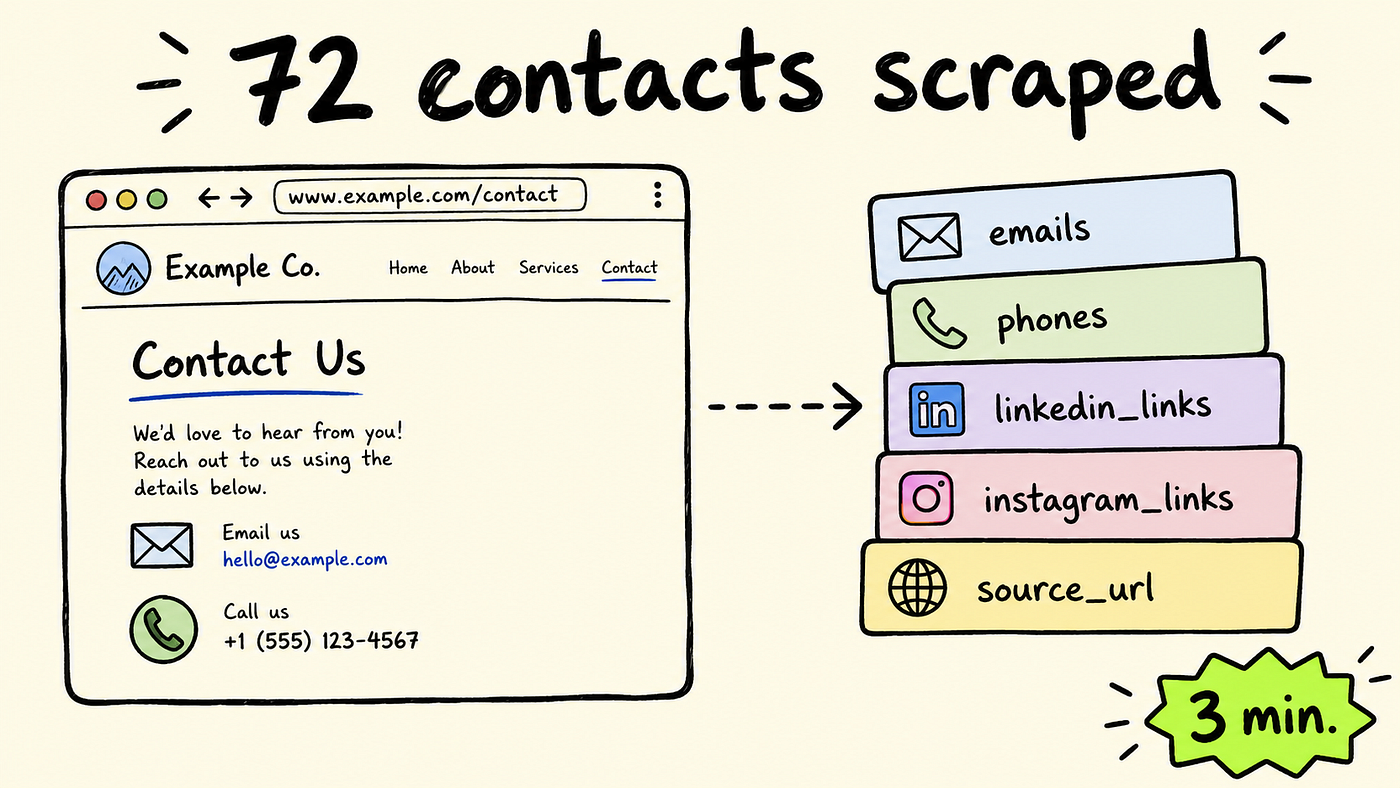
For each website, it collects:
- Email addresses from page text and
mailto:links - Phone numbers from page text and
tel:links - LinkedIn company and personal profile URLs
- Instagram, Facebook, Twitter/X, YouTube, TikTok, and Pinterest links
- Source URL and crawl depth for every record
To test it, I dropped in apify.com with deep crawl mode on and a limit of 100 pages.
In 3 minutes 13 seconds, the actor crawled 72 pages and returned 72 structured records. Every email it found. Every social link. All in one clean dataset.
One domain in. Seventy-two records out. That’s when I stopped building contact lists by hand.
The setup process (3 minutes, no code required)

Let’s walk through the setup. No technical skills needed. Three steps and you’re running.
Step 1: Access the scraper
Go to the Contact Details Scraper page on Apify and click “Try for free.” The button is right there in the top right corner. You can’t miss it.

The actor page on Apify. Click “Try for free” to open the input form and run your first scrape.
Step 2: Log in to Apify
You’ll need an Apify account. If you don’t have one, there’s a “Sign up” link right on the login screen. I already had an account so I just entered my email and password. The whole login takes about 20 seconds.
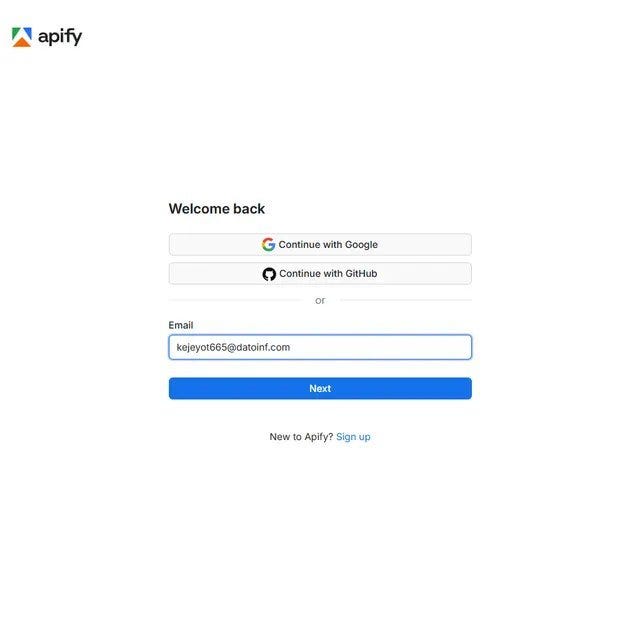
Step 2a: Enter your Apify email. You can also log in with Google or GitHub if that’s faster.
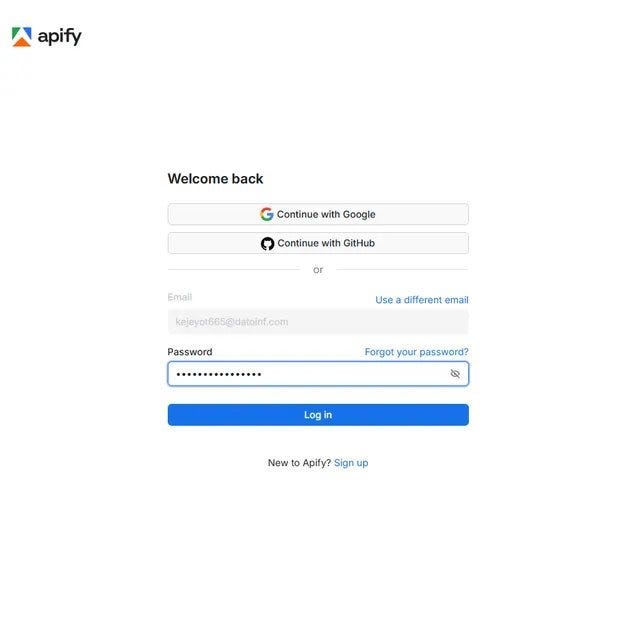
Step 2b: Enter your password and hit Log in. Standard stuff, takes seconds.
Step 3: Add your websites and hit Start
The input form has one required field: Websites to Scrape. Paste any URL here. Full URLs, plain domains, with or without www: the actor normalizes them all. Use the “+ Add” button to paste a bulk list of domains at once.
There are two crawl modes worth knowing. Single Page Only (toggled on by default) visits just the URL you give it. No link following. This is ideal for bulk lists of 50 to 500 company homepages. Turn it off to enable deep crawl, which follows internal links up to the configured depth and finds Contact and About pages automatically.
I turned Single Page Off, set Maximum Pages to Scrape to 100, and left depth at 1. Then I clicked the green Save & start button at the bottom left. The red arrow in the screenshot points right to it.
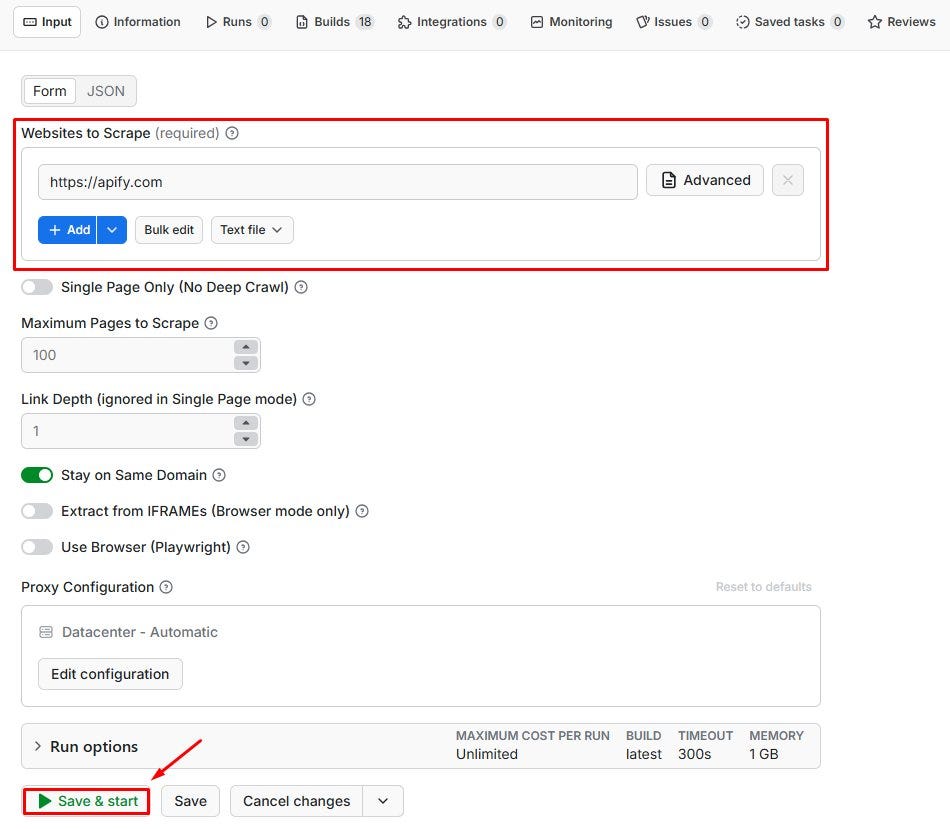
Step 3: Paste your target website URL. Toggle Single Page Off to crawl deeper. Hit Save & start. That’s the full setup.
What happens when it runs
The Log tab shows the actor working in real time. You can see it initializing in HTTP mode, crawling page after page, rotating sessions when it hits a proxy error, and steadily pushing records to the dataset as they come in.
My apify.com run crawled 72 pages across the domain at depth 1 and finished in 3 minutes 13 seconds. The green “Succeeded” banner showed 72 results in the dataset.
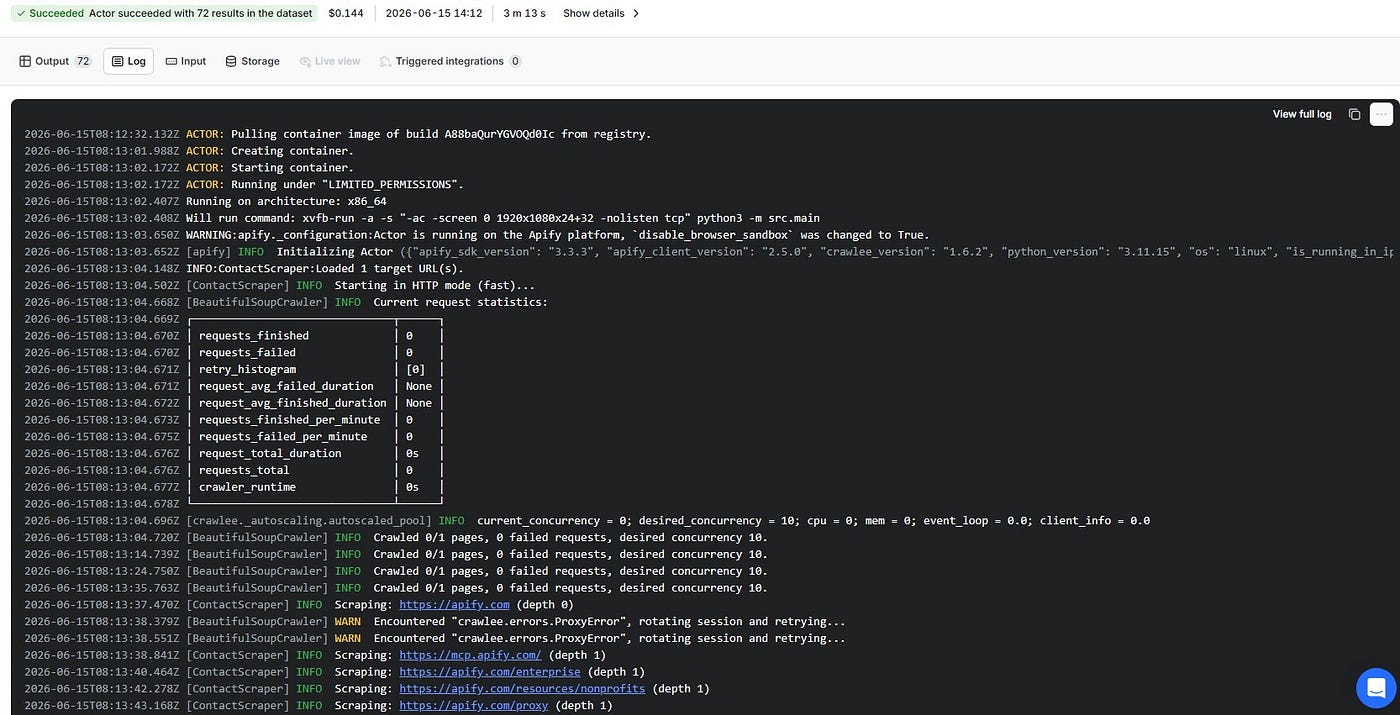
The run log in real time. Each line shows the actor scraping a new page, rotating proxies when needed, and pushing contact records to the dataset. 72 pages, 3 minutes 13 seconds.
The Part That Impressed Me Most
Speed is nice.
The social link coverage is even better.
When the run finished, every record came back with every contact signal on that page:
- Emails from both visible text and hidden
mailto:links - Phone numbers from both text and
tel:links - LinkedIn, Instagram, Facebook, Twitter, YouTube, TikTok, and Pinterest URLs
- The exact source URL and crawl depth for every record, so you always know where each contact came from
No cleanup. No missing social links. No wondering which page a phone number came from.
Just a dataset ready to open in Excel or import directly into your CRM.
What used to take two hours of manual tab-hunting now takes 3 minutes. The full social link coverage on every record made it worth switching.
Before vs. After Using the Scraper
Manual Research
- ⏱️ 2 to 5 minutes per website just to find an email
- 📦 Covers 20 to 30 companies before the afternoon is gone
- ⚠️ Social links and phone numbers often missed entirely
- 📧 No record of which page an email came from
Using the Scraper
- ⚡ 3 minutes 13 seconds for 72 pages on one domain
- 📦 Up to 100 pages per run, or bulk list mode for 500+ domains
- ✅ Emails, phones, and all social platforms on every record
- 📧
source_urlfield tells you exactly which page each contact came from
The difference is simple: more contacts, fuller data, zero manual searching.
Getting your data out
When the run finishes, click Storage in the top nav. The Dataset tab shows your item count and file size. My 72-page run came in at 3.9 kB. Pick your format (JSON, CSV, Excel, JSONL, or HTML Table) and hit Download.
For outreach lists, CSV opens directly in Google Sheets. For CRM enrichment or pipeline work, JSON is cleaner. The Dataset ID also lets you pull records via the Apify API or push them to Google Sheets, HubSpot, or a webhook through Apify integrations after every run.
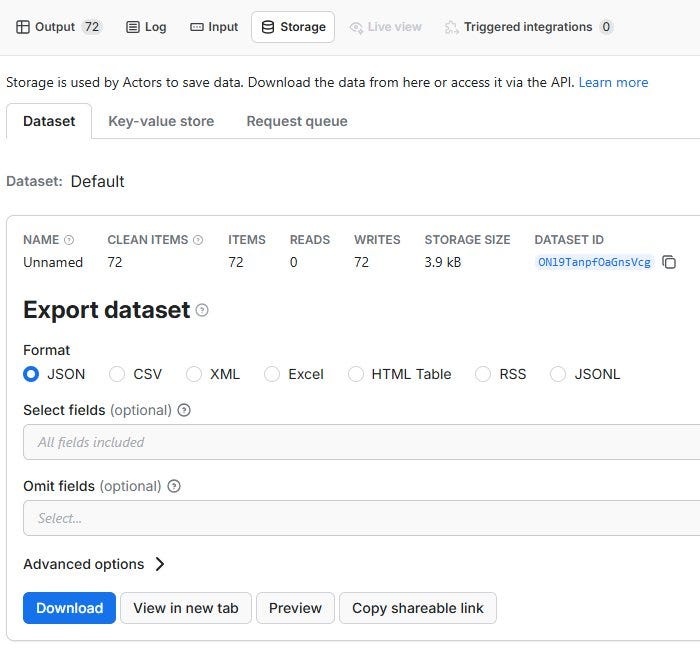
The Storage tab after a completed run. 72 items, 3.9 kB. One click to download in JSON, CSV, XML, or Excel. Use the Dataset ID to pull records via the API or push to Google Sheets automatically.
Who Needs This?
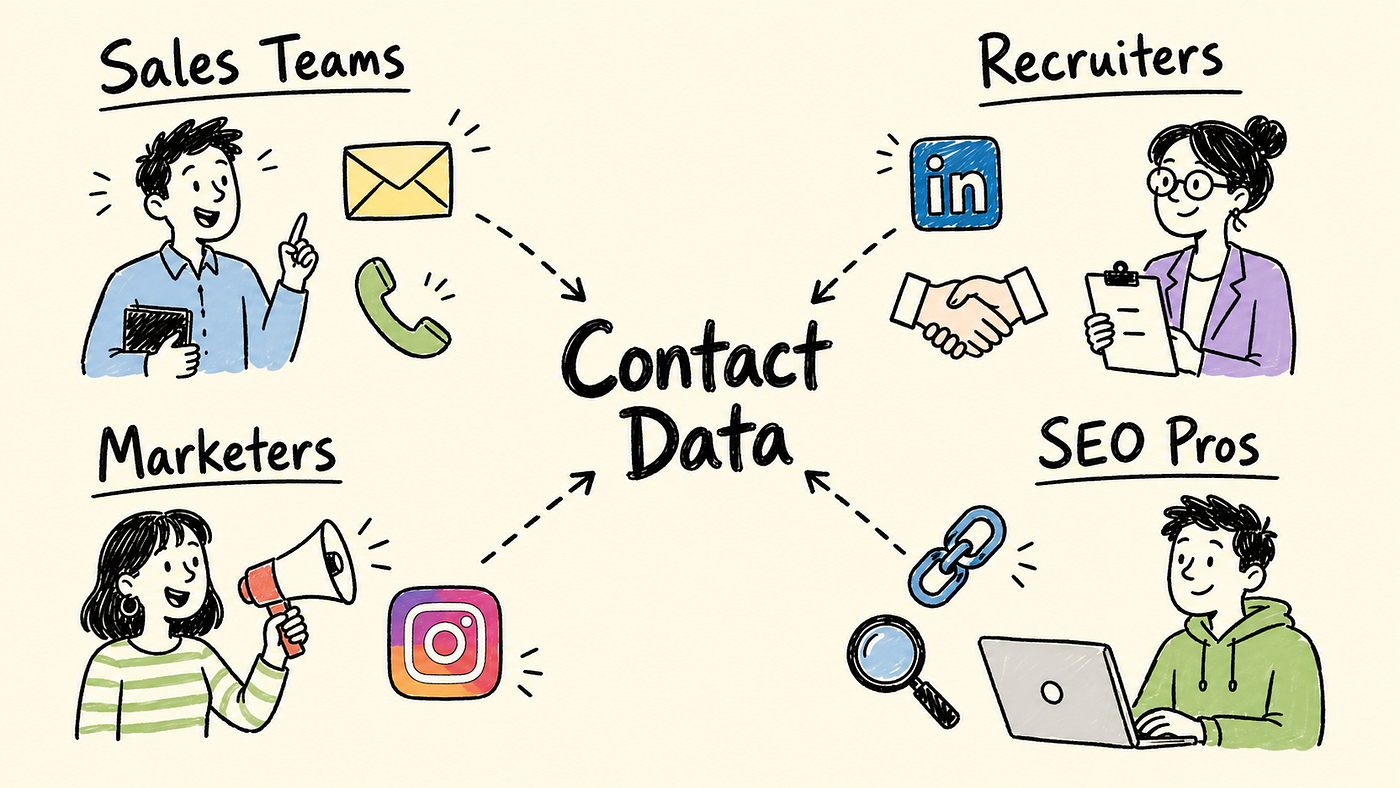
Still building outreach lists by visiting company websites one at a time?
Then you’re probably the right audience for this.
The Contact Details Scraper is useful for:
- 📧 Sales teams building cold email lists from a CSV of target company domains
- 🤝 Recruiters pulling contact info from LinkedIn company pages and career sites
- 📣 Marketers finding influencer emails and social handles for outreach campaigns
- 🔗 SEO professionals extracting contact details for guest posting and link building
What Could You Build With This?
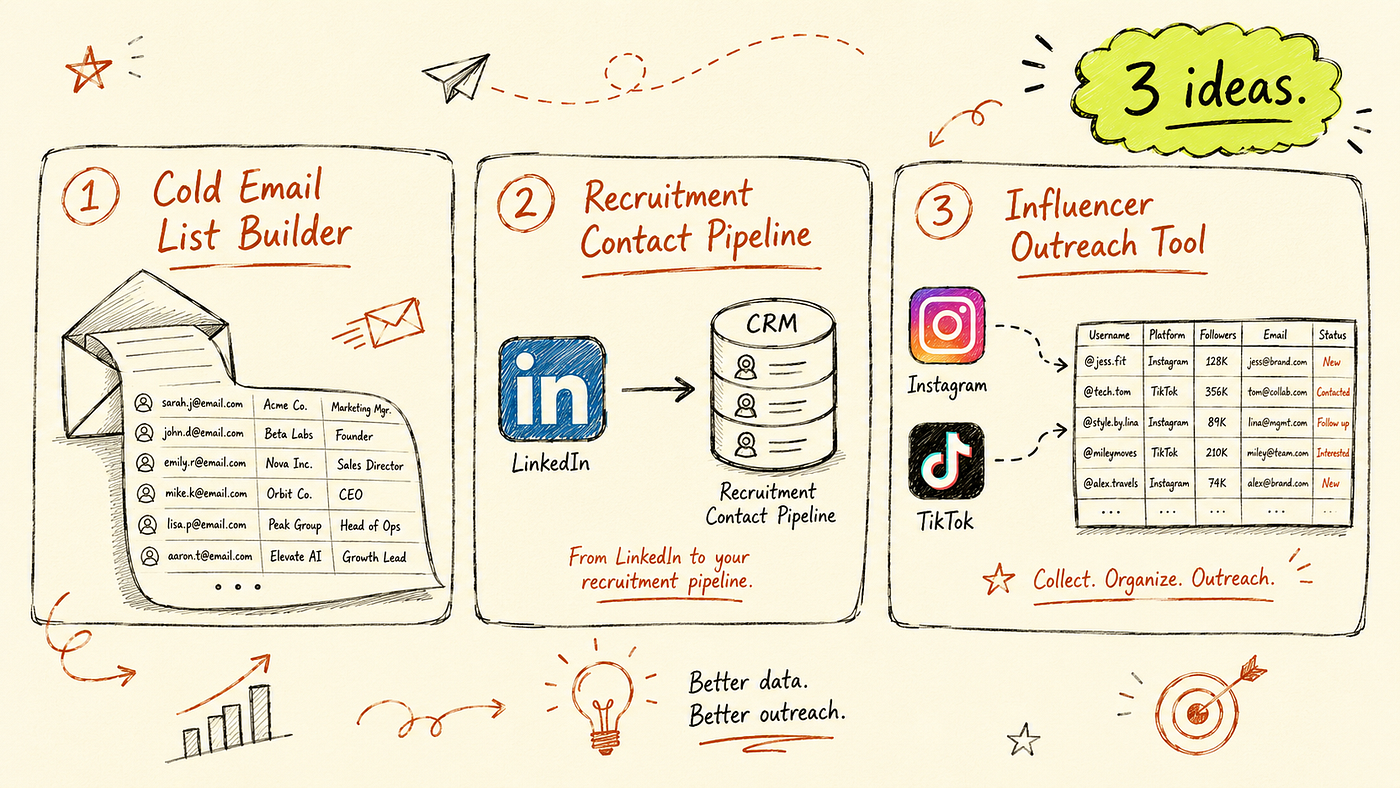
Automate the collection and a lot becomes possible.
📧 Automated Cold Email List Builder Feed a CSV of 500 company domains into the actor in single page mode. Each domain returns emails and LinkedIn links in under a minute total. Push the output directly into your email tool or CRM. Sales teams spend the time writing the emails, not hunting for addresses.
🤝 Recruitment Contact Enrichment Pipeline Take a list of company career page URLs. Run the scraper in deep crawl mode to find emails and LinkedIn profiles buried in team pages and contact sections. Combine with a job title lookup to build recruiter-ready contact lists for any industry vertical.
📣 Influencer Outreach Tool Scrape Instagram, TikTok, and YouTube links from a niche blog or creator directory. Cross-reference the extracted social handles to build a list of creator profiles for outreach. The social link fields give you all platforms in one pass, so there’s no need to check each site separately.
Ready to scrape contact details from any website at scale?
**Try the Contact Details Scraper on Apify**
No infrastructure. No maintenance. Just run it and get your data.
Final thoughts
I’m not trying to sell you anything. I’m just sharing what worked after too many afternoons searching for email addresses on company websites and still ending up with a half-finished list.
The Contact Details Scraper took three minutes to set up and replaced a manual task I was doing for every outreach campaign. The source_url field and the full social link coverage are things I was never capturing consistently by hand. And it runs the same way every time.
Have you tried automating contact research for outreach? Leave a comment. I’m always looking for better methods.
메타데이터
- post_id
- aaa02a67112a
- slug
- automate-website-contact-research-without-writing-code-aaa02a67112a
- url
- https://medium.com/@bigiByte/automate-website-contact-research-without-writing-code-aaa02a67112a
- canonical_url
- https://medium.com/@bigiByte/automate-website-contact-research-without-writing-code-aaa02a67112a
- author_url
- https://medium.com/@bigiByte
- status
- ok
- fetched_at
- 2026-06-17 10:49:34