7 Best Database Management Software & Tools of 2025
Finally, tools that work with you — not against you
7 Best Database Management Software & Tools of 2025
Finally, tools that work with you — not against you
Still juggling 4 different tools to manage your databases?
You’re not alone. Most devs and DBAs waste hours every week switching between platforms, plugins, and scripts — just to get basic work done.
One tool for queries. Another for schema comparison. A third for deployment. And of course, a bunch of tabs open to “Google how to…”
But here’s the truth: You don’t need more tools. You need the right ones — the ones built to reduce friction, not add more of it.
That’s why we’ve rounded up the 7 best database management solutions of 2025 — to help you simplify, automate, and accelerate your workflow.
Let’s get into it.
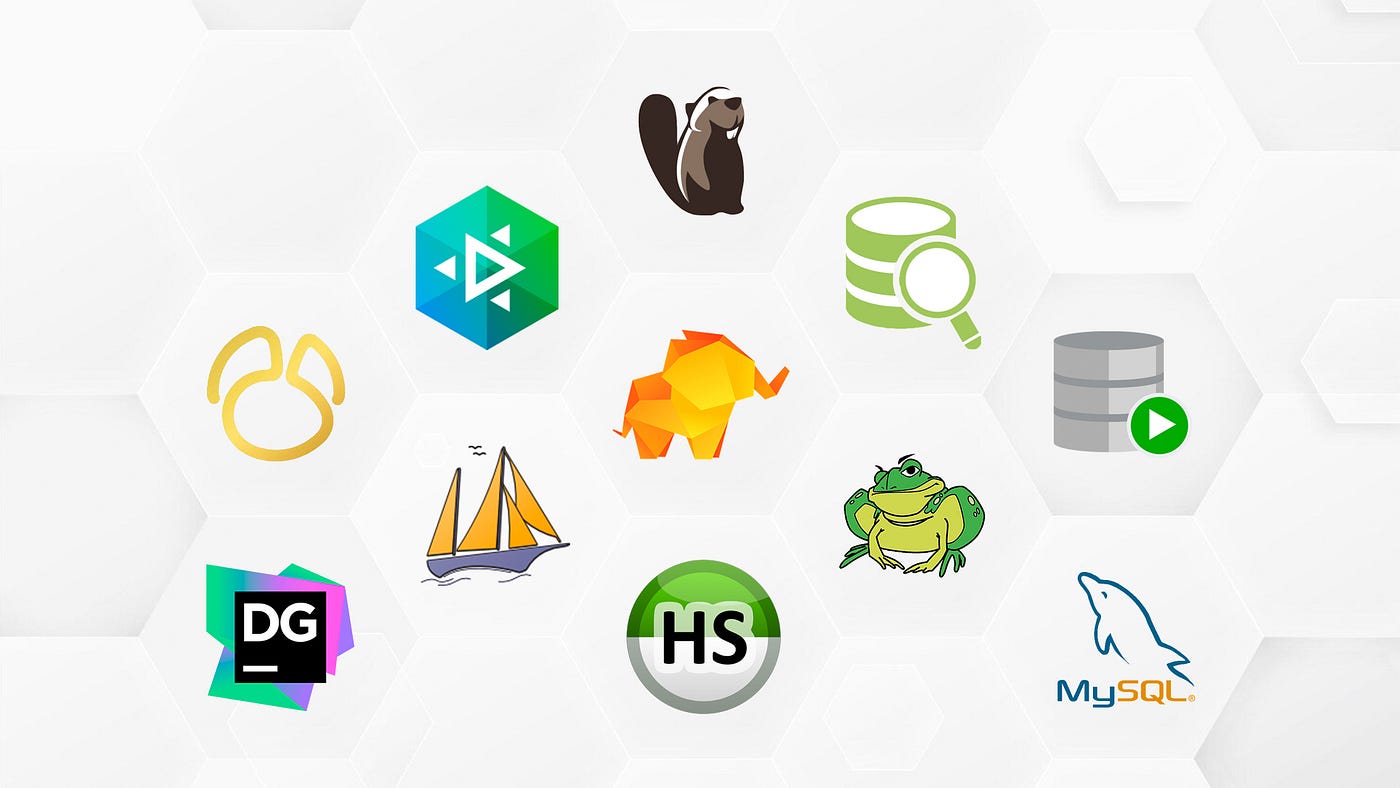
1. dbForge Edge
The all-in-one database IDE for modern developers and DBAs
Pros:
- Multi-DBMS support: SQL Server, MySQL, MariaDB, Oracle, PostgreSQL
- Visual query builder + SQL code editor with IntelliSense
- Schema/data comparison, synchronization, deployment
- Integrated debugging, performance tuning, data generation
- Git, and other VCS integration out of the box (for now available for SQL Server and MySQL)
Cons:
- Requires initial setup to unlock full automation potential
- Paid license (but with a free 30-day trial available and a free Express Edition)
Why it’s #1:
dbForge Edge replaces 4–5 separate tools. It’s like the Swiss Army knife of database dev — one IDE that truly does it all. Querying, comparing, migrating, documenting — no more context switching.
Best for: Database professionals who manage multiple database systems and want a single control center.
If you’ve ever wished SSMS could do everything… this is that wish granted.
2. Redgate SQL Toolbelt
A suite of pro-grade tools — if you’re SQL Server-only
Pros:
- High-quality solutions for versioning, monitoring, and release management
- Strong DevOps integration
- Reliable, widely adopted in enterprise environments
Cons:
- SQL Server only
- Very expensive for smaller teams
- Fragmented toolset (not an IDE)
Best for: Teams fully invested in Microsoft SQL Server with big budgets and strict release pipelines.
3. DBeaver Ultimate
Open-source roots, upgraded for enterprise use
Pros:
- Supports dozens of DBMSs
- Clean interface, fast execution
- Great ER diagrams and data visualization
- SSH tunneling and driver management
Cons:
- Occasional performance hiccups on large datasets
- Feature depth varies by database engine
Best for: Cross-platform developers and analysts who need flexibility with a unified UI.
4. Navicat Premium
Polished UI for managing multiple databases
Pros:
- Works with MySQL, MariaDB, SQL Server, Oracle, PostgreSQL, and SQLite
- Visual tools for modeling, design, reporting
- Good backup/scheduling features
Cons:
- UI can feel too “click-heavy” for power users
- Lacks version control/deployment workflows
Best for: Data teams who need a GUI-first tool for routine maintenance and reporting.
5. DataGrip (by JetBrains)
A developer-centric SQL IDE with smart assistance
Pros:
- Code-centric, developer-friendly UI
- Works with nearly every RDBMS
- Smart code completion and refactoring
- Git integration
Cons:
- Learning curve for non-developers
- Doesn’t offer full schema sync, deployment, or visual tools like others
Best for: Developers who live in code and want IntelliJ-style assistance for database tasks.
6. HeidiSQL
A fast and lightweight tool for Windows users
Pros:
- Free and open-source
- Simple and fast for MySQL/MariaDB and SQL Server
- Quick exports/imports and data browsing
Cons:
- No modern features like version control or CI/CD
- Limited to certain DBMSs
- Windows only
Best for: Freelancers and entry-level devs working primarily with MySQL on Windows.
7. pgAdmin / SQL Developer
Vendor-native tools (PostgreSQL & Oracle respectively)
Pros:
- Free and fully supported by their ecosystems
- Strong integration with native database features
- Updated regularly
Cons:
- Clunky interfaces
- Not ideal for cross-database workflows
- Missing advanced productivity features
Best for: Specialists working with just one DBMS who need compatibility more than speed.
One Final Thought:
You wouldn’t use a spreadsheet to write code. So why are you using basic tools for enterprise-level database work?
If your stack spans multiple systems — or your workflow spans query → compare → deploy — then only one tool really fits: dbForge Edge.
Because the next time your deadline moves up, or your deployment goes sideways…
You’ll want all your tools in one place — and working with you.
메타데이터
- post_id
- ab3b6edb7d60
- slug
- 7-best-database-management-software-tools-of-2025-ab3b6edb7d60
- url
- https://medium.com/@jameybarton9/7-best-database-management-software-tools-of-2025-ab3b6edb7d60
- canonical_url
- https://medium.com/@jameybarton9/7-best-database-management-software-tools-of-2025-ab3b6edb7d60
- author_url
- https://medium.com/@jameybarton9
- status
- ok
- fetched_at
- 2026-07-15 17:55:32