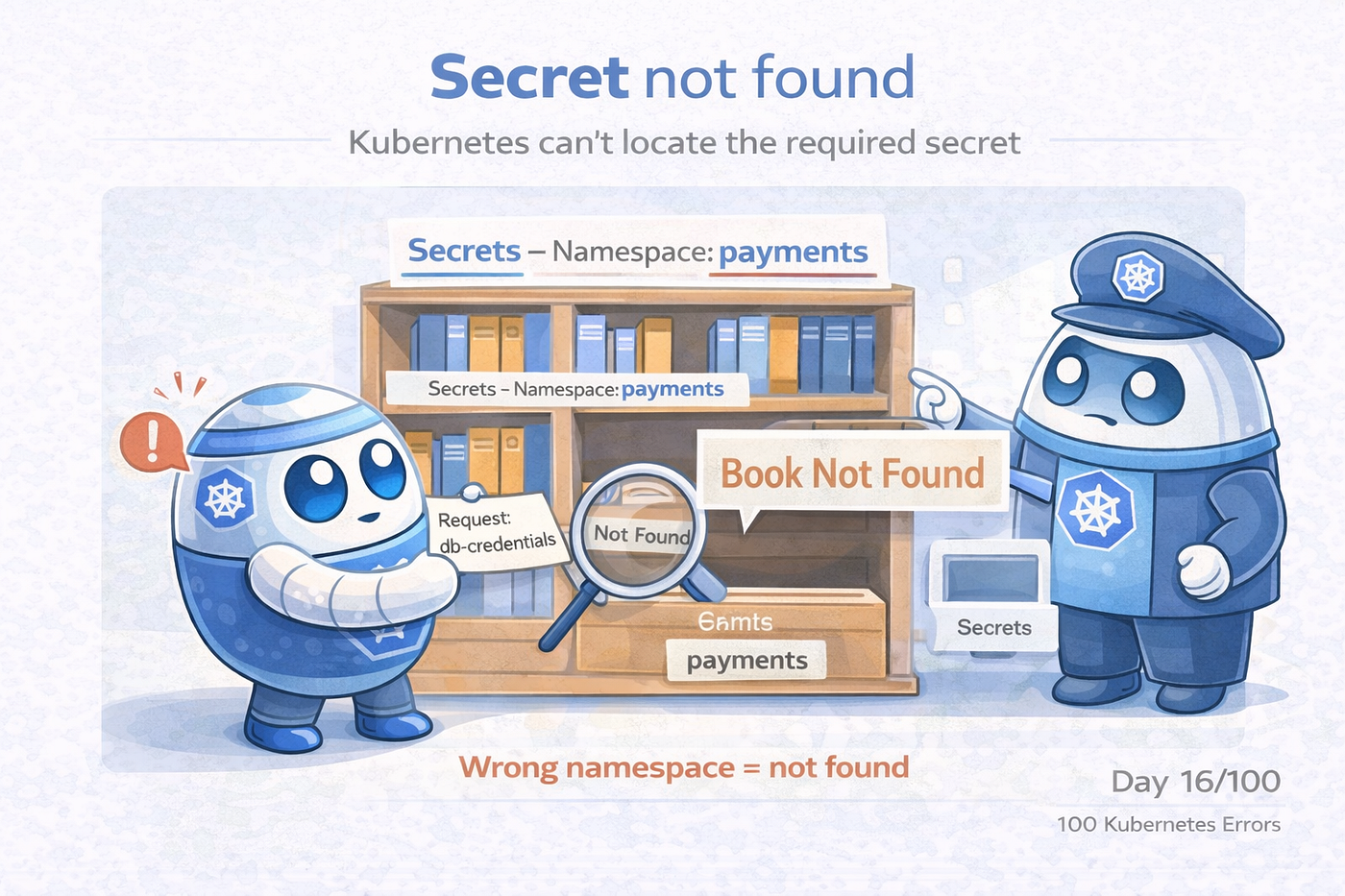
🚨 Day 16/100 : Secret not found
happens when a pod references a Kubernetes Secret that does not exist in the same namespace or is incorrectly named
🚨 Day 16/100 : Secret not found
happens when a pod references a Kubernetes Secret that does not exist in the same namespace or is incorrectly named
If Kubernetes can’t locate the Secret, it refuses to start the container.
The pod was created. The deployment looked correct. Yet the container never started.
Not because of code. Not because of resources. Because Kubernetes couldn’t find a Secret it was told to use.
🔥 Real-Time Production Scenario
A new microservice was deployed.
The manifest referenced database credentials:
envFrom:
  - secretRef:
      name: db-credentials
But the pod stayed stuck in:
CreateContainerConfigError
Secret "db-credentials" not found
The app code was fine. The cluster was fine.
The configuration was not.
🤔 What Actually Happened
Kubernetes does not guess. It does not search other namespaces. It does not create secrets automatically.
It simply checks:
“Does a Secret with this exact name exist here?”
If the answer is no → pod never starts.
🧠 Important Kubernetes Rule
Secrets are namespace-scoped.
That means:
dev/db-credentials ≠ prod/db-credentialsSame name in another namespace does NOT count.
🔍 How to Identify “Secret not found”
Start with the pod:
kubectl describe pod <pod-name>You’ll see:
Error: secret "db-credentials" not foundThen check:
kubectl get secrets
kubectl get secrets -n <namespace>
Most of the time — it simply isn’t there.
Common Causes in Real Projects
1️⃣ Secret created in the wrong namespace
App in:
namespace: paymentsSecret created in:
namespace: default👉 Result: Not found
2️⃣ Typo in Secret name
secretRef:
  name: db-credetials   ❌
3️⃣ Secret not deployed yet
- CI/CD order issue
- Helm chart dependency issue
- Manual creation forgotten
4️⃣ Wrong Kubernetes context
Secret created on:
- Local cluster
Pod running on:
- Production cluster
Classic human mistake.
🛠️ How Seniors Troubleshoot It
Step 1️⃣ Verify Namespace
kubectl config view --minify | grep namespaceStep 2️⃣ Check if Secret Exists
kubectl get secret <name> -n <namespace>Step 3️⃣ Validate Manifest
Ensure the pod references:
- Correct name
- Correct namespace
- Correct key structure
Step 4️⃣ Fix It
Choose one:
✔ Create the missing Secret ✔ Deploy it to the correct namespace ✔ Correct the name in deployment YAML
🧨 Real Production Incident
Issue: Pods failing after a new environment rollout.
Cause: Secrets were created manually in staging but not automated for production.
Fix: Added secrets to Helm chart as Kubernetes manifests.
Lesson:
Infrastructure-as-code should include secrets lifecycle too.
🎯 Final Thought
“Secret not found” is not a pod issue. It’s a configuration issue.
If Kubernetes says a Secret is missing, trust it and check the namespace first.
📌 What’s Next
This is Day 16 of 100 Kubernetes Errors.
Next up: ConfigMap not found
If you’ve been bitten by Secret not found: before, you’re not alone.
If you found this useful, follow me **shaikmustafa**.
Failures are the best Kubernetes teachers.
메타데이터
- post_id
- ab6cdab8ecd4
- slug
- day-16-100-secret-not-found-ab6cdab8ecd4
- url
- https://medium.com/@shaikmustafa8991/day-16-100-secret-not-found-ab6cdab8ecd4
- canonical_url
- https://medium.com/@shaikmustafa8991/day-16-100-secret-not-found-ab6cdab8ecd4
- author_url
- https://medium.com/@shaikmustafa8991
- status
- ok
- fetched_at
- 2026-08-17 09:41:18