Getting Started with Knative Serving on AWS EKS: A Step-by-Step Guide
Why I Started Looking at Knative
Getting Started with Knative Serving on AWS EKS: A Step-by-Step Guide
Why I Started Looking at Knative
In my day-to-day work on AWS EKS, I had been using HPA (Horizontal Pod Autoscaler) to scale workloads up and down based on CPU/memory metrics and kube-downscaler to shut down non-production environments outside business hours. It worked 😒 but it felt like stitching two tools together to solve a problem that should have a cleaner answer.
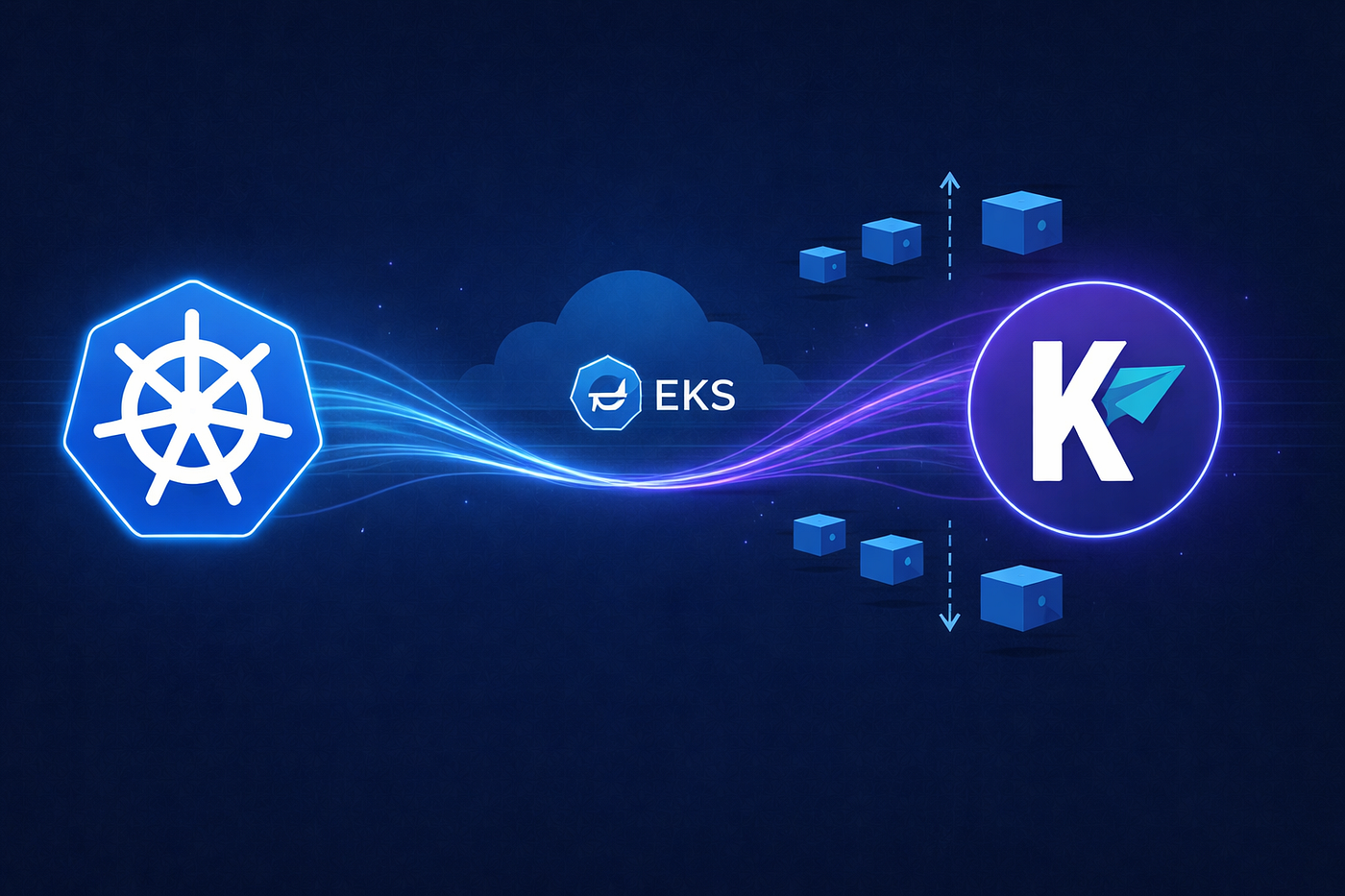
Then I came across Knative.
The promise of scale-to-zero, traffic-based autoscaling, and a clean abstraction over Kubernetes deployments caught my attention. So I decided to spin up a fresh EKS cluster and get hands-on with it. This post walks through everything I did from cluster creation to deploying my first Knative Service.
What is Knative?
Knative is an open-source platform built on Kubernetes that adds two major capabilities:
- Knative Serving — Run serverless-style workloads that automatically scale up on traffic and scale down to zero when idle
- Knative Eventing — Build event-driven architectures on Kubernetes using CloudEvents
For this post, we’re focusing entirely on Knative Serving — the component that handles deploying and scaling containerised applications.
At its core, Knative Serving introduces a new Kubernetes resource called a Knative Service (ksvc). When you create one, Knative manages:
- The underlying Deployment
- A Revision (an immutable snapshot of your configuration)
- Traffic routing (you can split traffic across revisions for canary releases)
- Autoscaling — including all the way down to zero replicas
Scale-to-Zero: The Core Magic🧙♂️
With standard Kubernetes + HPA, your pods scale based on CPU or memory thresholds — but they never go to zero. You always have at least one pod running, even when there’s no traffic. That costs money💰. Knative Serving scales based on actual incoming requests. When there are no requests, it scales your pods to zero. When a request comes in, the Activator component buffers it, wakes up a pod, and forwards the request all in seconds. For non-production environments, dev/qa clusters, or bursty workloads, this is a significant cost saver.
Prerequisites
- AWS CLI configured with AWS Access Key and Secret Key
eksctlinstalled (installation guide)kubectlinstalled- Basic familiarity with Kubernetes
Step 1: Spin Up an EKS Cluster with eksctl
One of the best things about eksctl is that it creates the entire AWS networking stack for you — VPC, public and private subnets across two AZs, Internet Gateway, NAT Gateway, route tables, and the correct subnet tags for EKS. No manual VPC setup needed.
eksctl create cluster \
  --name knative-dev \
  --region ap-south-1 \
  --nodegroup-name standard-workers \
  --node-type t3.medium \
  --nodes 2 \
  --nodes-min 1 \
  --nodes-max 3 \
  --managed \
  --profile <your-aws-profile>
This takes around 15 minutes. Once done, your kubeconfig is automatically updated and you're ready to run kubectl commands.
Cost tip: Use a single NAT Gateway (eksctl default) for dev setups. Using one per AZ costs ~$32/month extra — unnecessary for learning.
Step 2: Install Knative Serving Apply the CRDs
kubectl apply -f https://github.com/knative/serving/releases/download/knative-v1.13.0/serving-crds.yamlInstall the Core Components
kubectl apply -f https://github.com/knative/serving/releases/download/knative-v1.13.0/serving-core.yamlInstall Kourier (Ingress) Knative needs an ingress layer to route external traffic to your services. Kourier is the lightweight, officially supported option — ideal for getting started without the overhead of Istio.
kubectl apply -f https://github.com/knative/net-kourier/releases/download/knative-v1.13.0/kourier.yamlTell Knative to use Kourier as its ingress:
kubectl patch configmap/config-network \
  --namespace knative-serving \
  --type merge \
  --patch '{"data":{"ingress-class":"kourier.ingress.networking.knative.dev"}}'
Step 4: Configure DNS with sslip.io When Kourier spins up on EKS, it creates an AWS Load Balancer with a hostname like:
a1b2c3d4.ap-south-1.elb.amazonaws.comFor Knative Services to get usable URLs, we need DNS. For a dev setup, sslip.io is a magic DNS service that resolves any hostname containing an IP address back to that IP. So your service gets a URL like:
http://hello.default.52.66.12.34.sslip.ioStep 5: Verify Everything is Running
kubectl get pods -n knative-serving
kubectl get pods -n kourier-system
You should see all pods in Running state
Here’s what each component does:
activator Buffers requests when pods are at zero, wakes them up
autoscaler Watches traffic metrics and decides when to scale
controller Reconciles Knative resources with Kubernetes
webhook Validates Knative YAML before it’s applied
net-kourier-controller Manages Envoy routing rules for Kourier
scale-kourier-gateway The actual ingress gateway receiving traffic
Step 6: Deploy Your First Knative Service
apiVersion: serving.knative.dev/v1
kind: Service
metadata:
  name: hello
  namespace: default
spec:
  template:
    spec:
      containers:
        - image: gcr.io/knative-samples/helloworld-go
          env:
            - name: TARGET
              value: "Knative on EKS"
Apply it: kubectl apply -f hello-ksvc.yaml
Step 7: Test Scale-to-Zero Now wait 60–90 seconds and watch the pods You’ll see the pod terminate — scaled to zero. No traffic, no running pods.
Hit the URL again — the Activator catches the request, spins up a new pod, and you get your response back. That’s the entire scale-to-zero loop in action.
Cost Saving Angle
Here’s how this compares to my previous setup:
- HPA + kube-downscaler — 1 pod (during hours), 0 outside hours
- Knative Serving — 0 pods
With Knative, you don’t need a separate tool to shut things down. It handles both the scale-up and the scale-to-zero automatically. For dev/staging workloads that sit idle between deployments or tests, this translates to real savings on EC2 compute.
NB: EKS control plane alone costs ~$0.10/hr — always clean up dev clusters.
eksctl delete cluster \
  --name knative-dev \
  --region ap-south-1 \
  --profile <your-aws-profile>
메타데이터
- post_id
- ac4067fc4c4e
- slug
- getting-started-with-knative-serving-on-aws-eks-a-step-by-step-guide-ac4067fc4c4e
- url
- https://medium.com/techbeatly/getting-started-with-knative-serving-on-aws-eks-a-step-by-step-guide-ac4067fc4c4e
- canonical_url
- https://medium.com/techbeatly/getting-started-with-knative-serving-on-aws-eks-a-step-by-step-guide-ac4067fc4c4e
- author_url
- https://medium.com/@alexypulivelil
- status
- ok
- fetched_at
- 2026-06-11 05:11:55