From Spreadsheets to SQLite: Building a Personal Finance Tool with MCP and Language Models
Classifying financial transactions run in my veins. My old man is an Accountant and in my earlier years, I followed his footsteps and even…
From Spreadsheets to SQLite: Building a Personal Finance Tool with MCP and Language Models
Classifying financial transactions run in my veins. My old man is an Accountant and in my earlier years, I followed his footsteps and even became an Accountant, before realising I preferred Tech and changing computers every few years, but the love of saving information to a database remained though.
Fast forward many years I have plenty of excel spreadsheets crafted to show where every cent was spent but the amount of work involved in getting there is a bit tedious and repetitive, so I’ve slowly abandoned the craft.
Hence, I jumped on the idea of using MCP and LLM to quickly query how much money was spent and where. I have used Kiro as my vibe code editor for this project and OpenAI gpt-4o-mini model as the LLM of choice.
The Problem with Spreadsheets
Every year or every few months, the ritual was the same. Download the statement. Open Excel. Copy transactions across. Categorise each row manually. Build a pivot table. Rinse and repeat.
An interesting data from this time, was to see that alcohol consumption was down by more than 50% year on year during the Covid lockdown — maybe a reflection that times were simpler and a lot of my time was spent gardening.
Anyway, what I have realised was that I wasn’t really interested in getting every cent of outgoings accounted for. I just wanted to know much I spent on groceries over a period of time.
Enter MCP
Model Context Protocol (MCP) is a standard that lets you expose tools — functions with defined inputs and outputs — that an LLM can call during a conversation. Think of it as giving the model a set of instruments it can reach for when it needs real data rather than making something up.
In further iterations of this project, I could connect to my bank accounts and extract the information directly, but this exercise is about MCP and LLM so I’ve just downloaded the bank statements as pdf and saved the extracted results in a local SQLite database, and a set of MCP tools sit in front of the database. We ask a question, the model picks the right tool, the tool queries the DB and the model formats the answer. No hallucinated numbers, because every figure comes from the database.
How It’s Built
The Architecture
The system layers:

Parsing handles converting the PDF bank statements. Here, we are just using good old trusty regex line matching to convert each transaction into a row in the database. Every parser returns the same shape: date, description, amount, source. Amounts follow a simple convention: negative is a debit (spending), positive is a credit.
MCP tools sit on top of the database and cover the common queries: overall summary, top merchants, spending by period, merchant search, and a filtered transaction list.
The Database Schema
Two tables. That’s it.
transactions stores every row parsed from every statement. merchant_categories stores pattern-to-category mappings — so when the model learns that “BEACHSIDE BARBERS” is grooming, not a restaurant, that correction is saved and applied to future queries.
The MCP Tools
Eight tools cover everything needed:
load_statement to parse a PDF, and insert into the DB
clear_statements to wipe all transactions if reloading DB
loaded_files to list loaded files and transaction counts
get_summary for total spend, credits, net, date range
spending_by_merchant to search by merchant name — supports woolworths|ww metro multi-keyword syntax
spending_by_period for monthly or yearly breakdown
top_merchants for Top N merchants by spend
list_transactions to filter the transaction list with optional keyword, date range, and limit |
The Web UI
An interesting note is that Kiro was adamant that I run all of this through it — mate, let’s put on a container and create an UI — maybe I want to make a product out of it and open an AI company.
Running the query through Kiro was easy and fast, but the browser interface makes it accessible without an IDE open and I could show off to my non tech family — “look how much money we spent on Zambrero”. The web UI is a FastAPI app with a single-page chat interface.

The natural language side is handled by OpenAI’s API with an agent loop — up to eight iterations, so the model can do a discovery query first (e.g. browse merchant descriptions) before committing to a final answer. The system prompt is strict about one thing: never hallucinate values. Every dollar amount in the response has to come from a tool call.
Learnings and the natural evolution of software development
This was my first take at an MCP-LLM project so we can say I vibe coded, but I knew how I wanted the end state to look like in my head so we can also say it was “spec driven with minimal documentation”.
Stage 1 — Just parse and query. The first version was a Python script that parsed ANZ PDFs and dumped everything into SQLite. No MCP, no web UI. Just a seed script and some raw SQL queries I ran manually.
Stage 2 — Wrap it in MCP. Once the parsing was solid, wrapping the query logic in MCP tools was straightforward. FastMCP did the heavy lifting — decorate a function with @mcp.tool(), write a docstring, and it’s available as a tool. Suddenly “how much did I spend at Woolworths?” was a natural language question rather than a SQL query.
Stage 3 — Add a web UI. The MCP server works great inside Kiro, but not everyone wants to open an IDE to check their spending. A minimal FastAPI + Jinja2 UI gave it a browser home.
Stage 4 — Add merchant categorisation. Raw merchant descriptions from bank statements are noisy — the same supermarket chain can appear under multiple different names depending on the branch. The category system lets you define patterns once and query by category thereafter. “How much did I spend eating out?” becomes a real question the system can answer reliably.
Stage 5 — Containerise. Docker Compose wraps both the MCP server and the web UI into a deployable stack. The SQLite database is volume-mounted so it persists across rebuilds. Seed locally, build the image, and run anywhere.
What I’d Do Differently
A few things I’d reconsider with fresh eyes:
The PDF parser is brittle. Regex against PDF text works until the bank changes their statement format. A more robust approach would be to use a table-extraction library or train a small classifier on the line patterns.
The category system lives in SQLite. That’s fine for a personal tool, but if you wanted to share categories across machines or users you’d need to export and import them. A simple JSON export would go a long way.
The verdict
Using MCP and LLM both at the development level and at application aware level made creating this application a breeze — there are obviously plenty of shortcomings and improvements for it to become production ready, but it was an enjoyable experience to create this personal tool that I will be using on a regular basis and improving over time.
Finally, the spreadsheet was never really about the spreadsheet. It was about wanting to know where the money went. Turns out a bit of Python, a SQLite file, and a language model get you there a lot faster — and you don’t have to maintain it month after month.
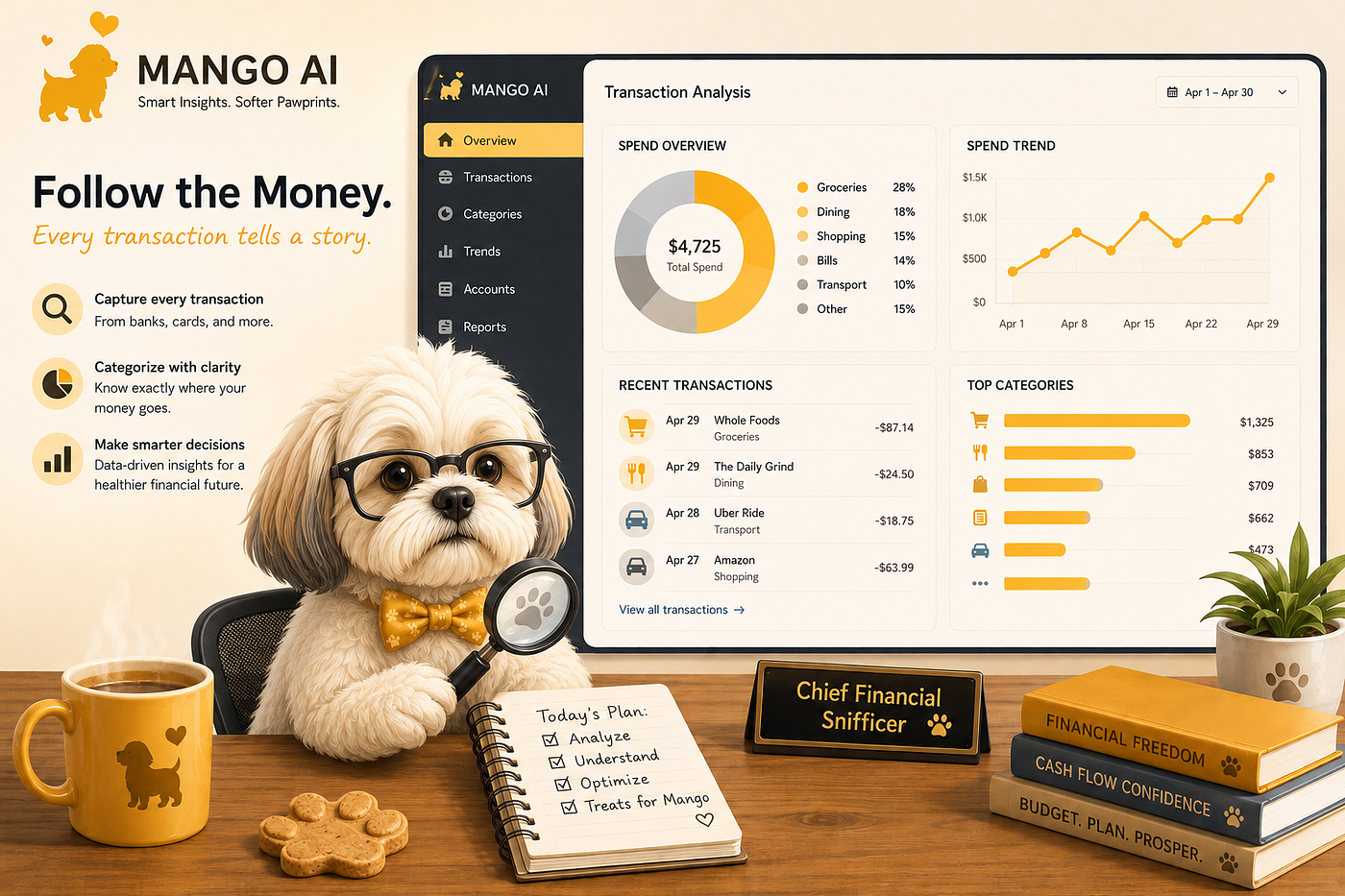
*Mango AI is a fictional company name in memory of the best of good boys!
메타데이터
- post_id
- ac7ae4e192e9
- slug
- from-spreadsheets-to-sqlite-building-a-personal-finance-tool-with-mcp-and-language-models-ac7ae4e192e9
- url
- https://medium.com/@fabio.d.o.ramos/from-spreadsheets-to-sqlite-building-a-personal-finance-tool-with-mcp-and-language-models-ac7ae4e192e9
- canonical_url
- https://medium.com/@fabio.d.o.ramos/from-spreadsheets-to-sqlite-building-a-personal-finance-tool-with-mcp-and-language-models-ac7ae4e192e9
- author_url
- https://medium.com/@fabio.d.o.ramos
- status
- ok
- fetched_at
- 2026-06-24 23:31:39




