From Zero to Programmer
A Step-by-Step Roadmap for Total Beginners
From Zero to Programmer
A Step-by-Step Roadmap for Total Beginners
ChatGPT 4o Image
Let’s get real — learning to program sounds intimidating, right? I remember staring at a blank screen, wondering if I needed a hoodie and a caffeine IV just to get started.
Good news: You don’t need a computer science degree or a 10-hour-a-day grind. You just need a goal, a roadmap, and a bit of grit. So here’s your step-by-step guide — from “What the heck is HTML?” to “Look what I just built!”
Step 1: Know Your “Why”
Before you start battling bugs or wrestling with syntax, ask yourself: Why do I want to learn to code?
- Build a side hustle?
- Automate boring tasks?
- Launch a killer app or game?
Your motivation matters. It keeps you going when your code doesn’t. It also helps you pick the right tools. Want to build websites? Different path than someone eyeing a career in data science.
Step 2: Pick One Language (and Stick With It)
Analysis paralysis is real. Don’t get stuck picking the “perfect” language or trying to learn them all at once. Here’s a quick breakdown:
- Python — Clean, simple, and perfect for automation, scripting, and data.
- JavaScript — The go-to for web development. If you want to build websites, this is your jam.
- Scratch — Super visual, super simple. Great for total beginners or kids.
Pick one. Stick with it for a few months. Trust the process.
Step 3: Master the Basics
Don’t dive into frameworks or fancy libraries just yet. First, build a strong foundation:
- Variables and data types
- If/else logic
- Loops (for, while)
- Functions (small chunks of reusable code that help organize your logic)
Use interactive platforms like:
These let you code in the browser — no setup, no stress.
Step 4: Build Real Stuff
Tutorials are great, but projects are better. Real-world practice sticks.
Start small:
- A to-do list app
- A basic calculator
- A personal homepage
- A weather app using an API
Keep it simple. Done is better than perfect. And as you build, you’re also starting your first developer portfolio — yes, even that basic calculator counts.
Step 5: Learn to Debug Like a Dev (With Help From Google and AI)
Here’s a secret: Even pro developers hit errors daily. What separates beginners from experts? Knowing how to solve them.
Start with Google. Copy the error, paste it into your search bar, and read a few posts on Stack Overflow. It’s a rite of passage.
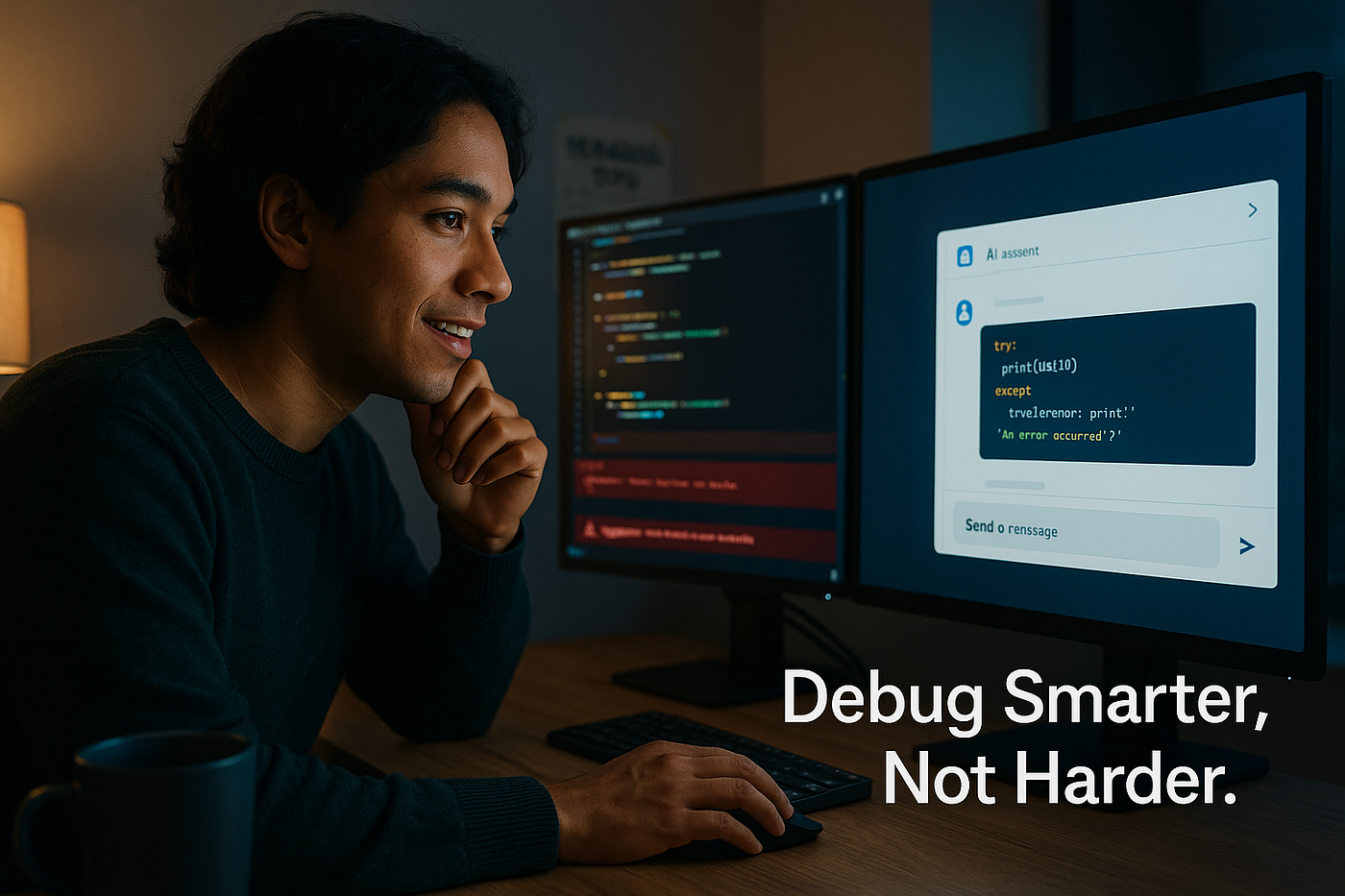
But now, you’ve got another powerful tool: AI. Tools like ChatGPT can help you:
- Explain what an error message means
- Suggest possible fixes
- Rewrite buggy code snippets
- Walk through logic step-by-step
Paste your code and ask: “Why is this not working?” You’ll often get a useful answer in seconds.
Debugging = learning. And now you’ve got backup.
Step 6: Find Your People
Coding can feel lonely. Don’t go it alone.
Plug into communities:
- Reddit’s r/learnprogramming
- Discord or Facebook coding groups
- Local meetups or online bootcamps
Share progress. Ask for help. Celebrate those wins (yes, even “centered a div” counts).
Step 7: Level Up Smartly
Feeling confident? Great. Time to expand your toolkit:
- Learn Git & GitHub
- Use the command line
- Explore APIs and databases
- Try frameworks like React or Flask
This is where things click and you start thinking like a developer.
The Long Game: Consistency > Intensity
You don’t need 10-hour marathons. Just 30 minutes a day will do. Programming is like learning a new language or lifting weights — it’s all about consistency.
Some days you’ll crush it. Some days nothing works. That’s normal.
Just keep going.
One day, you’ll run your code and it’ll work on the first try. And you’ll feel like a wizard.
So go ahead. Take that first step. Fire up your editor. Your future programmer self is cheering you on.
Bookmark this page. Start today. You’ve got this.
Created with the assistance of AI Tools.
메타데이터
- post_id
- ad35ea1ca1cd
- slug
- from-zero-to-programmer-ad35ea1ca1cd
- url
- https://medium.com/bits-bytesprogramming/from-zero-to-programmer-ad35ea1ca1cd
- canonical_url
- https://medium.com/bits-bytesprogramming/from-zero-to-programmer-ad35ea1ca1cd
- author_url
- https://medium.com/@richard-a-brown
- status
- ok
- fetched_at
- 2026-07-31 05:46:17