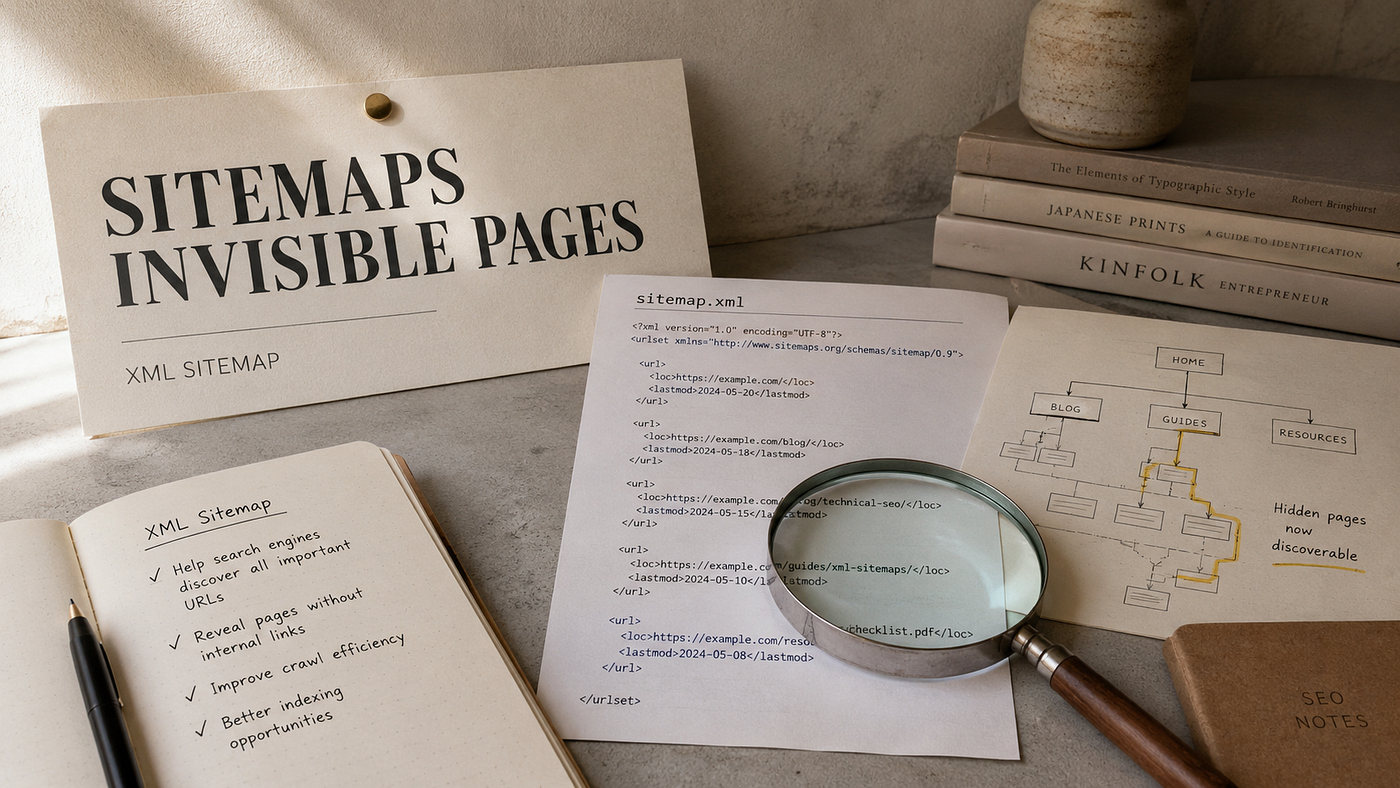
Sitemaps Best Practices: The SEO Secret 96% of Websites Get Wrong
Sitemaps Best Practices: The SEO Secret 96% of Websites Get Wrong
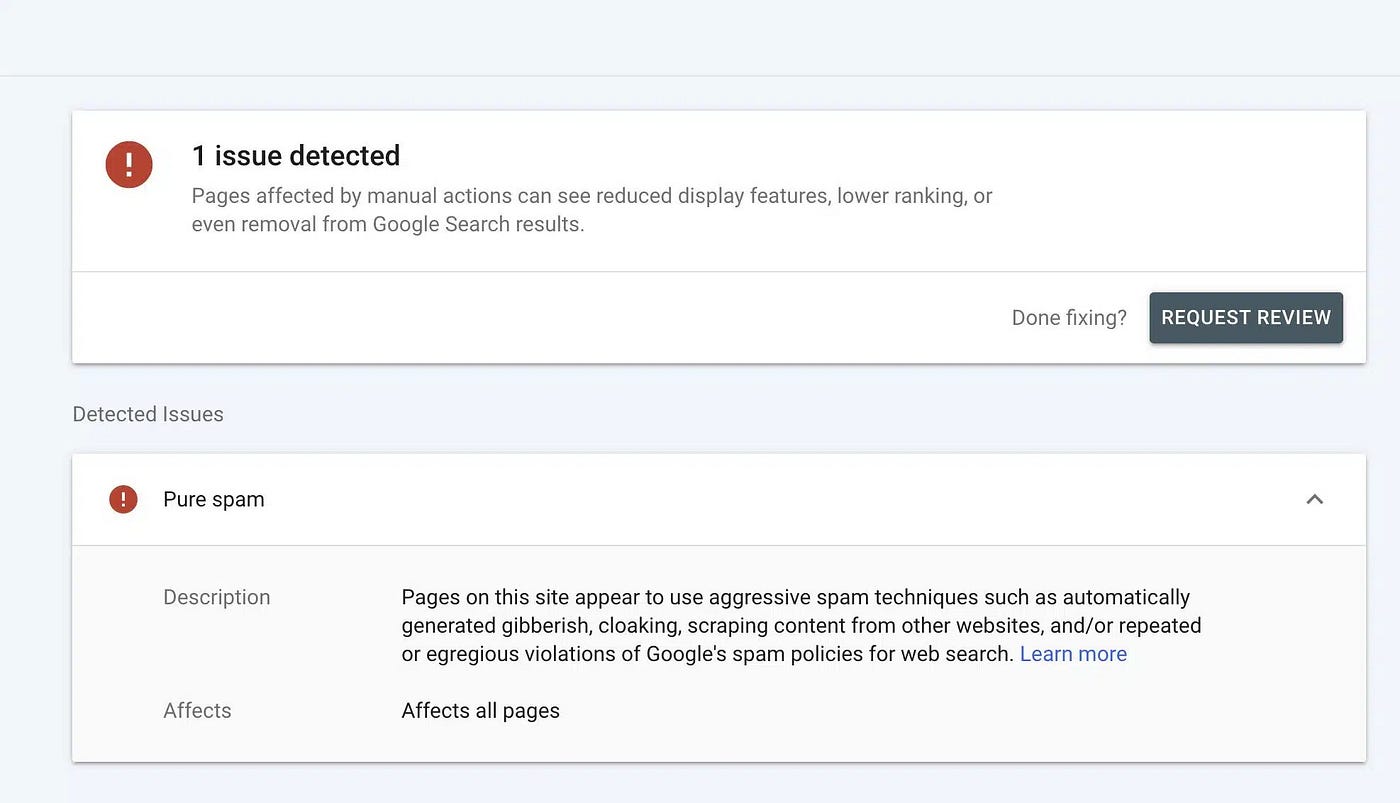
Most websites are invisible to Google. You’re probably missing 16% of your best pages right now.
Here’s the uncomfortable truth: 96.55% of all web pages receive zero traffic from Google. Not low traffic. Zero. This isn’t random bad luck. It’s a structural failure. Your pages exist, but search engines can’t find them. And the quickest way to fix this? A sitemap something most companies set once and forget.
A sitemap isn’t sexy. It won’t make it into your product roadmap. Nobody celebrates better sitemaps at the company holiday party. But I’m telling you directly: without one, you’re leaving money on the table.
What Is a Sitemap, Actually?
A sitemap is a file that lists every important page on your website in a format search engines and users can easily read. Think of it as a phone directory for your website instead of a phone directory for a city.
Sitemaps come in two flavors:
- HTML sitemaps — A page humans visit to see your full navigation and content
- XML sitemaps — A machine-readable file for search engines (this is the one that matters for SEO)
When you update your website with new blog posts, product pages, or resources, a sitemap tells Google, Bing, and other search engines exactly what’s new and where it is. No guessing. No waiting. No mystery.
A sitemap is permission to be found.
Google’s crawler has limited energy. It crawls only so many pages per day per website. If your important pages are buried or hard to reach, Google might crawl your homepage, some blog posts, and call it a day. Your best content dies in darkness.
Why Sitemaps Actually Matter for Your Business

You can’t sell what nobody can find. This isn’t philosophical. This is math.
If 16% of your valuable pages aren’t indexed by Google, that’s 16% of potential revenue you’re leaving behind. That’s leads that never arrived. Customers who never knew you existed. For a mid-sized company with 500 pages, that’s about 80 pages of pure lost opportunity.
96.55% of web pages get zero traffic from Google. One sitemap could change that.
Here’s what sitemaps actually do for your business:
- They guarantee indexing — A proper sitemap makes sure search engines see every page you want them to seo
- They accelerate discovery — New pages get indexed faster (within 24 hours instead of weeks)
- They reduce customer support burden — Better organized information means virtual assistants can deflect up to 70% of customer inquiries without human help
- They improve user experience — When your site is logically structured, visitors find what they need faster
- They save crawl budget — Search engines have limits. Don’t waste them on pages nobody cares about
The last point matters more than most people realize. Every website gets a “crawl budget” from Google. For small sites, this is unlimited. For large sites, Google might only crawl a percentage of your pages each day. If you waste budget on duplicate pages, session IDs, or dead links, you’re robbing important pages of crawl time.
The Language You Need to Know
Before we talk strategy, let’s agree on terms. These words show up in technical documentation, and they actually matter.
- URL — The web address (example: yoursite.com/about)
- Crawling — Search engine robots visiting your pages to read them
- Indexing — Adding your pages to Google’s database so they can appear in search results
- Crawl budget — The total number of pages Google will crawl on your site per day
- Orphan pages — Pages that have no internal links pointing to them (Google forgets they exist)
- Internal links — Links from one page on your site to another page on your site
- XML sitemap — A file (usually ending in .xml) that lists your URLs for search engines
The most important distinction: crawling and indexing are different. Google can crawl your page but not index it. You want both.
UX Best Practices

Your sitemap helps users and crawlers understand your site structure. Add an HTML sitemap in the footer and group pages clearly, such as Products, Blog, or Support.
Use short, descriptive link text and keep key pages within three clicks from the homepage. For large websites, use regional or role-based sitemap sections.
Make the sitemap keyboard-friendly, with clear headings, ARIA labels, and logical structure. Check links regularly, remove broken pages, and keep breadcrumbs consistent.
A clean, accessible sitemap improves UX, builds trust, and supports SEO.
How to Build a Sitemap That Actually Works for Users
Your sitemap should be a tool for humans first, search engines second. If users love navigating your site, search engines will too.
Here’s how to structure one:
- Keep core pages within three clicks of your homepage — If users need four clicks to reach your contact page, that’s too far. Make navigation obvious.
- Group pages by topic — Don’t just list every page alphabetically. Organize them the way users think about your business. If you sell shoes, group by “Men’s Shoes,” “Women’s Shoes,” “Sale Items.” Don’t mix everything together.
- Update your sitemap within 24 hours of publishing — When you publish a new blog post or product page, update your sitemap the same day. This tells Google you have fresh content waiting.
- Make your HTML sitemap visible — Link to it from your footer or in your navigation. Users should easily find it. If users find it valuable, you’ve built something good.
- Test it yourself — Before you submit anything to Google, click through your sitemap like you’re a real visitor. Does it make sense? Can you get anywhere you need to go?
Here’s what you should avoid:
- Listing pages behind login screens (Google can’t index them anyway)
- Including multiple versions of the same page (like www.example.com and example.com)
- Adding parameters or session IDs that create duplicates
- Listing pages you don’t want ranked (like thank you pages or internal admin sections)
The SEO Strategy That Changes Everything
Search engines reward structure. They favor websites that are organized like libraries, not landfills.
A well-built sitemap tells Google your site’s information architecture (the way you’ve organized everything). When Google sees clear categories, subcategories, and logical groupings, it trusts your site more. It crawls more efficiently. It ranks you higher.
16% of valuable pages on large websites never get indexed at all.
Here’s the technical side:
- Use XML sitemap standards — Follow the **protocol **that search engines expect. This means proper formatting, valid URLs, and metadata tags.
- Limit each sitemap to 50,000 URLs — If you have more than 50,000 pages, create multiple sitemaps and link them in a sitemap index file (a file that lists other sitemaps).
- Keep uncompressed file size under 50 MB — Huge files load slowly and frustrate both users and crawlers.
- Add priority and frequency hints — Tell Google which pages matter most. Your homepage gets priority 1.0. Your blog archives get 0.5.
- Include last-modified dates — When you update a page, update this date in the sitemap. Google then recrawls it quickly.
- Build internal linking around your sitemap — Your most important pages should have the most internal links pointing to them. This reinforces what matters.
When you do this right, you’re not just making a map. You’re telling a story about what your website is actually about.
Why Old Sitemaps Are Dying (And What’s Replacing Them)
Static XML sitemaps work fine for small websites. They fail at scale.
When your site has thousands of pages that change constantly, hardcoding a sitemap becomes painful. You have to manually update it, regenerate it, resubmit it. This is 2024. We can do better.
The future belongs to:
- Dynamic sitemaps — Generated automatically from your database or CMS (Content Management System). When you publish new content, the sitemap updates itself.
- AI-powered sitemaps — Smart systems that prioritize pages based on user behavior and business goals, not just keywords.
- Semantic sitemaps — Maps that understand meaning and relationships between content, helping Google understand context better.
For businesses using modern AI-powered tools, this means automation. No more manual labor. No more outdated maps. Your infrastructure tells Google everything about your site in real time.
Visual Comparison Table

How to Actually Implement This
Stop planning. Start building.
Here’s exactly what to do Monday morning:
- Audit what you have — Do you have a sitemap? When was it last updated? Is it valid? (Tools like Screaming Frog or Google Search Console will tell you instantly.)
- Set it to update automatically — If you’re on WordPress, Shopify, or any modern platform, install a plugin that generates sitemaps dynamically. You’re done after this step.
- Submit to Google Search Console — Go to search.google.com/search-console. Add your XML sitemap URL. Google will crawl it and index your pages faster.
- Monitor crawl efficiency — In Search Console, check “Coverage” monthly. Are pages being indexed? Are errors appearing? Fix them immediately.
- Link to it visibly — Add a footer link to your HTML sitemap. Let users navigate with it too.
This isn’t a one-time project. This is infrastructure that pays forever. Every new page automatically gets discovered. Every update gets crawled fast. You’re not fighting Google anymore. You’re working with it.
메타데이터
- post_id
- adab2d04ac3f
- slug
- sitemaps-best-practices-the-seo-secret-96-of-websites-get-wrong-adab2d04ac3f
- url
- https://medium.com/@julianneagu/sitemaps-best-practices-the-seo-secret-96-of-websites-get-wrong-adab2d04ac3f
- canonical_url
- https://medium.com/@julianneagu/sitemaps-best-practices-the-seo-secret-96-of-websites-get-wrong-adab2d04ac3f
- author_url
- https://medium.com/@julianneagu
- status
- ok
- fetched_at
- 2026-06-09 15:37:30