[SAP GenAI + SAP Build App]Building a chatbot (Part 2)
In the previous blog, we discussed SAP GenAI and created an API. We also tested the API and received a successful response. Today, let’s…
[SAP GenAI + SAP Build App]Building a chatbot (Part 2)
In the previous blog, we discussed SAP GenAI and created an API. We also tested the API and received a successful response. Today, let’s dive deeper into SAP Build Apps.
I. SAP Build App
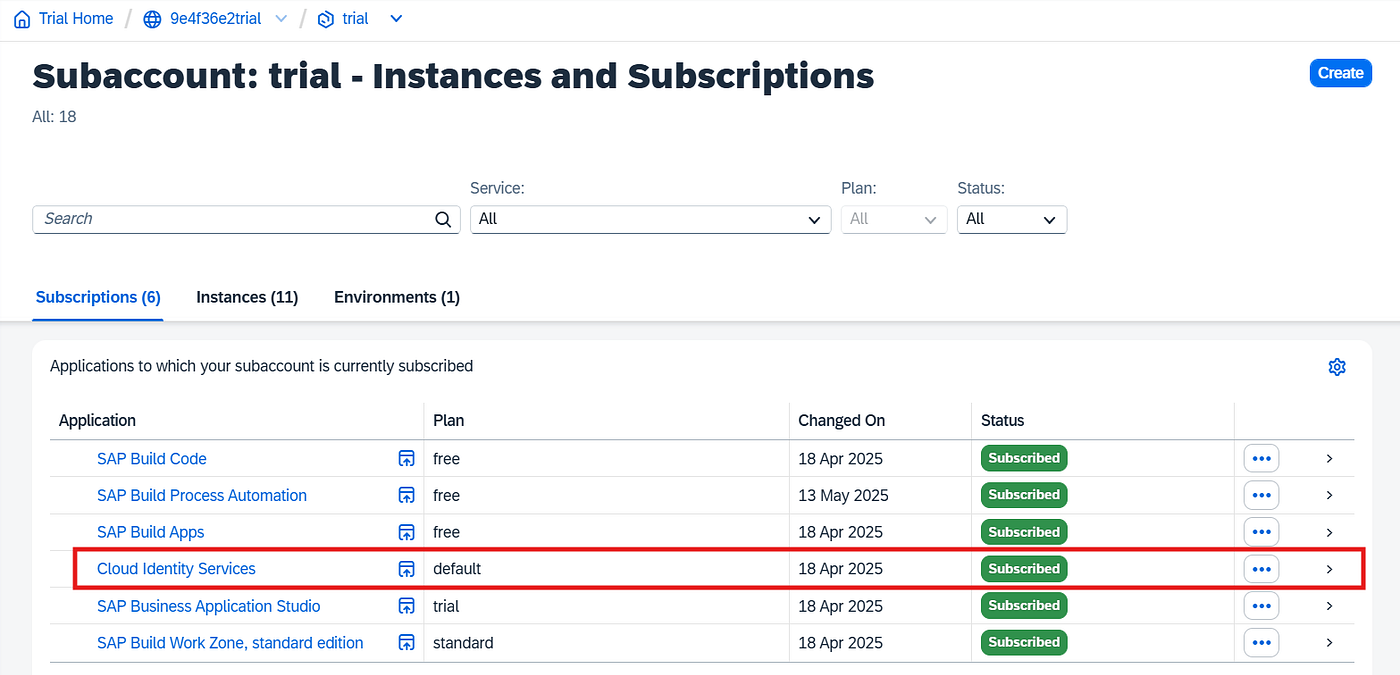
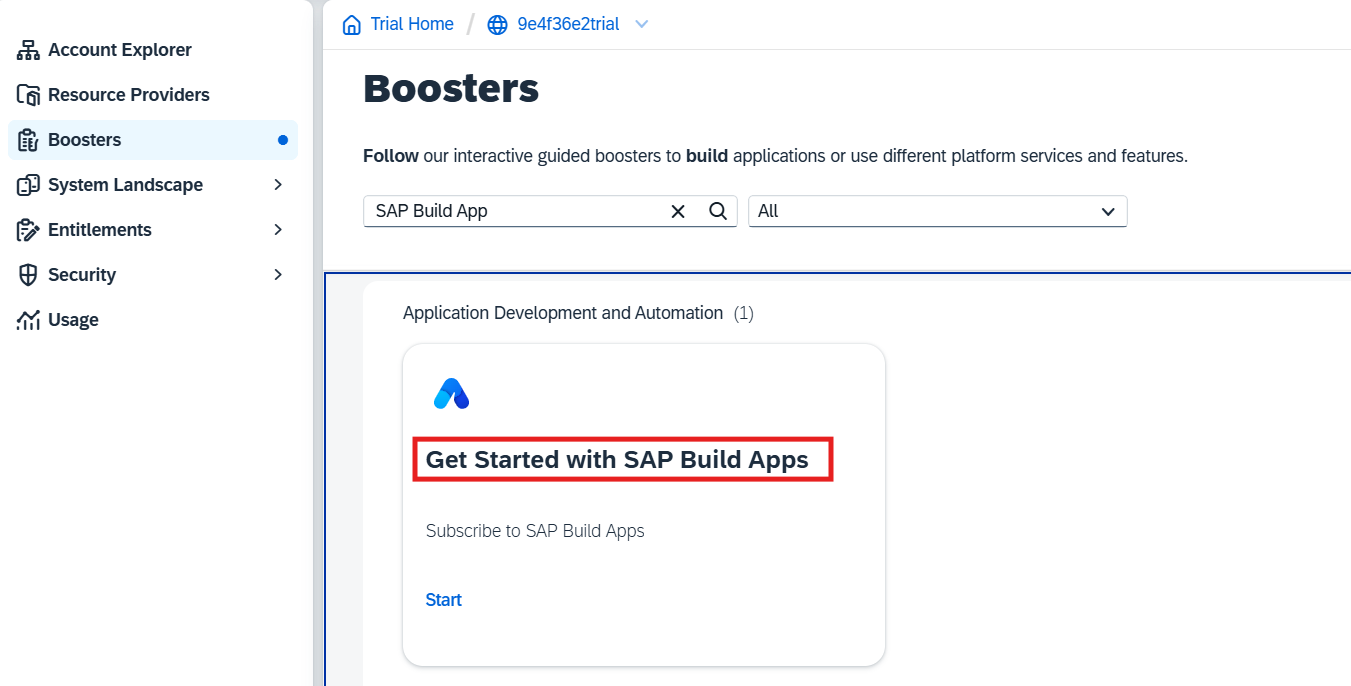
Using Boosters to activate SAP Build Apps and other necessary components.
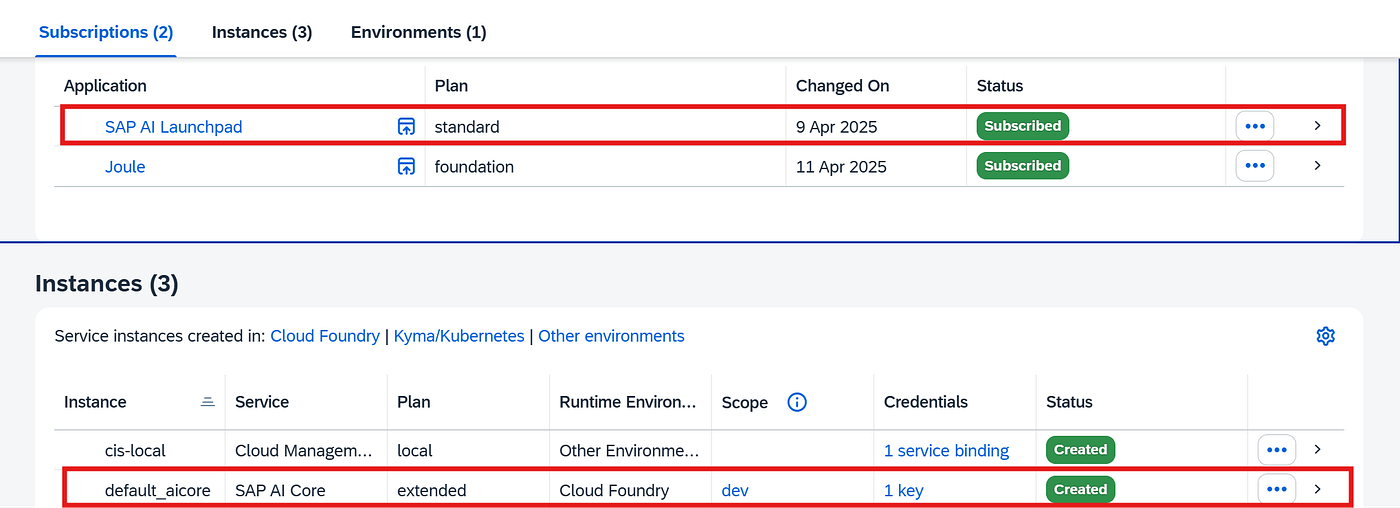
- Check services

- Create Destination

🔖 Note:
URL: This is the API endpoint from SAP GenAI.
Client ID & Client Secret: These are retrieved from the service key created when setting up the AI Core service.
BuildApps.ApiType: rest
BuildApps.Enabled: true
HTML5.DynamicDestination: true
URL.headers.AI-Resource-Group: chatbot
URL.headers.Content-Type: application/json
- Login SAP Build App

- Create project


III. Design Home Page
- Add Integration


- Add path
Path: /chat/completions?modelVersion=latest&modelName=gpt-4o-mini&api-version=2024–10–21
Method: POST

- Test run


- Variables
- App variables

- Page variables

- Create a new page


- Add logic

- Save and preview
III. Design Chatbot page
- User Interface

- Chat history
Repeat with the app variable:

- Icon
With formula: {set: “fiori”, name: IF(repeated.current.role == “user”, “question-mark”, “accept”)}

- Title
With formula: IF(repeated.current.role == “user”, “You”, “Chatbot”)

- Text
With formula: IF(repeated.current.role == “user”, REPLACE_ALL(repeated.current.content, “You are an SAP assistant. Please do not respond to any questions that are not related to the SAP system. If I ask any such questions, respond by saying you don’t know. “, “”), repeated.current.content)

- Input
Binding with the page varible:

- Send button
With logic:

IV. Implement logic of sending event
- Set app variable

With formula: WITH_ITEM(appVars.Chathistory, { role: “user”, content: “You are an SAP assistant. Please do not respond to any questions that are not related to the SAP system. If I ask any such questions, respond by saying you don’t know. “ + pageVars.input })

- Create record

Binding with integration source: Chatbot

With formula: { messages: appVars.Chathistory }

- Set app variable

Binding with App variable: Chathistory

With formula: WITH_ITEM(appVars.Chathistory, { role: outputs[“Create record”].response.choices[0].message.role, content: outputs[“Create record”].response.choices[0].message.content })

- Error handling

Binding with Alert

- Set page variable
Binding with page variable and has a blank value.

V. Preview
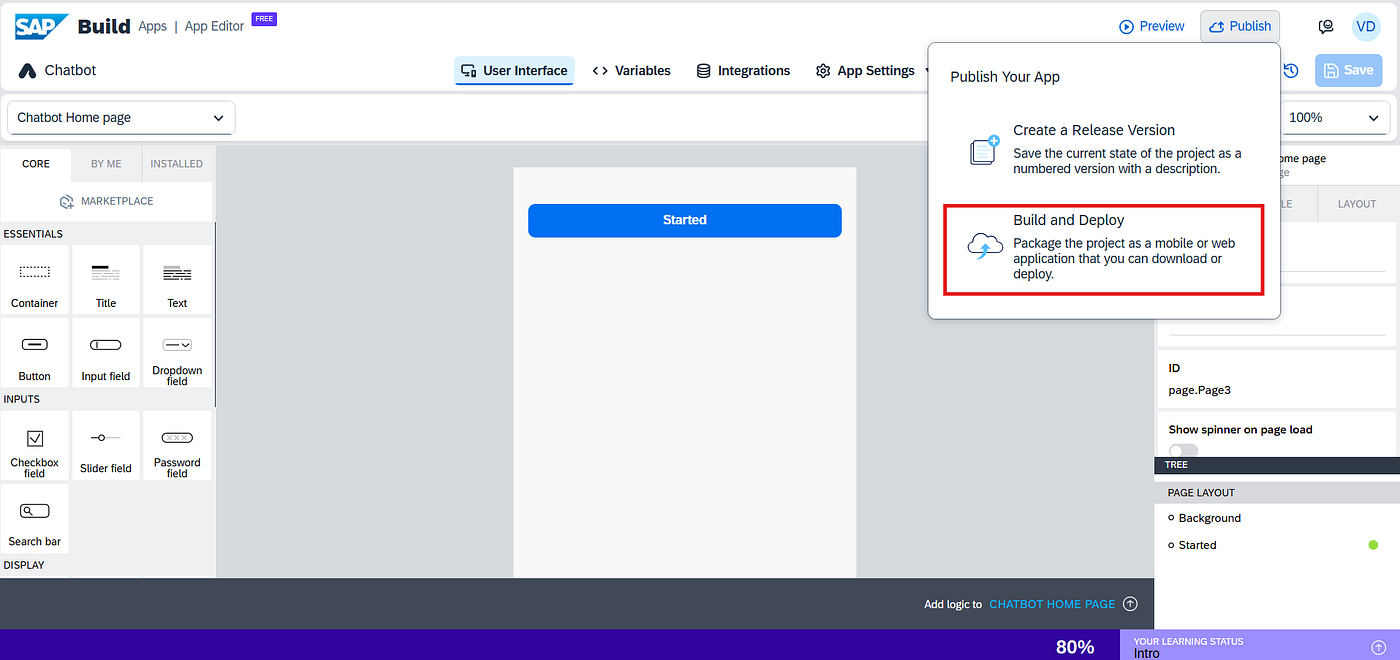
- Save and preview

- Choose application

- See the video below

Great! We have built a simple chatbot application using SAP GenAI and SAP Build Apps. Of course, you can design this app to be even more beautiful and professional than mine! 😄 In the next blog, I will talk about deployment: How can we deploy an application to SAP Build Work Zone (SAP BWZ)?
Let’s stay tuned.
That’s all I wanted to share in this blog. Please let me know your thoughts. If you have any questions, feel free to contact me via:
Phone: +84367584082 Email: vothedung91@gmail.com
I’m Vietnamese, nice to meet you all. Goodbye, and see you soon!
메타데이터
- post_id
- adaca7a529a1
- slug
- sap-genai-sap-build-app-building-a-chatbot-part-2-adaca7a529a1
- url
- https://medium.com/@vothedung91/sap-genai-sap-build-app-building-a-chatbot-part-2-adaca7a529a1
- canonical_url
- https://medium.com/@vothedung91/sap-genai-sap-build-app-building-a-chatbot-part-2-adaca7a529a1
- author_url
- https://medium.com/@vothedung91
- status
- ok
- fetched_at
- 2026-08-02 22:24:21