Microsoft 365 Copilot: Copilot integration with Microsoft 365 apps
By: Asfand Gul Kasi
Microsoft 365 Copilot: Copilot integration with Microsoft 365 apps
By: Asfand Gul Kasi
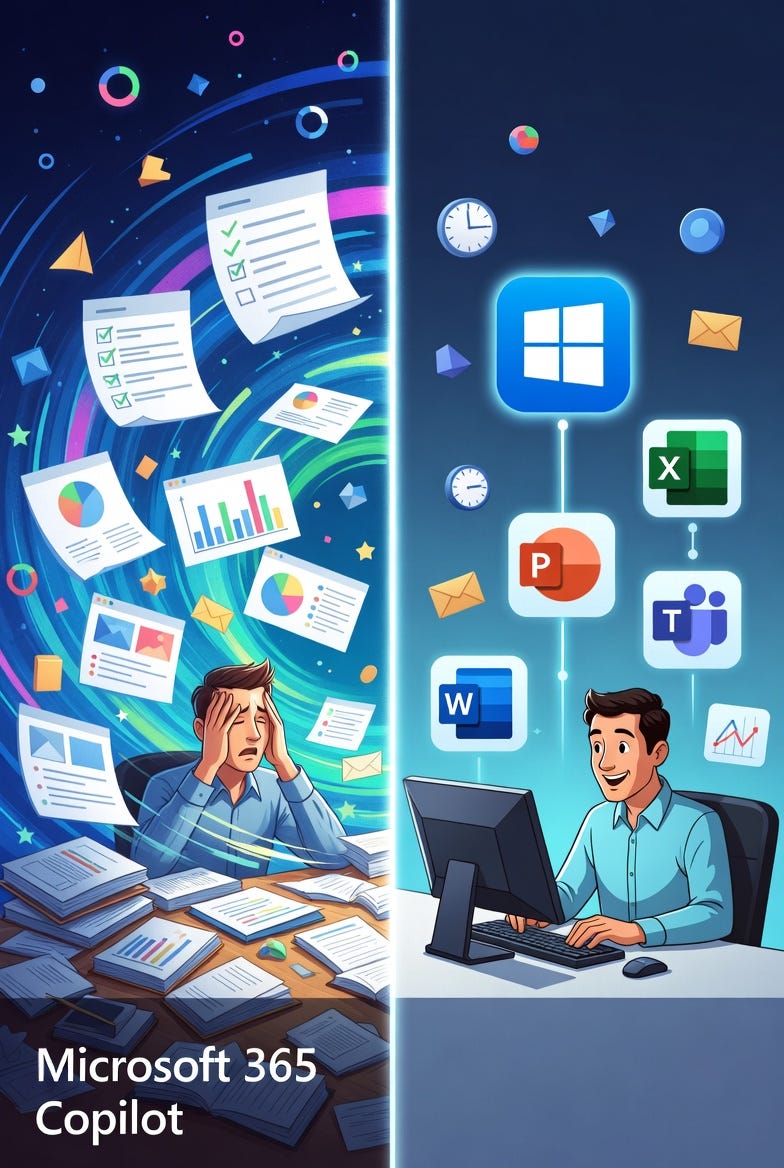
Integrating AI directly into your favorite apps to save time, crush repetitive tasks, and let you focus on what matters
Overcoming the Overload
You know that feeling when your to-do list seems endless analyzing data, collaborating on projects, creating presentations, and handling repetitive tasks that drain your creativity. In today’s fast-paced digital world, managing all these responsibilities can feel overwhelming. Fortunately, Microsoft 365 Copilot offers a smart solution by integrating directly into the tools you already use, helping you save time, reduce stress, and focus on meaningful work.
Microsoft Ecosystem
The Microsoft ecosystem refers to the interconnected suite of tools and services within Microsoft 365 that work seamlessly together. This integration enhances productivity, collaboration, and innovation by allowing users to move smoothly between applications while maintaining context and efficiency.
What is Microsoft 365 Copilot?
At its core, Microsoft 365 Copilot is an AI-powered assistant designed to enhance both productivity and creativity. Embedded within familiar applications like Excel, Outlook, Teams, and PowerPoint, it uses advanced large language models (LLMs) to provide real-time suggestions, automate repetitive tasks, and simplify complex workflows. Its ability to understand context across applications makes it a truly transformative tool.
Copilot in Excel: Smarter Data Analysis
Microsoft Excel has long been a powerful tool for data analysis, but it often requires advanced skills and significant time investment. Copilot simplifies this process by generating formulas, analyzing trends, and creating visualizations instantly. For example, users can quickly transform raw data into charts and actionable insights, enabling faster and more informed decision-making.
Copilot in Outlook: Efficient Email Management
Managing emails can be time-consuming, but Copilot in Outlook streamlines the process. It organizes inboxes, summarizes lengthy email threads, and drafts context-aware responses. This allows users to prioritize important messages and handle routine communication efficiently, saving valuable time each day.
Copilot in Teams: Enhanced Collaboration
Microsoft Teams is central to modern workplace communication, yet managing meetings and conversations can be overwhelming. Copilot improves collaboration by summarizing discussions, identifying action items, and suggesting follow-ups. This ensures that teams stay aligned and no critical detail is missed.
Copilot in PowerPoint: Effortless Presentations
Creating presentations from scratch can be tedious. Copilot simplifies this by generating slides from outlines or documents, suggesting visuals, and enhancing design layouts. Users can quickly produce professional presentations, allowing them to focus on delivering impactful messages rather than spending hours on formatting.
Implementing Copilot Successfully
To fully leverage Copilot, organizations must adopt effective strategies. Empowering IT teams ensures proper setup and alignment with organizational needs. Additionally, champion users early adopters who guide others play a crucial role in promoting adoption and sharing best practices. This approach helps organizations stay ahead in the rapidly evolving AI landscape.
Microsoft Copilot Pricing and Licensing: Choosing the Right Plan
Introduction: Navigating the Options
Are you ever overwhelmed by the number of tools and apps available, unsure which one best fits your needs? With so many productivity solutions on the market, making the right choice can be challenging. Before diving into the powerful capabilities of Microsoft Copilot, it’s essential to understand its pricing structure and licensing options so you can make an informed decision.
Exploring Your Copilot Options
Microsoft offers three main ways to access Copilot: a free trial, Copilot Pro, and Microsoft 365 Copilot. Each option is designed for different types of users, from individuals to large organizations.
Free Trial: Test Before You Commit
The free trial is an excellent starting point for individuals and businesses who want to explore Copilot’s core features. During this limited-time period, users can access tools such as document drafting, data insights, and automated reporting within Microsoft 365 apps. It allows you to evaluate whether Copilot aligns with your workflow before investing in a subscription.
Copilot Pro: Advanced Features for Individuals
For users seeking a more powerful experience, Microsoft Copilot Pro provides full access to advanced AI capabilities. Designed for individual users, it integrates seamlessly into applications like Microsoft Word, Microsoft Excel, Microsoft PowerPoint, and Microsoft Outlook.
Copilot Pro enhances productivity by:
- Generating and refining document drafts in Word
- Analyzing data and creating reports in Excel
- Designing presentations and suggesting layouts in PowerPoint
- Managing emails and drafting responses in Outlook
Priced at $20 per user per month, this plan offers priority access to advanced AI models, higher usage limits, and early access to new features.
Microsoft 365 Copilot: Enterprise-Level Solution
For businesses and larger organizations, Microsoft 365 Copilot provides a more comprehensive solution. At $30 per user per month, it includes enterprise-grade features, deeper integrations, and enhanced support tailored to organizational needs.
Measuring Value: Productivity and ROI
One of the standout advantages of Microsoft 365 Copilot is its ability to measure productivity gains. Tools like “Copilot Assisted Hours” track time saved on routine tasks, while “Copilot Assisted Value” converts those time savings into financial metrics. These insights help organizations evaluate return on investment (ROI) and optimize how they use Copilot across teams.
메타데이터
- post_id
- adf3ec98b36f
- slug
- microsoft-365-copilot-copilot-integration-with-microsoft-365-apps-adf3ec98b36f
- url
- https://medium.com/@arbabasfand1/microsoft-365-copilot-copilot-integration-with-microsoft-365-apps-adf3ec98b36f
- canonical_url
- https://medium.com/@arbabasfand1/microsoft-365-copilot-copilot-integration-with-microsoft-365-apps-adf3ec98b36f
- author_url
- https://medium.com/@arbabasfand1
- status
- ok
- fetched_at
- 2026-06-20 20:29:01