How to Fix NET::ERR_CLEARTEXT_NOT_PERMITTED Android Error
The NET::ERR_CLEARTEXT_NOT_PERMITTED error occurs on Android when an app tries to load unencrypted (HTTP) content via WebView. This…
How to Fix NET::ERR_CLEARTEXT_NOT_PERMITTED Android Error
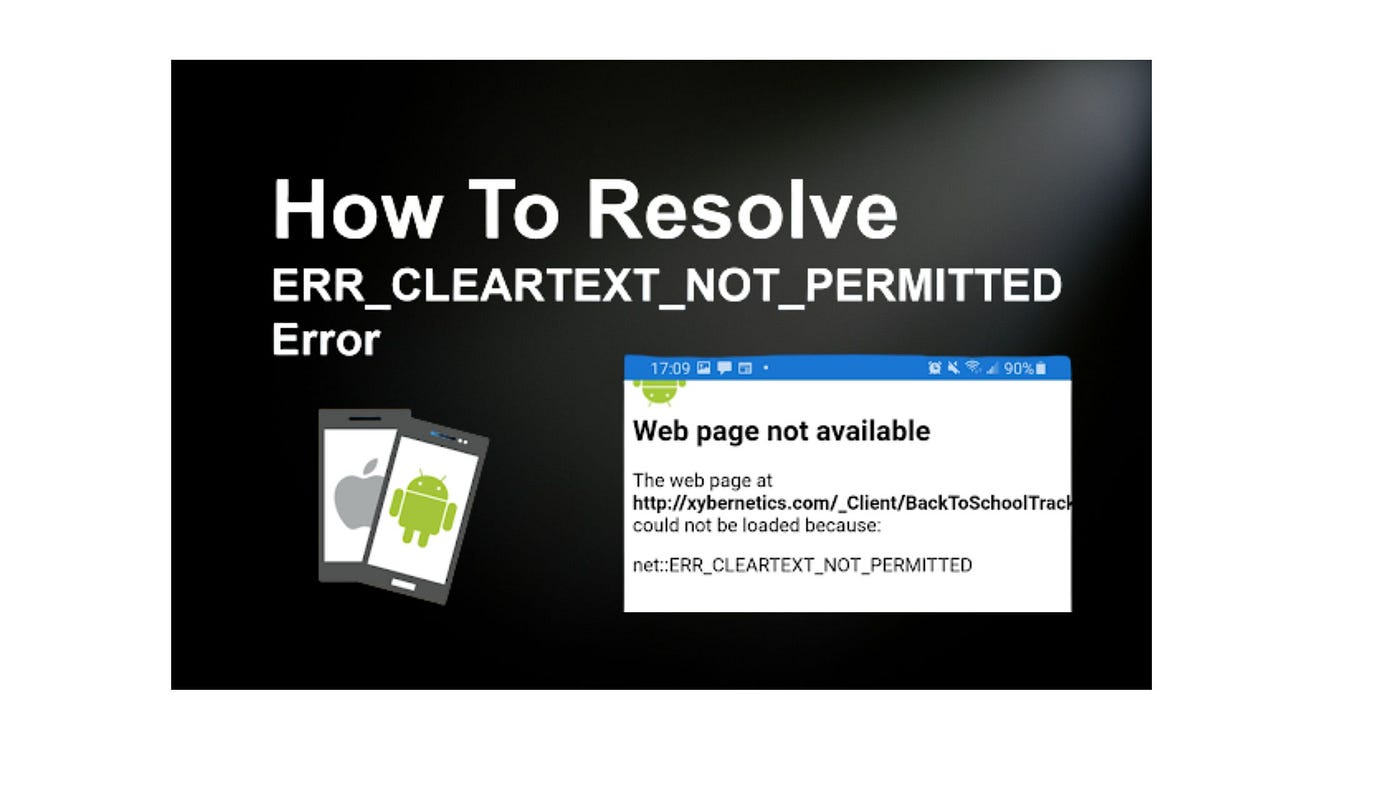
The NET::ERR_CLEARTEXT_NOT_PERMITTED error occurs on Android when an app tries to load unencrypted (HTTP) content via WebView. This security measure, introduced in Android 9.0, prevents apps from transmitting data over unsecured connections. Unlike browsers like Chrome, WebView enforces this restriction, leading to access issues for certain websites.
Causes of NET::ERR_CLEARTEXT_NOT_PERMITTED Error
- Android prevents apps from sending unencrypted (cleartext) data by default.
- Apps using WebView trigger this error when loading HTTP content.
- Developers need to update app configuration files to permit cleartext traffic.
- Website owners should ensure all pages load over HTTPS to avoid redirections triggering this error.
How to Fix NET::ERR_CLEARTEXT_NOT_PERMITTED Error
1. Modify AndroidManifest.xml
Locate the AndroidManifest.xml file in the app project and add the following attribute inside the <application> tag:
xmlCopyEditandroid:usesCleartextTraffic="true"This temporarily allows cleartext traffic but should only be used if HTTPS migration isn’t possible immediately.
2. Allowlist Domains in network_security_config.xml
Create a network_security_config.xml file in the res directory and define the domains that can use cleartext:
xmlCopyEdit<?xml version="1.0" encoding="utf-8"?>
<network-security-config>
<domain-config cleartextTrafficPermitted="true">
<domain includeSubdomains="true">yourwebsite.com</domain>
</domain-config>
</network-security-config>Then, reference this file in AndroidManifest.xml:
xmlCopyEditandroid:networkSecurityConfig="@xml/network_security_config"This method selectively allows specific domains rather than enabling cleartext for all traffic.
3. Force Your Website to Use HTTPS
The best long-term solution is to migrate your website to HTTPS by installing an SSL certificate. Many web hosting providers offer free SSL certificates, ensuring encrypted data transmission and enhanced security.
Conclusion
The NET::ERR_CLEARTEXT_NOT_PERMITTED error occurs when Android apps try to access unencrypted content. Developers can fix this by modifying configuration files, while website owners should enforce HTTPS. Implementing these solutions ensures a secure and smooth browsing experience in Android apps.
Read complete blog here: https://wpexperts.io/blog/fix-neterr_cleartext_not_permitted-error/
메타데이터
- post_id
- aede6caea99d
- slug
- how-to-fix-net-err-cleartext-not-permitted-android-error-aede6caea99d
- url
- https://medium.com/@tahamehmood/how-to-fix-net-err-cleartext-not-permitted-android-error-aede6caea99d
- canonical_url
- https://medium.com/@tahamehmood/how-to-fix-net-err-cleartext-not-permitted-android-error-aede6caea99d
- author_url
- https://medium.com/@tahamehmood
- status
- ok
- fetched_at
- 2026-06-24 11:06:28