Protecting Your Data While Working Remotely: A Beginner-Friendly Guide
Working remotely has become a part of everyday life for many professionals. From freelancers to corporate employees, remote work offers…
Protecting Your Data While Working Remotely: A Beginner-Friendly Guide

Working remotely has become a part of everyday life for many professionals. From freelancers to corporate employees, remote work offers flexibility and convenience. However, with this convenience comes the responsibility of protecting sensitive data. Whether it’s financial records, client information, or company strategies, a single security lapse can lead to severe consequences. Understanding how to protect your data while working remotely is essential for maintaining trust, privacy, and productivity.
Imagine carrying all your important documents in a briefcase on a busy street without locking it. That’s what it’s like to work remotely without proper data protection measures. Cybercriminals are always looking for gaps, and unsecured devices, public Wi-Fi networks, and weak passwords can make even seasoned professionals vulnerable. By taking proactive steps, remote workers can create a secure workspace no matter where they are, ensuring that their data remains safe from unauthorized access.
Understanding the Risks of Remote Work
Remote work introduces several unique security risks. Public Wi-Fi networks, for instance, are convenient but can be breeding grounds for hackers. Connecting to an open network without a VPN is like leaving your front door unlocked in a crowded city. Hackers can intercept data, access login credentials, and steal sensitive files.
Another common risk is device theft or loss. Laptops, tablets, and smartphones carry critical work files, and losing these devices can result in both financial and reputational damage. Phishing attacks also increase in remote environments where team interactions are mostly virtual. Attackers often disguise emails or messages as legitimate work requests, tricking employees into sharing passwords or downloading malware. Understanding these risks is the first step in protecting your data while working remotely.
Using Strong Authentication and Password Practices
One of the simplest yet most effective ways to protect your data is through strong authentication. Passwords are often the first line of defense, so using unique and complex passwords for each account is crucial. Avoid common phrases, personal information, or sequential numbers. Instead, create passwords that combine letters, numbers, and symbols.
Multi-factor authentication (MFA) adds an extra layer of security. Even if someone obtains your password, MFA requires a second verification step, such as a code sent to your phone or an authentication app. Many tools, including digitalsoftwarekey productivity solutions, encourage enabling MFA for accounts, reducing the risk of unauthorized access. By adopting strong authentication and password habits, remote workers create a resilient defense against potential threats.
Securing Devices and Software
Keeping devices secure goes beyond using passwords. Regular updates to operating systems, software, and antivirus programs are essential. Updates patch vulnerabilities that hackers can exploit, making your devices safer over time. Using genuine software from trusted sources like digitalsoftwarekey ensures that updates and support are reliable and that there are no hidden threats in pirated software.
Encryption is another powerful tool. Encrypting your hard drives or sensitive files ensures that even if a device is stolen, the data remains unreadable without the correct decryption key. Additionally, avoid storing sensitive information on devices long-term and back up important data regularly to secure cloud storage or external drives. These practices collectively safeguard data and reduce the risk of permanent loss.
Protecting Data on Public Networks
Public networks are a common necessity for remote workers who travel or work from cafes. However, they pose significant risks if data protection measures are not in place. Using a reliable Virtual Private Network (VPN) is like creating a secure tunnel for your internet traffic, preventing eavesdroppers from intercepting your data.
Avoid accessing sensitive accounts on public Wi-Fi when possible. If it’s unavoidable, ensure the VPN is active, and refrain from downloading unverified files. HTTPS websites provide an additional layer of security for web-based tasks. By combining these practices, remote professionals can maintain productivity without compromising data security.
Being Vigilant Against Phishing and Cyber Attacks
Cyber attackers often target remote workers through phishing emails or fraudulent messages. These attempts can appear convincingly professional, sometimes mimicking internal company communications. Clicking on malicious links or downloading unknown attachments can compromise devices and data instantly.
Remote workers should always verify the source of emails, double-check links, and be skeptical of urgent requests for sensitive information. Training sessions on recognizing phishing attempts and security best practices are invaluable. Many organizations also provide secure platforms for internal communication, which helps reduce the likelihood of accidental exposure. Vigilance is key; even a single lapse can have far-reaching consequences for both personal and organizational data security.
Safe Collaboration and Cloud Usage
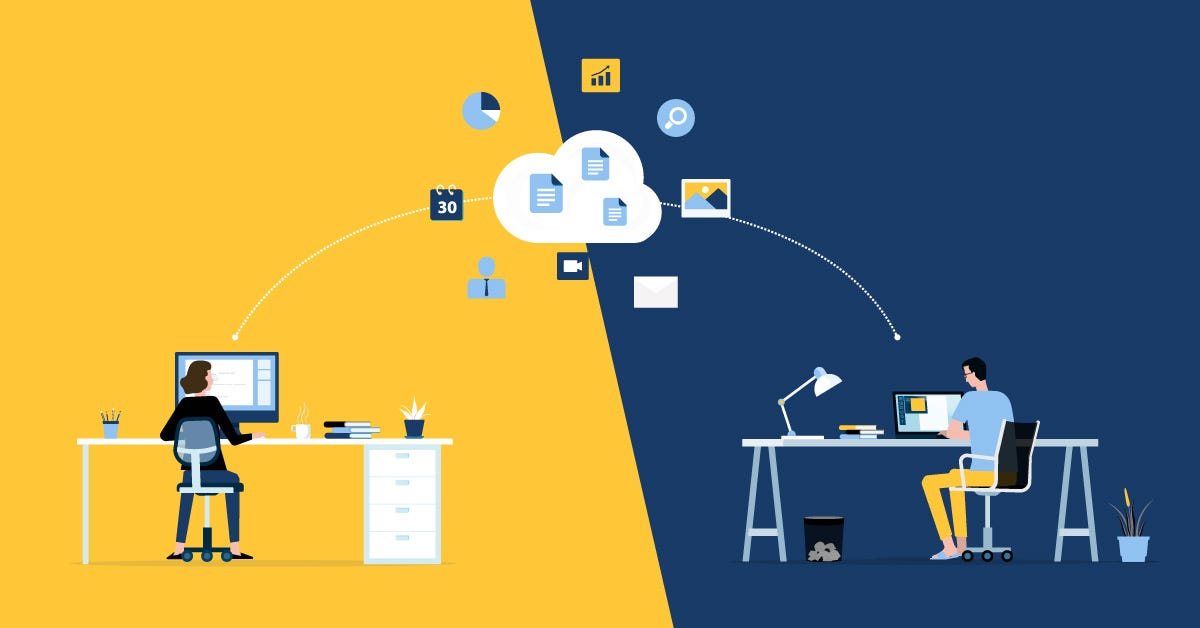
Remote work relies heavily on cloud services for collaboration. While convenient, these platforms must be used safely. Choose cloud providers with strong security protocols and data encryption. Set access permissions carefully, granting files only to team members who need them. Avoid sharing sensitive files over unencrypted channels or through personal email accounts.
Collaboration tools often include features like activity tracking and file recovery, which enhance security and accountability. For businesses, investing in verified software licenses from providers like digitalsoftwarekey ensures that all cloud-based tools are legitimate, receive updates, and have support for potential security issues. By managing collaboration responsibly, remote teams can balance productivity with robust data protection.
Creating a Secure Remote Work Routine
Consistency is crucial in maintaining data security. Develop a routine that includes regular backups, software updates, and device checks. Schedule periodic reviews of account permissions, shared files, and security settings. Simple habits, like locking screens when away and storing devices securely, reinforce a culture of caution and awareness.
Educating family members or roommates about the importance of data privacy also helps prevent accidental breaches. Treat your home workspace as a professional environment with strict rules for device access and internet usage. Over time, these routines become second nature, drastically reducing the risk of data compromise while working remotely.
FAQ’s
Q1: What is the most important step in protecting data remotely?
Using strong passwords and enabling multi-factor authentication is one of the most effective first steps to prevent unauthorized access.
Q2: Are public Wi-Fi networks safe for work?
Public networks are inherently risky. Using a VPN and HTTPS websites provides a safer environment for online activities.
Q3: How often should devices and software be updated?
Devices and software should be updated regularly, ideally as soon as updates become available, to patch vulnerabilities.
Q4: Is cloud storage safe for sensitive information?
Yes, when used with secure cloud providers, encrypted storage, and proper access permissions, cloud storage is a reliable option.
Q5: Can phishing attacks be prevented?
While no method is 100% foolproof, training, vigilance, and secure communication practices significantly reduce the risk of falling victim to phishing attacks.
Protecting your data while working remotely is a continuous process. By understanding risks, securing devices, practicing safe collaboration, and maintaining vigilance against cyber threats, remote workers can safeguard sensitive information effectively. Implementing these strategies builds trust, ensures privacy, and creates a productive remote work environment. Choosing verified software and tools from reliable providers like digitalsoftwarekey reinforces these protective measures, making data security a practical part of everyday remote work.
메타데이터
- post_id
- af7e4e0c4ffa
- slug
- protecting-your-data-while-working-remotely-a-beginner-friendly-guide-af7e4e0c4ffa
- url
- https://medium.com/@ywhole52/protecting-your-data-while-working-remotely-a-beginner-friendly-guide-af7e4e0c4ffa
- canonical_url
- https://medium.com/@ywhole52/protecting-your-data-while-working-remotely-a-beginner-friendly-guide-af7e4e0c4ffa
- author_url
- https://medium.com/@ywhole52
- status
- ok
- fetched_at
- 2026-07-17 09:04:15