How I Optimized WooCommerce Product Images and Improved Store Performance
If you run a WooCommerce store, your product images are probably the biggest reason your website feels slow.
How I Optimized WooCommerce Product Images and Improved Store Performance
If you run a WooCommerce store, your product images are probably the biggest reason your website feels slow.
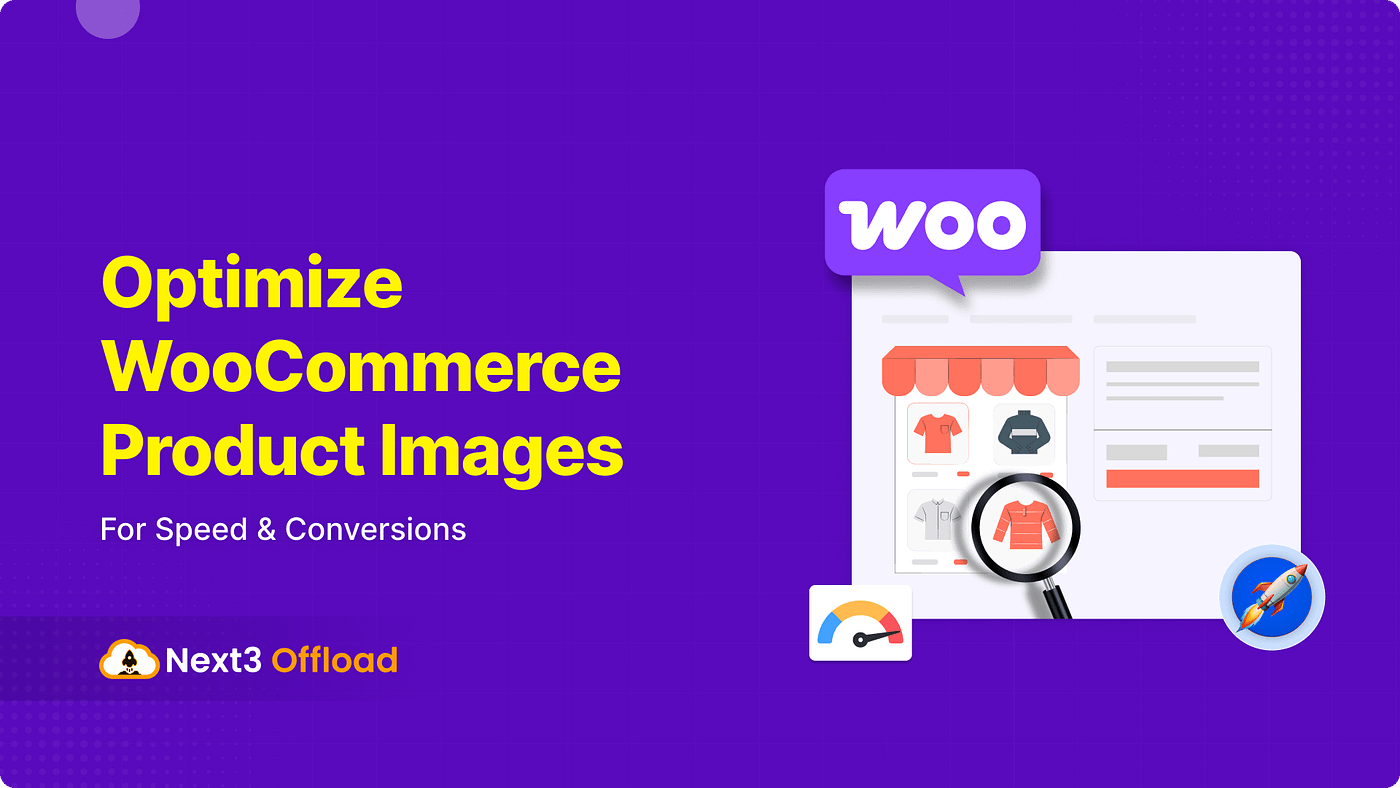
Most store owners upload high-quality images directly from cameras or design tools without optimization. The result? Heavy pages, poor Core Web Vitals, slow mobile performance, and lower conversions.
I recently explored different WooCommerce image optimization strategies while reviewing guides from Next3 Offload and other WooCommerce performance resources. Here’s a practical breakdown of what actually matters when optimizing WooCommerce product images in 2026.
Why Product Images Matter More Than You Think
WooCommerce stores are naturally image-heavy.
A single product page may contain:
- Featured image
- Product gallery
- Variation images
- Related products
- Upsells
- Category thumbnails
When these images are unoptimized, they directly affect:
- Largest Contentful Paint (LCP)
- Mobile speed
- SEO rankings
- Bounce rate
- Conversion rate
According to WooCommerce optimization research, image-heavy stores can become 2× slower than normal business websites if media is not optimized correctly.
Even a 1-second delay can noticeably reduce conversions for e-commerce stores.
The Biggest Mistakes WooCommerce Stores Make
After reviewing multiple WooCommerce discussions and optimization guides, I noticed the same problems everywhere:
1. Uploading Oversized Images
Many stores upload 3000px+ images directly from DSLR cameras or Canva exports.
WooCommerce does resize images, but the original heavy files still affect storage, processing, and CDN delivery.
2. Using PNG for Everything
PNG is useful for transparency, but product photos should usually use:
- WebP
- AVIF
- Optimized JPG
Modern formats reduce image size significantly while maintaining quality.
3. Ignoring Mobile Performance
More than half of WooCommerce traffic now comes from mobile devices.
Large galleries and uncompressed thumbnails destroy mobile loading speed and Core Web Vitals.
4. No Lazy Loading
Loading every gallery image immediately is unnecessary.
Lazy loading allows below-the-fold images to load only when users scroll down. Some reports show 40–60% faster initial page loads using proper lazy loading.
My Recommended WooCommerce Image Optimization Workflow
Here’s the workflow I now recommend for most WooCommerce stores.
Step 1: Use Proper Image Dimensions
You don’t need ultra-large images for every product.
Recommended sizes:
| Image Type | Recommended Size | | — — — — — — — — — | — — — — — — — — | | Main product image | 1200×1200px | | Gallery image | 800×800px | | Thumbnail | 300×300px | | Hero banner | 1600px width max |
Several WooCommerce optimization guides recommend staying within the 1200–1600px range for clarity and zoom support while keeping files lightweight.
Step 2: Convert Images to WebP or AVIF
This is one of the highest-impact optimizations.
Benefits:
- Smaller image sizes
- Faster page loads
- Better LCP scores
- Reduced bandwidth usage
Most modern browsers now fully support WebP, and AVIF offers even better compression.
Step 3: Compress Images Automatically
Raw product images often exceed 2–5MB.
A properly compressed WooCommerce image should usually stay:
| Image Type | Target File Size | | — — — — — — — | — — — — — — — — | | Main image | Under 150KB | | Gallery image | Under 100KB | | Thumbnail | Under 40KB |
Compression alone can reduce image sizes by 60–75% without visible quality loss.
Step 4: Enable Lazy Loading
Not every image needs to load instantly.
Best practice:
- Load first visible products immediately
- Lazy load gallery images
- Lazy load related products
- Lazy load upsells and cross-sells
This dramatically improves perceived performance on category pages.
Step 5: Deliver Images Through a CDN
Serving media directly from your hosting server becomes expensive and slow as your catalog grows.
A CDN helps by:
- Serving images closer to users
- Reducing hosting CPU load
- Improving global performance
Popular options include:
- Cloudflare
- BunnyCDN
- Amazon CloudFront
Next3 Offload specifically focuses on offloading WooCommerce media to cloud storage and CDN networks.
What I Learned from Real WooCommerce Discussions
Reading WooCommerce community discussions revealed some practical issues that many guides ignore.
Thumbnail Regeneration Matters
Several store owners reported blurry or cropped images after changing WooCommerce image sizes because thumbnails were not regenerated properly.
Whenever you change image dimensions:
- Update WooCommerce image settings
- Regenerate thumbnails
- Clear CDN and cache
Otherwise, old thumbnails may still appear.
Consistent Aspect Ratios Improve Store Design
Mixed image ratios make product grids look messy.
Most experienced WooCommerce users recommend using consistent square images like:
- 1:1 ratio
- 1200×1200px
This creates cleaner category pages and better mobile layouts. ([Reddit][6])
Some Optimization Plugins Can Conflict
A few WooCommerce users reported duplicate gallery images or broken thumbnails caused by aggressive optimization plugins. ([Reddit][7])
That’s why testing matters.
Always verify:
- Product gallery
- Zoom functionality
- Mobile view
- Variation images
- CDN URLs
after enabling optimization features.
The Best WooCommerce Image Optimization Stack
Here’s a practical stack many WooCommerce stores can use today:
| Task | Recommended Solution | | — — — — — — — — | — — — — — — — — — — — — — — | | Compression | ShortPixel / Imagify | | CDN Delivery | BunnyCDN / Cloudflare | | Offloading | Next3 Offload | | Lazy Loading | WP Rocket / LiteSpeed Cache | | WebP Conversion | Next3 Offload / Optimole |
Final Thoughts
WooCommerce optimization is not only about caching plugins or faster hosting.
Your product images directly affect:
- SEO
- User experience
- Conversion rate
- Mobile usability
- Hosting costs
Properly optimizing product images yields one of the highest ROI improvements for WooCommerce stores.
The biggest wins usually come from:
- WebP conversion
- Compression
- Lazy loading
- CDN delivery
- Proper image sizing
And the best part is that most stores can implement these improvements without changing themes or rebuilding their websites.
메타데이터
- post_id
- b0f511b30dd6
- slug
- how-i-optimized-woocommerce-product-images-and-improved-store-performance-b0f511b30dd6
- url
- https://medium.com/@themedev9/how-i-optimized-woocommerce-product-images-and-improved-store-performance-b0f511b30dd6
- canonical_url
- https://medium.com/@themedev9/how-i-optimized-woocommerce-product-images-and-improved-store-performance-b0f511b30dd6
- author_url
- https://medium.com/@themedev9
- status
- ok
- fetched_at
- 2026-06-09 14:34:10