How to Install a GUI and XRDP on Ubuntu and CentOS
Linux servers are typically managed via SSH, but a GUI can simplify tasks and provide a familiar interface, especially for users coming…
Wiki topics:
🔓 · Open Source
How to Install a GUI and XRDP on Ubuntu and CentOS
Linux servers are typically managed via SSH, but a GUI can simplify tasks and provide a familiar interface, especially for users coming from Windows environments.
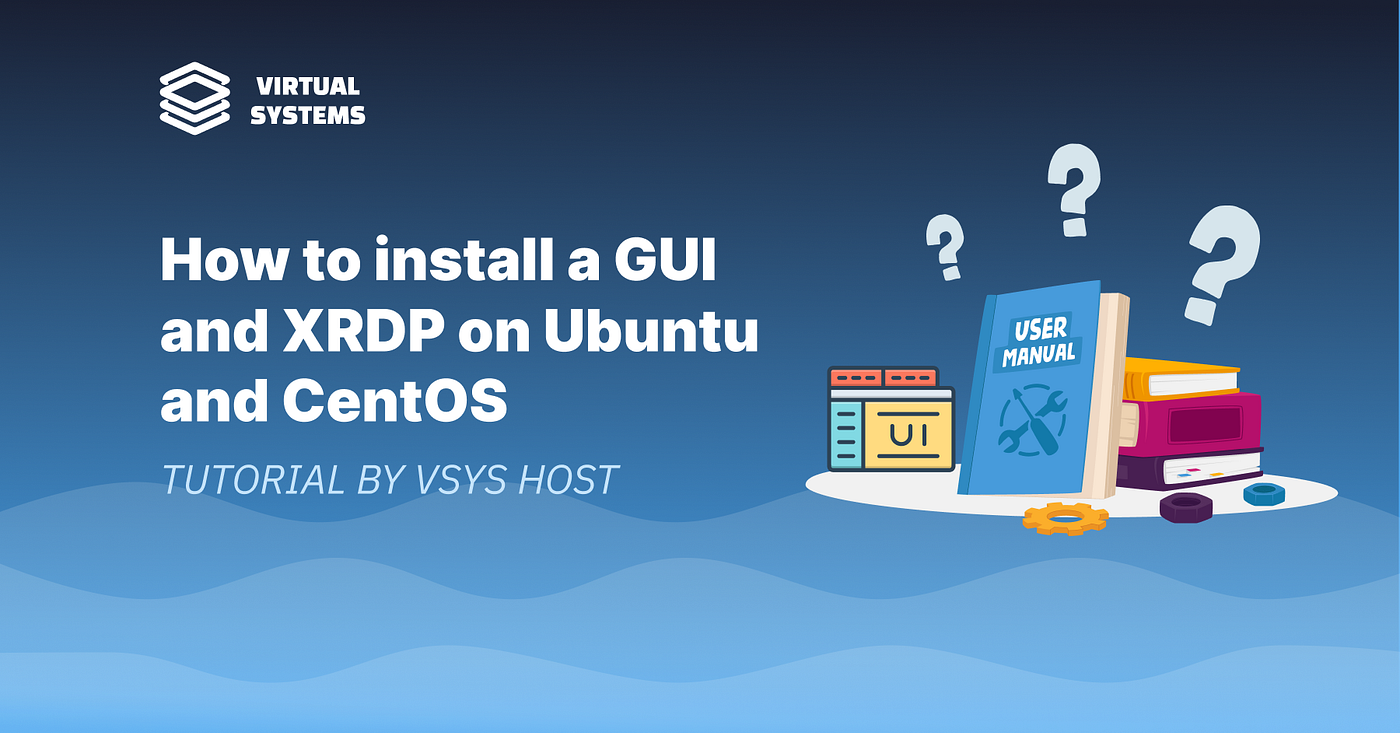
This setup installs a graphical environment (XFCE4) and enables remote access via XRDP.
Requirements
- Linux system (Ubuntu / CentOS)
- Internet connection
- SSH or VNC access
- User with login privileges
- Basic terminal usage
Root login via GUI is not allowed — use a regular user with sudo.
Install GUI + XRDP
Ubuntu / Debian:
apt update
apt install xrdp vnc4server xubuntu-desktop
CentOS:
yum install -y epel-release
yum groupinstall "Server with GUI" -y
yum install -y xrdp tigervnc-server
XFCE4 is used as a lightweight desktop environment.
Configure and Run XRDP
- Install required packages
- Ensure network connectivity
- Start XRDP service
- Use a non-root user for login
Connect via RDP
- Use Remote Desktop client
- Enter server IP
- Authenticate with system user
Key Points
- GUI is optional but improves usability
- XFCE4 = lightweight and suitable for servers
- XRDP enables remote desktop access
- Works on existing servers (no reinstall required)
Summary
- Install GUI + XRDP packages
- Use XFCE4 for performance
- Connect via RDP client
- Avoid root login
Full guide 👉 https://vsys.host/how-to/how-to-install-a-gui-and-xrdp-on-ubuntu-and-centos
메타데이터
- post_id
- b1041b3e6d37
- slug
- how-to-install-a-gui-and-xrdp-on-ubuntu-and-centos-b1041b3e6d37
- url
- https://medium.com/@vsys.host/how-to-install-a-gui-and-xrdp-on-ubuntu-and-centos-b1041b3e6d37
- canonical_url
- https://medium.com/@vsys.host/how-to-install-a-gui-and-xrdp-on-ubuntu-and-centos-b1041b3e6d37
- author_url
- https://medium.com/@vsys.host
- status
- ok
- fetched_at
- 2026-06-21 22:26:41