Understanding Python Data Structures: Lists, Tuples, Sets, and Dictionaries
A Beginner’s Guide to Lists, Tuples, Sets, and Dictionaries
Understanding Python Data Structures: Lists, Tuples, Sets, and Dictionaries
A Beginner’s Guide to Lists, Tuples, Sets, and Dictionaries
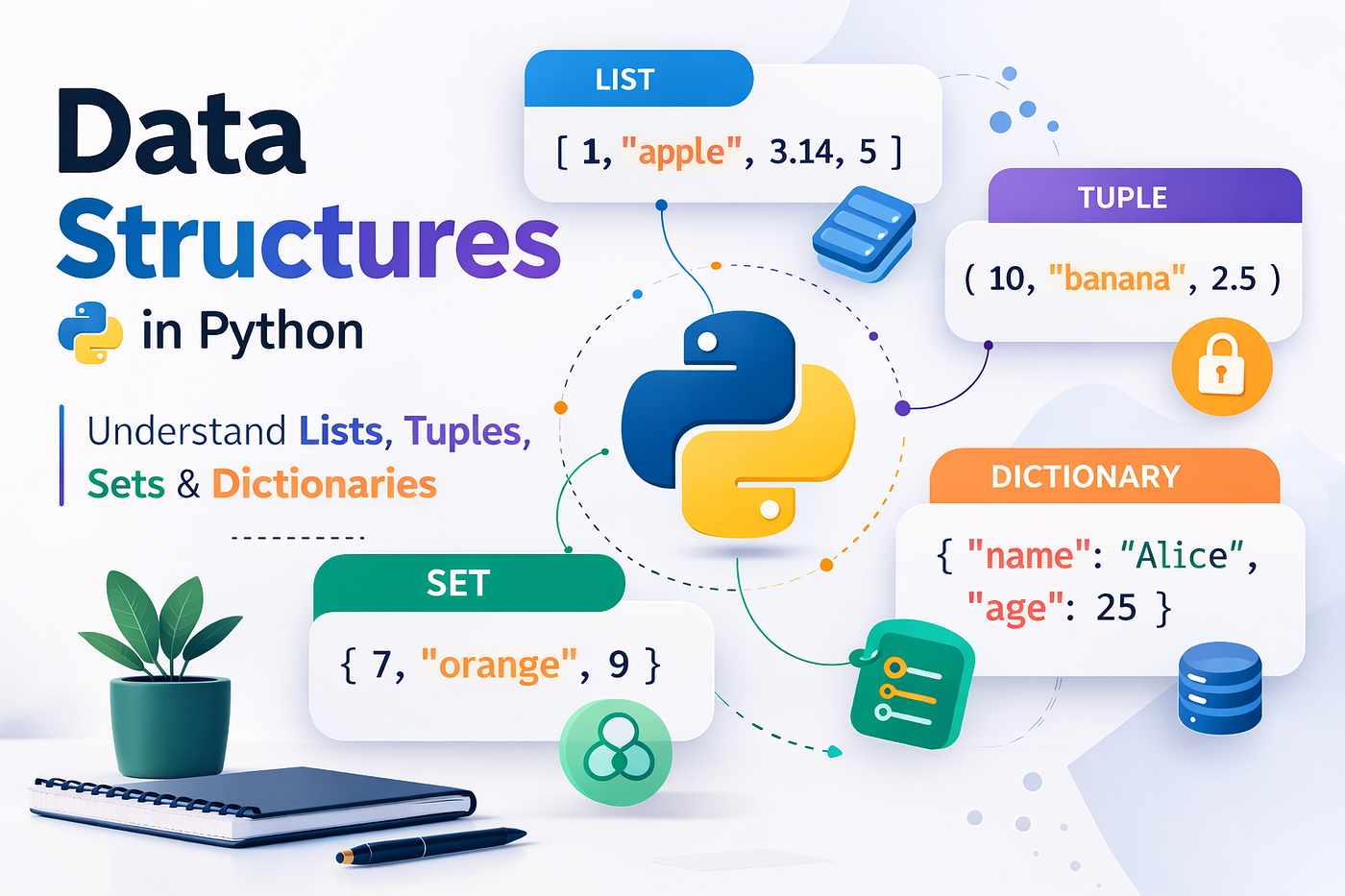
When people start learning Python, they often hear these four terms very early:
Lists, Tuples, Sets, and Dictionaries.
At first, they may look confusing. They look similar because all of them store multiple values. But each one exists for a different reason and solves a different problem.
Before trying to memorize their syntax or methods, the most important step is to understand why they exist and what problem they solve.
In this article, we will build a strong foundation step by step and understand:
- What these structures are called in Python
- Why they exist
- When to use each one
- How they work internally
- Practical coding examples
By the end of this article, you will clearly understand the core data structures that power most Python programs.
1. What Are Lists, Tuples, Sets, and Dictionaries Called?
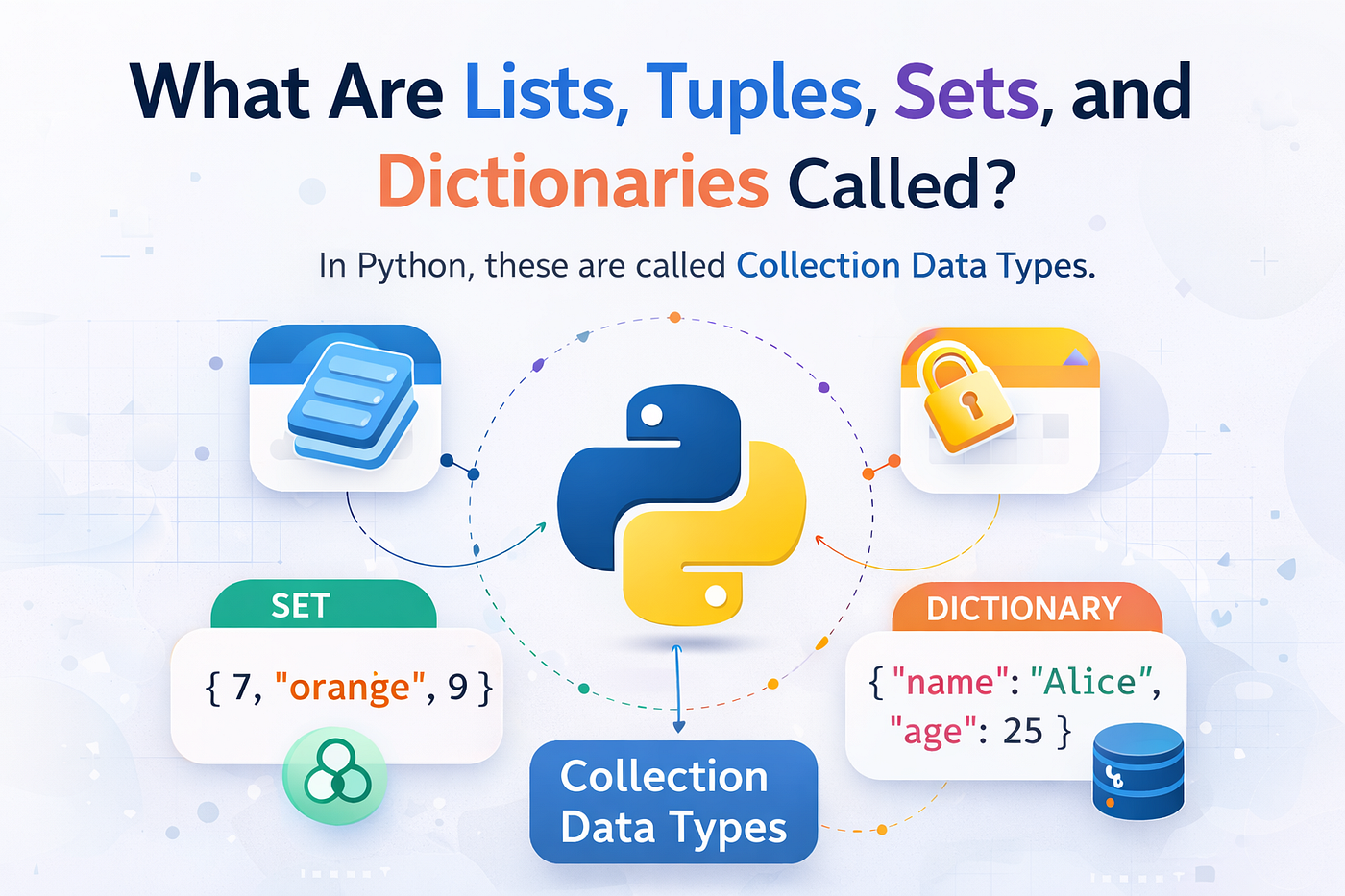
In Python, these are called Collection Data Types.
They are also commonly referred to as Data Structures.
What does “collection” mean?
A collection is simply a container that can store multiple values in a single variable.
For example, without a collection:
id = 3This variable can only store one value.
But real programs usually deal with many pieces of data at once, such as:
- Student marks
- Product lists
- User databases
- GPS coordinates
- Unique identifiers
- Orders in an e-commerce system
If we tried storing these values one by one, our code would become messy.
For example:
name1 = "Ram"
name2 = "Sam"
name3 = "Tom"
name4 = "John"
This is inefficient and difficult to manage.
Instead, Python allows us to store them in a collection:
names = ["Ram", "Sam", "Tom", "John"]Now everything is stored in one variable, making the code much easier to manage.
2. Why Do These Data Structures Exist?

Different problems require different ways of organizing data.
Python provides multiple data structures because not all data behaves the same way.
For example:
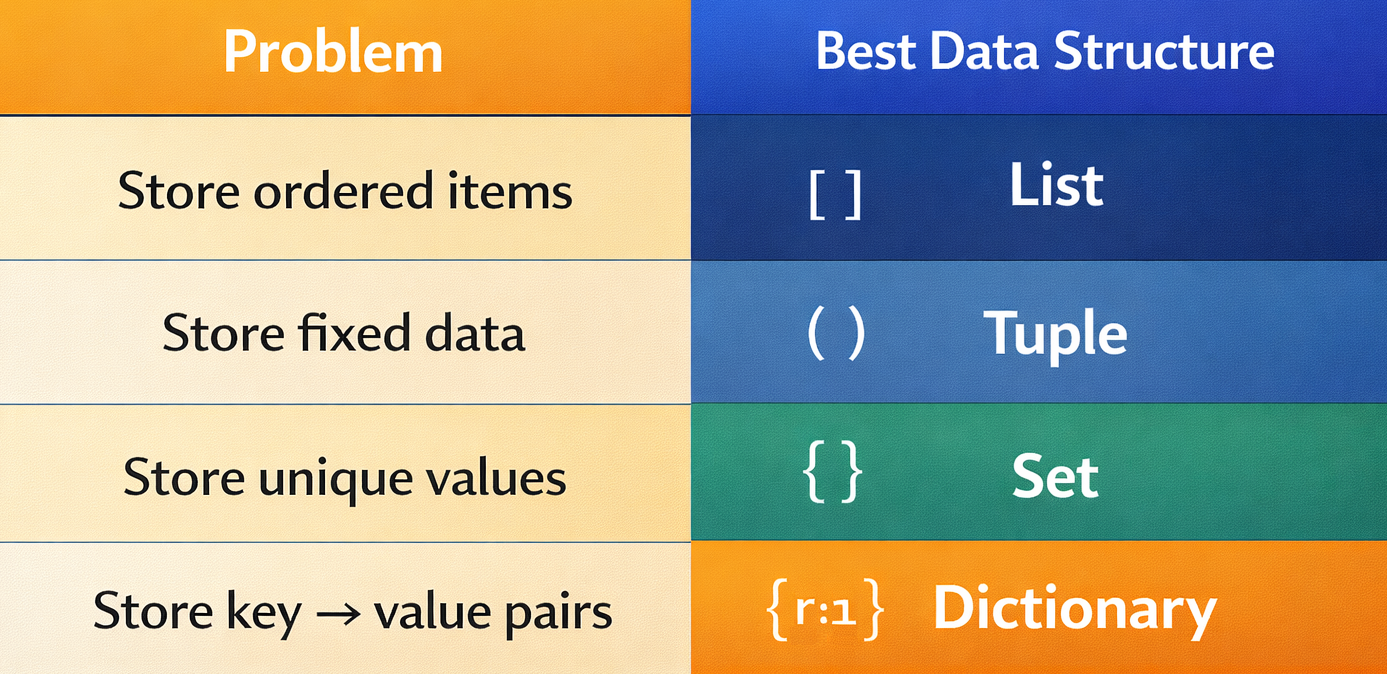
Let’s look at a real example.
Imagine we are building a Student Management System.
We might need to store student names.
names = ["Ram", "Sam", "Tom", "John"]But if we want to store student details, a list is not ideal.
Instead, we use a dictionary.
student = {
    "name": "Ram",
    "age": 20,
    "marks": 85
}
Here, each value is associated with a label (key).
This makes the data easy to understand and access.
3. Quick Comparison of Python Data Structures
Before diving deeper, let’s quickly compare the four structures.
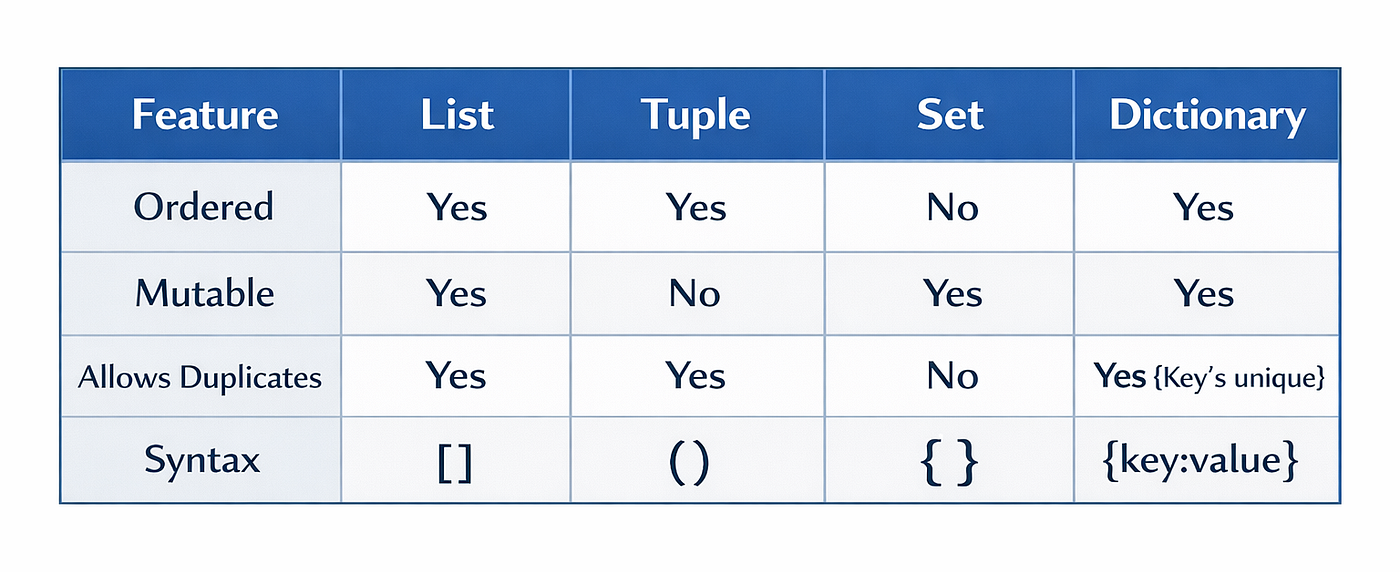
Now let’s explore each one in detail.
PART 1 - LIST (The Most Common Data Structure)
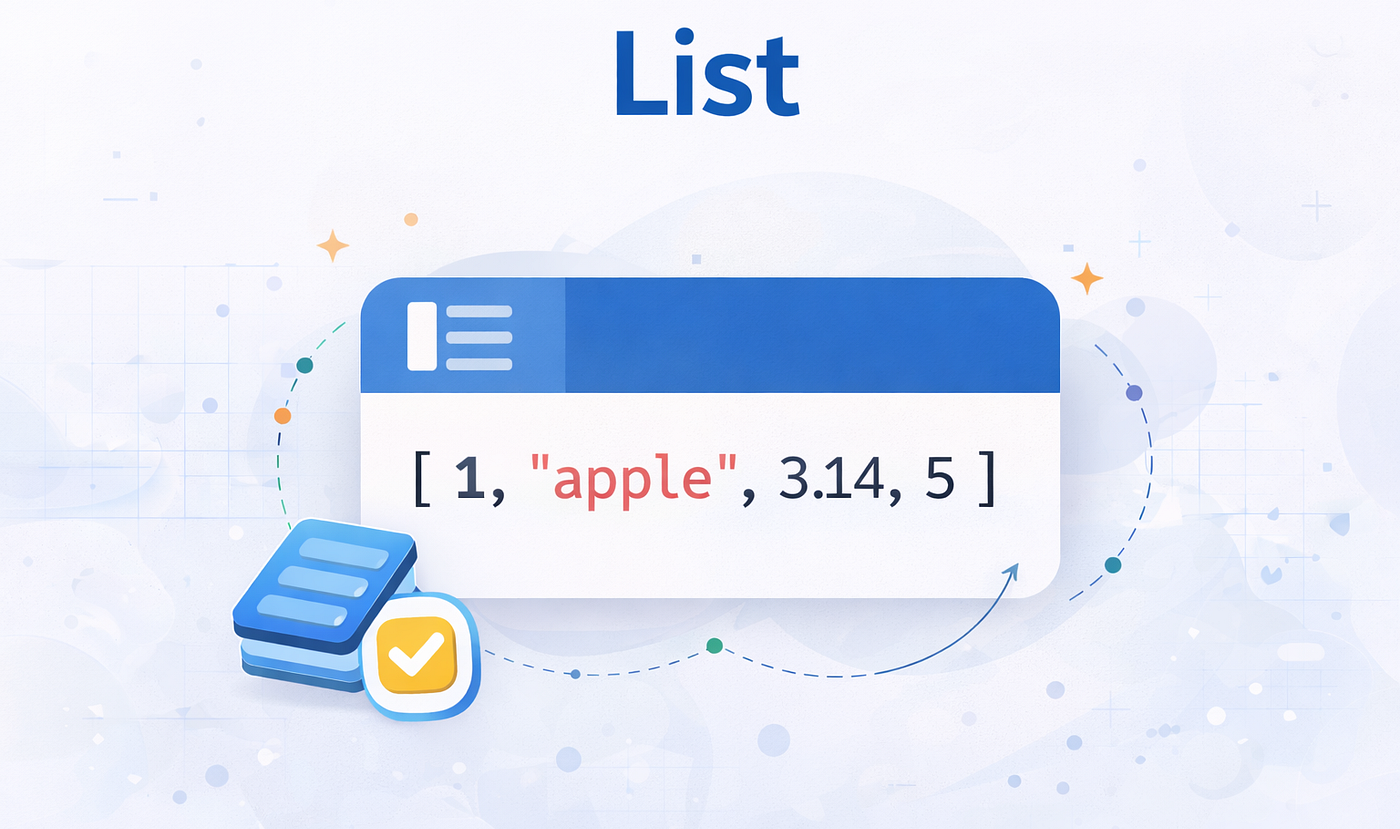
Definition
A List is:
An ordered and mutable collection of elements.
This means:
- Ordered → Items keep their position
- Mutable → Items can be changed
- Duplicates allowed
Lists are the most frequently used data structure in Python.
Creating Lists
Lists are created using square brackets.
numbers = [1, 2, 3, 4]Example with text:
fruits = ["apple", "banana", "mango"]Lists can also store mixed data types.
mixed = [10, "Ram", 3.5]This flexibility makes lists very powerful.
Accessing Elements Using Index
Each element in a list has an index number.
Indexes start from 0.
Index:   0       1       2
Value: apple  banana  mango
Example:
fruits = ["apple", "banana", "mango"]print(fruits[0])Output
appleAnother example:
print(fruits[2])Output
mangoNegative Indexing
Python also allows reverse indexing.
-3 -2 -1Example:
print(fruits[-1])Output
mangoNegative indexing is useful when we want to access elements from the end.
Modifying List Elements
Lists are mutable, which means their values can be changed.
Example:
numbers = [1, 2, 3]numbers[1] = 10print(numbers)Output
[1, 10, 3]Adding Elements to a List
append()
Adds a value to the end of the list.
numbers = [1, 2]numbers.append(3)print(numbers)Output
[1, 2, 3]insert()
Adds an element at a specific position.
numbers = [1, 3]numbers.insert(1, 2)print(numbers)Output
[1, 2, 3]extend()
Adds elements from another list.
a = [1, 2]
b = [3, 4]a.extend(b)print(a)Output
[1, 2, 3, 4]Removing Elements
remove()
Removes an element by value.
numbers = [1, 2, 3]numbers.remove(2)print(numbers)Output
[1, 3]pop()
Removes an element by index.
numbers = [1, 2, 3]numbers.pop()print(numbers)Output
[1, 2]Sorting Lists
numbers = [5, 1, 3]numbers.sort()print(numbers)Output
[1, 3, 5]Reversing Lists
numbers = [1, 2, 3]numbers.reverse()print(numbers)Output
[3, 2, 1]Looping Through Lists
numbers = [1, 2, 3]for n in numbers:
print(n)Output
1
2
3
Loops are extremely useful when working with lists.
List Slicing
Slicing allows us to extract parts of a list.
numbers = [1, 2, 3, 4, 5]print(numbers[1:4])Output
[2, 3, 4]PART 2 - TUPLE
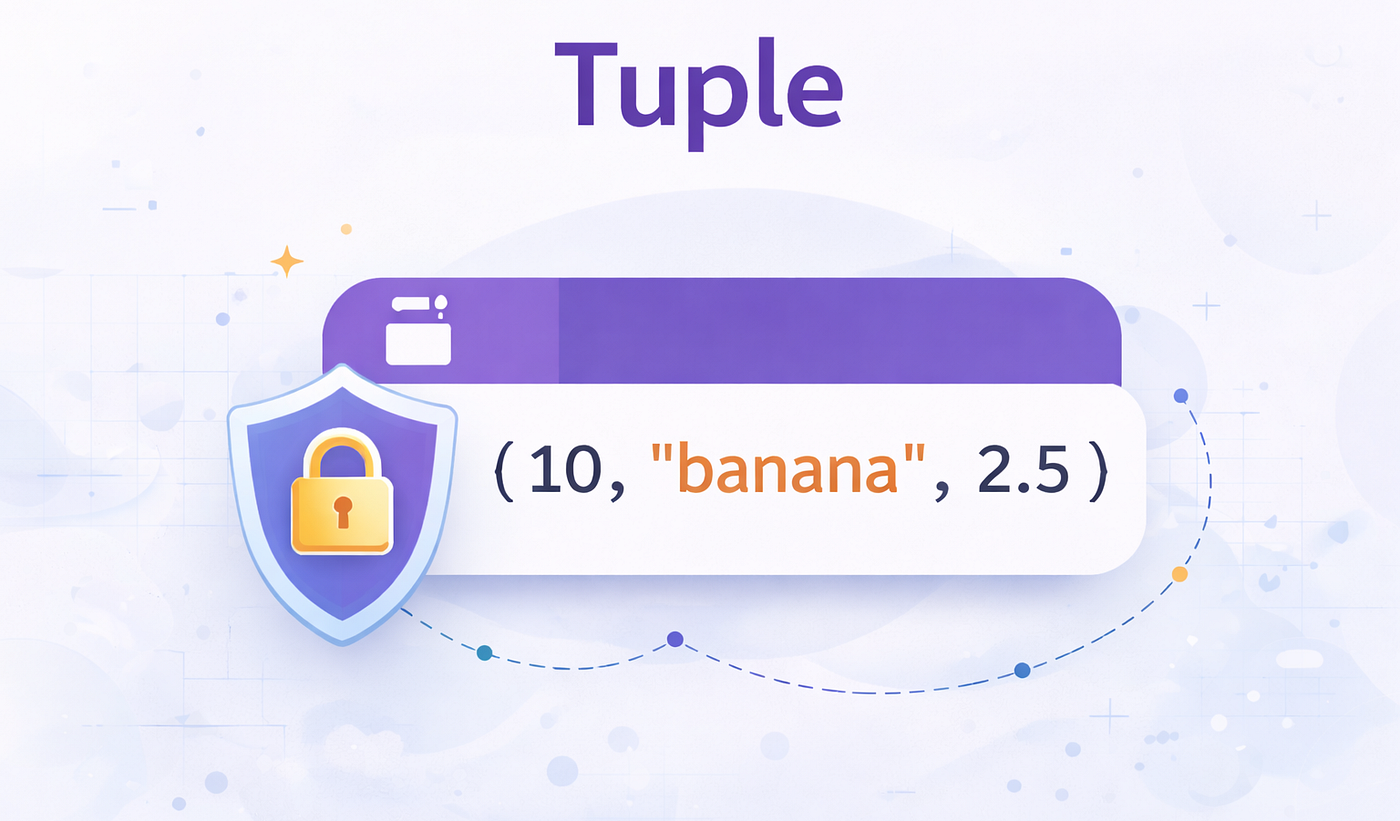
Definition
A Tuple is:
An ordered but immutable collection of elements.
Immutable means it cannot be changed after creation.
Creating Tuples
numbers = (1, 2, 3)Example:
person = ("Ram", 20)Accessing Tuple Elements
person = ("Ram", 20)print(person[0])Output
RamWhy Tuples Exist
Tuples are useful when we want data that should never change.
For example:
Coordinates of a location.
location = (17.3850, 78.4867)Coordinates should remain constant.
Tuple Methods
Tuples only have two methods.
count()
nums = (1, 2, 2, 3)print(nums.count(2))Output
2index()
nums = (10, 20, 30)print(nums.index(20))Output
1PART 3 - SET
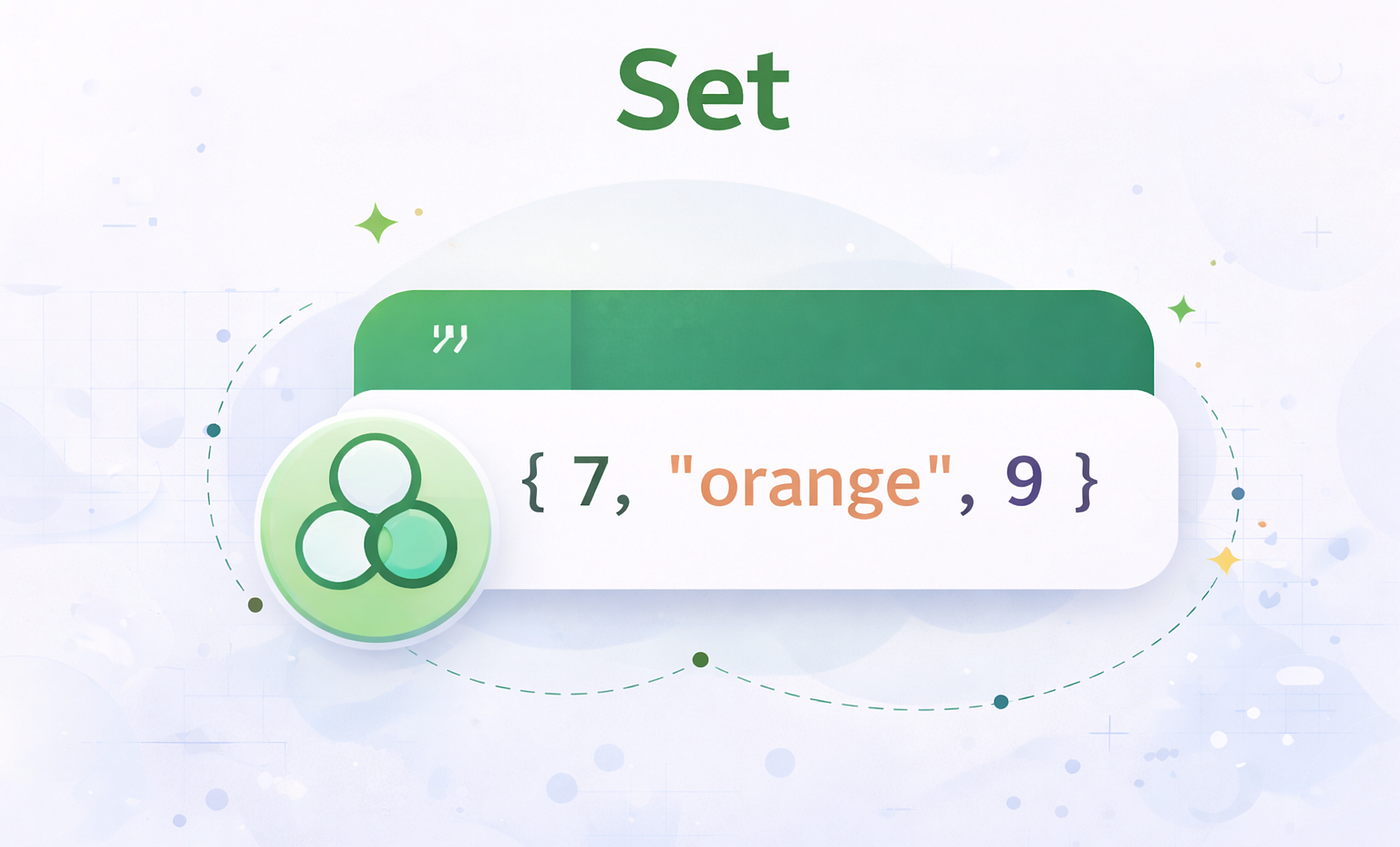
Definition
A Set is:
An unordered collection of unique elements.
Important characteristics:
- No duplicates
- No indexing
- Order is not guaranteed
Creating Sets
numbers = {1, 2, 3}Example:
names = {"Ram", "Sam", "Tom"}Removing Duplicate Values
numbers = [1, 1, 2, 3]unique = set(numbers)print(unique)Output
{1, 2, 3}Adding Elements
nums = {1, 2}nums.add(3)print(nums)Set Operations
Union
Combines two sets.
a = {1, 2}
b = {3, 4}print(a.union(b))Output
{1, 2, 3, 4}Intersection
Finds common elements.
a = {1, 2, 3}
b = {2, 3, 4}print(a.intersection(b))Output
{2, 3}Difference
a = {1, 2, 3}
b = {2}print(a.difference(b))Output
{1, 3}PART 4 - DICTIONARY
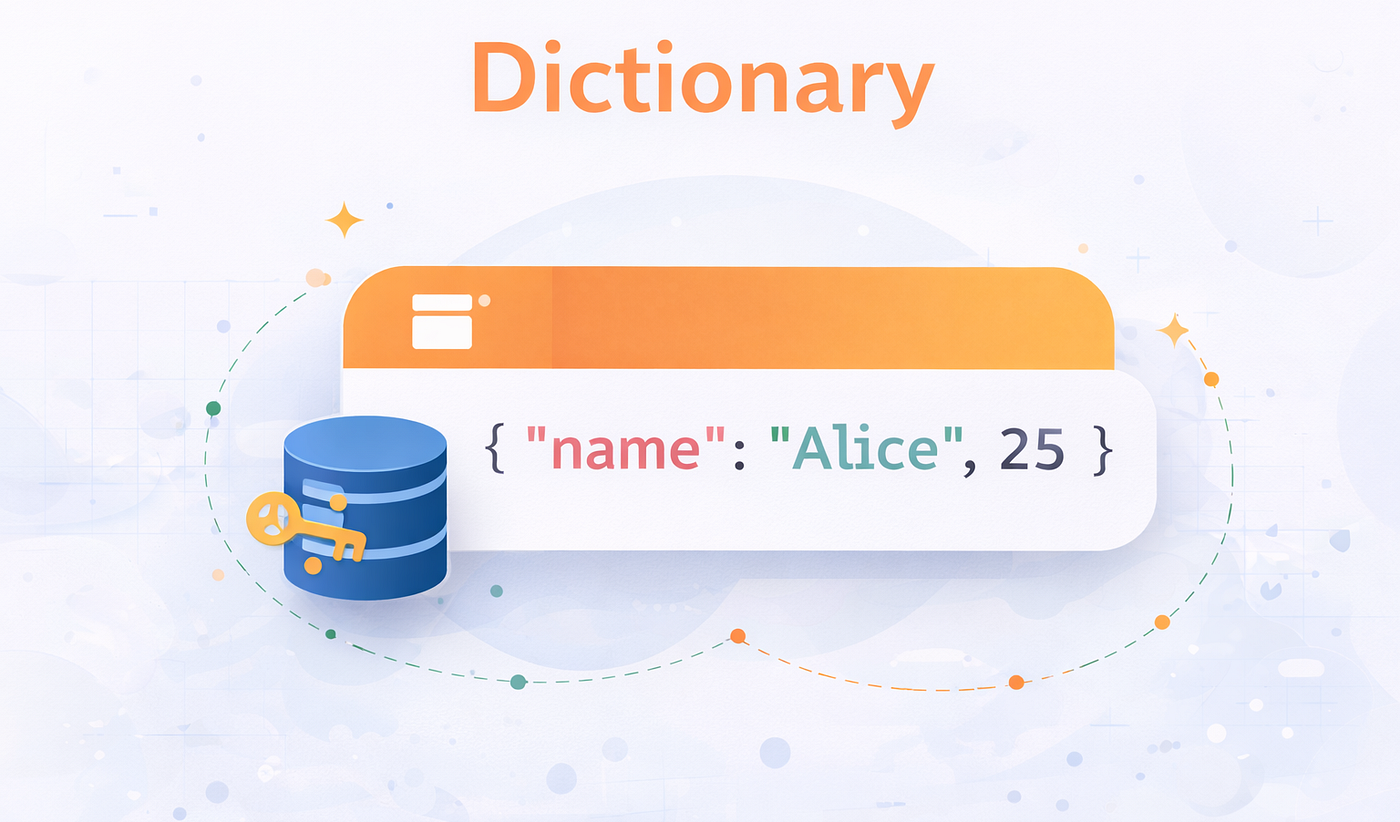
Definition
A Dictionary stores data as key → value pairs.
Example:
student = {
    "name": "Ram",
    "age": 20
}
Here:
Key → "name"
Value → "Ram"
Accessing Dictionary Data
student = {"name": "Ram"}print(student["name"])Output
RamAdding Data
student = {}student["name"] = "Ram"print(student)Output
{'name': 'Ram'}Updating Data
student = {"age": 20}student["age"] = 21Dictionary Methods
keys()
data = {"a":1,"b":2}print(data.keys())values()
print(data.values())items()
print(data.items())Looping Through a Dictionary
data = {"a":1,"b":2}for k,v in data.items():
print(k,v)Output
a 1
b 2
Real-World Example Combining Everything
Example: Student Database
students = [
    {"name":"Ram","marks":80},
    {"name":"Sam","marks":90}
]
for s in students:
print(s["name"], s["marks"])Output
Ram 80
Sam 90
Here we used:
- List → store multiple students
- Dictionary → store each student’s data
Final Understanding
Think of these structures like different types of containers.
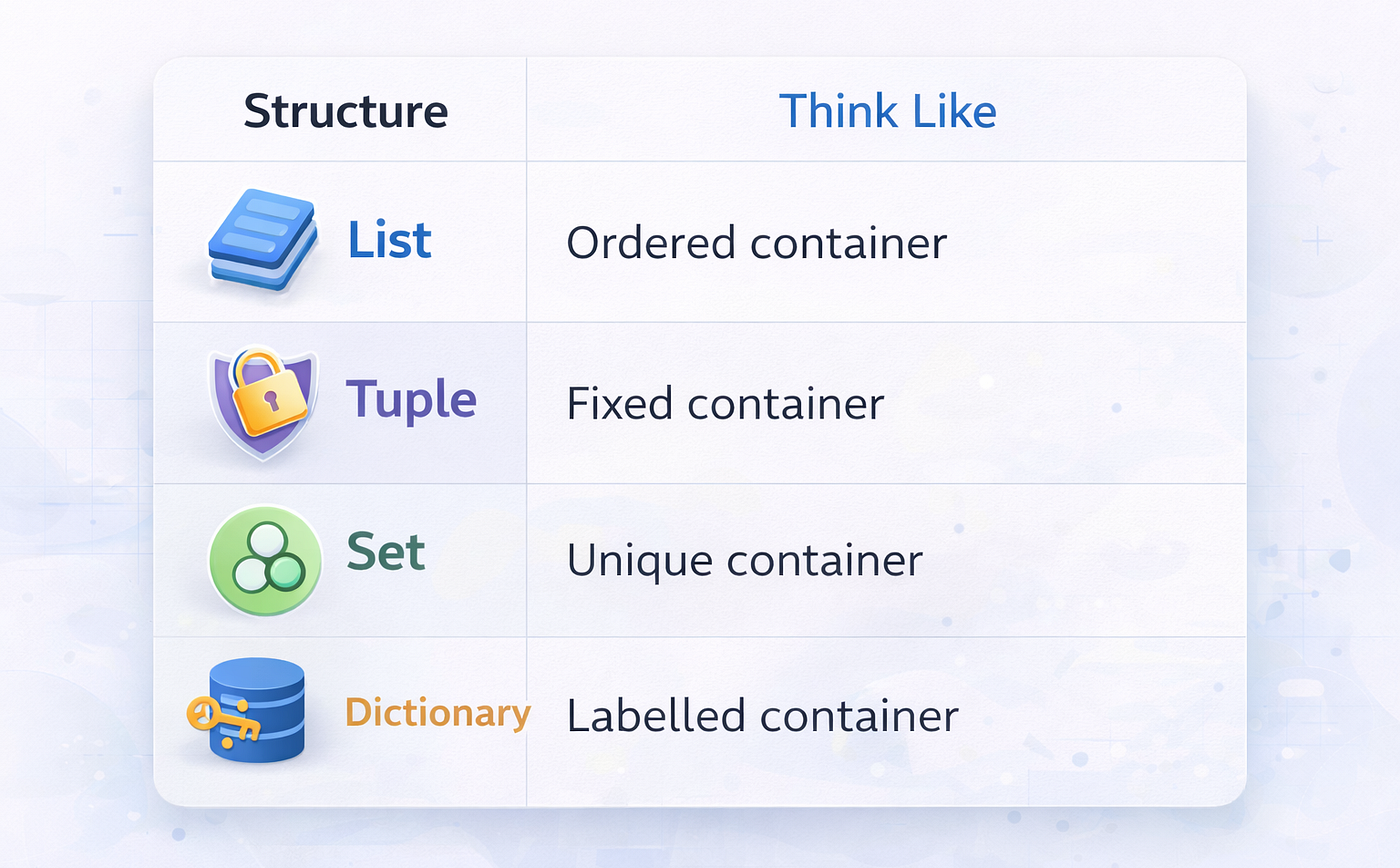
Mastering these four structures means understanding most of the data organization used in Python programming.
메타데이터
- post_id
- b1a67bed84b2
- slug
- understanding-python-data-structures-lists-tuples-sets-and-dictionaries-b1a67bed84b2
- url
- https://medium.com/@dnaresh2323/understanding-python-data-structures-lists-tuples-sets-and-dictionaries-b1a67bed84b2
- canonical_url
- https://medium.com/@dnaresh2323/understanding-python-data-structures-lists-tuples-sets-and-dictionaries-b1a67bed84b2
- author_url
- https://medium.com/@dnaresh2323
- status
- ok
- fetched_at
- 2026-07-15 03:35:51