How to Look Like a Hacker: 5 Free Tools and Tricks for Pranks & Films.
Have you ever watched a movie like The Matrix, or The Swordfish and wondered how Hollywood makes computer intellects look so incredibly…
How to Look Like a Hacker: 5 Free Tools and Tricks for Pranks & Films.

Have you ever watched a movie like The Matrix, or The Swordfish and wondered how Hollywood makes computer intellects look so incredibly fast? They aggressively press random keys on a keyboard, and beautifully complex terminal code flies across glowing green screens.
If you want to know how to look like a hacker for a harmless prank for workplace or to show your friends , a streaming background, or a low-budget indie film, you don’t need to know how to code.
Here are the best free online tools, fake hacking screens to look like a cybersecurity expert with a few clicks!
1. Use an Interactive Simulator: HackingScreenFake.com
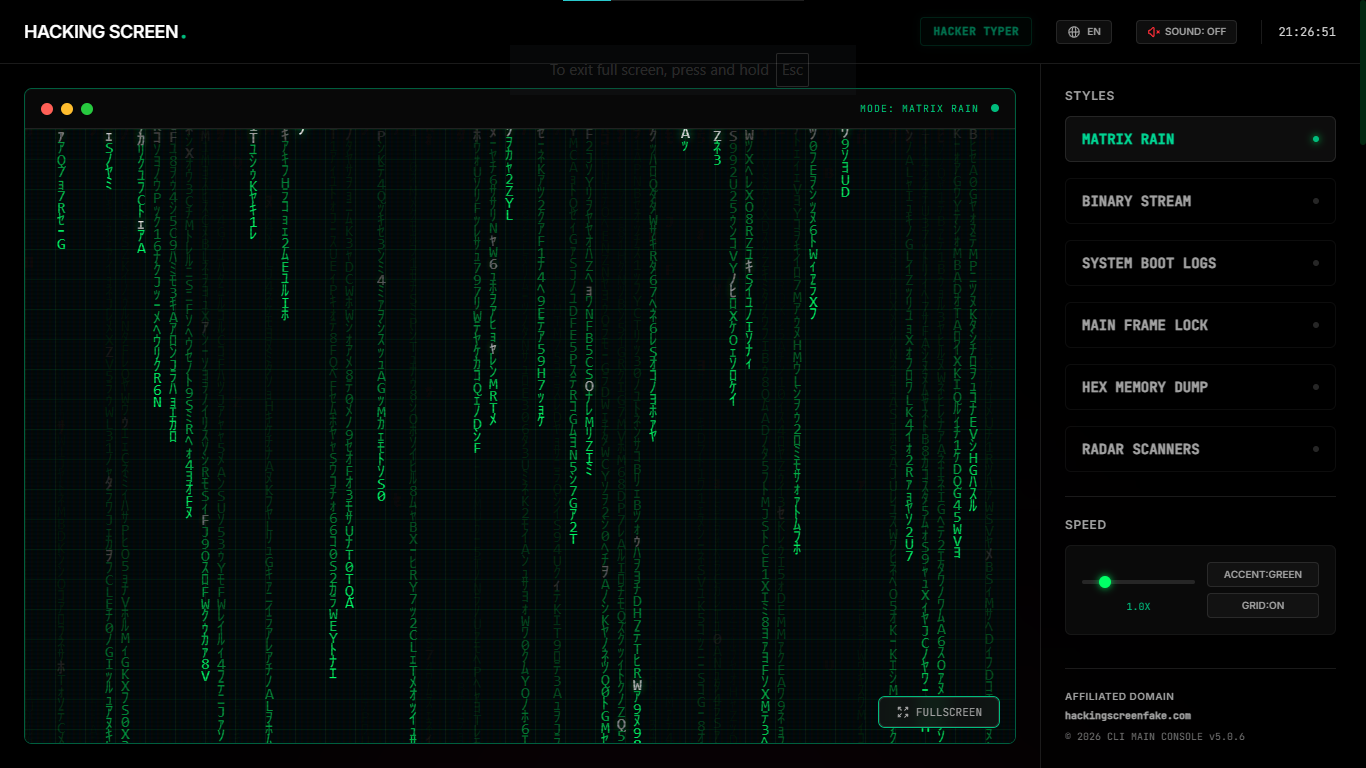
If you want the ultimate movie-style experience, **HackingScreenFake.com** is currently the best free tool available online.
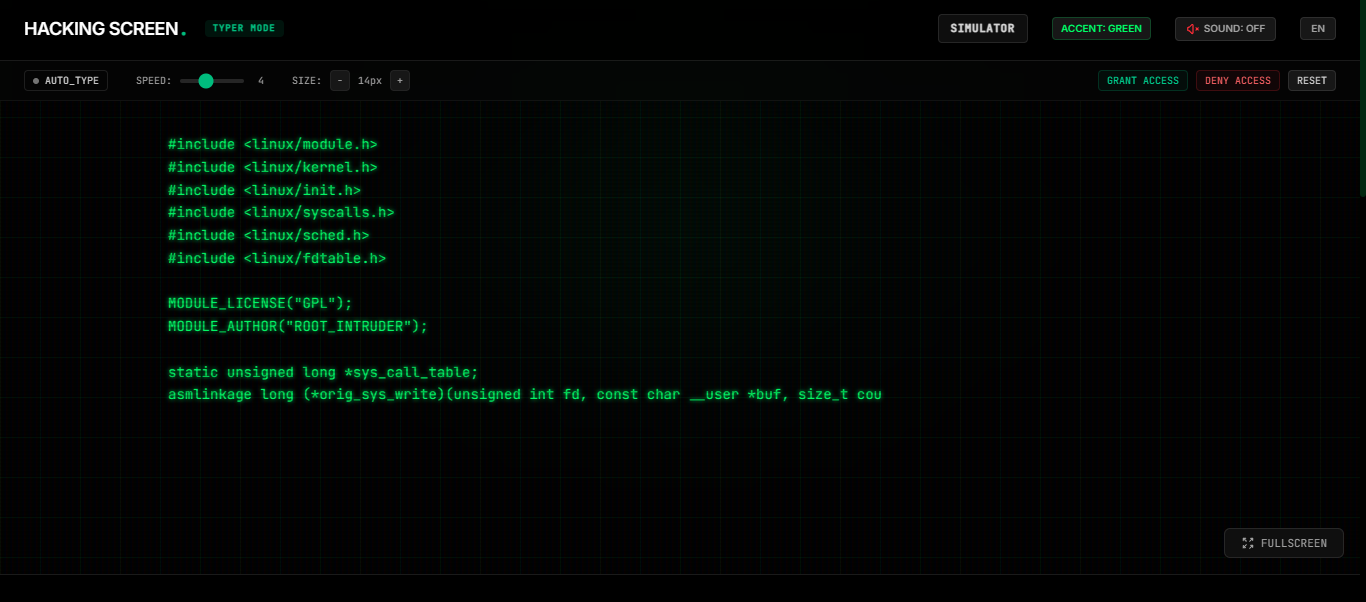
Unlike basic video loops that just play in the background, this web application is fully interactive. You can choose your preferred graphics, change it’s color and speed. The Hacker typer tool inside allows you to literally smash your fingers against your keyboard like a madman, and real, functional Linux kernel code will scroll down your monitor in perfect sync with your keystrokes.
Best features for pranks:
- Interactive Controls: It responds instantly to your typing speed.
- Action Triggers: You can trigger dramatic pop-ups like “ACCESS DENIED,” “SYSTEM OVERRIDE,” MATRIX RAIN EFFECT, or RADAR SCANNERS to scare your coworkers.
- Pro-Tip: Open the site in your browser and press the full screen button to go into full-screen mode. This hides your browser tabs and taskbar, making your computer look like a literal military mainframe.
2. The Built-In Windows Method: Command Prompt (CMD)
You don’t actually need the internet to pull off a basic hacker look if you are using a Windows PC. You can use the native Command Prompt tool built right into your operating system.
- Press the Windows Key + R, type cmd, and hit Enter.
- Once the black box opens, type color a and press Enter. This instantly turns your text into classic terminal green.
- Next, type tree and hit Enter.
Your computer will rapidly scroll through every single file directory on your hard drive. To anyone walking past your desk, it looks like you are running a deep system diagnostic or network breach.
3. The Mac Alternative: Terminal + Top
If you are using an Apple MacBook or iMac, you can achieve a similar authentic tech effect using the Mac Terminal.
- Open Finder, go to Applications > Utilities, and launch Terminal.
- Type top and hit Enter.
This command brings up a real-time, constantly shifting table of your Mac’s CPU usage, active memory processes, and background system tasks. It looks incredibly complex and updating continuously, giving off major data-analyst or security-expert vibes.
4. Hacker Typer (The Classic)
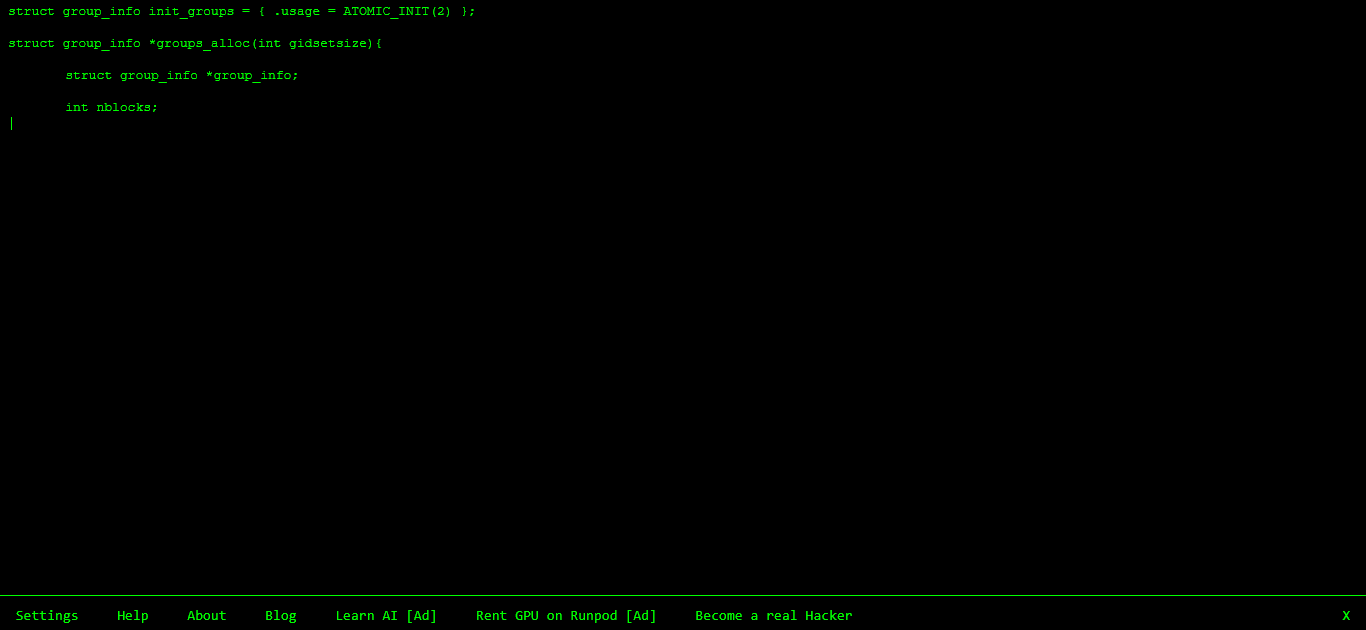
For a minimalist approach, Hacker Typer is one of the oldest simulators on the web. It provides a simple, stark black screen with green code. While it lacks the visual pop-ups and modern UI of newer tools like HackingScreenFake.com, it is a solid, straightforward option if you just need pure, uninterrupted green text scrolling while you type.
5. GeekTyper (For Sci-Fi Themes)
If you are filming a sci-fi short film and need specialized terminal overlays — like a fake NASA satellite tracker or an umbrella corporation database breach — GeekTyper offers various fictional themes. The interface can be slightly cluttered and heavy to load on older prop laptops, but it provides good variety for specific visual aesthetics.
Summary: Which Method Should You opt for?
- For maximum realism and interactivity, use **HackingScreenFake.com** (just remember to hit the full screen button and check out the hacker typer page).
- For a quick offline trick, use the Windows tree command or Mac top command.
- For movie production design, interactive browser simulators save hours of visual effects (VFX) work in post-production.
What is your favorite office prank or filmmaking trick? Let me know in the comments below!
메타데이터
- post_id
- b2a3f43bb74e
- slug
- how-to-look-like-a-hacker-5-free-tools-and-tricks-for-pranks-films-b2a3f43bb74e
- url
- https://medium.com/@techdev.architect/how-to-look-like-a-hacker-5-free-tools-and-tricks-for-pranks-films-b2a3f43bb74e
- canonical_url
- https://medium.com/@techdev.architect/how-to-look-like-a-hacker-5-free-tools-and-tricks-for-pranks-films-b2a3f43bb74e
- author_url
- https://medium.com/@techdev.architect
- status
- ok
- fetched_at
- 2026-07-13 06:23:13



