How AI Is Helping Safety Teams Predict Hazards Before They Happen
Most safety pros are stuck in reactive mode. But AI tools like ChatGPT, Notion, and Zapier are helping safety managers identify risks…
How AI Is Helping Safety Teams Predict Hazards Before They Happen
Most safety pros are stuck in reactive mode. But AI tools like ChatGPT, Notion, and Zapier are helping safety managers identify risks before they lead to incidents. Here’s how to start.
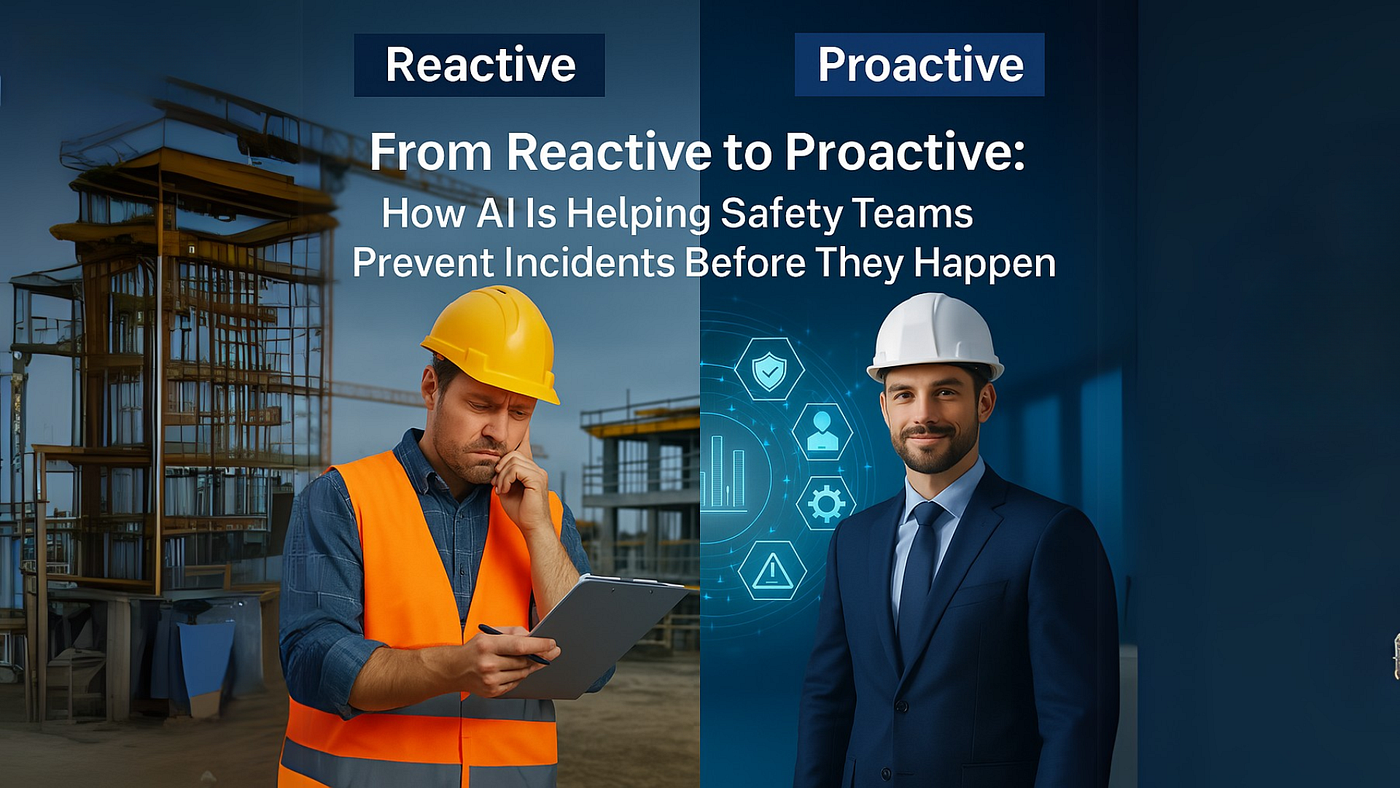
Safety Pros Are Tired of Reacting
If you work in safety, you know the drill:
- Incident happens
- Report gets written
- Another “reminder” goes out
Rinse. Repeat.
But the best safety teams? They’re changing the game. They’re spotting risks before the injury, citation, or stop-work order ever hits.
The secret weapon? Simple, practical use of AI-powered tools.
What’s Holding Most Safety Teams Back
Time. Focus. And buried data.
When your day is full of inspections, forms, meetings, and surprise visits from corporate, it’s tough to find time for trend analysis.
Even if you see patterns forming, proving them requires hours of manual sorting and digging.
That’s why AI is such a powerful unlock.
3 Practical Ways Safety Leaders Are Using AI Right Now
These aren’t pie-in-the-sky “future of safety” ideas. These are simple, proven use cases that are saving time today.
1. ChatGPT for Pattern Recognition
Use case: Take the last 5–10 incident reports. Paste them into ChatGPT. Then ask:
“What recurring risks or root causes show up in these reports?”
It’ll give you a clear summary you can use to: ✔ Tailor your next safety talk ✔ Justify controls ✔ Catch early-stage trends
2. Notion (or Excel) as a Risk Heat Map
Use case: Create a lightweight tracker that logs:
- Task type
- Site location
- Hazard
- AI-generated risk level
Then use Notion AI to ask:
“Which areas or tasks are trending up in risk?”
No fancy dashboards needed — just smarter visibility.
3. Zapier for Real-Time Hazard Alerts
Use case: Connect your digital forms (like Jotform, Microsoft Forms, etc) to Zapier. When a form entry includes terms like “unguarded,” “trip hazard,” or “overhead load,” it can:
- Send an alert
- Log it in a database
- Trigger a ChatGPT summary report each week
It’s like having a 24/7 assistant watching for red flags.
From Chaos to Control
These AI workflows help safety pros: ✅ Spot risks faster ✅ Focus meetings on real issues ✅ Prevent repeat incidents ✅ Finally get ahead of the curve
And the best part? You don’t need new software or a big budget. Just a few smart tweaks using tools you already have.
Want to Try This Yourself?
I put together a free Proactive Safety AI Starter Kit — a one-page guide that walks you through:
- What tools to use (with free options)
- How to run your first AI workflow
- Simple automations that make your job easier
🎁 Download the Toolkit Here 📬 Or read the full walkthrough in this LinkedIn newsletter
Final Thoughts
If you’re a safety manager looking to free up your time, improve hazard awareness, and reduce repeat incidents — AI isn’t a gimmick.
It’s a practical edge.
And you don’t need to be an expert. You just need a starting point.
Let’s build safer jobsites — smarter. One workflow at a time. Follow me on LinkedIn for weekly safety + AI tips.
This article was written with the assistance of AI tools, including ChatGPT, for drafting and editing purposes
메타데이터
- post_id
- b2d53233e629
- slug
- how-ai-is-helping-safety-teams-predict-hazards-before-they-happen-b2d53233e629
- url
- https://medium.com/@joshtuttle801/how-ai-is-helping-safety-teams-predict-hazards-before-they-happen-b2d53233e629
- canonical_url
- https://medium.com/@joshtuttle801/how-ai-is-helping-safety-teams-predict-hazards-before-they-happen-b2d53233e629
- author_url
- https://medium.com/@joshtuttle801
- status
- ok
- fetched_at
- 2026-06-29 02:33:43




