How to Stay Connected at the FIFA World Cup 2026 (Without Paying €20/Day in Roaming)
The FIFA World Cup 2026 is the biggest sporting event in history. 48 teams. 104 matches. 39 days. Three countries — the United States…
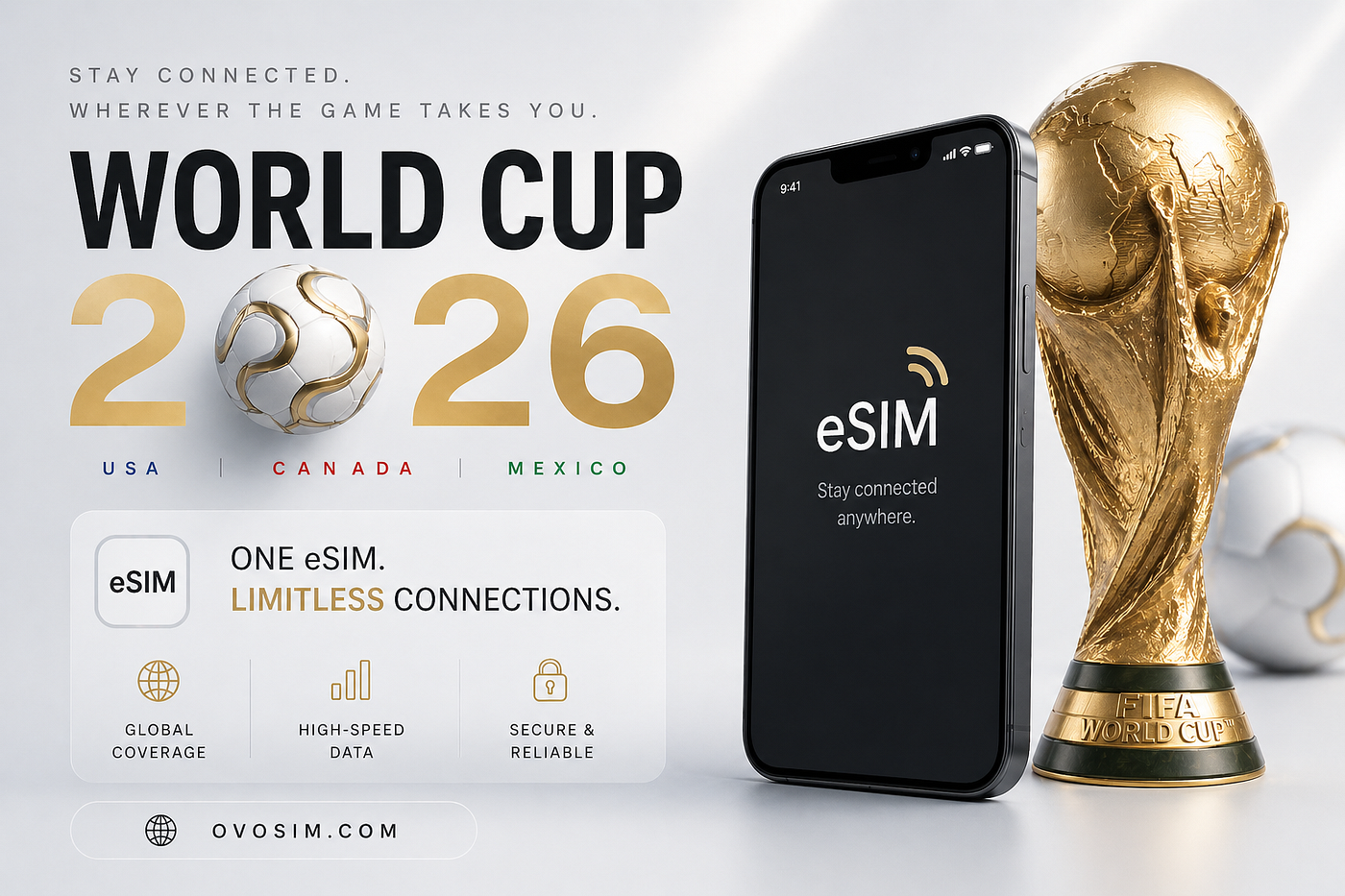
World Cup 2026 Ovosim eSIM
How to Stay Connected at the FIFA World Cup 2026 (Without Paying €20/Day in Roaming)
The FIFA World Cup 2026 is the biggest sporting event in history. 48 teams. 104 matches. 39 days. Three countries — the United States, Canada, and Mexico — hosting 16 cities simultaneously. Millions of international fans will be traveling across North America this summer. Most of them will land at an airport, turn on their phone, and immediately start paying their home carrier’s international roaming rate. For most European carriers, that’s €10–20 per day in the USA. For a fan following their team through the group stage and into the knockouts — that’s potentially €200–400 in data fees before they’ve bought a single ticket beer. There’s a straightforward fix. Here’s everything you need to know.
The Three Countries, Three eSIMs Problem The 2026 World Cup is the first tournament spread across three countries simultaneously. That creates a connectivity challenge that didn’t exist in previous tournaments. If your team plays group stage matches in the USA and a knockout match in Canada — which is entirely possible given the fixture allocation — you need data connectivity in two different countries. Your USA roaming plan doesn’t cover Canada. Your Canadian airport SIM doesn’t work in the USA. The solution is simple but not obvious: you need a separate eSIM for each country. All three install on the same phone. You switch between them in Settings as you cross borders. USA eSIM for the 11 US host cities including the Final at MetLife Stadium on July 19. Canada eSIM for Toronto (BMO Field) and Vancouver (BC Place), where Canada plays their opening match on June 12. Mexico eSIM for Mexico City (Estadio Azteca — opening match June 11), Guadalajara (Estadio Akron), and Monterrey (Estadio BBVA).
Why the Opening Match Matters for Connectivity The tournament opens at Estadio Azteca in Mexico City on June 11 — Mexico vs South Africa. Estadio Azteca is the most iconic football stadium in the world, the only venue to have hosted two World Cup finals. Mexico City sits at 2,240 metres altitude. If you’re flying in from sea level for the opening match, arrive at least 24–48 hours early. Altitude sickness is real — headaches and fatigue on day one are normal. Your eSIM will work fine at altitude. Your lungs need the adjustment time. For connectivity at Azteca: Telcel 4G/LTE covers the entire Coyoacán neighborhood surrounding the stadium. Download your FIFA ticket QR code as a screenshot before entering — stadium network congestion on match days is severe.
The Final: MetLife Stadium, July 19 The World Cup Final is at MetLife Stadium in East Rutherford, New Jersey — 15 miles from Midtown Manhattan. It’s one of the largest stadiums in the USA with a capacity of 82,500. T-Mobile and AT&T both have excellent 5G coverage throughout the New York metro area. NJ Transit from Penn Station is the best transport option — download the app and book your ticket before match day. Post-match Uber demand around MetLife is extreme. Pre-book your return pickup point before entering the stadium.
Stadium Connectivity Reality The biggest connectivity challenge at World Cup 2026 isn’t coverage. It’s congestion. 80,000 fans in one stadium all uploading Instagram Stories simultaneously creates extreme network congestion. Even with a working eSIM on a strong network, speeds inside packed stadiums can slow to almost nothing on match days. The fix is preparation: Download your FIFA ticket QR code as a screenshot before leaving your hotel. Never rely on loading it at the gate. Download offline Google Maps for the stadium area and your route home before match day. Pre-book your Uber or Lyft pickup point before entering the stadium. Set the destination in advance. Post-match demand surges make spontaneous booking difficult. WhatsApp messages usually get through even on congested networks — they’re small data packets. Video uploads and Stories will be slow or fail during peak congestion. Save content uploads for after the match when you’re away from the stadium.
How Much Data Do You Need For a three to four week World Cup trip across multiple host cities: 10GB minimum per country if you’re a normal user — maps, messaging, social media, Uber. Add roughly 500MB per match day for the FIFA+ app, ticket QR codes, and stadium navigation. Unlimited if you’re uploading content daily or working remotely. The key is buying before you fly. Install the eSIM at home on WiFi. It activates automatically when your phone connects to the local network on landing.
The WORLDCUP15 Code Ovosim has a dedicated World Cup eSIM guide covering all 16 host cities across USA, Canada, and Mexico — including transport tips for each stadium, essential apps, and exactly how much data you’ll need. Use code WORLDCUP15 for 15% off any plan. Full guide: ovosim.com/blog/esim-world-cup-2026
메타데이터
- post_id
- b3a5d537fe9a
- slug
- how-to-stay-connected-at-the-fifa-world-cup-2026-without-paying-20-day-in-roaming-b3a5d537fe9a
- url
- https://medium.com/@ovosim/how-to-stay-connected-at-the-fifa-world-cup-2026-without-paying-20-day-in-roaming-b3a5d537fe9a
- canonical_url
- https://medium.com/@ovosim/how-to-stay-connected-at-the-fifa-world-cup-2026-without-paying-20-day-in-roaming-b3a5d537fe9a
- author_url
- https://medium.com/@ovosim
- status
- ok
- fetched_at
- 2026-07-16 12:50:01



