This Open-Source App Turns Your Documents Into a Self-Building Wiki
This Open-Source App Turns Your Documents Into a Self-Building Wiki
A practical look at nashsu/llm_wiki, the desktop app turning Andrej Karpathy’s LLM Wiki pattern into a self-maintaining knowledge base.
Every time you upload a document to ChatGPT or NotebookLM, the model has to rediscover what it means from scratch. Ask the same question tomorrow in a fresh session, and the system often has to reconstruct the meaning again from retrieved chunks.
This is the dirty secret of most document-chat tools: they retrieve well, but they don’t accumulate understanding.
Andrej Karpathy proposed a different idea recently. What if, instead of treating the AI as a search engine, you treated it as a librarian who actually maintains the library? Each new document gets read, analyzed, cross-referenced with everything else, and filed into a permanent, interlinked knowledge base. The AI builds a wiki of your research, and that wiki gets smarter every time you feed it something new.
Someone built it. The project is called nashsu/llm_wiki, and it's one of the most interesting open-source AI patterns I've seen this year.
I want to walk you through how it actually works, why it matters, and how you can start using this approach today, even if you never download the app.
The Problem With How You’re Using AI Right Now
Here’s a scenario that probably sounds familiar.
You’re researching a topic. Maybe it’s a competitor analysis, or a literature review for a paper, or you’re trying to understand a complex technical domain. You upload 30 PDFs to your AI tool of choice. You ask a question. You get a decent answer. You ask another question two days later. The AI gives you a slightly different answer because it’s pulling different chunks from the embedding database this time.

Where’s the synthesis? Where’s the accumulation? Where’s the part where the system actually knows your research better than you do?
It doesn’t exist in the most common version of RAG (retrieval-augmented generation). The standard pattern is a stateless lookup tool. It’s brilliant at finding things. It’s terrible at building understanding. Some advanced setups bolt on memory layers, summary caches, and agentic retrieval, but the default experience most people are using right now is pure search-and-forget.
Think of it this way. You hire a research assistant. Every morning they show up with no memory of yesterday. They read the documents you point to, answer your question, and then forget everything when they go home. That’s what you’re paying for right now.
The Wiki Paradigm: A Different Mental Model
The shift here is subtle but enormous. Instead of asking the AI to retrieve information, you ask it to maintain a knowledge base.
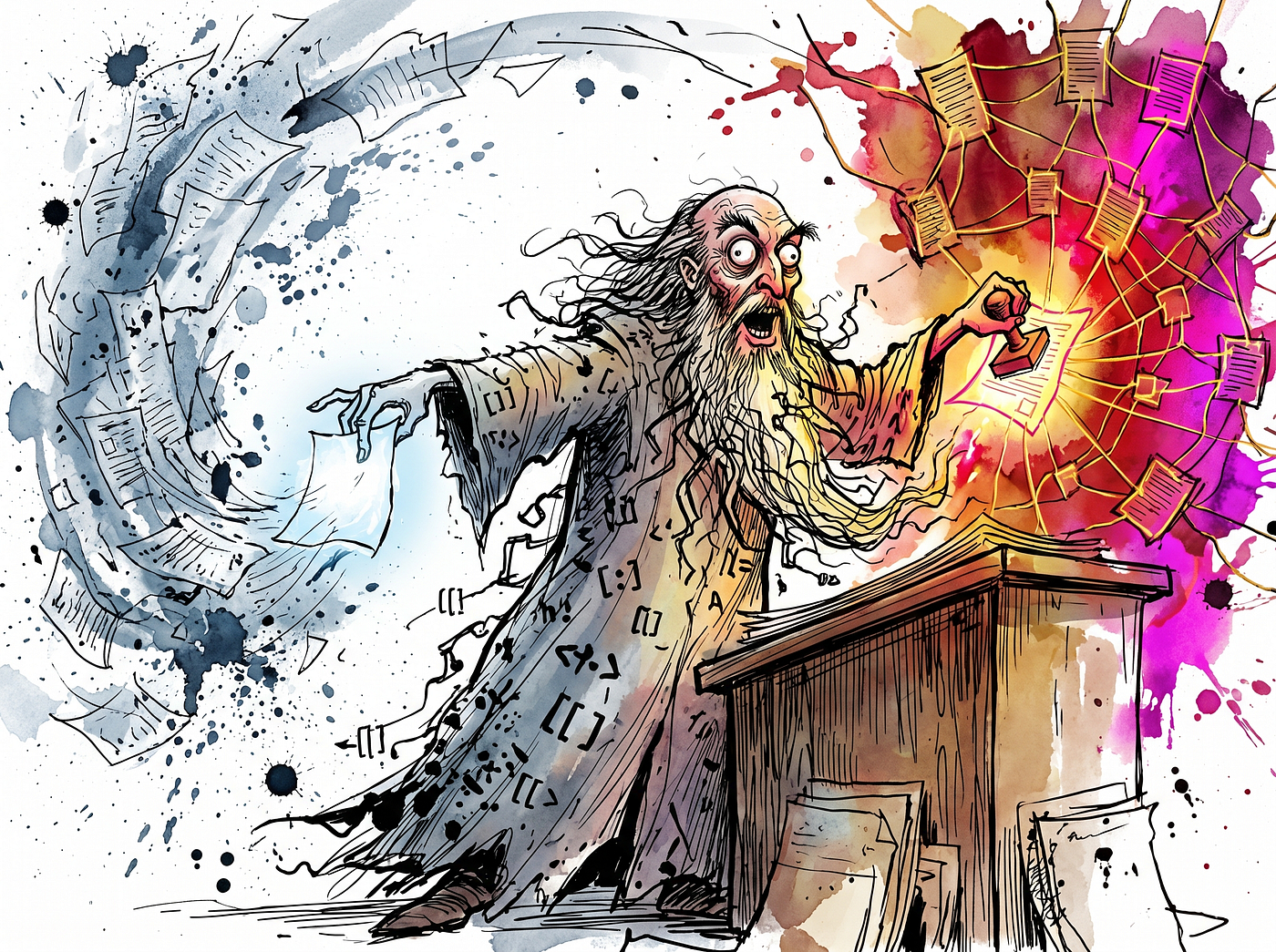
When a new document arrives, the AI doesn’t just index it. It reads the source, identifies the key entities, finds connections to existing pages, flags contradictions with what’s already known, and updates the relevant wiki pages. The output is a folder full of markdown files with [[wikilinks]] between them, organized by category, with full citation trails back to the original sources.
The compounding effect is the whole point. Your tenth document doesn’t just add ten percent more information. It gets cross-referenced against the previous nine, creating new connections and surfacing contradictions you didn’t know existed.
Here’s the bigger frame: the knowledge base stops being a passive folder. It becomes a maintained artifact. The AI isn’t just answering questions against your notes. It’s gradually reshaping the notes into something more queryable, more connected, and more useful than what you could keep up with on your own.
That shift is the whole game.

How the Architecture Actually Works
The nashsu/llm_wiki implementation has three layers, and understanding them matters because you can borrow this structure even without using the app.
The ground truth layer is just your raw files. PDFs, Word docs, spreadsheets, web clippings. The AI is forbidden from modifying anything here. Read-only. This is your audit trail.
The synthesized layer is where the AI works. It’s a folder of markdown files organized into subcategories like entities/, concepts/, sources/, and synthesis/. The AI creates pages, edits them, links them together, and updates them as new information arrives.
The regulatory layer is two files that govern everything: schema.md defines the formatting rules, and purpose.md defines why the wiki exists in the first place. This second file is the one most people miss, and it's the one that makes the whole system work.
Here’s what purpose.md does in practice. Say you're researching AI safety policy. Without a purpose file, an AI might dutifully extract every detail from every paper you feed it, including dozens of tangential threads about machine learning architectures and corporate org charts. With a purpose file that says "I'm specifically interested in regulatory frameworks for frontier model deployment in the EU," the AI filters aggressively. It knows what to ignore.
This single design choice solves the signal-to-noise problem that wrecks most automated research workflows.
Why the Two-Step Ingestion Matters
When the system processes a new document, it doesn’t just hand the file to the AI and ask for output. It splits the work into two separate API calls.
The first call is purely analytical. The AI reads the document alongside the purpose file and the existing index, and it produces a structured analysis. What are the entities? What are the main arguments? What contradicts the existing wiki? What needs new pages versus updates to existing ones? No final output yet. Just thinking.

The second call takes that analysis as a blueprint and generates the actual markdown files.
This decoupling matters because language models are notoriously bad at doing two cognitively different things in one shot. Asking a model to simultaneously analyze a document and produce well-formatted output with proper YAML frontmatter and consistent wikilinks is asking it to fail. Splitting the tasks dramatically reduces formatting errors and semantic drift.
The takeaway here is bigger than this app. You can use this pattern in any AI workflow you run. Never ask for analysis and final output in the same prompt. Get the analysis first. Review it. Then ask for the deliverable. The quality jump is immediate.
The Knowledge Graph Is Where It Gets Wild
Once you have a wiki of interconnected markdown files, you can do graph analysis on it. The application uses a 4-signal relevance model to calculate how related any two concepts are:
- Source overlap carries weight 4.0 (concepts that share originating documents)
- Direct links carry weight 3.0 (explicit
[[wikilinks]]between pages) - Adamic-Adar index carries weight 1.5 (concepts that share neighbors in the network)
- Type affinity carries weight 1.0 (concepts of the same category)

From there, the system can cluster related pages into thematic neighborhoods, giving you a visual map of where your knowledge is dense, sparse, or weirdly disconnected.This is the killer feature, and it’s worth slowing down to appreciate. The system can detect “knowledge gaps” automatically. Two clusters of related concepts with no connection between them. An orphan node that doesn’t link to anything. A theme that’s underdeveloped compared to its neighbors. Then it triggers a “Deep Research” module that uses the Tavily API to run multiple search queries per topic, scrapes the results, and ingests the findings to fill the gap.
The wiki can tell you what it doesn’t know. Then, with your confirmation, it can go research the gap and bring the result back into your knowledge base.
The Honest Limitations
Before I tell you how to use this, I want to be clear about where this approach breaks down. Three things matter.
The AI maintains the wiki, which means the AI can also maintain mistakes. Hallucinated entity pages. Fabricated connections. Confidently wrong summaries. This pattern only works if your raw sources stay immutable, every claim carries a citation back to its source, and ambiguous updates go through human review. The wiki should become your thinking layer, never your source of truth. When you read a synthesized page, the source files are right there, and you should check them when something matters.
This is not cheap. The two-step ingestion is brilliant for accuracy but expensive in tokens. Processing a 30-page PDF involves reading it, generating an analysis, then generating final markdown, which can mean tens of thousands of tokens per source on a frontier model. If you’re using API keys, budget accordingly. If you’re cost-sensitive, run it locally with Ollama and a capable open model.
Models vary wildly at this task. Strict markdown formatting, YAML frontmatter, and consistent wikilinks are the kind of structural discipline that smaller or older models butcher. In my experience, Claude Sonnet, GPT-4 class models, and the larger DeepSeek and Qwen models handle it well. Cheaper or older models tend to drift, hallucinate links, or break the schema in ways you won’t notice until the wiki is already corrupted. [VERIFY this against your specific model before committing to a large ingest run.]
These aren’t reasons to skip the pattern. They’re reasons to use it deliberately.
How to Actually Use This Today
Three approaches, depending on how technical you want to get.
The Easy Path: Simulate the Pattern in Obsidian. You won’t get the automation, the graph scoring, the clipping pipeline, or the ingest queue. But you can borrow the mental model today. Create an Obsidian vault, add folders for sources/, entities/, concepts/, and synthesis/. Write a purpose.md file that explains what you're researching. Then use any AI of your choice (Claude, ChatGPT, Gemini) to process documents one at a time. Paste in the document, paste in your purpose file, ask the AI to extract entities, identify connections to existing pages, and write summaries with [[wikilinks]]. Save the output as markdown files. Within a month you'll have a real knowledge base, and you'll understand the pattern well enough to know whether the full app is worth installing.
This manual approach works best while the wiki is small. Karpathy’s own gist notes that the index-based pattern holds up well at moderate scale (around 100 sources and a few hundred pages). Once you’re past that, the LLM can’t fit your whole index in its context anymore, and you’ll want real search, embeddings, or a tool like the full app.
The Middle Path: Run the App. If you want the full experience, install nashsu/llm_wiki from GitHub. They have pre-compiled binaries for Mac, Windows, and Linux. The project is moving fast, with new releases landing regularly through April and May 2026. You'll need an API key from OpenAI, Anthropic, or Google, or you can run it entirely locally with Ollama if you want zero data leakage. The Chrome extension lets you clip web pages with one click, and clips flow through a local API straight into the ingestion pipeline. The two-step ingestion runs automatically. The knowledge graph visualization is built in.
The Power User Path: Borrow the Patterns. If you’re comfortable with code, the architectural patterns are the valuable part. A purpose file. A schema file. Two-step ingestion. File hashing or caching so unchanged sources don’t get reprocessed. A persistent queue for resilience. An asynchronous review system that flags ambiguous data for human review instead of hallucinating. You can implement these in any language with any AI provider. The patterns are the moat, not the specific tool.
Whichever path you pick, schedule a maintenance pass every few weeks. The app calls this “linting.” Manually, it just means asking your AI to scan for orphan pages, dead wikilinks, contradictions between pages, and stale claims that newer sources have superseded. Without this, even the best knowledge base rots into a graveyard of half-true notes within a few months.
What You Should Actually Take Away From This
Most AI productivity advice right now is about better prompting. Better prompts. Better examples. Better few-shot setups. That’s all useful, but it’s optimizing the wrong layer.
The bigger leverage is in the architecture around the AI. How does information enter your system? How is it stored? How does it accumulate over time? How do you maintain it?
The wiki paradigm is a real answer to those questions, and it’s one of the few designs I’ve seen that treats the AI as a long-term collaborator rather than a search engine you keep restarting.
Start small. Pick one research project. Create a folder with three subfolders and a purpose file. Process documents one at a time using whatever AI you already have access to. See if the act of building a structured, interlinked knowledge base changes how you think about your subject.
I suspect it will. The reason this approach works isn’t really about AI at all. It’s about externalizing the structure of your thinking into a place where it can grow.
The AI just makes the bookkeeping cheap enough that you’ll actually do it.
If you found this breakdown useful, I write regularly about AI infrastructure, agentic systems, and the tools shaping how we build with AI. Follow along for more practical deep dives into the models and frameworks that matter.
Links:
- The repository: github.com/nashsu/llm_wiki
- Andrej Karpathy’s original LLM Wiki gist: gist.github.com/karpathy/442a6bf555914893e9891c11519de94f
Both READMEs are unusually well-written and worth reading even if you never install anything.
메타데이터
- post_id
- b3b5778903dd
- slug
- this-open-source-app-turns-your-documents-into-a-self-building-wiki-b3b5778903dd
- url
- https://medium.com/@creativeaininja/this-open-source-app-turns-your-documents-into-a-self-building-wiki-b3b5778903dd
- canonical_url
- https://medium.com/@creativeaininja/this-open-source-app-turns-your-documents-into-a-self-building-wiki-b3b5778903dd
- author_url
- https://medium.com/@creativeaininja
- status
- ok
- fetched_at
- 2026-06-09 15:37:30