🧰 The Ultimate Linux Debugging Toolbox
From Simple Filters to Advanced Forensics — Master Linux Like a Pro
🧰 The Ultimate Linux Debugging Toolbox
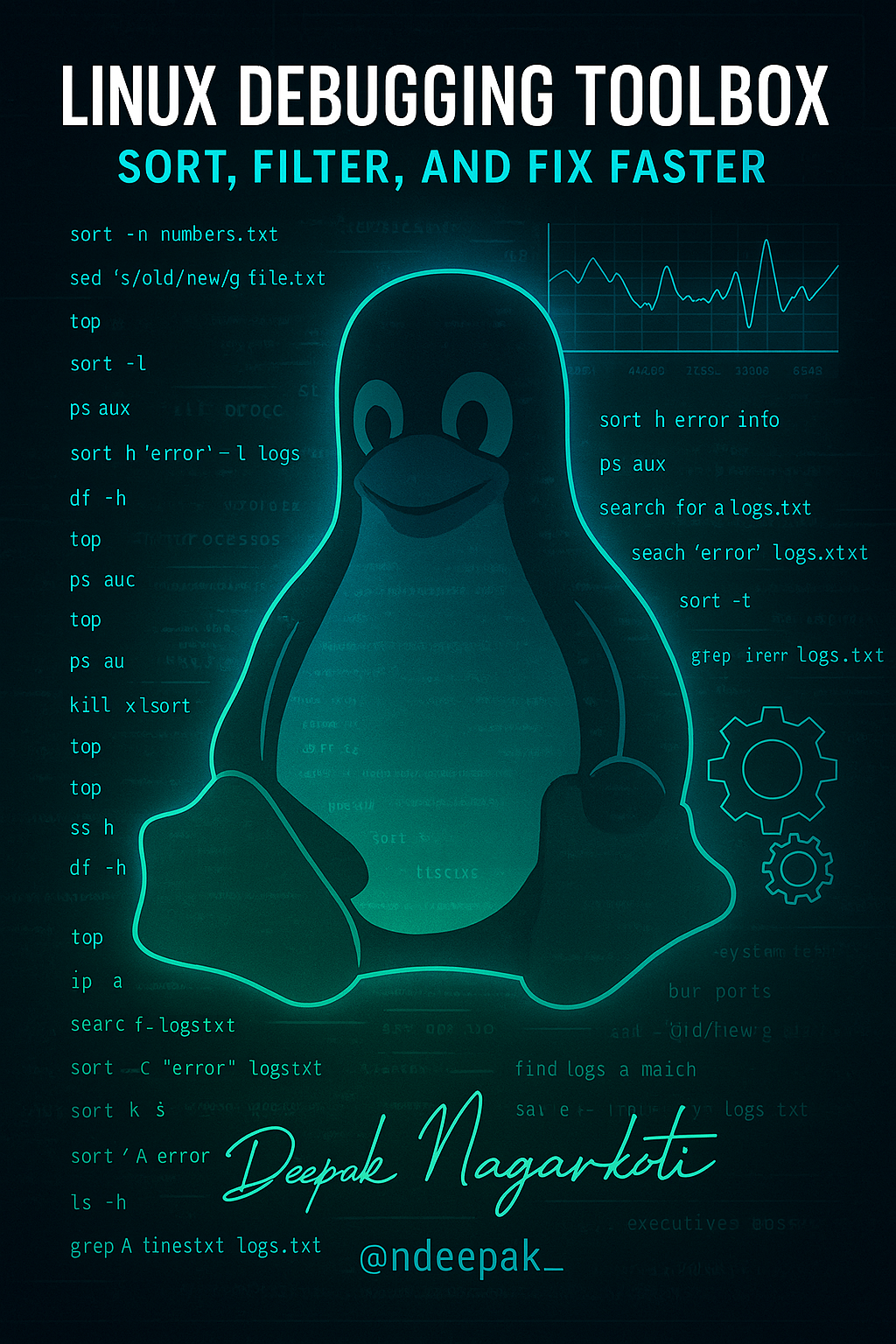
From Simple Filters to Advanced Forensics — Master Linux Like a Pro
🚨 In production, things break — fast. Your ability to fix them depends on how well you know your command-line weapons. From sorting logs to hunting down rogue processes and filtering massive outputs, this guide gives you the Linux Swiss Army Knife you’ve been missing.
🔰 Beginner Essentials — Text Processing & Basic Filtering
These are the bread and butter of quick inspections.
cat file.txt                     # View contents of a file
tac file.txt                     # View in reverse
nl file.txt                      # Number lines
cut -d',' -f2 file.csv           # Extract column 2 from CSV
awk '{print $1, $3}' file.txt    # Extract column 1 and 3
sed 's/old/new/g' file.txt       # Replace text globally
tr 'A-Z' 'a-z'                   # Convert to lowercase
sort file.txt | uniq -c         # Unique lines with counts
wc -l/w/c file.txt               # Count lines/words/characters
🔍 Intermediate: Sorting, Searching & Grep Mastery
When log files get huge and errors are buried deep…
sort file.txt                    # Alphabetical sort
sort -n numbers.txt              # Numeric sort
sort -k2 file.txt                # Sort by column 2
grep "error" logs.txt            # Keyword search
grep -i "error" logs.txt         # Case-insensitive
grep -v "error" logs.txt         # Invert match
grep -E "error|fail" logs.txt    # Multiple patterns
grep -c "error" logs.txt         # Count occurrences
grep -A3 "error" logs.txt        # 3 lines after match
grep -B3 "error" logs.txt        # 3 lines before match
🔁 Piping & Redirection — Command Composition Skills
The real power of Linux comes from chaining tools.
ls | wc -l                       # Count files
ps aux | grep nginx              # Find running services
cat file.txt | sort | uniq       # Unique sorted lines
ls -l | awk '{print $9}'         # Extract filenames
ls > files.txt                   # Save output
date >> log.txt                  # Append date
ls /notexist 2> error.log        # Errors only
ls /notexist &> output.log       # All output
sort < unsorted.txt              # Input redirection
ls | tee output.txt              # Save + display
files.txt # Save output date >> log.txt # Append date ls /notexist 2> error.log # Errors only ls /notexist &> output.log # All output sort
⚙️ Advanced Debugging — System & Performance Checks
When systems misbehave, these are your go-to commands.
System Monitoring
top                              # Live CPU/memory
htop                             # Interactive viewer
ps aux                           # All processes
kill -9 PID                      # Terminate process
uptime                           # System load
df -h                            # Disk usage
du -sh /home/*                   # Folder sizes
Networking
ip a                             # IP addresses
ss -tulnp                        # Open ports
ping -c 5 google.com             # Ping check
traceroute google.com            # Route path
curl -I example.com              # HTTP headers
wget example.com/file.zip        # Download file
🗂️ File Search, Age & Size Filters
Perfect for audits, maintenance, and cleanups.
find /path -type f -mtime 30     # Exactly 30 days
find /path -type f -mtime -30    # Less than 30
find /path -type f -mtime +30    # More than 30
find /path -type d -mtime -7     # Recent folders
find / -type f -size +1G         # Files >1GB
find / -type f -empty            # Empty files
find /home -user deepak          # Files by user
find /usr/bin -perm /111         # Executables
🔗 Pro-Level: Combined Commands & Automation
Real-world scenarios where you mix tools like a champ.
# Find and compress recent logs
find /var/log -mtime -10 | tar -czf logs.tar.gz -T -

# Show all .log files with sizes
find /var/log -name "*.log" -exec du -sh {} +

# Top 10 largest files
find / -type f -exec du -h {} + | sort -rh | head -10

# Mass replace text in all .txt files
find /path -name "*.txt" -exec sed -i 's/old/new/g' {} +
🚀 Final Thoughts: From Commands to Confidence
Mastering these commands turns you from a Linux user into a Linux troubleshooter — someone who can handle real-world incidents with calm and confidence. Whether you’re fixing a failing app, diagnosing a memory leak, or just trying to find that one suspicious log entry — this toolbox has your back.
💬 “A DevOps engineer without grep and awk is like a surgeon without a scalpel.”
🔗 Read more tips on Security, debugging, DevOps, and Linux tricks at ndeepak
Follow at Twitter: https://twitter.com/ndeepak_
Connect at Linkedin: https://www.linkedin.com/in/nagarkotideepak9
메타데이터
- post_id
- b4828d34b87b
- slug
- the-ultimate-linux-debugging-toolbox-b4828d34b87b
- url
- https://medium.com/@nagarkotideepak9/the-ultimate-linux-debugging-toolbox-b4828d34b87b
- canonical_url
- https://medium.com/@nagarkotideepak9/the-ultimate-linux-debugging-toolbox-b4828d34b87b
- author_url
- https://medium.com/@nagarkotideepak9
- status
- ok
- fetched_at
- 2026-06-09 15:37:30