git Install and Config
Git is a version control system and is an essential tool for any type of development work. With MacPorts, installing git was was easy.
git Install and Config
I’ve been going through the curriculum of The Odin Project to learn more about web development, so another one of the first tools I installed was git. Git is a version control system and is an essential tool for any type of development work. With MacPorts, installing git was was easy.
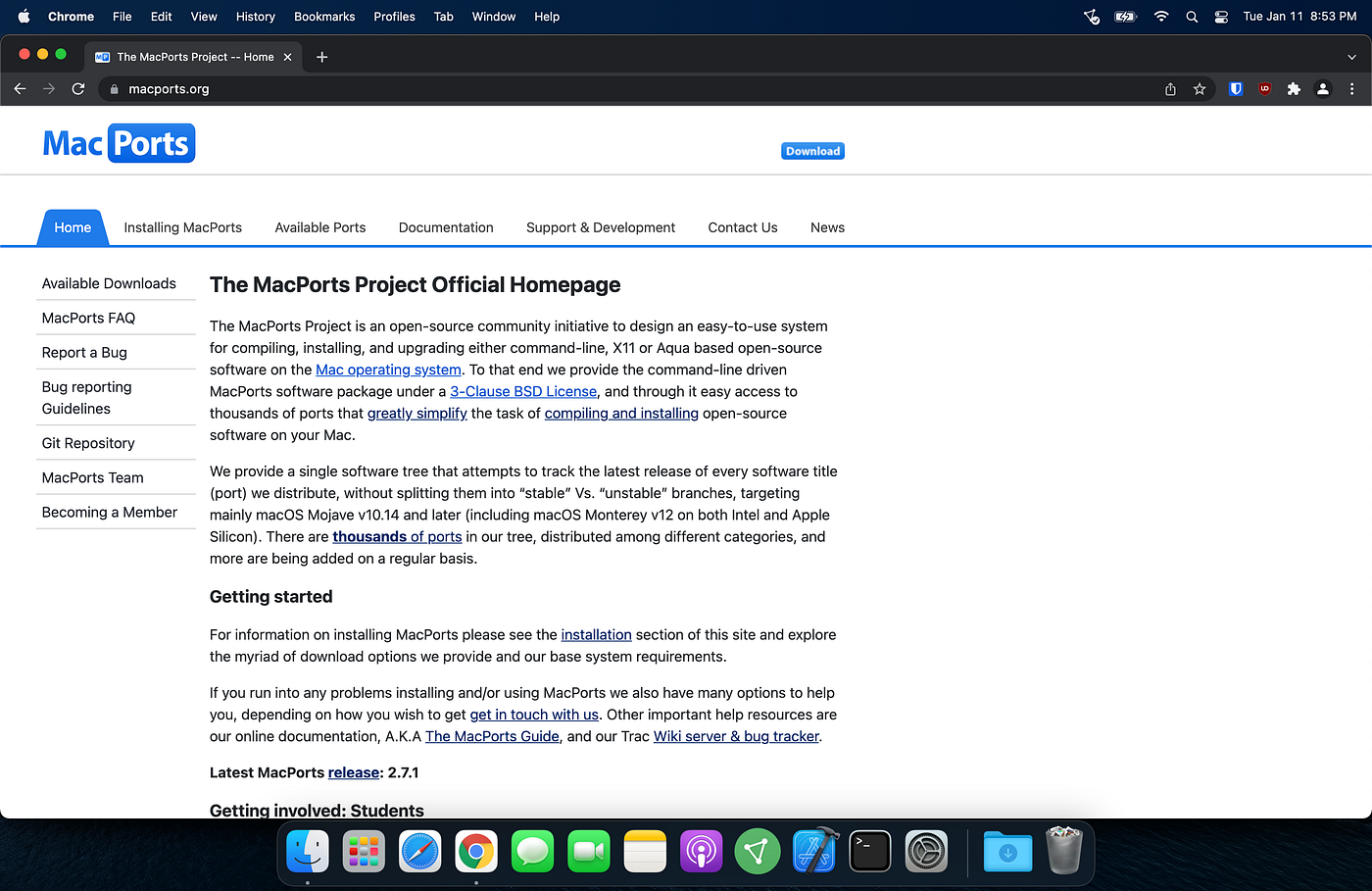
MacPorts homepage
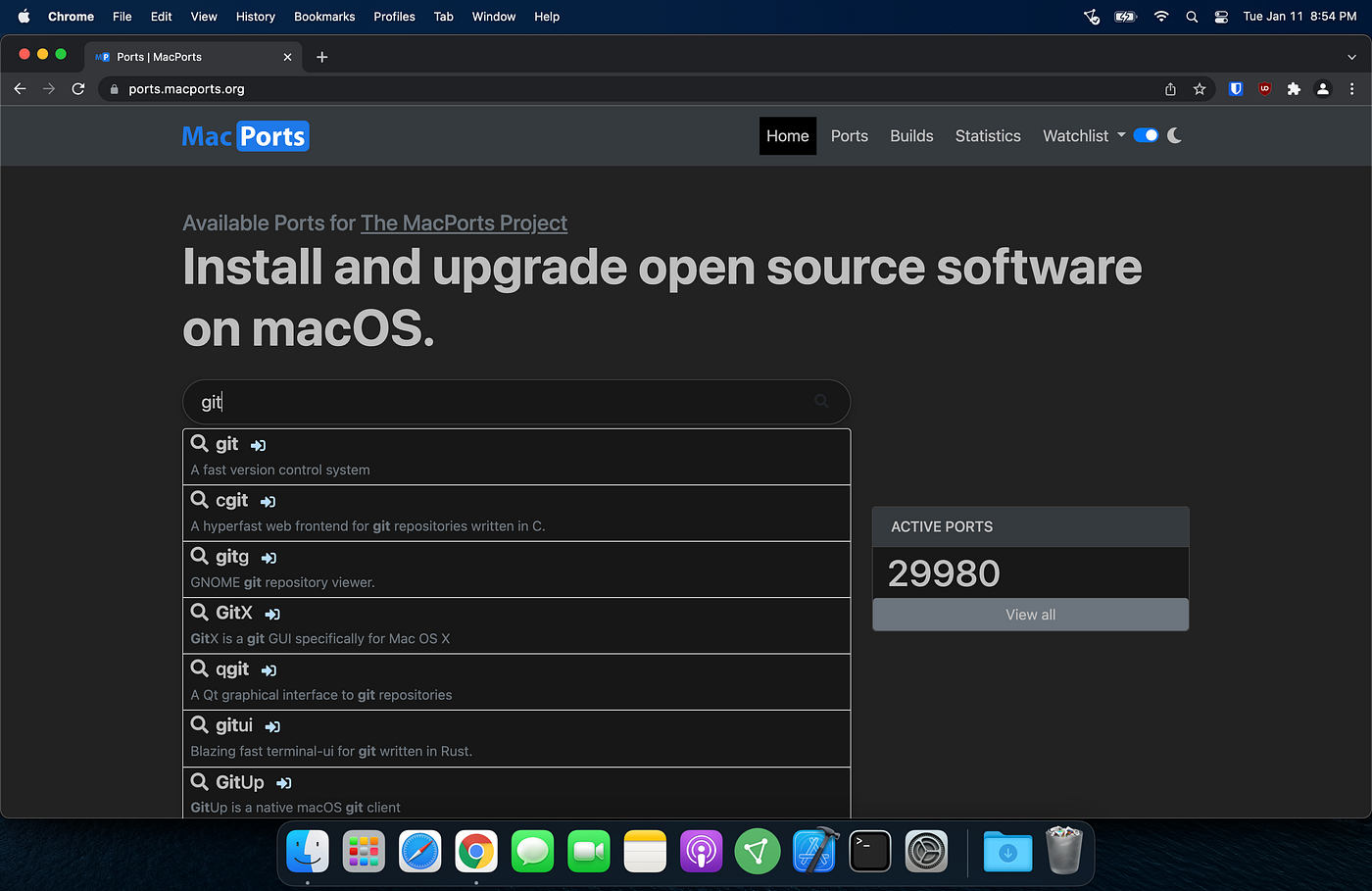
MacPorts Available Ports page
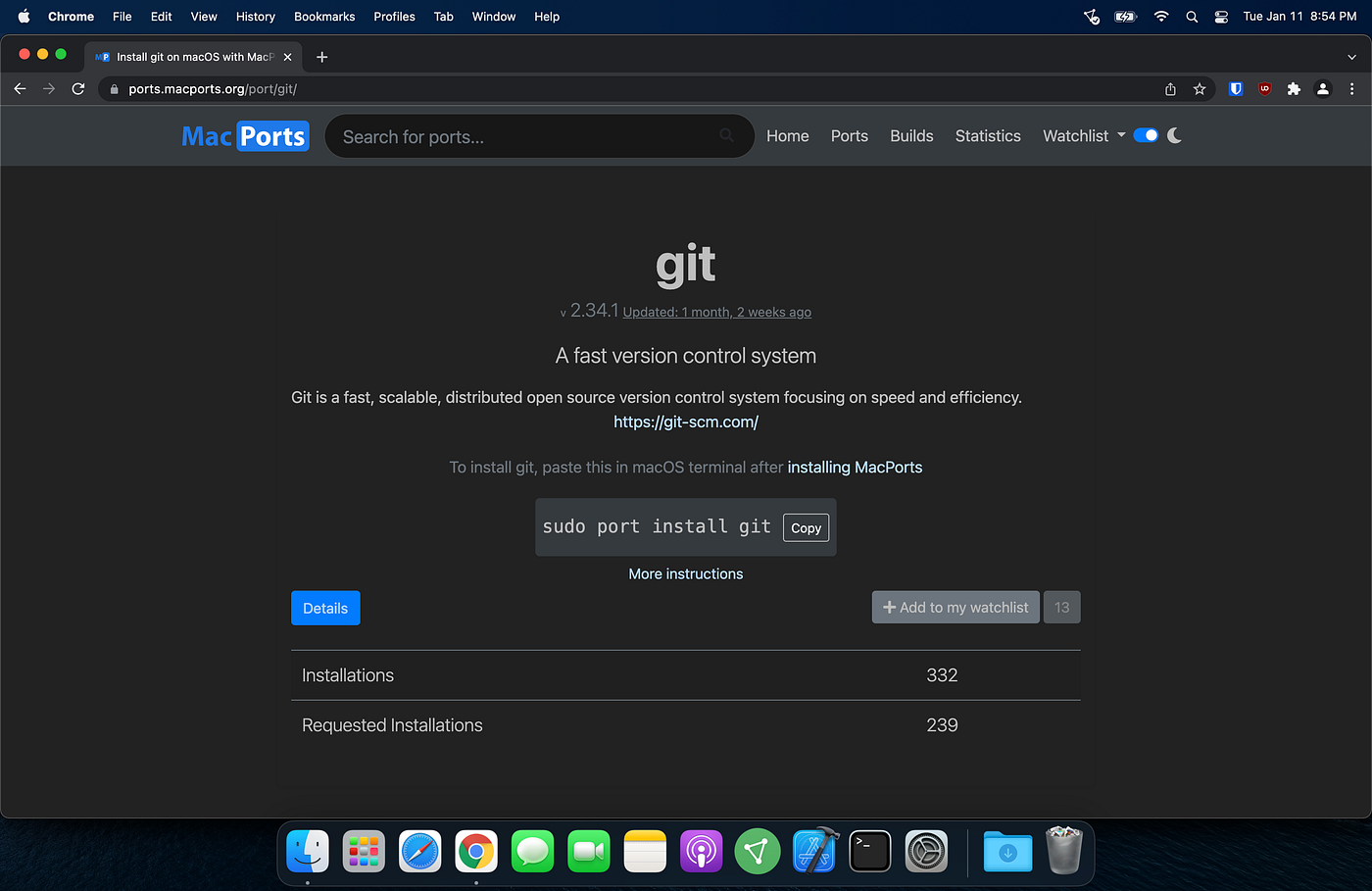
MacPorts git page
To install git using MacPorts, I needed to switch to my admin account using the ‘substitute user’ or ‘su’ command.

Switched to admin account / Ran install command
There were quite a few dependencies for git…50 of them!
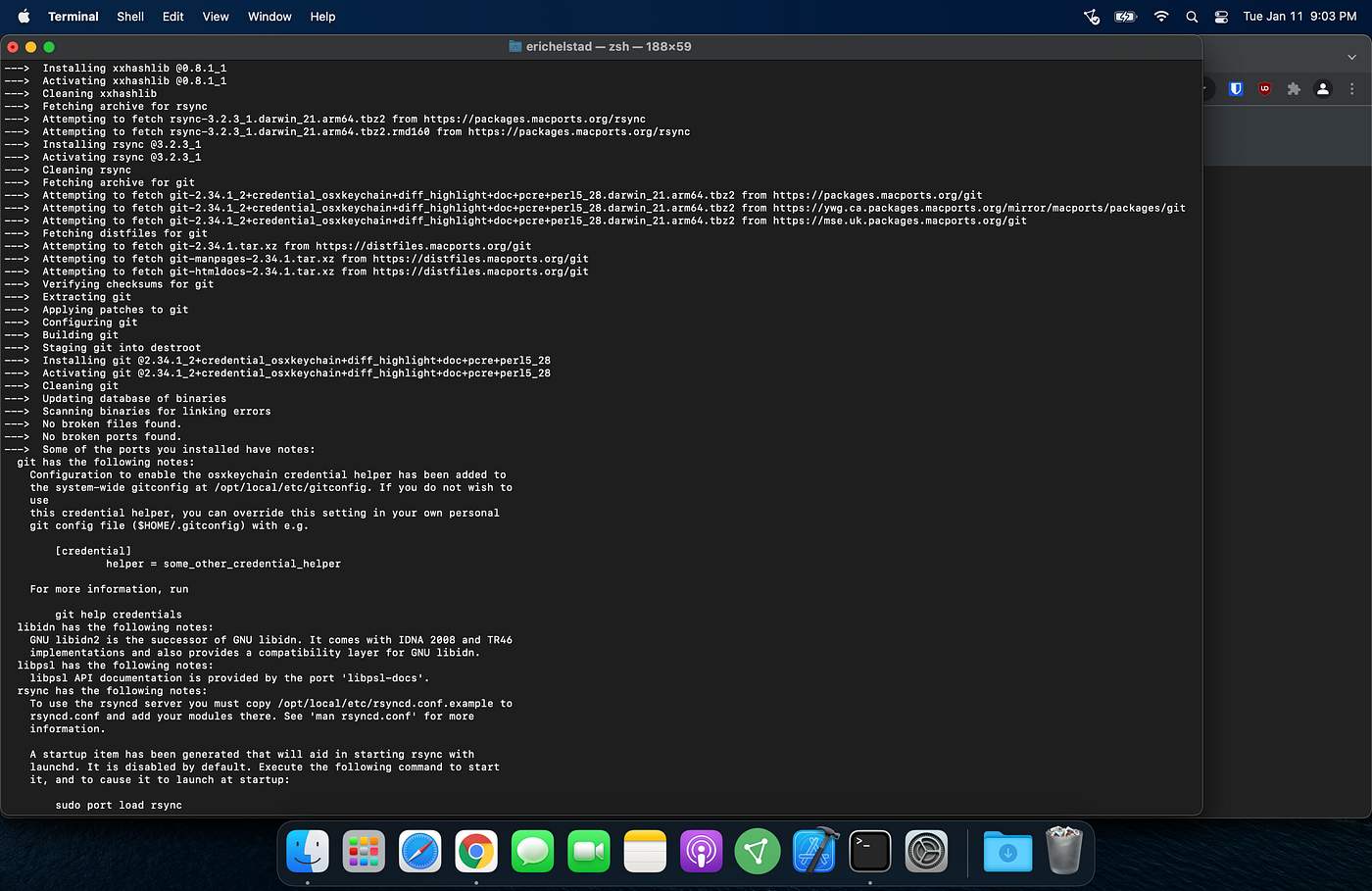
Install output
To confirm git installed successfully, I quit my current terminal session and then checked the version in a new terminal.
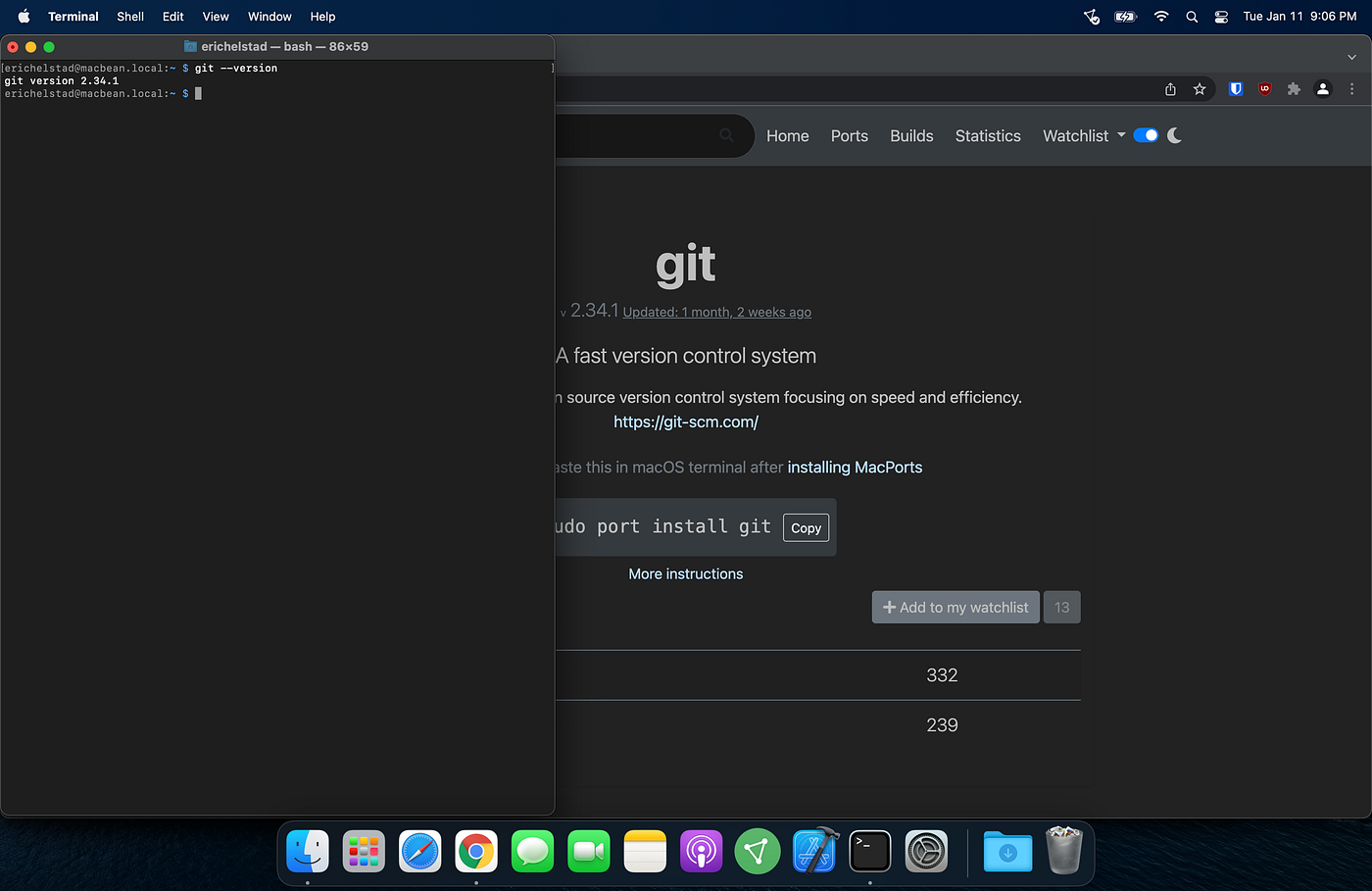
git version 2.34.1 installed
Next I configured my local git profile per the recommendations of The Odin Project curriculum.
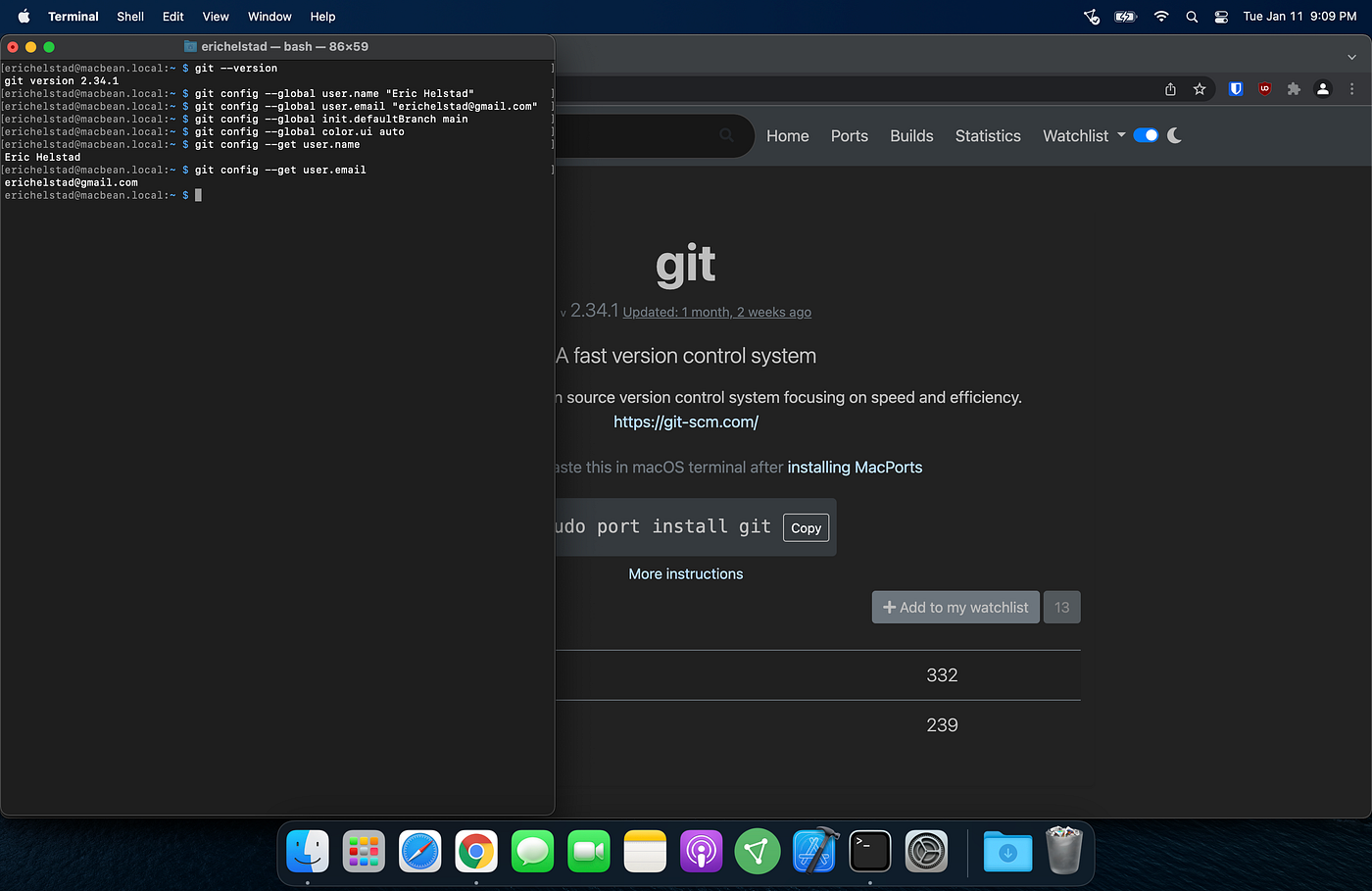
git configuration
To be able to push code to GitHub without entering my username and password every time, I needed to set up a new SSH key.
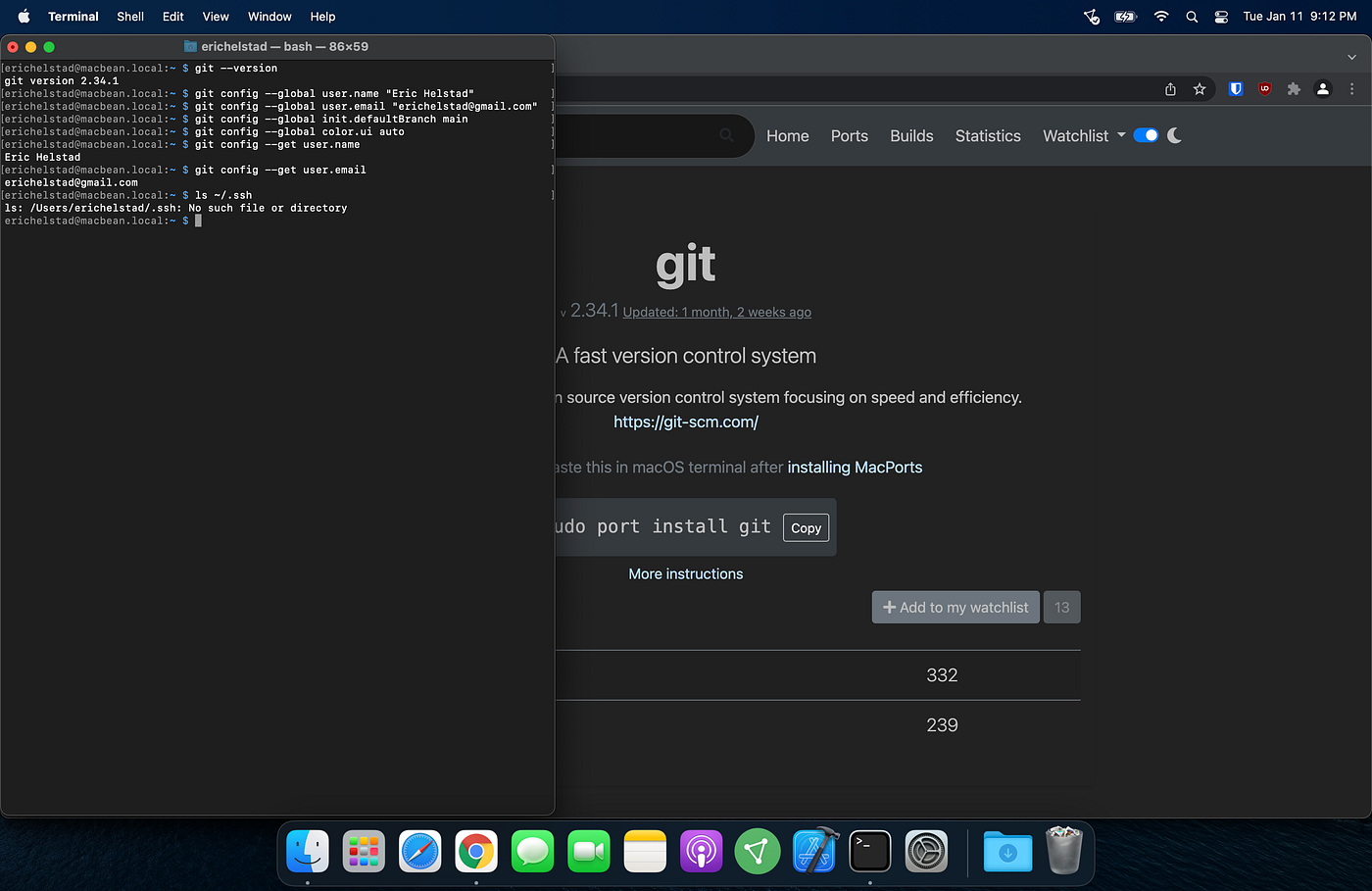
Checked for existing SSH key
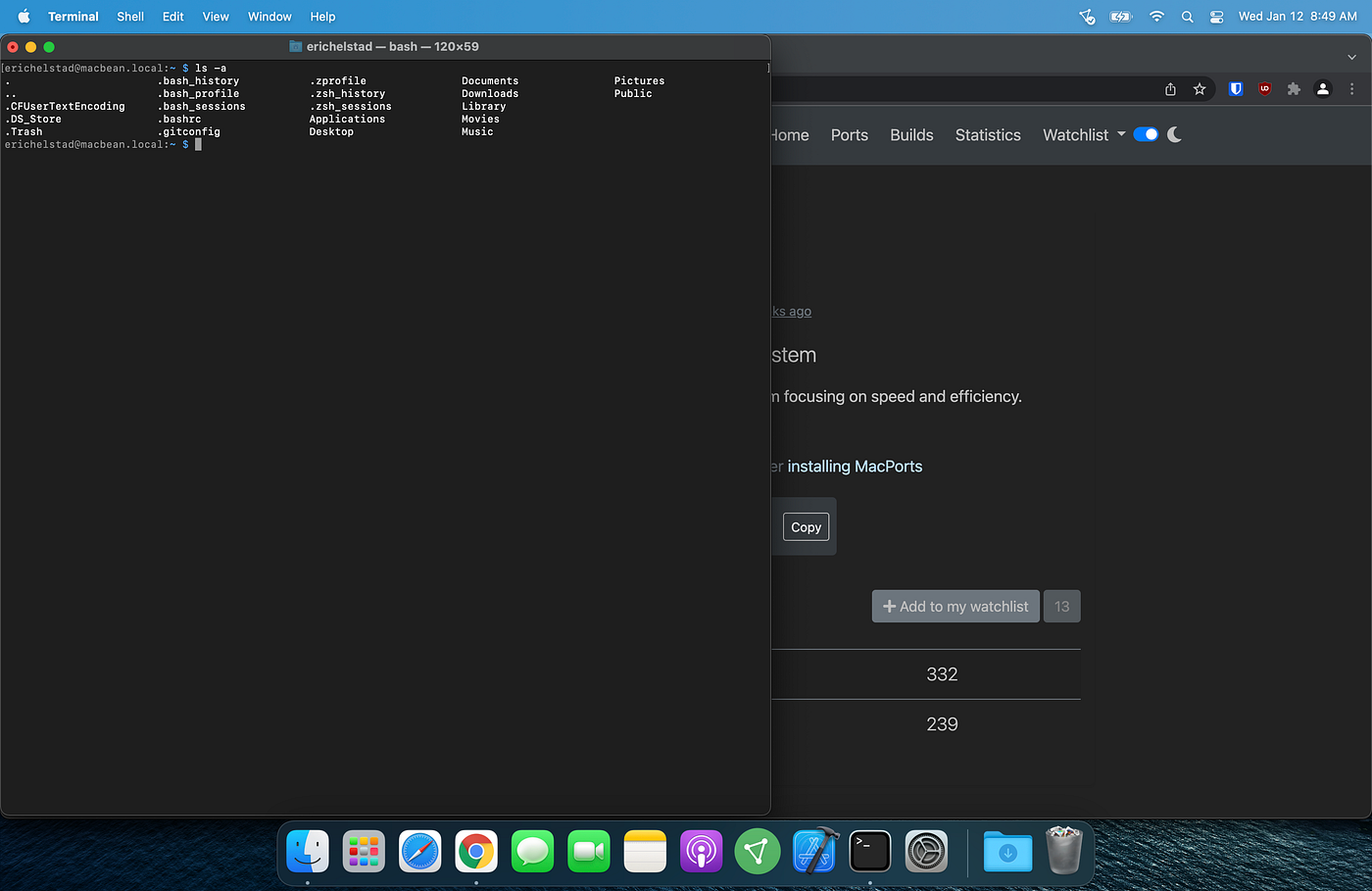
Contents of my user directory
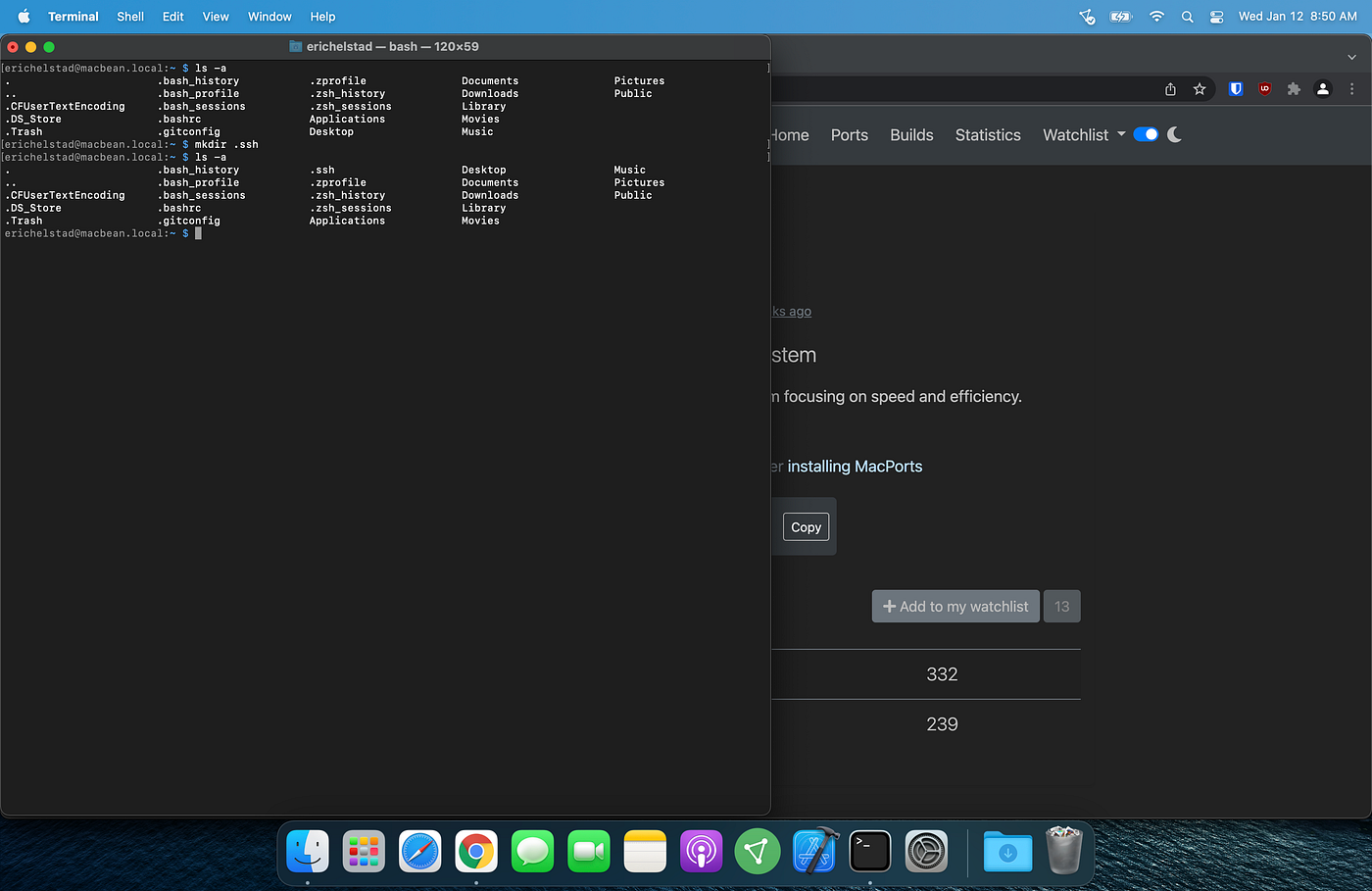
Created .ssh directory for my SSH keys
Since I knew that I will be creating additional SSH keys in the future for different purposes, I changed the output file name from the default with the -f flag.
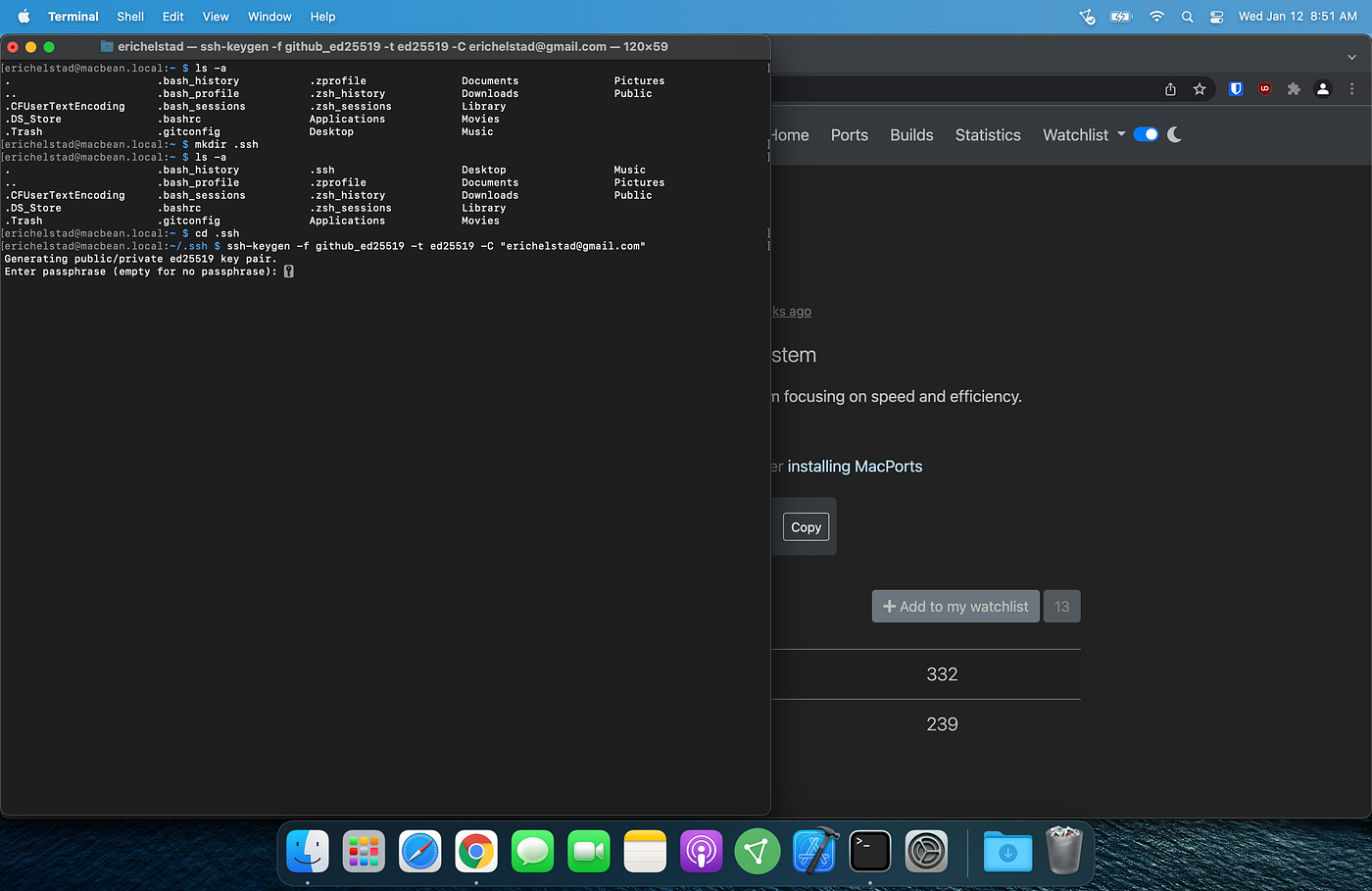
Ran ssh-keygen command
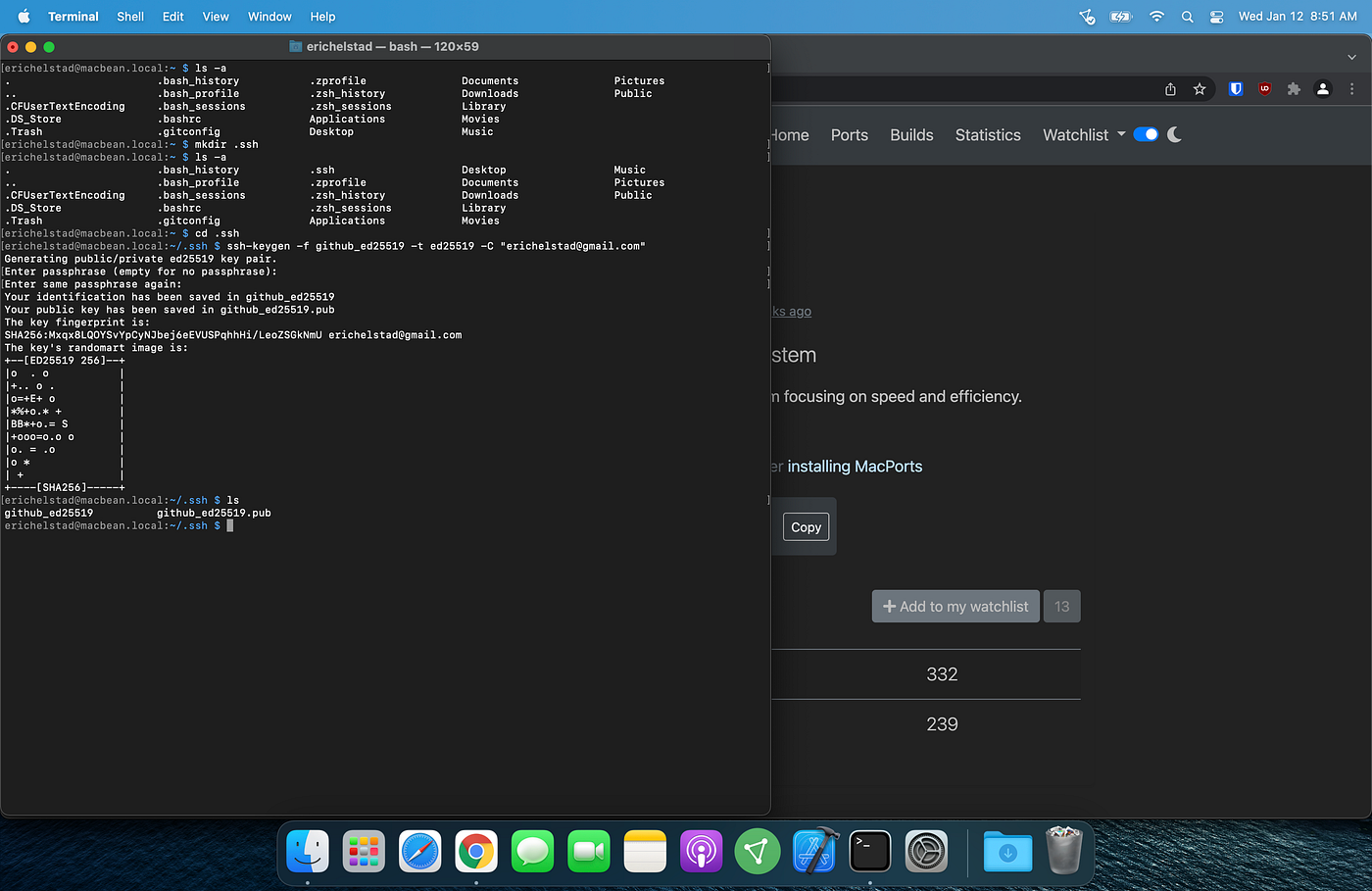
Output of ssh-keygen command / Confirm keys are in .ssh directory
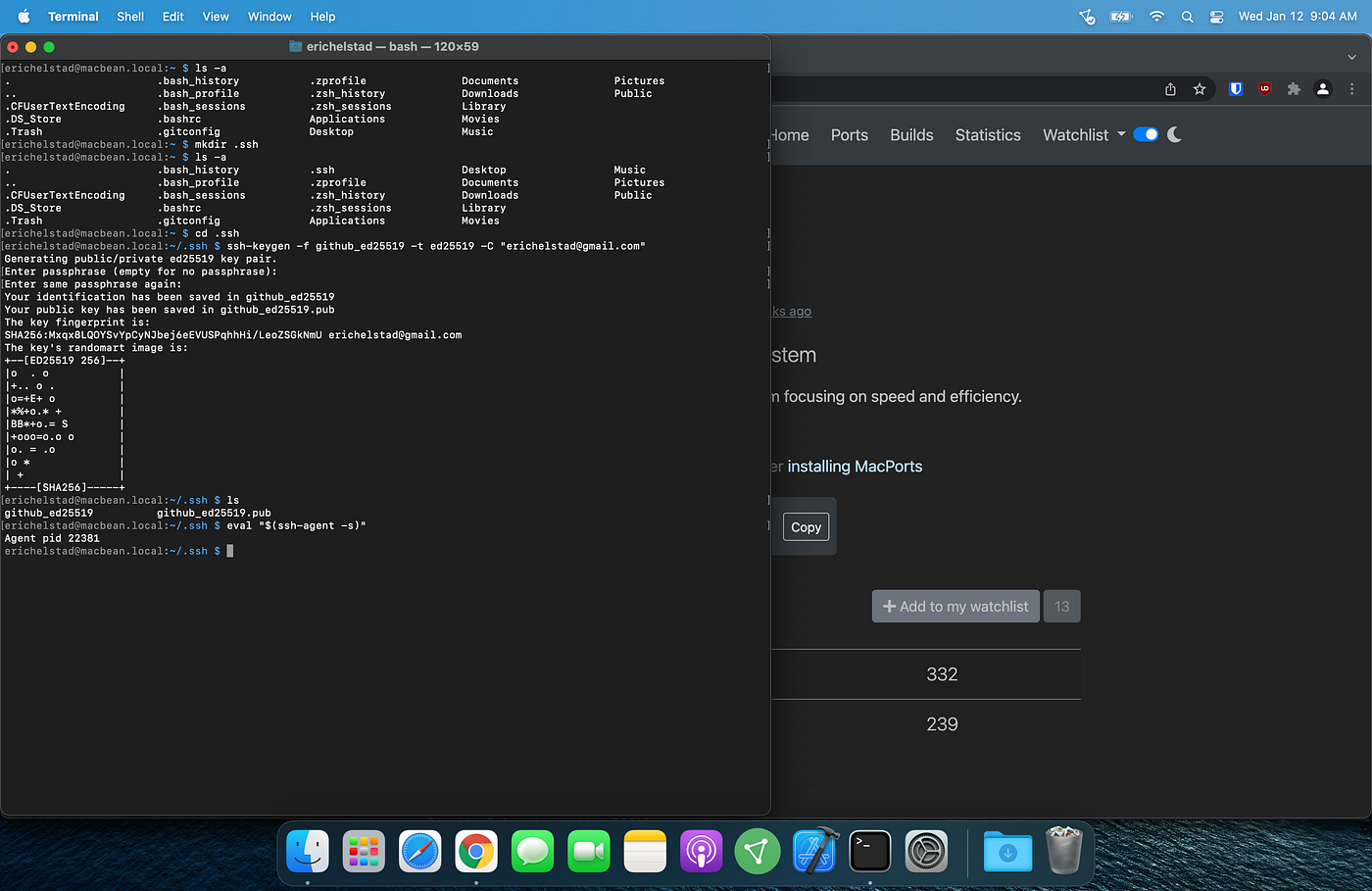
Started ssh-agent
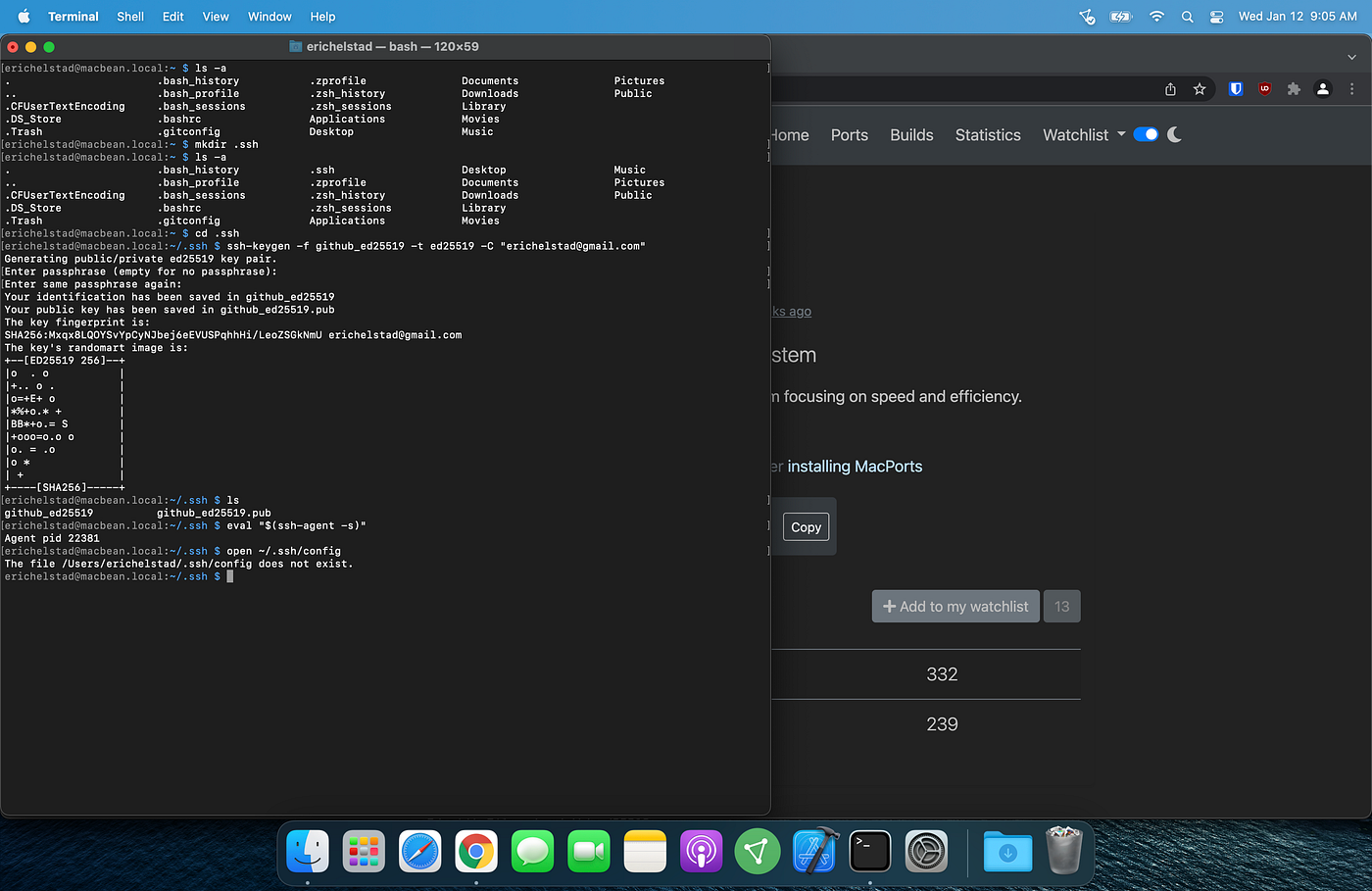
Checked if config file already exists
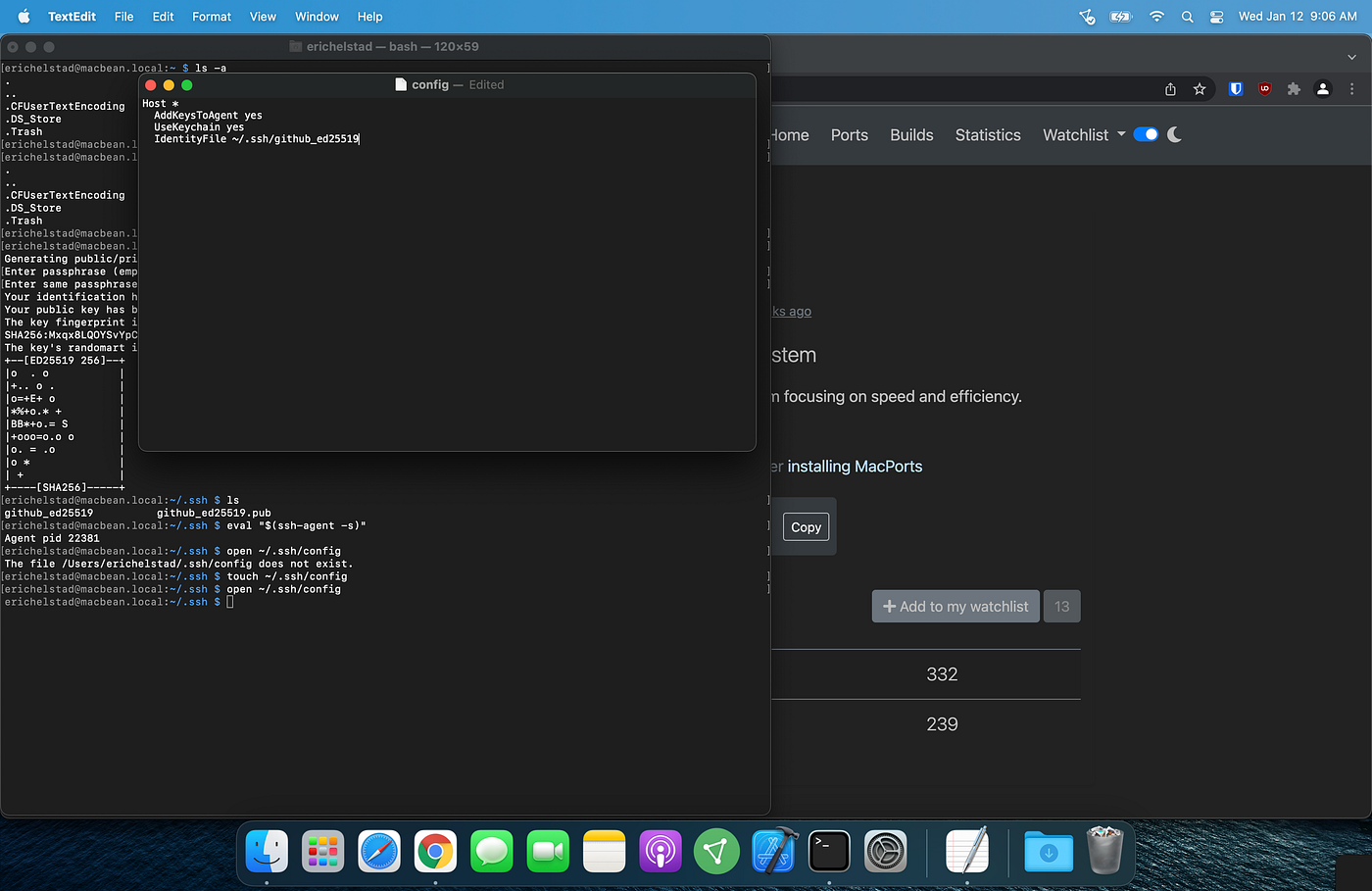
Created and updated config file
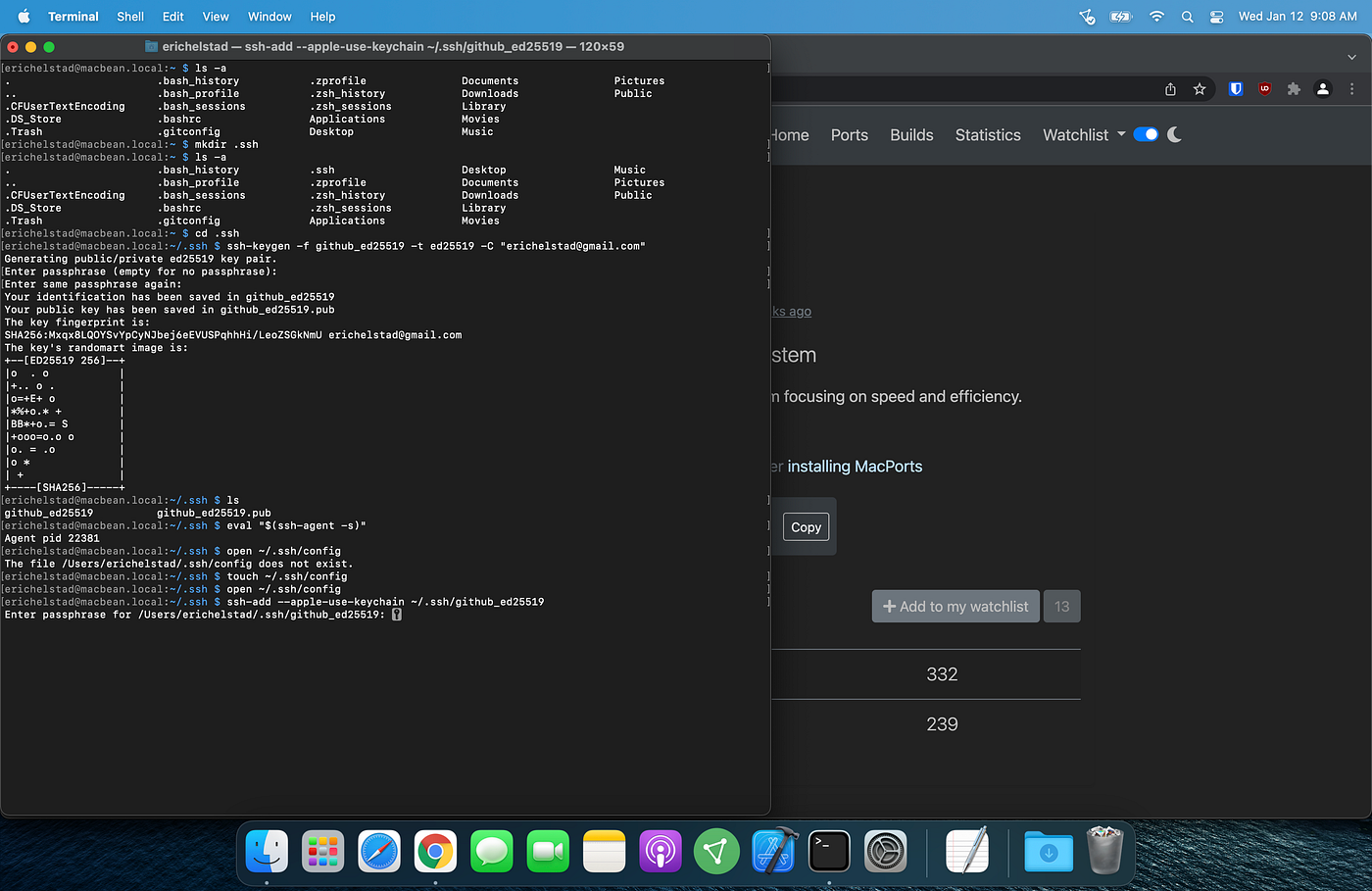
Added key to ssh-agent and added passphrase to keychain
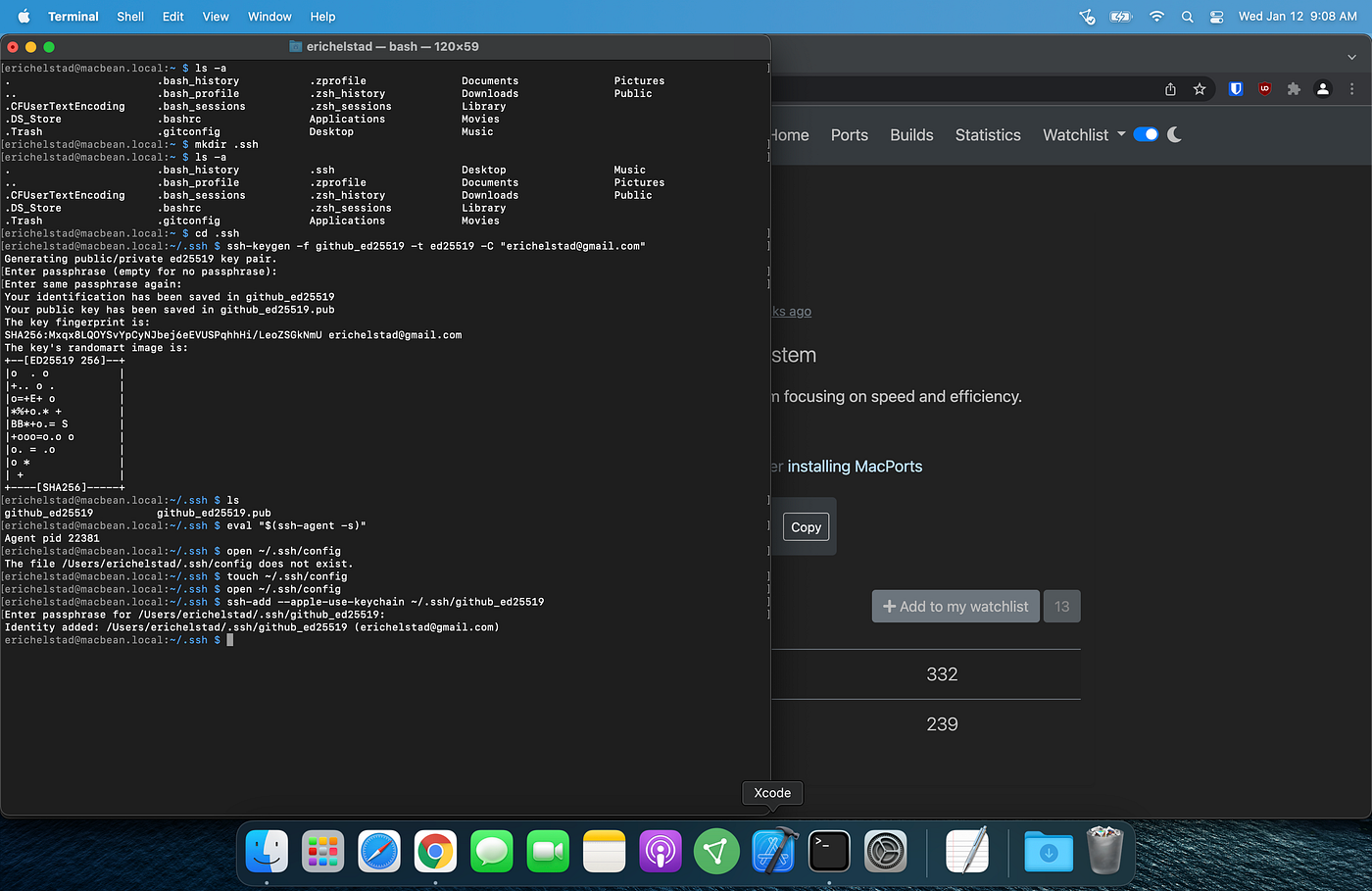
ssh-add confirmation
Now that my SSH key was created and added to the ssh-agent, it was time to add the key to my GitHub account.
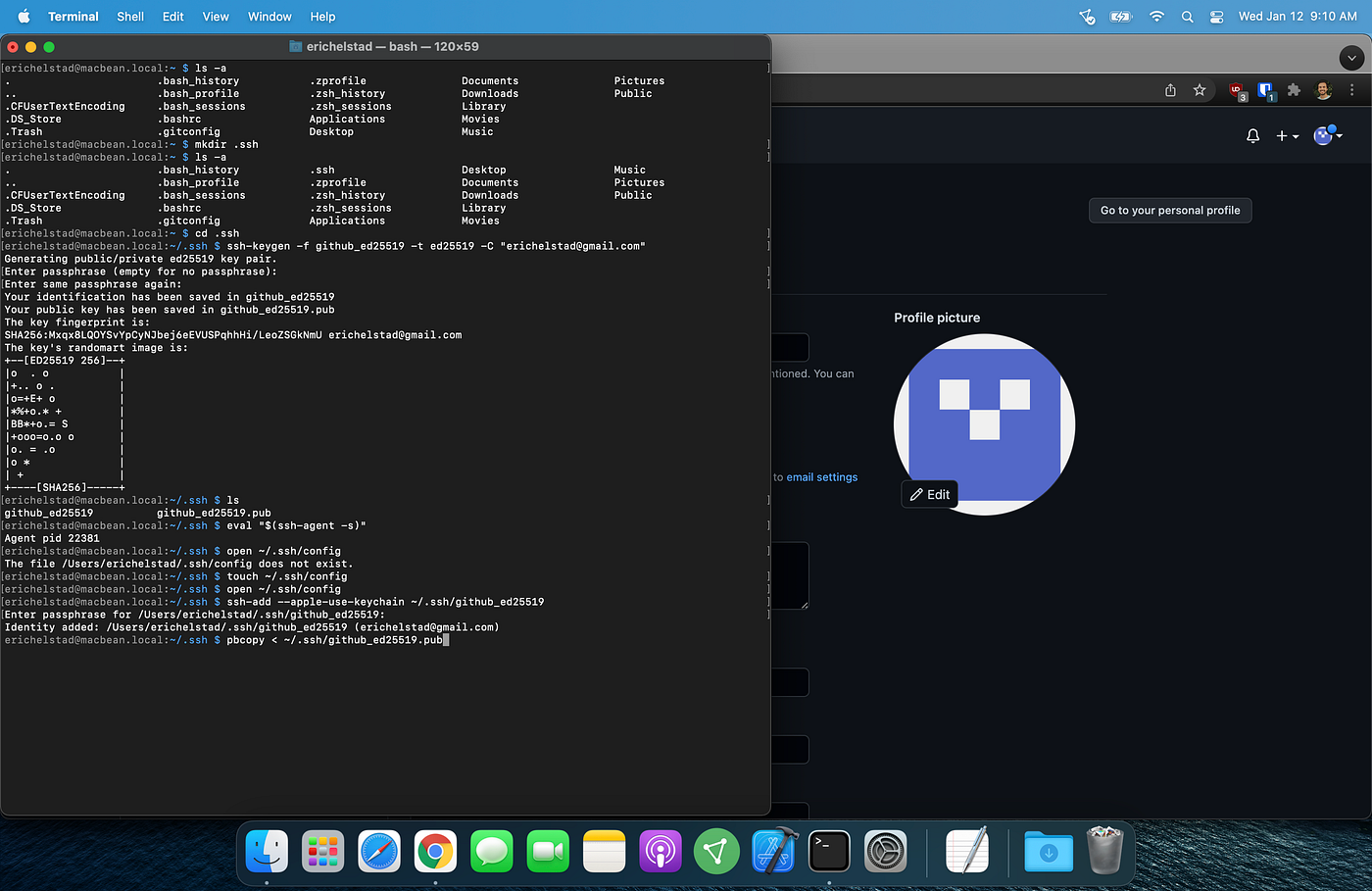
Copied contents of public key file
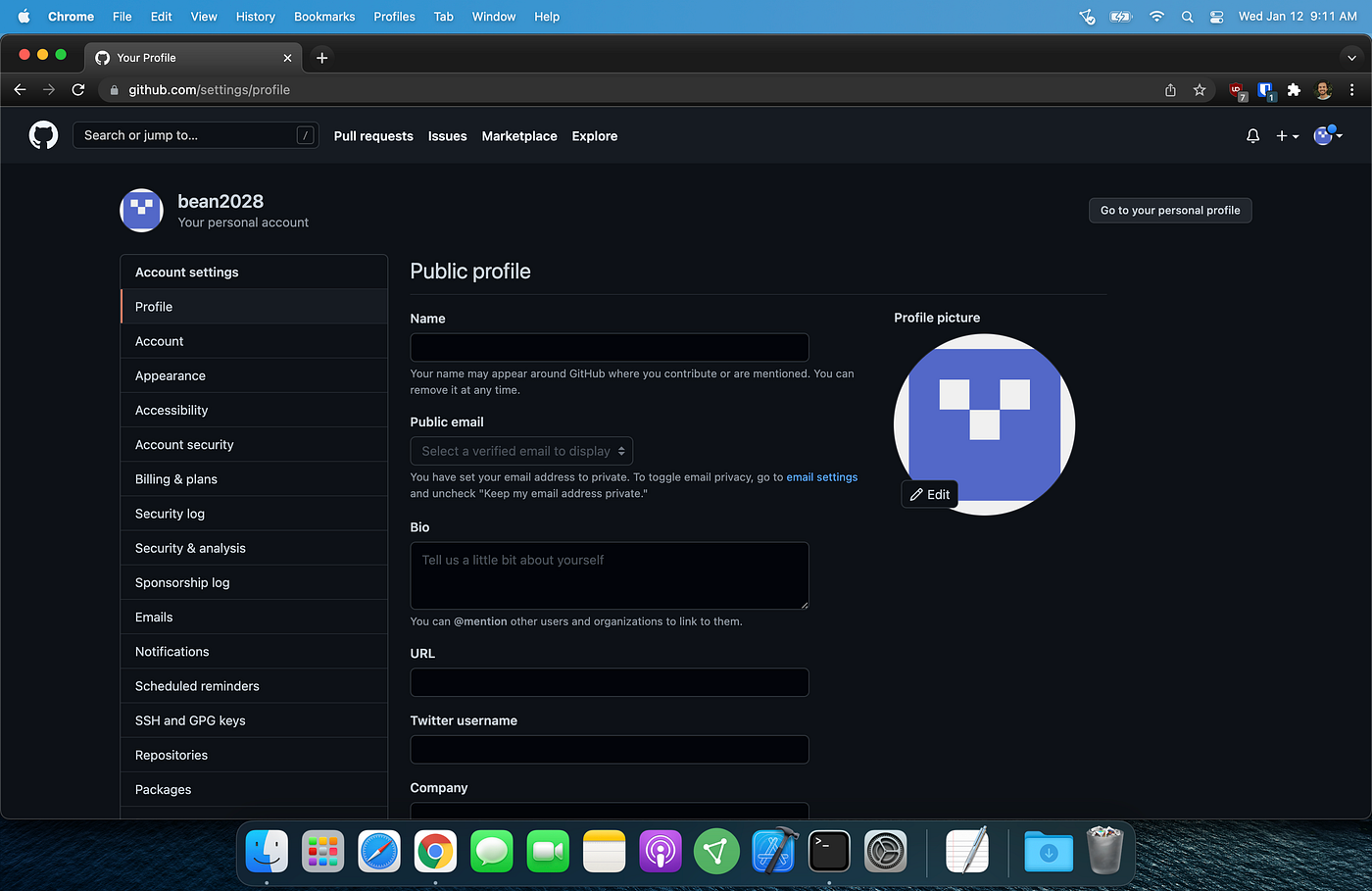
My GitHub profile settings
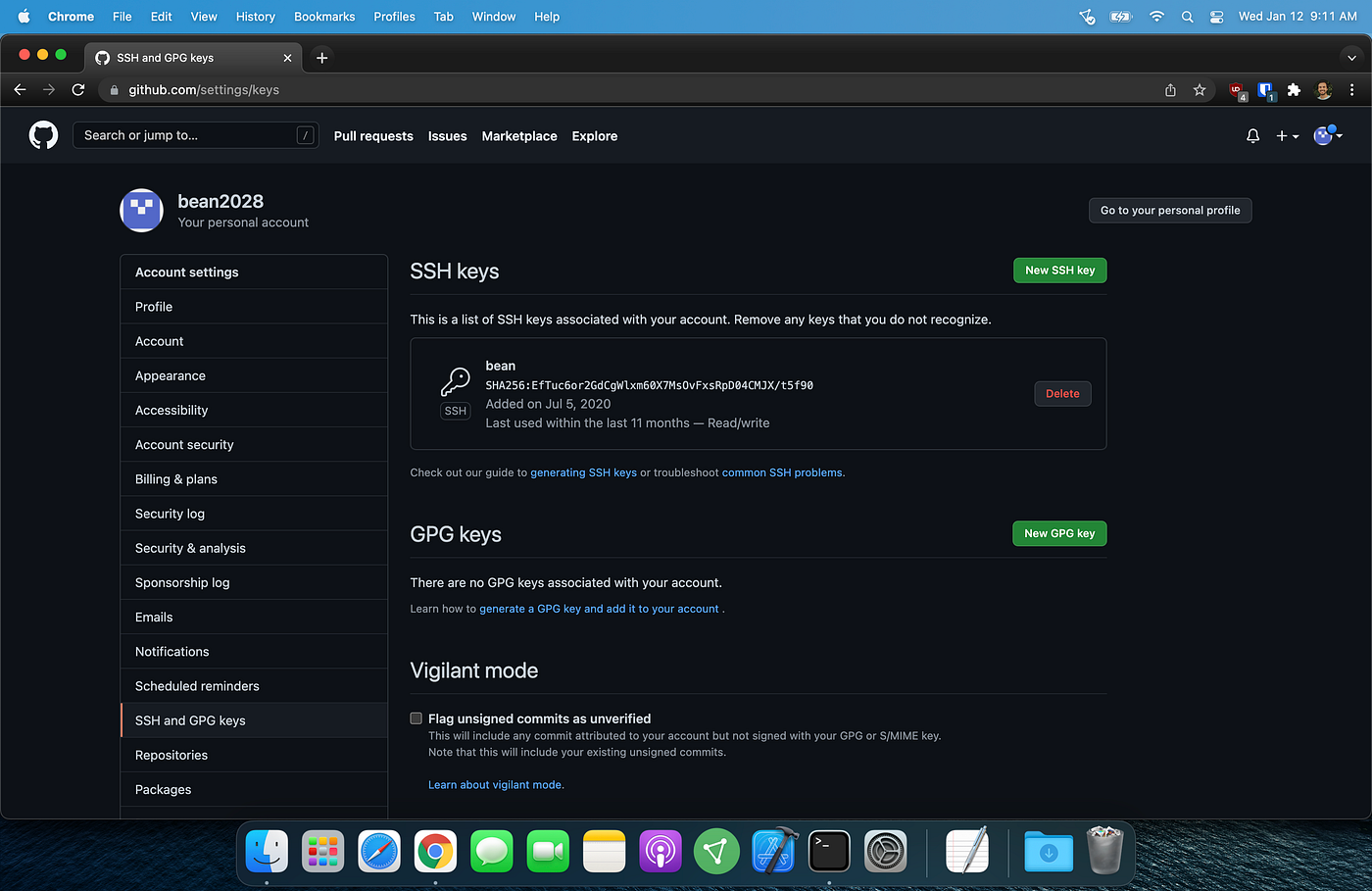
SSH and GPG keys page of my account settings
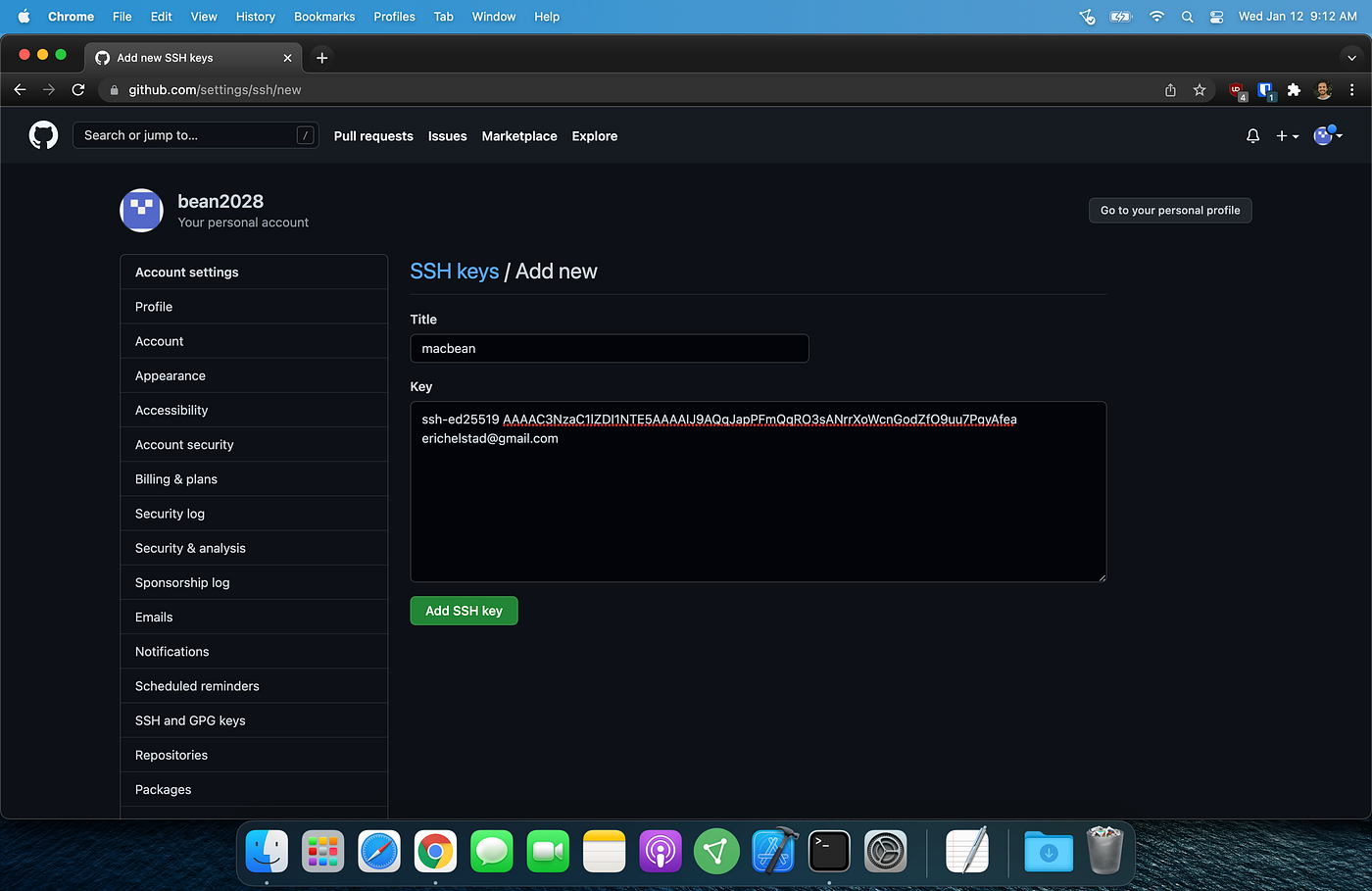
Pasted public key
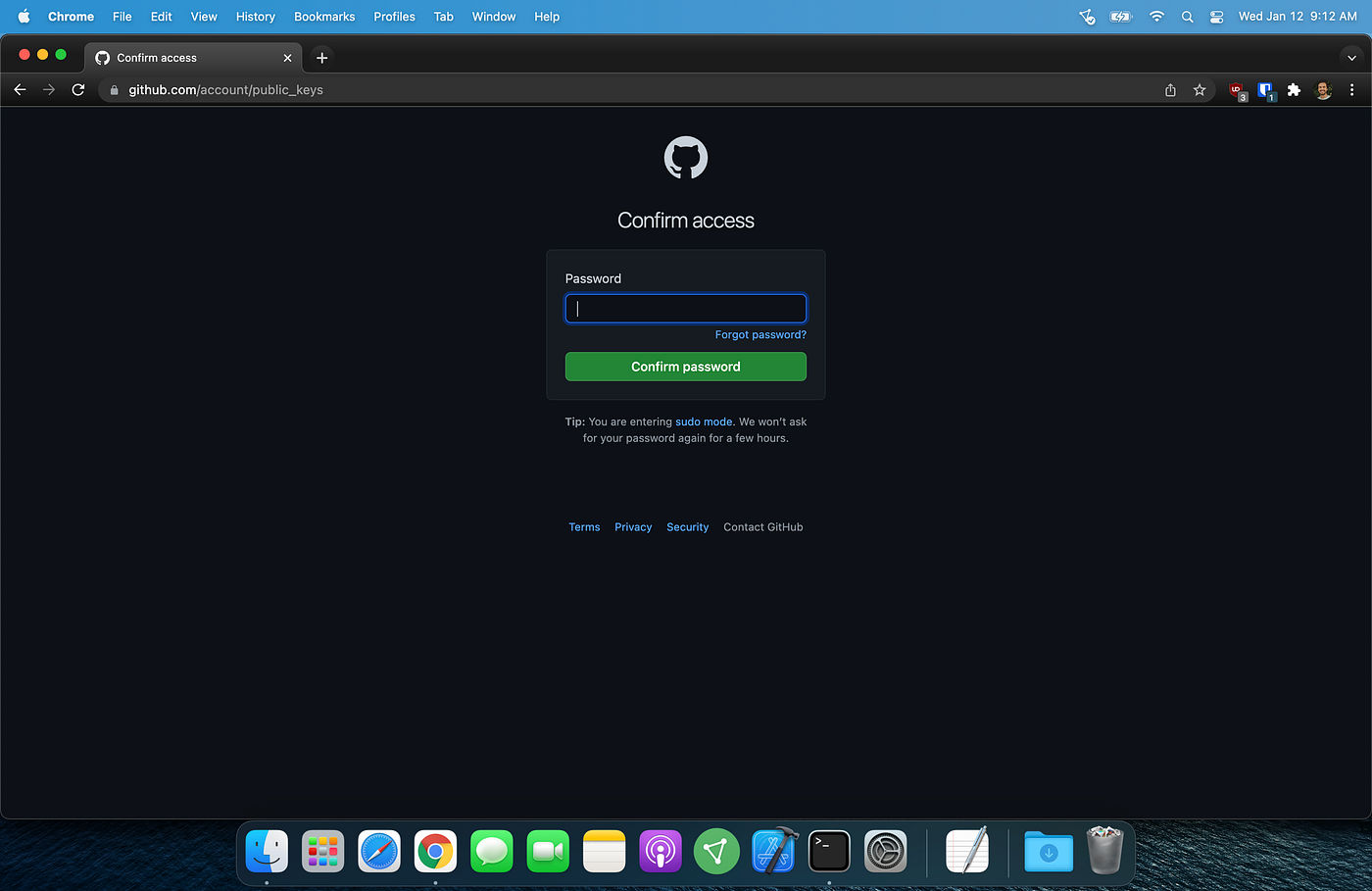
Password required to add new ssh key
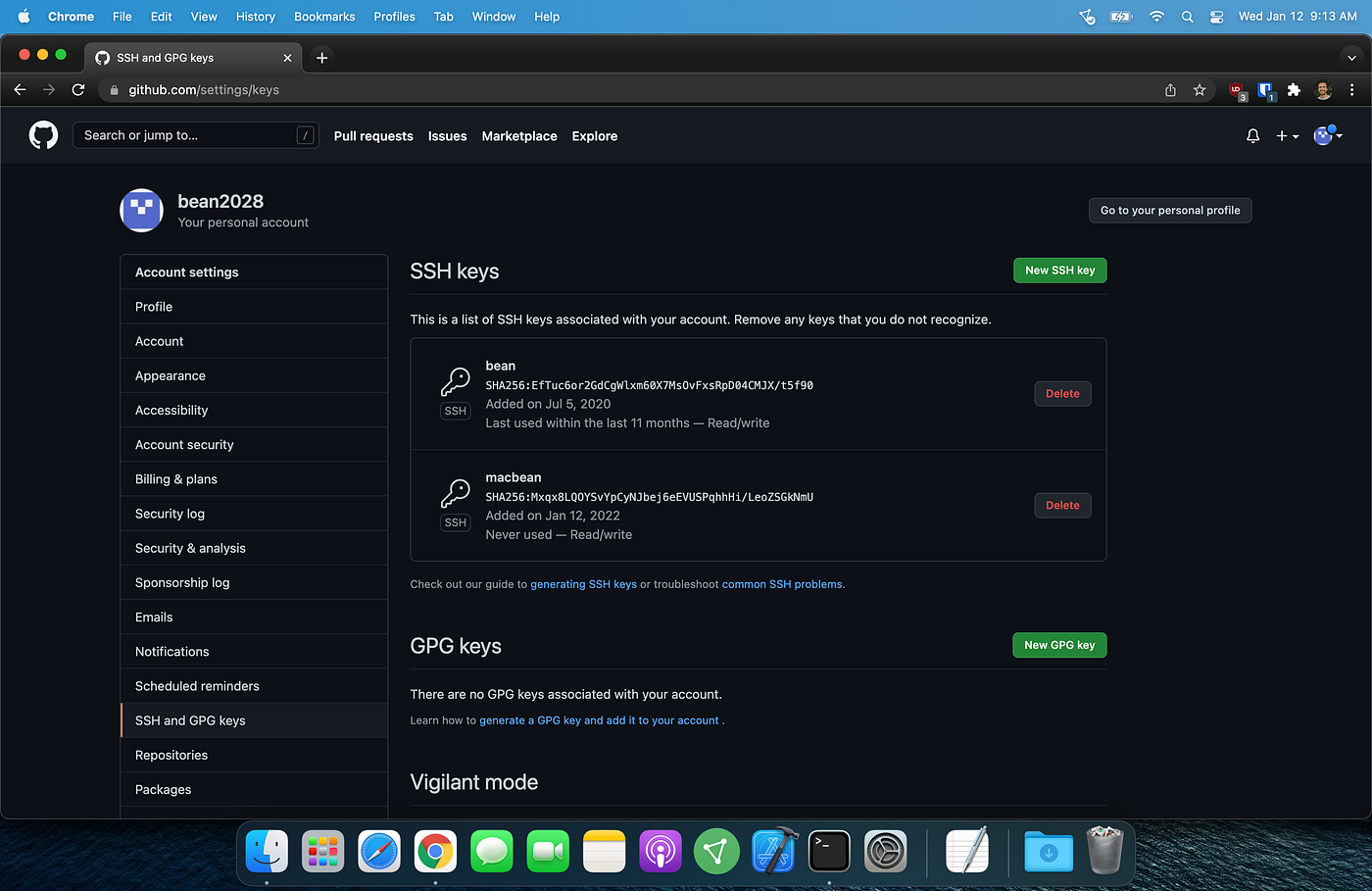
SSH and GPG keys page with new ssh key
With my SSH key added to my Github profile, I could now test my SSH connection.
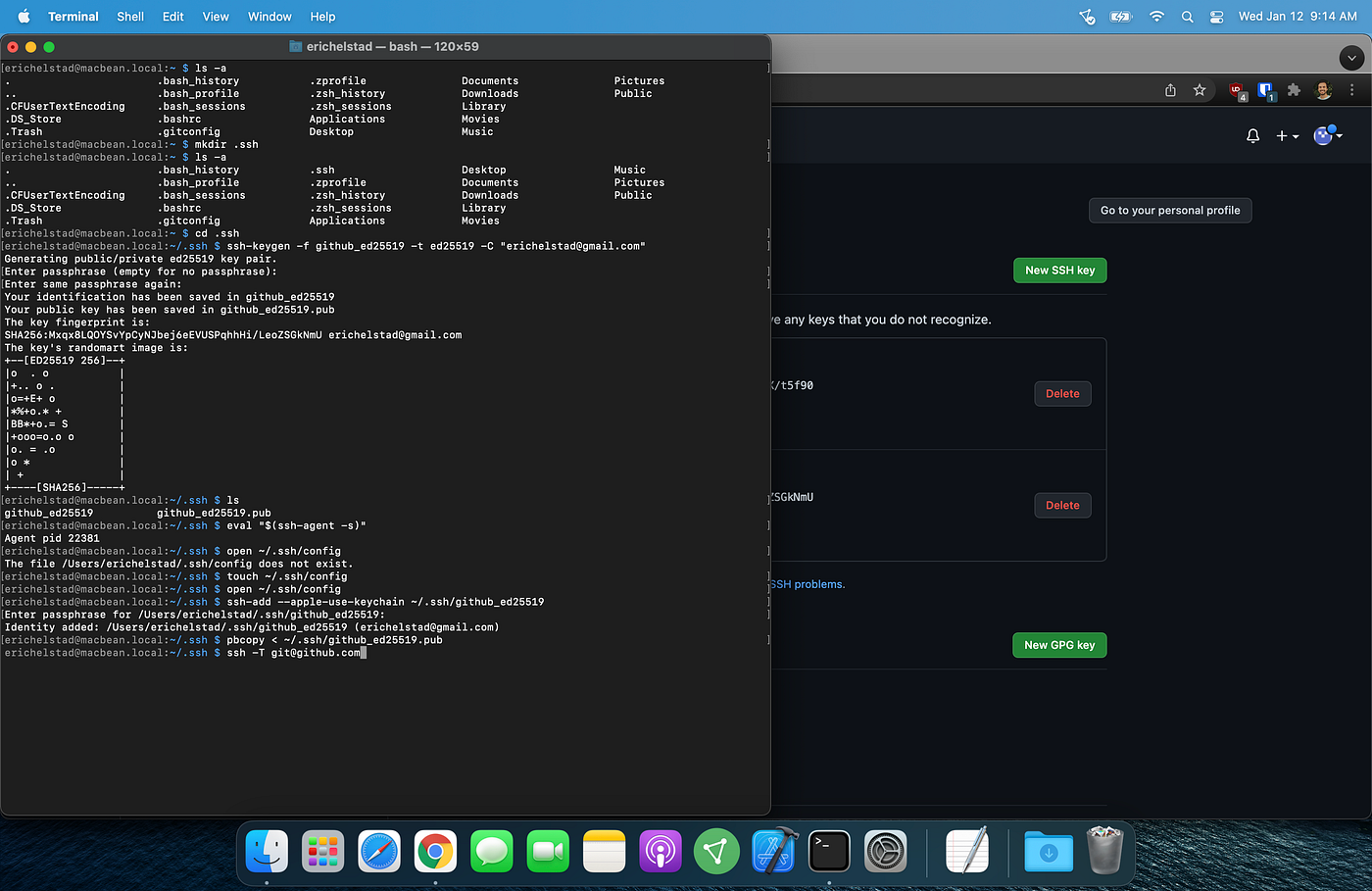
ssh command
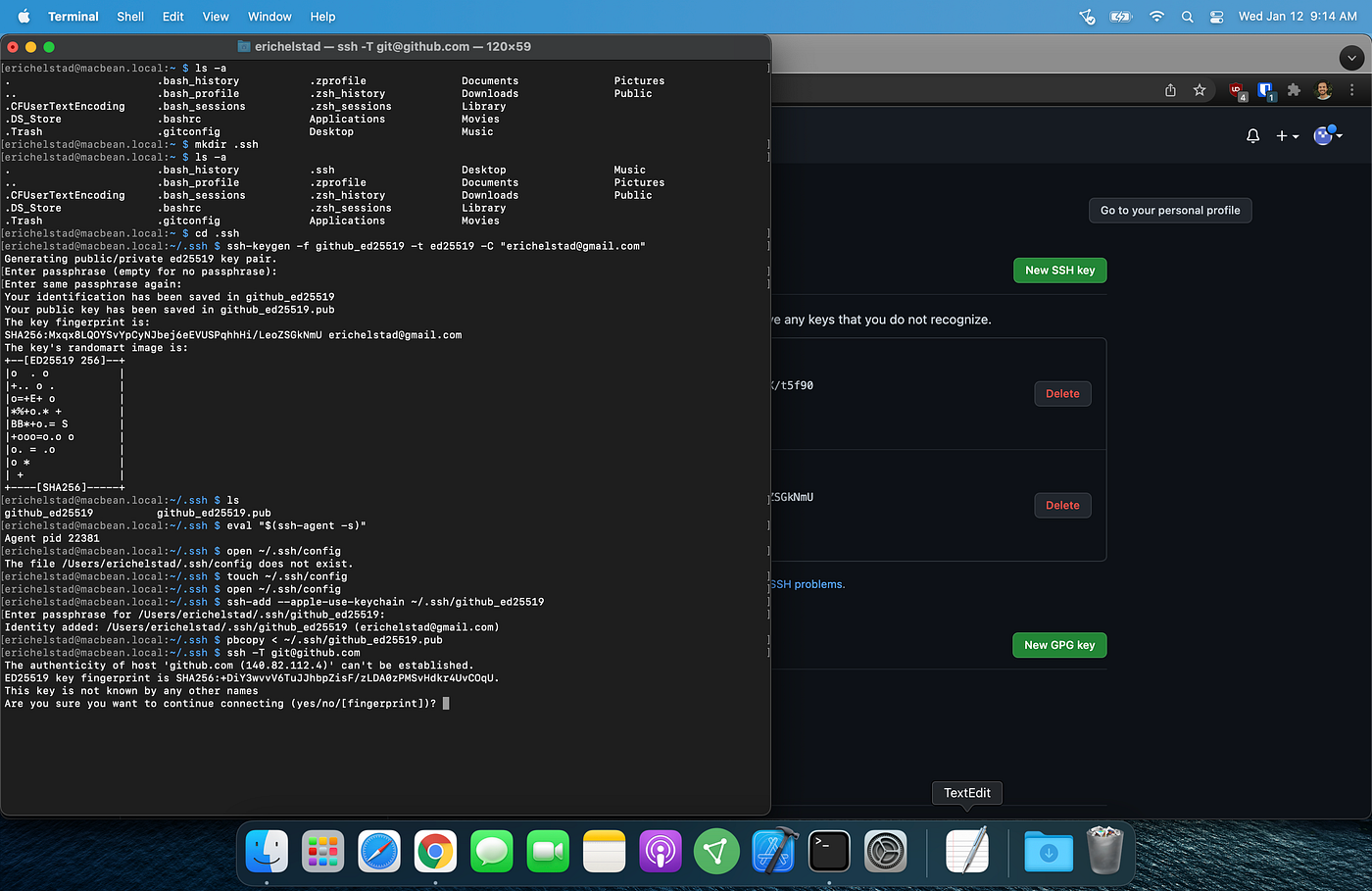
Confirmed ED25519 fingerprint before connecting
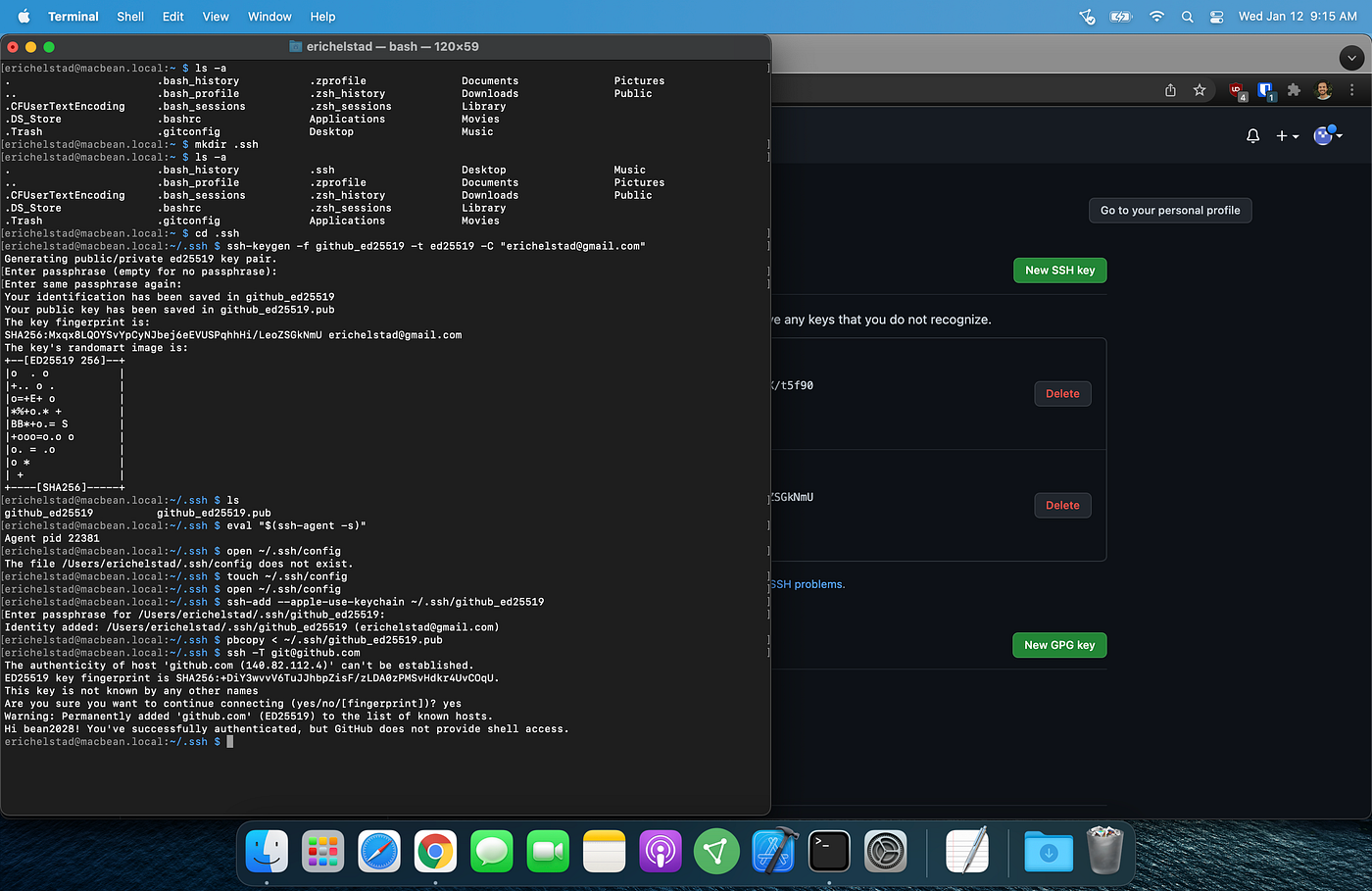
Successfully connected to GitHub via SSH
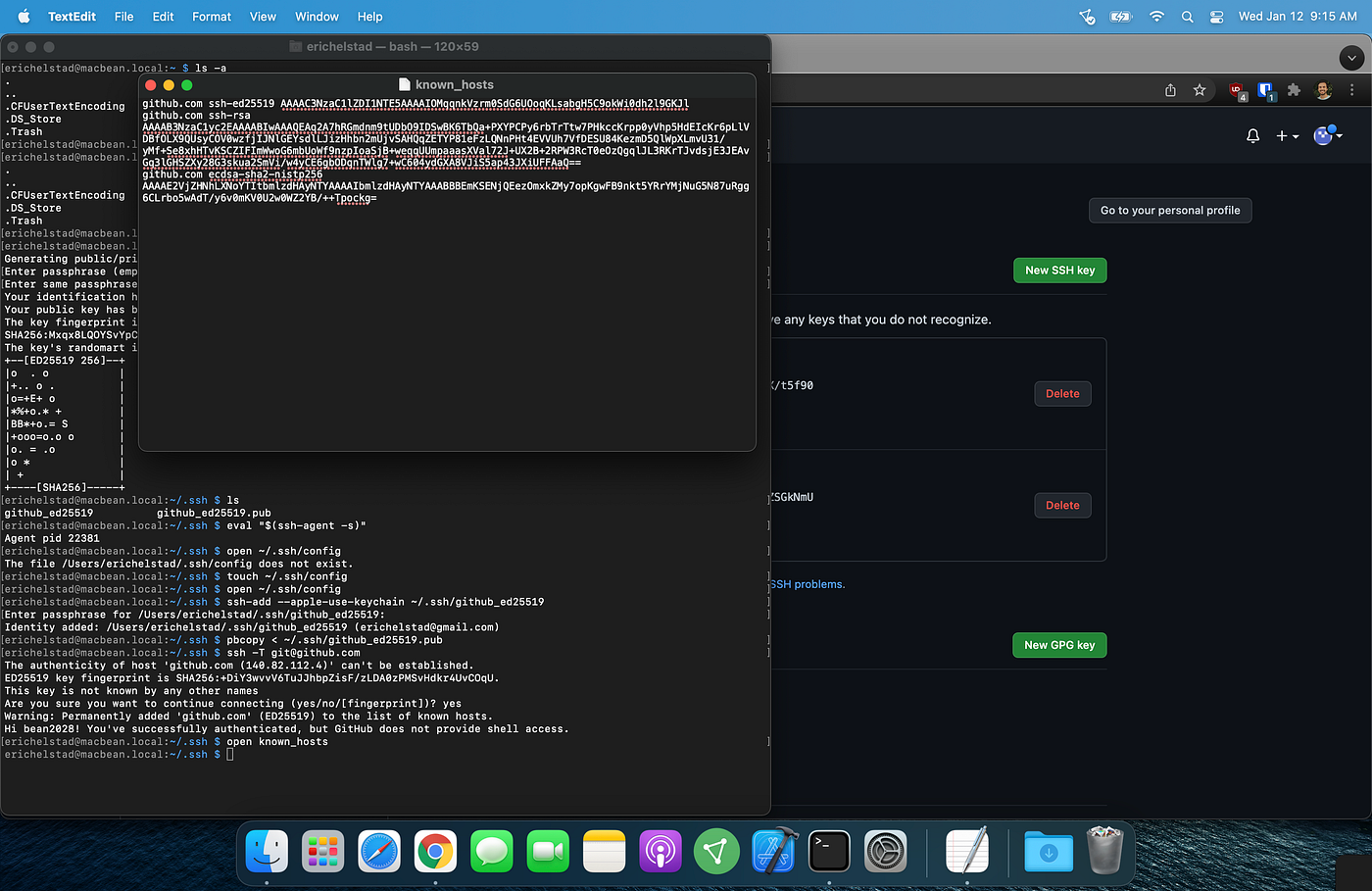
GitHub added to my known_hosts file
Now that I had git installed and my SSH key was added to GitHub, I could pick up where I had left off with The Odin Project curriculum.
What version control system do you use? With git being the most popular version control system, is it worth it to learn how to use a different one? Let me know by responding to this post, or you can email me at cypherbean@protonmail.com.
메타데이터
- post_id
- b4e2c41aa5f5
- slug
- git-install-and-config-b4e2c41aa5f5
- url
- https://medium.com/@cypherbean/git-install-and-config-b4e2c41aa5f5
- canonical_url
- https://medium.com/@cypherbean/git-install-and-config-b4e2c41aa5f5
- author_url
- https://medium.com/@cypherbean
- status
- ok
- fetched_at
- 2026-07-28 19:11:52