How To Change Flutter Box Shadow Offset
In this Flutter post, we will be learning how to change Flutter box shadow offset. We will discuss what Flutter box shadow offset and we…
How To Change Flutter Box Shadow Offset
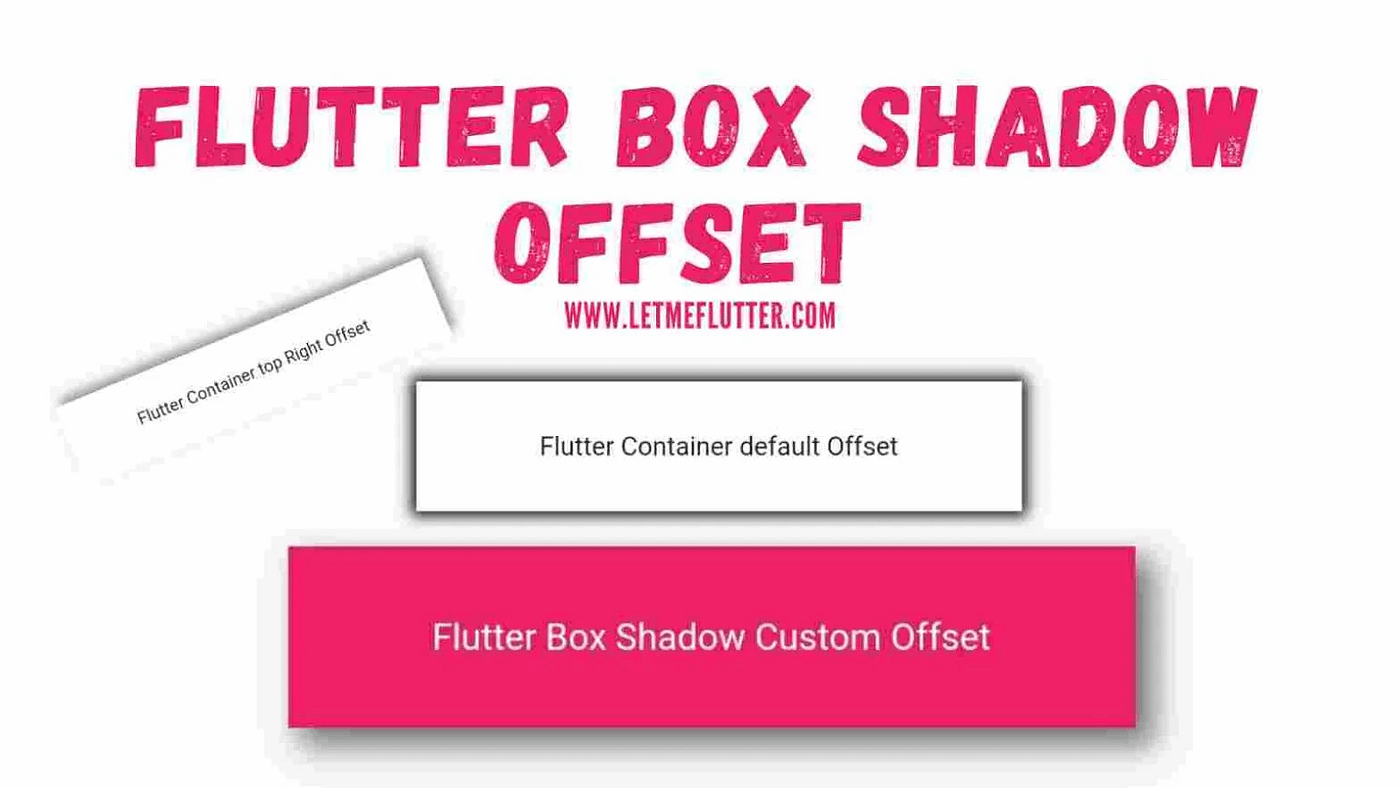
In this Flutter post, we will be learning how to change **Flutter box shadow offset. We will discuss what Flutter box shadow offset and we will be using a simple and easy Flutter example to implement and customize the [shadow offset](https://letmeflutter.com/how-to-easily-customize-flutter-container-shadow/) in Flutter [container](https://letmeflutter.com/how-to-easily-change-flutter-container-border-radius/)** box.
Outline
- What is **Flutter Box Shadow** Offset?
- Default Flutter Box **Shadow Offset**
- Change Flutter **Box Shadow Offset(8 Examples**)
- Customized **Flutter Box Shadow Offset** Source Code
- Conclusion
What is Flutter Box Shadow Offset?
Flutter box shadow offset is used to position the shadow of the Flutter container widget. For that we will give our Flutter container box a shadow. Let’s first see what the default **Flutter box shadow offset** is, then we will see how to change the offset of the Flutter box shadow.
Default Flutter Box Shadow Offset
For that, we first have to define a simple **Flutter container** widget and give it a box shadow with some blur radius and spread radius. For now, we will use the default box shadow color. See the below code:
Container(
          decoration: BoxDecoration(
            boxShadow: [BoxShadow(spreadRadius: 2, blurRadius: 5)],
            color: Colors.white,
          ),
          width: 280,
          height: 60,
          alignment: Alignment.center,
          child: Text(
            'Flutter Container default Offset',
          ),
        )
You can see in the above image that the default **Flutter box shadow offset** of container is centered. Let’s now see how to change the offset of box shadow.
Change Flutter Box Shadow Offset(8 Examples)
We will be looking at multiple ways to change the offset of box shadow so you can have a clear and in depth idea of its customization. **Continue reading…**
메타데이터
- post_id
- b59283b63a44
- slug
- how-to-change-flutter-box-shadow-offset-b59283b63a44
- url
- https://medium.com/@letmeflutter123/how-to-change-flutter-box-shadow-offset-b59283b63a44
- canonical_url
- https://medium.com/@letmeflutter123/how-to-change-flutter-box-shadow-offset-b59283b63a44
- author_url
- https://medium.com/@letmeflutter123
- status
- ok
- fetched_at
- 2026-06-25 07:00:49