Why Every Node.js Beginner Should Learn NVM
When I first started learning Node.js, I thought installing Node was a one-time task.
Why Every Node.js Beginner Should Learn NVM
When I first started learning Node.js, I thought installing Node was a one-time task.
Download Node.js, install it, and start building projects.
Simple, right?
That’s what I believed until I started working on different projects and noticed something strange.
One project worked perfectly.
Another project showed warnings and errors.
Sometimes packages wouldn’t install correctly. Sometimes commands behaved differently on different machines.
As a beginner, I kept wondering:
“If Node.js is already installed, why are there still version-related problems?”
That was when I discovered NVM.
And suddenly, many things started making sense.
The Problem I Didn’t Understand
At first, I assumed every Node.js project used the same version of Node.
But in reality, different projects often require different Node.js versions.
For example:
- Project A may work best with Node.js 18
- Project B may require Node.js 20
- An older project might still use Node.js 16
This created a question I couldn’t answer:
“How do developers manage multiple Node.js versions on the same computer?”
Reinstalling Node.js every time clearly wasn’t practical.
There had to be a better way.
What is NVM?
NVM stands for Node Version Manager.
As the name suggests, it helps developers install, manage, and switch between multiple Node.js versions.
Instead of being limited to a single Node.js installation, NVM allows you to keep several versions on your computer and switch between them whenever needed.
Think of it like a remote control for Node.js versions.
Why NVM Matters
Once I understood NVM, I realized it solves several common problems.
- Working on Multiple Projects
Different projects often have different requirements.
With NVM, you can switch to the correct version for each project without reinstalling anything.
2. Better Team Collaboration
Imagine joining a project where the team uses Node.js 18, but your computer has Node.js 20 installed.
Version differences can cause unexpected issues.
NVM helps everyone use the same version and reduces compatibility problems.
3. Testing Across Versions
Developers sometimes need to test applications on multiple Node.js versions.
NVM makes this process much easier.
A Simple Example
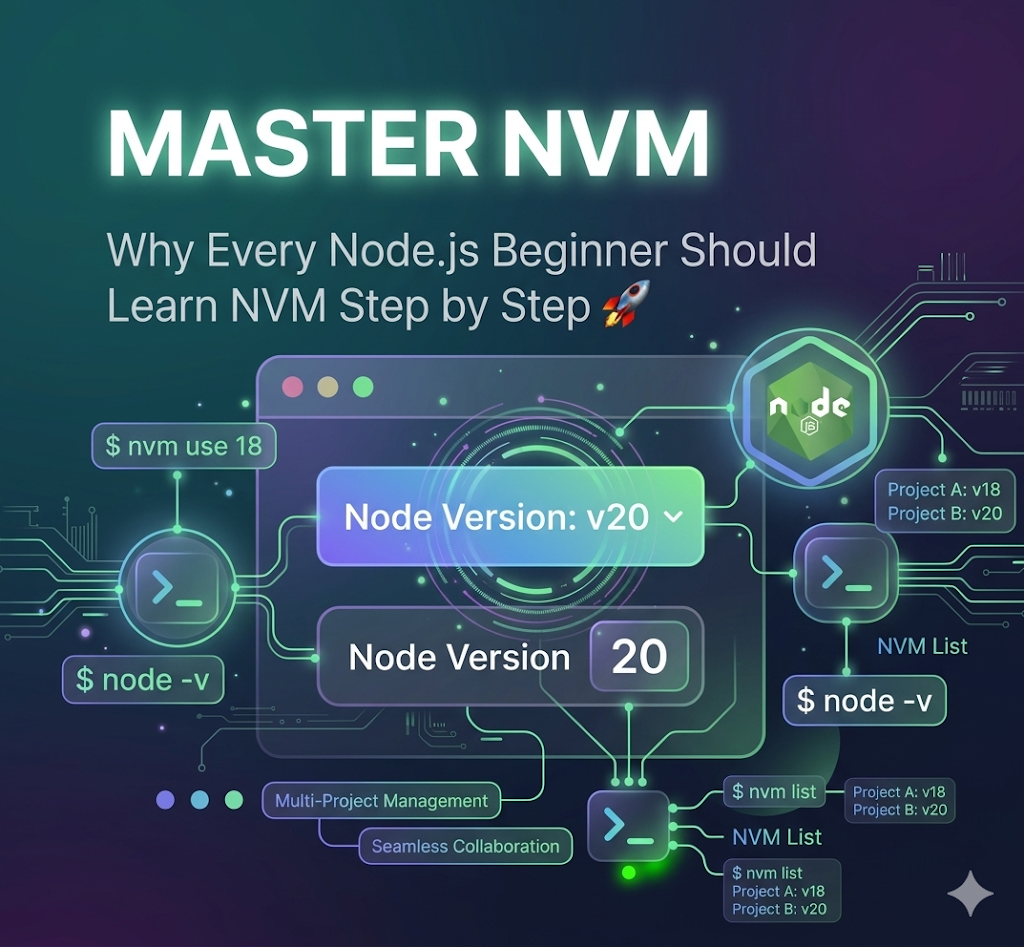
Installing a Node.js version:
nvm install 18Using that version:
nvm use 18Checking installed versions:
nvm lsUninstalled the existing node version:
nvm uninstall 18These few commands can save a lot of troubleshooting time.
The Real Lesson I Learned
Before learning NVM, I thought Node.js was something you installed once and never thought about again.
Later, I realized professional development environments are more complex than that.
Projects evolve.
Teams use different tools.
Requirements change.
Managing versions becomes an important part of development.
NVM doesn’t just solve a technical problem. It helps developers work more efficiently and avoid unnecessary frustration.
My Personal Insight
Learning NVM changed the way I thought about software development.
It taught me that development isn’t only about writing code.
It’s also about understanding the tools and environments that support that code.
As a beginner, I spent a lot of time wondering why certain projects behaved differently on different machines.
Now I know that version management is often part of the answer.
Final Thoughts
If you’re learning Node.js and haven’t explored NVM yet, I highly recommend taking some time to understand it.
It may seem like a small tool at first, but it solves a real-world problem that many developers face.
Looking back, learning NVM wasn’t just about switching Node.js versions.
It was about understanding how real-world development environments work.
And that’s why I believe every Node.js beginner should learn NVM.
메타데이터
- post_id
- b5b93784f3aa
- slug
- why-every-node-js-beginner-should-learn-nvm-b5b93784f3aa
- url
- https://medium.com/@rajarathnasarasi/why-every-node-js-beginner-should-learn-nvm-b5b93784f3aa
- canonical_url
- https://medium.com/@rajarathnasarasi/why-every-node-js-beginner-should-learn-nvm-b5b93784f3aa
- author_url
- https://medium.com/@rajarathnasarasi
- status
- ok
- fetched_at
- 2026-07-21 20:08:30