AI Diagnosed a Flutter Crash in 30 Seconds That Took Me 2 Days to Find.
Using AI to debug Flutter apps works brilliantly for diagnosis, but the suggested fixes can be confidently wrong in ways that waste more…

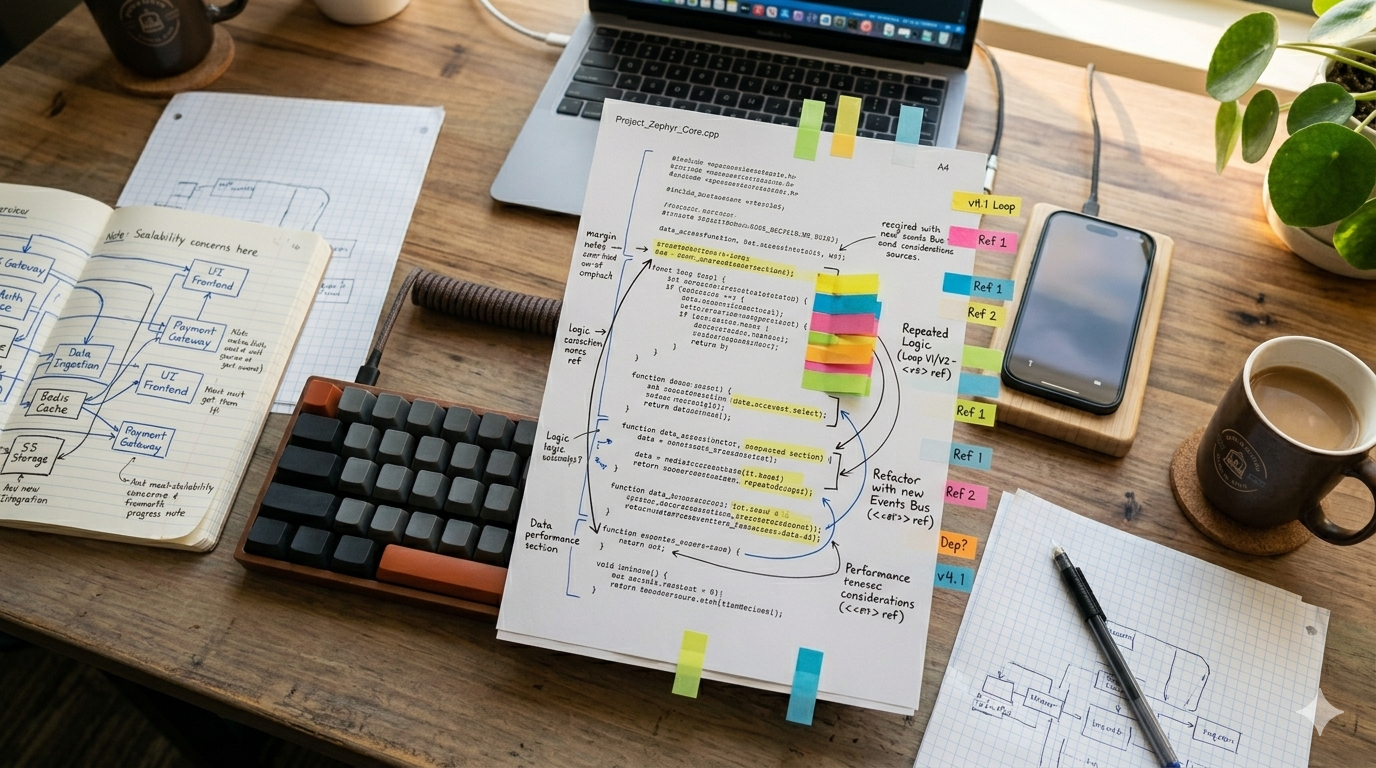
The moment when a stack trace that stumped you for days gets instantly identified by AI, before the fix falls apart.
AI Diagnosed a Flutter Crash in 30 Seconds That Took Me 2 Days to Find. Then It Hallucinated the Fix.
Using AI to debug Flutter apps works brilliantly for diagnosis, but the suggested fixes can be confidently wrong in ways that waste more time than they save.
The crash was intermittent. It happened on a specific screen in our Flutter app in production, only on iOS, only when the user navigated back from a detail view after the app had been backgrounded for more than 30 seconds. I spent two days trying to reproduce it. I read the Crashlytics stack trace dozens of times. I added logging to every lifecycle callback in that part of the Flutter widget tree. I tried force-killing and resuming on three different iPhones. Nothing. The crash would not reproduce consistently in development, but it was hitting about 4% of sessions in production. On day two, I copied the full stack trace, the relevant widget code, and my Flutter debug logs into Claude and asked what was wrong.
Thirty seconds later, it told me the issue was a disposed AnimationController being accessed after the widget’s State object had been garbage collected during a background-to-foreground transition. It pointed to the exact line in the stack trace where the ticker was firing on a controller that no longer existed. It explained why this only happened on iOS, where the system is more aggressive about reclaiming memory from backgrounded apps. It even explained why my logging did not catch it, because the disposal happened between my log statements.
I sat there for a moment, annoyed at myself and impressed by the tool. Two days of my time, distilled into a 30-second paste job. Then I asked it to suggest a fix.
The hallucinated fix
The fix it proposed was to wrap the animation callback in a mounted check and use TickerProviderStateMixin’s built-in lifecycle awareness. Reasonable on the surface. But the specific code it generated called a method called safeAnimate that does not exist in Flutter’s animation API. It had invented a method name that sounded plausible, looked like something that should exist, and would compile if you squinted at it hard enough.
// What AI suggested (this method does not exist)
@override
void didChangeAppLifecycleState(AppLifecycleState state) {
  if (state == AppLifecycleState.resumed) {
    _controller.safeAnimate(duration: const Duration(milliseconds: 300));
  }
}

// What I actually wrote
@override
void didChangeAppLifecycleState(AppLifecycleState state) {
  if (state == AppLifecycleState.resumed && mounted) {
    if (!_controller.isAnimating && _controller.status != AnimationStatus.dismissed) {
      _controller.forward();
    }
  }
}
If I had blindly pasted the AI’s fix, the app would have crashed immediately with a NoSuchMethodError. But the dangerous part is not the obviously wrong method name. It is the cases where the suggested fix compiles, runs, and appears to work, but introduces a different subtle bug. I have seen AI suggest fixes that suppress the original error by swallowing exceptions silently, which means the root cause persists but stops showing up in crash reports. That is worse than the original bug.
When AI Flutter debugging actually works
Despite the hallucinated fix, I now use AI as the first step in my debugging workflow for specific categories of problems. The pattern is simple: AI is excellent at diagnosis but unreliable at treatment.
Stack trace analysis is the clearest win. Flutter stack traces are verbose and often include framework internals that obscure the actual application-level issue. AI cuts through the noise reliably. I paste the full trace, and it identifies the application code responsible within seconds. For common patterns like null reference errors, type cast failures, and widget build exceptions, the diagnosis is correct almost every time.
Error message interpretation is another strong area. Flutter error messages often include the actual fix in the error text, but they are embedded in paragraphs of framework context that can be hard to parse quickly. AI extracts the actionable part and explains it in context. For a RenderFlex overflow error, it tells me which widget is overflowing and why, rather than just pointing to the constraint violation.
Common pattern recognition works well too. If the bug follows a pattern that appears frequently in Flutter development, such as disposing controllers in the wrong lifecycle method, missing await on a Future, or using BuildContext across an async gap, the AI identifies it instantly. These are patterns it has seen thousands of times in training data, and the diagnosis is consistently accurate.

AI reads Flutter stack traces faster than any developer, but the fix it suggests deserves serious scrutiny.
When AI debugging fails
Race conditions are the first category where AI diagnosis breaks down. If the bug depends on timing between two async operations, the AI cannot reason about the runtime ordering from static code alone. I had a bug where two Riverpod providers were both writing to a shared Supabase table, and the second write would occasionally overwrite the first because of a timing gap. The AI analyzed the code and said it looked correct. It was correct, statically. The bug only existed at runtime under specific load conditions.
Platform-specific behavior is another blind spot. The AnimationController crash I described earlier is actually an exception to the rule. AI got the diagnosis right because the pattern is well-documented. But for less common platform differences, like how iOS and Android handle different notification payload formats, or how the keyboard dismissal behavior differs between platforms, the AI tends to give generic advice that does not address the actual platform-specific cause.
Anything requiring runtime context is unreliable. If the bug depends on the specific data in the database, the user’s device state, the network conditions, or the sequence of screens the user navigated before hitting the bug, the AI cannot help. It can only reason about what it can see in the code and the stack trace. Production bugs are rarely that self-contained.
The most dangerous failure mode is confident wrong answers. AI never says “I do not know.” It always provides an explanation and a fix. When the diagnosis is wrong, it is wrong with the same confident tone as when it is right. I have learned to treat every AI debugging suggestion as a hypothesis to verify, not a conclusion to act on. That mental shift is critical.
My current debugging workflow
I now split my debugging process into two distinct phases, and AI only participates in the first.
Phase one is diagnosis. I paste the stack trace, error logs, and relevant code into AI and ask for an explanation of the root cause. I do not ask for a fix at this stage. I only want the AI to tell me where the problem is and why it is happening. For this purpose, AI saves me hours. It processes stack traces faster than I can read them, and it catches patterns I might miss when I am deep in the code.
Phase two is the fix, and I write it myself. Always. Even when the AI’s suggested fix looks correct, I write my own version based on my understanding of the codebase, the architecture decisions I have already made, and the specific constraints of the platform. This takes longer than pasting an AI-generated fix. But it produces a fix I understand, can explain in a code review, and can modify if the requirements change later.
The one exception is trivial fixes. If the AI identifies a missing null check or a typo in a variable name, I will accept that directly. But anything involving lifecycle management, state flow, or async coordination gets written by hand.
- AI is genuinely excellent at Flutter crash diagnosis. Use it for stack trace analysis, error message interpretation, and common pattern recognition.
- AI-suggested fixes frequently hallucinate methods, use deprecated APIs, or suppress errors instead of solving them. Always verify before applying.
- Never ask AI to diagnose and fix in the same prompt. Separate diagnosis from treatment.
- Race conditions, platform-specific behavior, and runtime-dependent bugs are outside AI’s diagnostic capabilities.
- Treat every AI debugging suggestion as a hypothesis, not a conclusion. The confident tone is the same whether the answer is right or wrong.
That AnimationController crash cost me two days of manual debugging and 30 seconds of AI diagnosis. The time savings are undeniable. But the hallucinated fix would have cost me another day if I had trusted it blindly. The lesson is not that AI debugging does not work. It is that diagnosis and treatment require fundamentally different levels of trust.
I am curious whether others have found reliable ways to get better fixes out of AI, or if everyone has landed on the same diagnosis-only workflow. What is your experience?
More posts like this are in the works. Follow if you want them in your feed.
메타데이터
- post_id
- b61a0af6164a
- slug
- ai-diagnosed-a-flutter-crash-in-30-seconds-that-took-me-2-days-to-find-b61a0af6164a
- url
- https://medium.com/@aliwajdan/ai-diagnosed-a-flutter-crash-in-30-seconds-that-took-me-2-days-to-find-b61a0af6164a
- canonical_url
- https://medium.com/@aliwajdan/ai-diagnosed-a-flutter-crash-in-30-seconds-that-took-me-2-days-to-find-b61a0af6164a
- author_url
- https://medium.com/@aliwajdan
- status
- ok
- fetched_at
- 2026-07-17 06:47:26