LLM Quantization Under the Hood: Fitting LLaMA 3.1
A senior systems perspective on squeezing 16GB models into 5GB of VRAM without breaking accuracy.
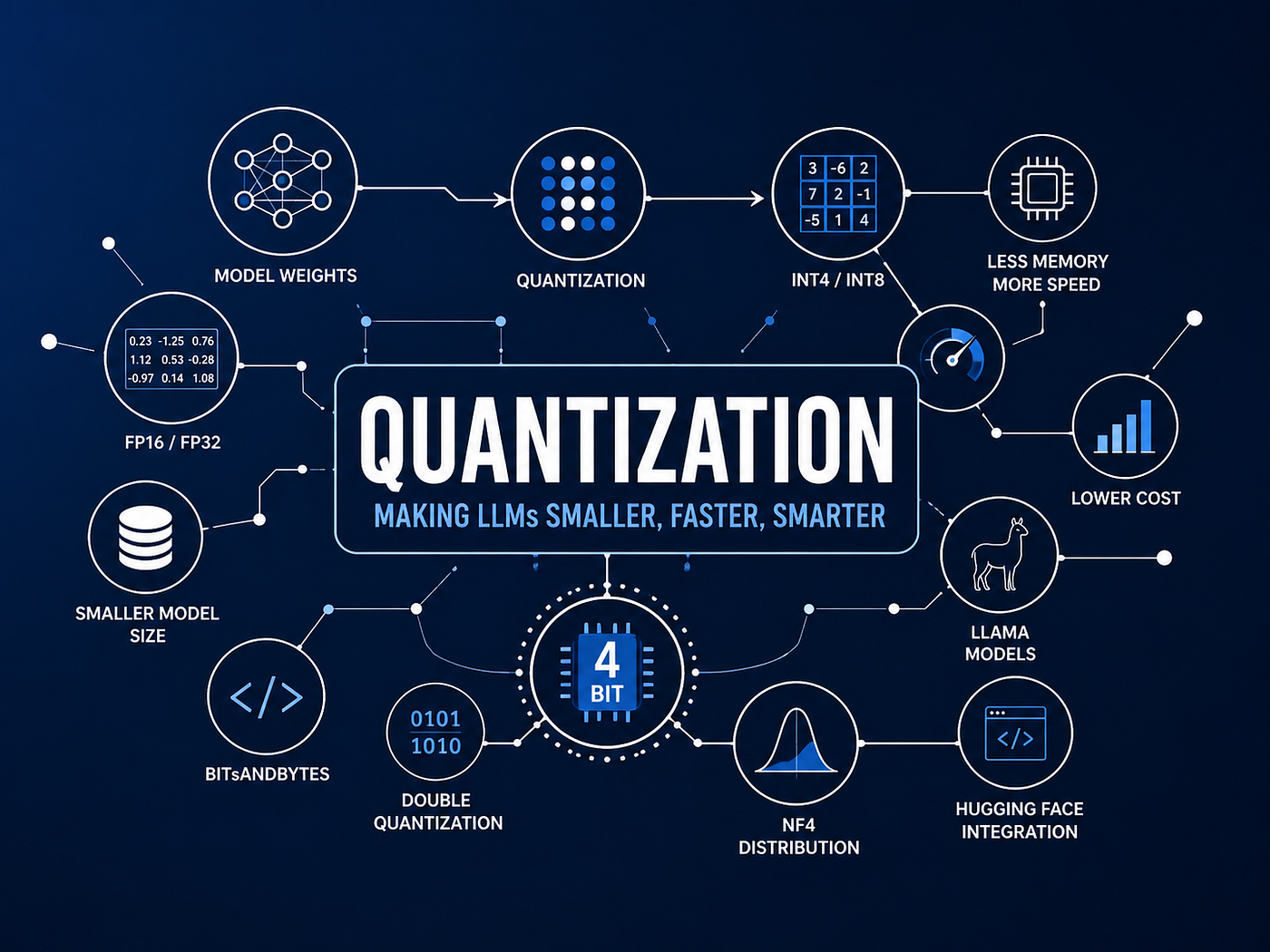
LLM Quantization Under the Hood: Fitting LLaMA 3.1 8B on Consumer Hardware (with Hugging Face & bitsandbytes)
A senior systems perspective on squeezing 16GB models into 5GB of VRAM without breaking accuracy.
As backend engineers, we’ve spent years obsessing over memory footprints, connection pools, and caching layers to optimize system throughput. When transitioning into the Generative AI space, we encounter a completely different class of resource constraints: GPU Memory (VRAM).
To run a modern, capable Large Language Model (LLM) like Llama-3.1–8B-Instruct at native precision, you need serious enterprise hardware. But what if you want to deploy it on a budget-friendly cloud instance, a single consumer GPU (like an RTX 4090/3090), or even a free-tier Google Colab T4 instance?
This is where Quantization comes in. In this deep dive, we will break down what LLM Quantization is, why it is a critical system design pattern, and how it works under the hood by analyzing a real-world PyTorch model architecture.
Why Are LLMs So Large?
During training, most models use FP32 or FP16 precision. Let’s assume FP16.
Each weight requires, For an 8B model:
16 bits = 2 bytes

8,000,000,000 × 2 bytes ≈ 16 GB
That’s just the model weights. During inference, you also need memory for:
- KV Cache
- Activations
- Temporary tensors
- CUDA buffers
Which means the actual GPU memory requirement is significantly higher. This is why many consumer GPUs cannot load large models.
What is Quantization?
At its core, a neural network is a massive collections of weights (matrices filled with floating-point numbers). By default, these weights are stored in either:
- FP32 (32-bit Floating Point): Single-precision, consuming 4 bytes per parameter.
- FP16 / BF16 (16-bit Floating Point/Brain Float): Half-precision, consuming 2 bytes per parameter.
Quantization is the process of storing model weights using fewer bits while preserving as much model quality as possible.
High-Precision Range (e.g., -3.14 to 3.14 in FP16)
[ -3.14,  -2.11,  -0.5,   0.25,   1.89,   3.14 ]  <-- Consumes 16-bits per value
                     │
                     ▼  Quantization Function (Scaling & Rounding)
Low-Precision Discrete Bins (e.g., NF4 / 4-bit)
[  -7,     -5,     -1,     0,      4,      7   ]  <-- Consumes only 4-bits per value!
By transitioning from a 16-bit space to a 4-bit space, we reduce the memory needed to store each parameter by ~75%.D 4EOL
Why is Quantization Needed? (The System Math)
Let’s do some quick system calculations for Llama 3.1 8B (which has approximately 8 billion parameters):
During training, most models use FP32 or FP16 precision. Let’s assume FP16. Each weight requires:
16 bits = 2 bytesFor an 8B model:
8,000,000,000 × 2 bytes ≈ 16 GBAt 16GB, just loading the model weights completely saturates standard 16GB VRAM GPUs (like the Nvidia T4). If you factor in the KV-Cache (needed to remember conversational context during generation) and the Activation Tensors during a forward pass, the system will instantly throw an Out-Of-Memory (OOM) exception.
To run this model safely with some headroom, you would need a 24GB or 40GB GPU. Quantization democratizes this process by compressing the model’s footprint:
However, Memory at 4 Bit precision
8,000,000,000 * 0.5 bytes = ~4 GBAdding about 1.5 GB of unquantized system overhead and KV-cache, the entire pipeline fits comfortably inside a 5.5 GB VRAM footprint, allowing it to run smoothly on budget hardware.
A Backend Engineer Analogy
Suppose your database contains a column:
price DOUBLE PRECISIONAfter analyzing your data, you realize every value is between:
0 and 255Using DOUBLE PRECISION is wasteful.
You change it to:
SMALLINTNothing changes from a business perspective. But you’ve reduced storage considerably.
Quantization applies exactly the same idea to neural network weights.Instead of storing every value with unnecessarily high precision, we store a more compact representation.
FP32 vs FP16 vs INT8 vs INT4
Let’s compare the memory requirements.
Format
Bits per WeightApproximate Memory (8B Model)FP323232 GBFP161616 GBINT888 GBINT444 GB
Format      Bits per Weight      Approximate Memory (8B Model)

FP32        32                   32 GB

FP16        16                   16 GB

INT8        8                    8 GB

INT4        4                    4 GB
This explains why you often see model names like: Llama-3–8b-Q4
The Q4 simply means the model has been quantized to roughly 4 bits per weight.
Doesn’t This Destroy Accuracy?
This was my next question. Suppose a weight is ***0.238764 and After quantization it might become `0.24`***
It’s not identical. But neural networks are surprisingly tolerant to these tiny approximation errors.Changing one weight slightly among billions of parameters usually has very little effect on the final prediction.
That’s why 4-bit models often perform remarkably close to their FP16 counterparts.
The Hybrid Runtime Flow: How Quantized Inference Works
A common point of confusion is: If the weights are compressed to 4-bit, how can the model calculate complex attention matrices without losing extreme accuracy?
The solution is a hybrid runtime execution loop. The weights are stored at-rest in 4-bit, but when an activation pass (computation) happens, they are dynamically dequantized on-the-fly to 16-bit to perform the matrix multiplication.
[ 4-bit Weights stored in GPU VRAM ]
                   │
                   ▼
Dynamically dequantize to BF16 (16-bit)
                   │
                   ▼
[ MatMul: BF16 Weights  x  BF16 Input Activations ]
                   │
                   ▼
Produce output activation tensor (BF16)
                   │
                   ▼
Discard the temporary BF16 weights
Hands-on: Hugging Face & bitsandbytes Integration
Using Hugging Face’s transformers coupled with the bitsandbytes library, we can configure and load Llama-3.1-8B-Instruct in 4-bit with just a few lines of code.
import os
import torch
from transformers import AutoTokenizer, AutoModelForCausalLM, BitsAndBytesConfig

LLAMA = "meta-llama/Llama-3.1-8B-Instruct"

# 1. Configure the Quantization parameters
quant_config = BitsAndBytesConfig(
    load_in_4bit=True,                  # Compress weights to 4-bit
    bnb_4bit_use_double_quant=True,     # Quantize the quantization constants (saves ~0.4 bits/param)
    bnb_4bit_compute_dtype=torch.bfloat16, # Dynamic computation precision
    bnb_4bit_quant_type="nf4"           # Optimal data distribution format (Normal Float 4)
)

# 2. Initialize the Tokenizer
tokenizer = AutoTokenizer.from_pretrained(LLAMA)
tokenizer.pad_token = tokenizer.eos_token

# 3. Load the model with our Quantization Configuration
model = AutoModelForCausalLM.from_pretrained(
    LLAMA,
    device_map="auto",                  # Intelligently allocates layers across available GPUs
    quantization_config=quant_config
)

# 4. Measure the System Impact
memory = model.get_memory_footprint() / 1e6
print(f"Memory Footprint: {memory:,.1f} MB")
Explaining the Magic Parameters:
**load_in_4bit=True:** Tells the Hugging Face loader to convert compatible linear layers into 4-bit during execution setup.**bnb_4bit_use_double_quant=True:** Quantization relies on scaling factors (constants) to map values. This option quantizes those scaling factors themselves from 32-bit to 8-bit, saving roughly $0.4$ bits per parameter without any impact on accuracy.**bnb_4bit_compute_dtype=torch.bfloat16:** This defines the target precision for actual GPU computation during a forward pass. Usingbfloat16(Brain Float 16) is highly recommended overfloat16for modern architectures (like Llama 3) to prevent underflow/overflow issues.**bnb_4bit_quant_type="nf4"(Normal Float 4):** Unlike standard integers, NF4 is an information-theoretically optimal quantization type designed specifically for normally distributed data. Since neural network weights naturally follow a normal Gaussian distribution, NF4 drastically reduces perplexity degradation compared to standard 4-bit integers (fp4).
Under the Hood: Analyzing the Quantized Architecture
When we inspect the internal PyTorch layer representation of the loaded LlamaForCausalLM model, we get a fascinating view of exactly which components have been altered:
LlamaForCausalLM(
  (model): LlamaModel(
    (embed_tokens): Embedding(128256, 4096)
    (layers): ModuleList(
      (0-31): 32 x LlamaDecoderLayer(
        (self_attn): LlamaAttention(
          (q_proj): Linear4bit(in_features=4096, out_features=4096, bias=False)
          (k_proj): Linear4bit(in_features=4096, out_features=1024, bias=False)
          (v_proj): Linear4bit(in_features=4096, out_features=1024, bias=False)
          (o_proj): Linear4bit(in_features=4096, out_features=4096, bias=False)
        )
        (mlp): LlamaMLP(
          (gate_proj): Linear4bit(in_features=4096, out_features=14336, bias=False)
          (up_proj): Linear4bit(in_features=4096, out_features=14336, bias=False)
          (down_proj): Linear4bit(in_features=14336, out_features=4096, bias=False)
          (act_fn): SiLUActivation()
        )
        (input_layernorm): LlamaRMSNorm((4096,), eps=1e-05)
        (post_attention_layernorm): LlamaRMSNorm((4096,), eps=1e-05)
      )
    )
    (norm): LlamaRMSNorm((4096,), eps=1e-05)
    (rotary_emb): LlamaRotaryEmbedding()
  )
  (lm_head): Linear(in_features=4096, out_features=128256, bias=False)
)
As system designers, we must observe which modules were successfully quantized and which were left at native precision:
✅ Converted to 4-bit (Linear4bit)
- Attention Heads (
q_proj,k_proj,v_proj,o_proj): These linear layers manage the multi-head self-attention logic. Because they represent the majority of parameters in the attention block, compressing them toLinear4bityields massive memory savings. - Multi-Layer Perceptron / Feed-Forward Network (
gate_proj,up_proj,down_proj): In Llama models, the MLP block handles key-value mapping and contains huge matrices (mapping dimensions up to 14,336. Converting these toLinear4bitrepresents the largest single reduction in the model's overall footprint.
❌ Left Unquantized (Standard Precision)
**LlamaRMSNorm(input_layernorm&post_attention_layernorm):** Normalization layers scale representations to maintain training stability. Because the numerical variance in these layers is highly sensitive, quantizing them to 4-bit would cause extreme degradation (loss of coherence and infinite repeating outputs).**embed_tokens(Embedding Layer):** This converts token IDs into continuous vector space. It is kept at higher precision to preserve semantic rich embeddings.**lm_head(Language Modeling Head):** The final classification layer that calculates probabilities over the vocabulary of $128,256$ tokens to predict the next word. It remains a standardLinearlayer to ensure output probability distributions are calculated with high mathematical precision.
The Bottom Line: Benefits & Engineering Trade-offs
The Benefits
- Dramatic VRAM Savings: We successfully brought the memory footprint of LLaMA 3.1 8B down from 16 GB to under 5 GB.
- Infrastructure Cost Reduction: You can run production endpoints on cheaper, readily available GPUs (such as Nvidia T4 or L4) instead of hunting for expensive, hard-to-source A100/H100 instances.
- PEFT Compatibility: Quantization acts as the baseline for QLoRA (Quantized Low-Rank Adaptation). It allows you to freeze the 4-bit base model and train lightweight “adapters” on top of it, making custom fine-tuning possible on a single mid-range GPU.
The Engineering Trade-offs
- Perplexity Overhead: There is a minor (typically 1-2% loss in output accuracy or coherence compared to the native 16-bit model. However, for most business use cases (like classification, RAG pipelines, or extraction), this difference is imperceptible.
- Inference Latency: Because the weights are dynamically cast from 4-bit to 16-bit and back during every forward pass, there is a minor computational bottleneck. This can slightly reduce your Token-Per-Second generation speed compared to running the native model on high-end hardware.
Conclusion
Quantization is the ultimate bridges between advanced AI research and cost-efficient backend engineering. By mastering the configuration of frameworks like bitsandbytes and understanding how model architecture changes under the hood, you can design highly resilient, cost-effective LLM backends capable of running state-of-the-art models on commodity hardware.
Are you planning to deploy quantized models in your infrastructure? How are you optimizing your latency vs. resource budgets? Let’s talk in the comments below!
메타데이터
- post_id
- b6bb7f2cf5fe
- slug
- llm-quantization-under-the-hood-fitting-llama-3-1-b6bb7f2cf5fe
- url
- https://medium.com/@sharif-42/llm-quantization-under-the-hood-fitting-llama-3-1-b6bb7f2cf5fe
- canonical_url
- https://medium.com/@sharif-42/llm-quantization-under-the-hood-fitting-llama-3-1-b6bb7f2cf5fe
- author_url
- https://medium.com/@sharif-42
- status
- ok
- fetched_at
- 2026-07-07 17:16:07




