Using an interface as a class in typescript
How to use an existing typescript interface as a class and extend its functionality.
Using an interface as a class in typescript
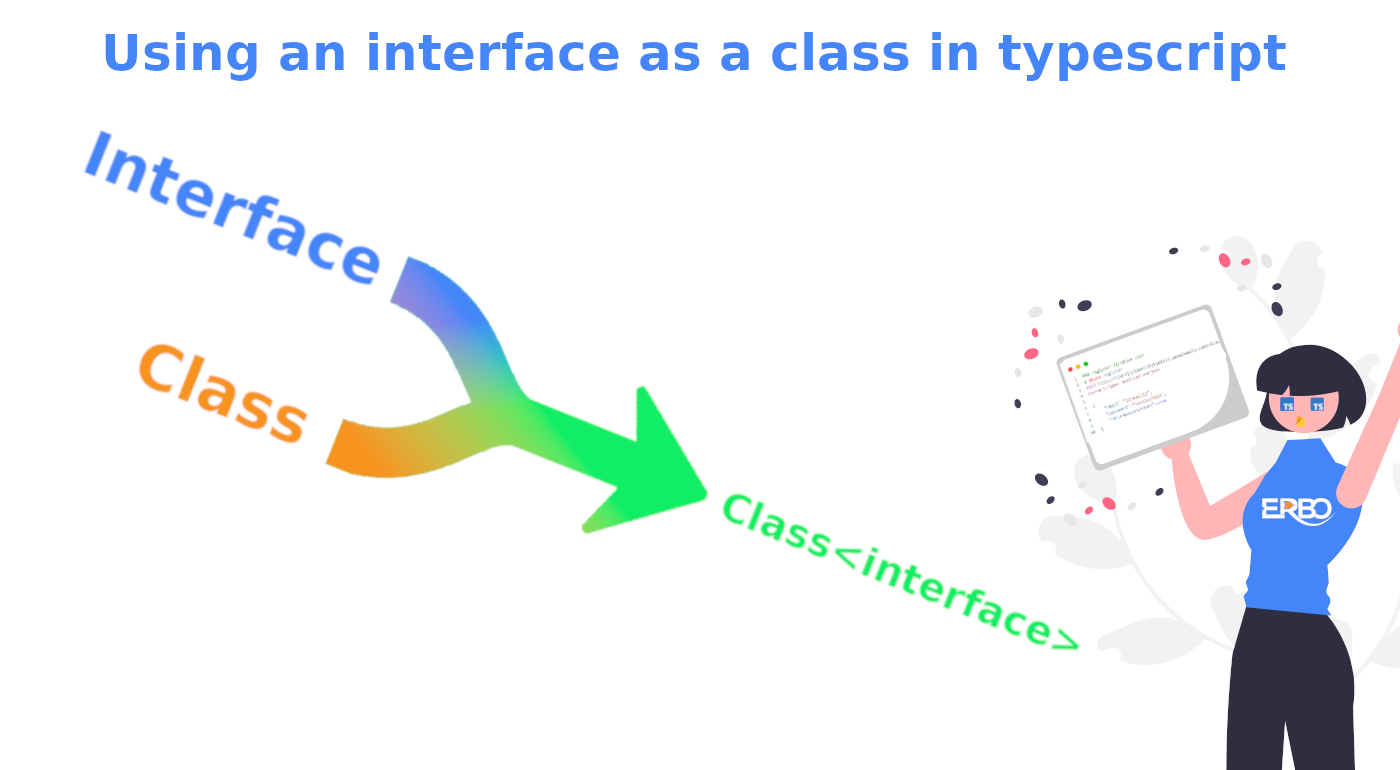
TLDR: Use Declaration Merging to merge your interface and class together
Why 🧮
Well it depends on your use case but the example we use at ERBO is based on the following scenario.
- You have interfaces in your code that you use as data models, but you want to be able to construct these models as objects and be able to add functionality to them.
Normally, you would create a new Class and implement the wanted model interface by fulfilling the properties manually. But if the implemented interface changes later on, you will have to update all the class implementations manually.
If you want to know how to automate this, then keep reading 🤓
How 🔬
To achieve, being able to use your interface and its properties inside a class without using the “implements” keyword. You can use a typescript technique called “declaration merging”.
Declaration merging is a feature in typescript that allows you to merge interfaces/namespaces/classes that have been declared before with new properties.
For this article, we focus on the interface/class declaration merging functionality.
The most common example is merging interfaces with each other to create a combined interface, as seen below.
[embed]Simple interface merging example
Now this isn’t very exciting yet since this only extends your local interfaces and does nothing for third party module interfaces, for instance a npm package.
But we can extend that example to make use of a thirdParty module. In the example below, we do this by wrapping our UserModel in a namespace to simulate a third party module.
[embed]Extending a third party interface declaration
Your new User interface will now contain a “name” and “title” instead of just “name”. This is already pretty cool, but you cannot construct a class out of it yet.
To turn that interface into a class, we can add a User class and merge it using declaration merging.
[embed]Creating a class using the interface declaration
Now you have a User class that is based on the extended version of the thirdParty User. Inside this new User class we have a new function named “print” which allows us to print out our “name” and “title”.
So where do we at ERBO use this technique?
Real world example 🌎
We use this interface/class merging technique in our backend systems that make heavy use of our data models. These data models are defined and created in another repository and published as a private NPM package and consist only of interface declarations.
We will deep dive into our model generation system later this year
If for example in the backend we want to extend some functionality on these models, we do it by declaration merging and extending the original interface with a class or another interface.
The reason we wanted to create classes out of our data model interfaces is because we have an ORM styled base class. This class gives the functionality to parse the database result into the model or the model into a database query. It does this by using the class “object properties”
So to extend our models from our package with the ORM base class, we first have to create a class based on the model its interface.
[embed]Real world example of interface/class declaration merging
Treat for our readers 🌱
If you work with interface declarations and use ESLint to lint your typescript code, then you will probably run into some error about not allowing the use of empty interfaces.
We of course don’t mind empty interfaces, since we use them as a helper to merge declarations. So we can allow empty interfaces as long as they are used for extending by adding the following rule.
'@typescript-eslint/no-empty-interface': [
 'error',
  {
   allowSingleExtends: true,
  },
]
For some more information about this ESLint rule, you can check (https://github.com/typescript-eslint/typescript-eslint/blob/main/packages/eslint-plugin/docs/rules/no-empty-interface.md)
Sources:
- https://stackoverflow.com/questions/53128744/typescript-automatically-get-interface-properties-in-a-class
- https://www.typescriptlang.org/docs/handbook/declaration-merging.html#introduction
- https://github.com/Microsoft/TypeScript/issues/340
Follow us for more articles in the near future. 🚀
We plan to publish an article at least once a month containing all kinds of interesting tech topics. Ranging from “Improving your development environment” to “Introduction into embedded Linux” and many more.
메타데이터
- post_id
- b6bbd2fd23f4
- slug
- using-an-interface-as-a-class-in-typescript-b6bbd2fd23f4
- url
- https://medium.com/@erbo-engineering/using-an-interface-as-a-class-in-typescript-b6bbd2fd23f4
- canonical_url
- https://medium.com/@erbo-engineering/using-an-interface-as-a-class-in-typescript-b6bbd2fd23f4
- author_url
- https://medium.com/@erbo-engineering
- status
- ok
- fetched_at
- 2026-08-04 05:53:42




