Stop Manually Tracking Indexes in Python Loops — Use enumerate() Instead
A cleaner way to get both the index and value from an iterable without maintaining a counter variable
Stop Manually Tracking Indexes in Python Loops — Use enumerate() Instead
A cleaner way to get both the index and value from an iterable without maintaining a counter variable
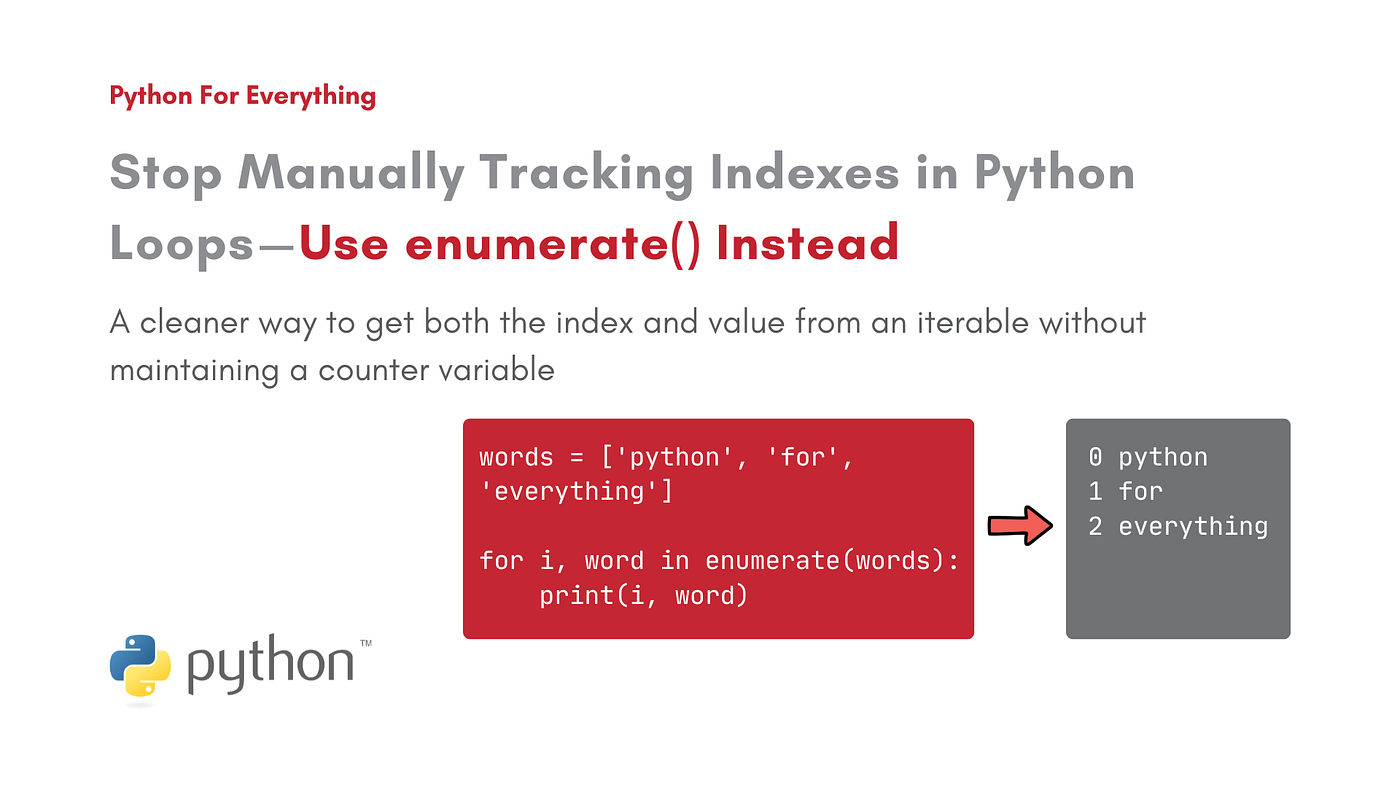
Image Designed by the Author on Canva
Not a Medium member? Have free access to this story via this link.
Imagine you want to loop through a list. You don’t just want the items from the list, but also their positions (indexes).
The traditional way to do this is to use a counter variable and manually update it inside the loop while printing its value, like this:
words = ['python', 'for', 'everything']

i = 0  # Counter variable

for word in words:
    print(i, word)
    i += 1  # Update the counter variable
While this works, it can quickly become messy and error-prone as loops grow larger or more complex.
Python provides a much cleaner solution for this: enumerate().
Let’s break it down!
What is enumerate() in Python and How to Use It?
enumerate() is a built-in Python function that lets you iterate over a collection of items. At each iteration, it returns a tuple. This tuple contains:
- the index number of the item
- the item itself
For example, let’s rewrite the earlier example code using enumerate():
words = ['python', 'for', 'everything']

for i, word in enumerate(words):
    print(i, word)
Output:
0 python
1 for
2 everything
By default, enumerate() starts counting from 0. You can change this by using the start parameter:
words = ['python', 'for', 'everything']

# Start index from 1
for i, word in enumerate(words, start=1):
    print(i, word)
Output:
1 python
2 for
3 everything
Wrap Up
At first glance, enumerate() might seem like a small helper function, but it can save you a lot of effort and help you avoid messy, unnecessary loops when tracking indexes in Python. Start using it regularly, and your future self will thank you.
A Note from the Author
If you found this story helpful in your tech journey, consider subscribing! By following me, you’ll stay updated on my latest articles, which are filled with valuable tech insights.
Thank you for reading, and see you in the next story!
메타데이터
- post_id
- b795ad602192
- slug
- stop-manually-tracking-indexes-in-python-loops-use-enumerate-instead-b795ad602192
- url
- https://medium.com/python-for-everything/stop-manually-tracking-indexes-in-python-loops-use-enumerate-instead-b795ad602192
- canonical_url
- https://medium.com/python-for-everything/stop-manually-tracking-indexes-in-python-loops-use-enumerate-instead-b795ad602192
- author_url
- https://medium.com/@aliyannshaikhh
- status
- ok
- fetched_at
- 2026-06-14 17:09:17






