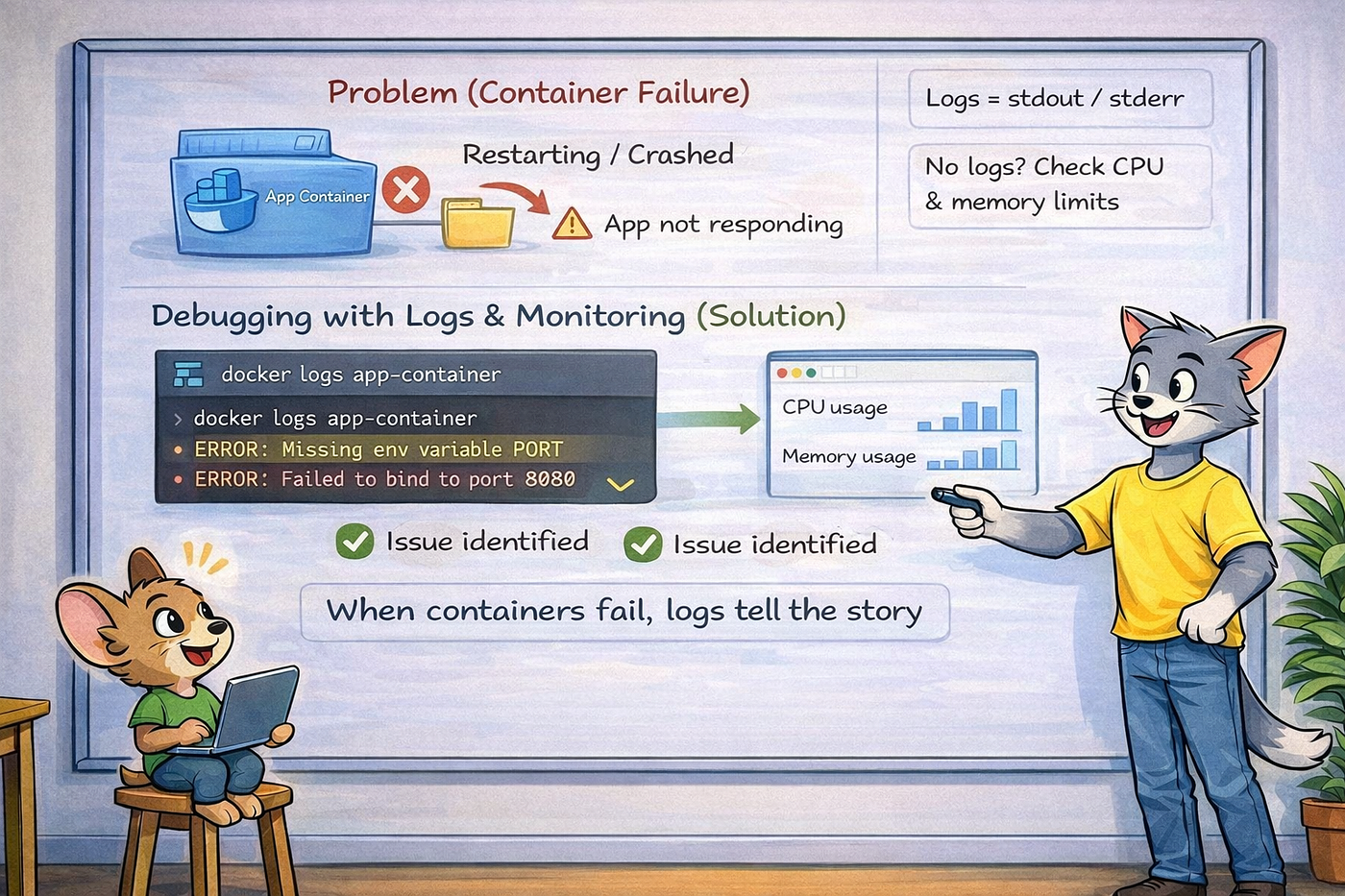
Docker Container Lifecycle (Create, Run, Stop, Exit)
In production, one of the most common alerts is:
Docker Container Lifecycle (Create, Run, Stop, Exit)

In production, one of the most common alerts is:
“Container stopped unexpectedly”
For beginners, this feels like an error. For DevOps engineers, this is normal behavior.
Let’s understand the Docker container lifecycle using real-world scenarios.
🔄 Container States Explained (Practically)
1️⃣ Created
The container exists but hasn’t started yet.
Real project scenario:
- CI/CD pipeline creates a container
- Deployment step fails before starting it
docker create nginx
docker ps -a
You’ll see the container in Created state.
2️⃣ Running
The container’s main process is running.
Real project scenario:
- Application is serving traffic
- Health checks are passing
docker run -d nginx
docker ps
📌 Important rule A container lives only as long as its main process runs.
3️⃣ Stopped
The container was stopped gracefully.
Real project scenario:
- Deployment rollout
- Maintenance window
- Scaling down services
docker stop <container_id>Docker sends SIGTERM and waits before stopping the container.
This allows:
- Graceful shutdown
- Request completion
- Cleanup tasks
4️⃣ Exited
The container’s process ended or crashed.
Real project scenarios:
- App crashed due to missing environment variables
- Wrong CMD or ENTRYPOINT
- Port already in use
- App finished its job (batch job)
docker ps -aExample output:
Exited (0)   → normal exit
Exited (1)   → error exit
📌 Exited ≠ always failure
❓ Why Containers Stop Unexpectedly (Real Reasons)
In real systems, containers stop because:
- Main process crashed
- App finished execution
- Config error
- Dependency missing
- OOM (out of memory)
Docker is doing exactly what it’s designed to do.
🛠️ Debugging Stopped Containers (Real DevOps Flow)
When a container stops:
Step 1: Check logs
docker logs <container_id>Step 2: Check exit code
docker inspect <container_id>Step 3: Verify
- CMD / ENTRYPOINT
- Environment variables
- Resource limits (CPU / memory)
This is the daily debugging flow in real projects.
⚔️ Docker stop vs Docker kill (Very Important)
docker stop
- Sends SIGTERM
- Graceful shutdown
- Used in deployments
docker kill
- Sends SIGKILL
- Immediate termination
- Used when container is unresponsive
Real rule:
Always try
stopfirst. Usekillonly as last option.
🎯 Interview Alignment
Question: Why does a Docker container stop?
Strong answer: A Docker container runs as long as its main process is running. When the process exits or crashes, the container stops. This is expected behavior and logs help identify the reason.
🧠 Day 5 Key Takeaways
- Container states are normal
- Exited containers are expected
- Logs explain why a container stopped
stop≠kill- Lifecycle knowledge is critical in production
👉 Next (Day 6): Dockerfile Basics — FROM, RUN, COPY, CMD (with real mistakes)
메타데이터
- post_id
- b7c7c26fa078
- slug
- docker-container-lifecycle-create-run-stop-exit-b7c7c26fa078
- url
- https://medium.com/@jagadeeshkema/docker-container-lifecycle-create-run-stop-exit-b7c7c26fa078
- canonical_url
- https://medium.com/@jagadeeshkema/docker-container-lifecycle-create-run-stop-exit-b7c7c26fa078
- author_url
- https://medium.com/@jagadeeshkema
- status
- ok
- fetched_at
- 2026-06-09 15:37:30