🚀 TTY vs PTY in Linux: Explained with SSH, and VM
Introduction
🚀 TTY vs PTY in Linux: Explained with SSH, and VM
Introduction
If you’ve ever used Linux, Docker, or SSH, you’ve probably interacted with a terminal. But behind that simple interface are two important concepts that many developers don’t fully understand: TTY and PTY.
These concepts are fundamental in Linux systems and are widely used in real-world DevOps environments. Understanding them will help you work better with containers, remote servers, and virtual machines.
What is TTY in Linux?
A TTY (Teletypewriter) is a terminal interface that allows users to interact directly with the system.
In modern Linux systems, TTY refers to virtual consoles that provide direct access to the operating system.
🖥️ TTY Example (Linux Console)🖥️ TTY Example (Linux Console)
- Accessed using: Ctrl + Alt + F6 (in linux)
- No graphical interface (CLI only)
- Direct interaction with the OS
- Devices like: /dev/tty1
👉 This is the closest thing to a “real terminal” in Linux.
What is PTY in Linux?
A PTY (Pseudo Terminal) is a virtual terminal created by software.
It behaves like a real terminal but exists entirely in software, making it ideal for modern environments.
💻 PTY Example (Terminal / SSH / Docker)
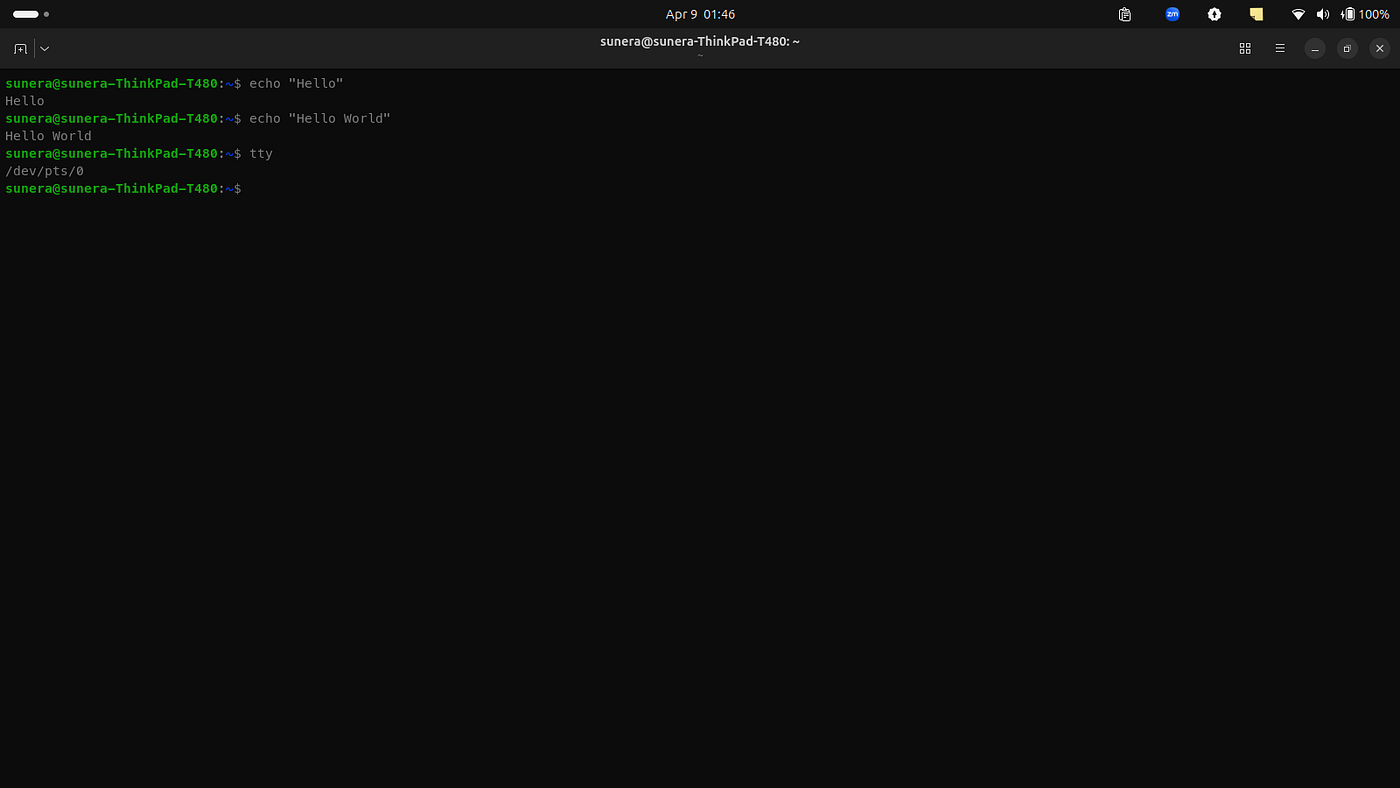
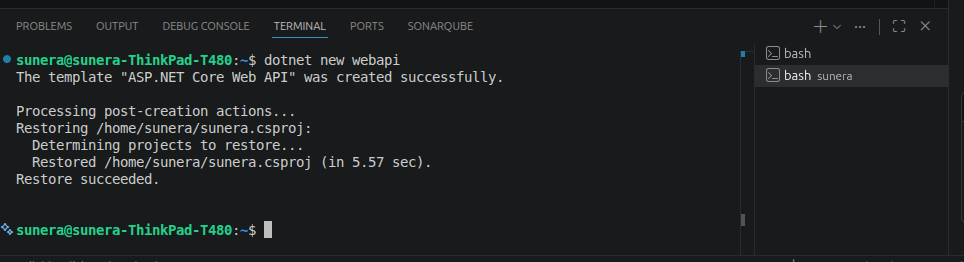
Used in:
- Terminal applications (Ubuntu Terminal, VS Code)
- SSH connections
- Docker containers
⚙️ TTY vs PTY (Key Differences)
| Feature       | TTY                    | PTY                          |
|---------------|------------------------|------------------------------|
| Type          | Physical terminal      | Virtual terminal             |
| Usage         | Direct input/output    | Used by SSH, Docker          |
| Interaction   | Hardware-based         | Software-based               |
| Example       | Keyboard + Monitor     | Terminal emulator            |
🔄 How PTY Works
User → Terminal App → PTY → Shell (bash) → Output → UserUser → Terminal App → PTY → Shell (bash) → Output → User
Real-world Scenarios
1. Virtual Machine (VM Console)
When you open a VM (VirtualBox, VMware):
- You interact directly with the OS
- This is a TTY
2. SSH Connections
ssh user@server- Create a remote terminal sessions
- This is a PTY
TTY and PTY are fundamental concepts in Linux that enable user interaction with the system.
- TTY → Direct system console
- PTY → Virtual terminal used in modern environments
In real-world DevOps scenarios:
- VM console → TTY
- SSH / Docker → PTY
Understanding this helps you work more effectively with Linux, containers, and cloud systems.
메타데이터
- post_id
- b89fe9fefb68
- slug
- tty-vs-pty-in-linux-explained-with-ssh-and-vm-b89fe9fefb68
- url
- https://medium.com/@SuneraKonara/tty-vs-pty-in-linux-explained-with-ssh-and-vm-b89fe9fefb68
- canonical_url
- https://medium.com/@SuneraKonara/tty-vs-pty-in-linux-explained-with-ssh-and-vm-b89fe9fefb68
- author_url
- https://medium.com/@SuneraKonara
- status
- ok
- fetched_at
- 2026-06-21 19:25:17


