The ‘Inbox Zero’ Hack Nobody Talks About
How to Download Freebies, Grab Free Trials, and Get Store Coupons — Without Ever Ruining Your Real Email
The ‘Inbox Zero’ Hack Nobody Talks About
How to Download Freebies, Grab Free Trials, and Get Store Coupons — Without Ever Ruining Your Real Email
The Moment You Regret Giving Away Your Email
You’re browsing the internet when you spot it — a free eBook that promises to teach you everything about personal finance. Or maybe it’s a slick AI-powered writing tool offering a 7-day free trial. Or a website template that would save you hours of work.
You’re excited. You click the download button. And then — the wall.
“Enter your email address to get instant access.”
You hesitate for about half a second… then type in your real email address. After all, you really want that resource.
Fast forward 48 hours. Your inbox looks like a Black Friday sale exploded inside it. Daily newsletters. “Exclusive offers.” “Just checking in” sequences from a sales rep you never spoke to. Sound familiar?
This is the Sign-Up Trap — and almost every internet user has fallen into it at least once.
There’s a concept called Inbox Zero — the idea of keeping your inbox clean, focused, and free of noise so you only see messages that actually matter. But here’s the uncomfortable truth: the biggest enemy of Inbox Zero isn’t the emails already in your inbox. It’s the ones you’re unknowingly inviting in every day.
Today, I’m going to show you the hack that fixes this permanently.

The Hidden Cost of “Free” Things Online
Let’s be clear about something: nothing on the internet is ever truly free.
When a marketer offers you a free PDF, a SaaS company gives you a free trial, or a clothing store hands you a 10% discount coupon — they all want the same thing in return: your email address
And once they have it? Here’s what often happens next:
• You become the product. Companies build email lists as business assets. Your inbox is their marketing channel, whether you like it or not.
• Your data gets shared — or sold. Many companies sell their email lists to third parties, or share them with “partner networks.” Before you know it, strangers are emailing you about things you never signed up for.
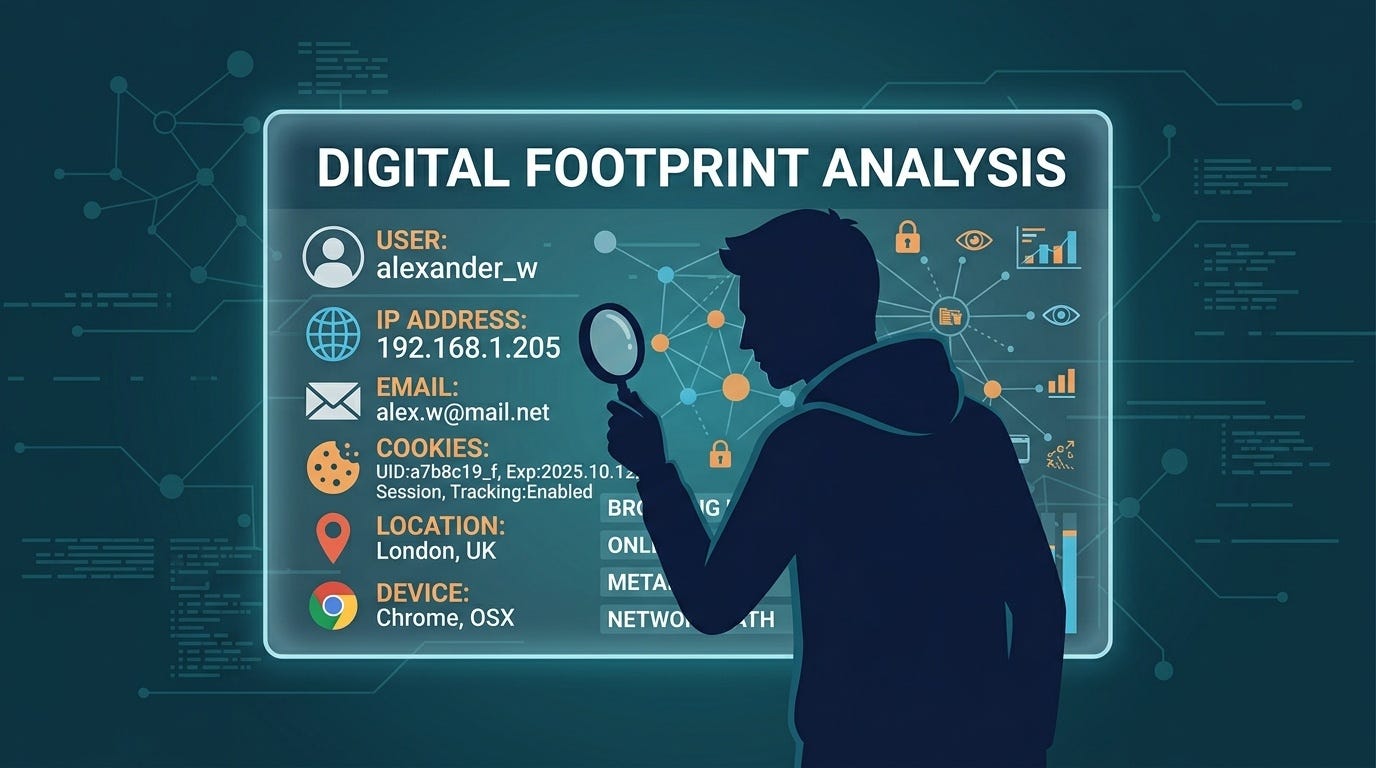
• You become a phishing target. The more your email is passed around, the higher the chance it ends up in the hands of bad actors who send credential-theft attempts disguised as legitimate emails.
• You lose mental bandwidth. Cognitive load is real. A cluttered inbox is a stressful inbox — and stress kills productivity.
The average person receives over 100 emails per day, and a large chunk of those are marketing messages from sign-ups they barely remember. That’s not Inbox Zero. That’s Inbox Chaos.
The Ultimate Fix: The “Burner Email” Strategy

Here’s where it gets interesting. The solution isn’t to stop downloading free things or avoid free trials — it’s to use a different email address for sign-ups that you don’t actually care about
This is called a burner email address, also known as a disposable email or temporary email. And it works exactly like a real email — except it only exists for as long as you need it.
Here’s the concept in plain English:
• You visit a temporary email service
• An inbox is instantly generated — no signup, no password, no personal information required
• You use that address wherever you need a one-time email
• The service receives the verification email or download link
• You grab what you need — and walk away
• The temporary inbox eventually disappears on its own
Your real inbox stays 100% untouched. No spam. No follow-up sequences. No “we miss you” emails three months later. Pure, clean Inbox Zero.
Top 3 Everyday Use Cases (You’ll Use These All the Time)
Use Case #1: Testing Web Apps & SaaS Trials
New AI tools, project management apps, design platforms — they all want your email before you can see what they do. Most of the time, you just want to poke around and see if it’s worth your time
With a burner email address, you can sign up for that shiny new AI writing assistant, test its features for a few days, and then either upgrade with your real account (if you love it) — or simply walk away with zero consequences.
No spam. No “Your trial is ending!” panic emails. No aggressive upsell sequences in your main inbox.
Use Case #2: Downloading Lead Magnets & eBooks
Every content marketer on the planet is using the same playbook: offer a free resource, capture your email, then nurture you with a 10-part email sequence until you either buy something or unsubscribe.
The problem? Unsubscribing doesn’t always work reliably. And even if it does, your email address is already in their database — and potentially others’.
Using a temporary email for free ebooks and lead magnets means you get the resource, they get nothing. You avoid email spam from their drip campaigns entirely. It’s the cleanest transaction on the internet.
Use Case #3: Store Discounts & Public Wi-Fi Sign-Ins
“Get 10% off your first order — just enter your email!” Sound familiar? These discount offers are clever lead generation tools. The coupon costs the store almost nothing; your email address is worth far more to them over time.
Same story at coffee shops, airports, and hotels that require an email to connect to their Wi-Fi. You just want internet access — not a lifetime of promotional updates.
A burner email address gets you the discount code or the Wi-Fi login. Your main inbox stays protected. Everyone wins — well, mostly you.
How to Execute This Hack in Literally 3 Seconds
This is the part people always underestimate — how ridiculously easy this is to do. We’re not talking about creating fake Gmail accounts, managing multiple passwords, or anything complicated. This takes less time than typing your real email address.
-
Open a secure disposable email service. Head to TM-Mail.com — a free, no-registration temporary email service. The moment the page loads, you already have a working inbox.
-
Copy the auto-generated email address. You’ll see a randomly generated address waiting for you. Hit the copy button — it takes one click.
-
Paste, receive, done. Drop that address into whatever sign-up form you’re filling out. Refresh your TM-Mail inbox in a few seconds. Your verification link or download file will be there. Grab it, close the tab, and go on with your life.
Your real inbox: zero new spam. Your real email: never exposed. Total time spent: under 10 seconds.
“It’s not about being deceptive — it’s about protecting your attention and your digital privacy. Your email address is a direct line to your brain. Guard it accordingly.”
Final Thought: Stop Cleaning. Start Preventing.
Most productivity advice about email focuses on how to manage the flood — better filters, faster triage, scheduled inbox checks. That’s all good advice. But it’s treating the symptom, not the cause.
The real inbox zero hack is this: don’t let the junk in to begin with.
Think of your primary email address like your personal phone number. You wouldn’t print it on a public flyer or hand it to every stranger who asked. Your email deserves the same level of protection.
Every time you’re tempted to enter your real address for something disposable — a free download, a 7-day trial, a coupon code — ask yourself: do I want to hear from these people forever? If the answer is no, reach for a temp mail instead.
Start today. Visit TM-Mail.com and keep your real inbox exactly the way it should be: clean, calm, and completely yours.
— — —
Found this useful? Clap, share, and protect someone else’s inbox today.
🔗 Try TM-Mail.com — Free Disposable Email, No Signup Required
메타데이터
- post_id
- b93ee0549f49
- slug
- the-inbox-zero-hack-nobody-talks-about-b93ee0549f49
- url
- https://medium.com/@tmmail/the-inbox-zero-hack-nobody-talks-about-b93ee0549f49
- canonical_url
- https://medium.com/@tmmail/the-inbox-zero-hack-nobody-talks-about-b93ee0549f49
- author_url
- https://medium.com/@tmmail
- status
- ok
- fetched_at
- 2026-06-21 15:33:18