Best Automated Timesheet Apps
Tracking time shouldn’t slow you down. Automated timesheet apps take the hassle out of manual logging by recording work hours in the…
Best Automated Timesheet Apps

Tracking time shouldn’t slow you down. Automated timesheet apps take the hassle out of manual logging by recording work hours in the background, generating timesheets automatically, and syncing them with your billing or payroll system.
Whether you’re a freelancer looking to simplify invoicing or a manager seeking real-time visibility into team productivity, these tools make time tracking effortless and accurate.
Below, we’ve rounded up the best automated timesheet apps to help you save hours each week and focus on what really matters — your work.
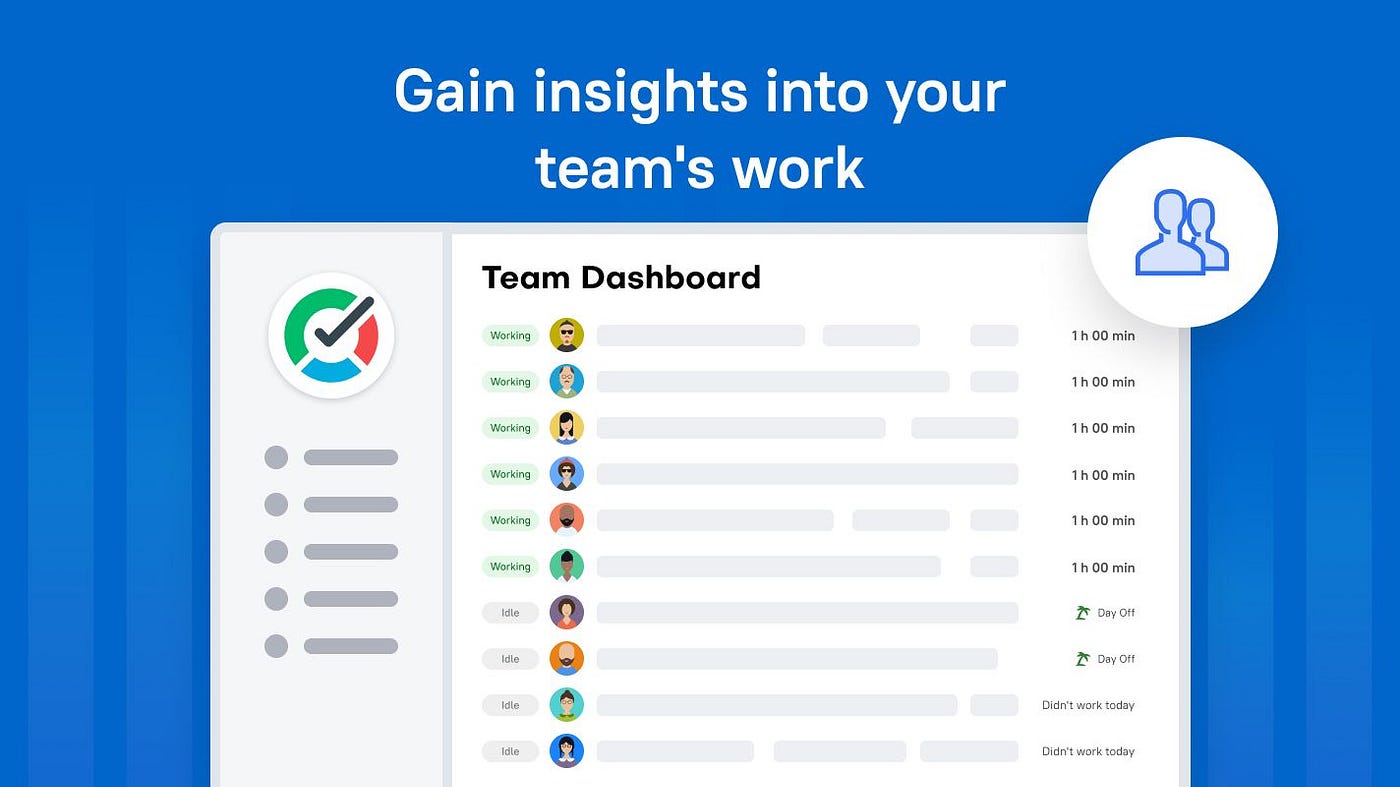
TMetric
What it is: Time tracking & automated timesheet app with features for time logging, payroll, invoicing, and reporting.
Why use it:
- Automates timesheet generation from tracked work hours.
- Supports team timesheets, billing & invoicing, and attendance tracking.
- Broad integrations for a variety of roles (developers, designers, accountants).
Best for: Companies that want a full timesheet + billing ecosystem, not just time capture.
Timely
What it is: AI-powered automatic time-tracking software for consultancies, agencies, and service teams.
Why use it:
- Automatically captures work activity in the background (no manual timers).
- One-click AI timesheets: generate timesheets based on previous patterns and submit them.
Best for: Teams who want to minimize manual time entry and use data-driven insights.
TimeCamp
What it is: Time-tracking app offering automatic time capture, project profitability, and billing.
Why use it:
- Automatic time tracking and offline desktop support.
- Helps boost billing accuracy and project budgeting.
Best for: Freelancers or small teams looking for both automation and business insights.
Clockify
What it is: A popular free time-tracker with timesheet and auto-tracker features.
Why use it:
- Auto-tracker monitors app/website usage and populates timesheet entries.
- Free forever tier with unlimited users makes it budget-friendly.
Best for: Small teams or freelancers who need simple automation on a budget.
Hubstaff
What it is: Employee time tracking & productivity tool with automatic timesheet creation.
Why use it:
- Automatically generates timesheets based on tracked time, apps/devices used.
- Integrates with payroll, remote-team workflows, and apps like Asana, QuickBooks.
Best for: Remote/hybrid teams needing automation, productivity tracking, and payroll links.
RescueTime
What it is: A Productivity/time-tracking tool that automatically logs app/website usage and generates timesheets.
Why use it:
- Automatically tracks digital activity and helps transform it into timesheets.
- Focus also on productivity enhancement, not just billing.
Best for: Consultants or knowledge-workers who want monitoring + timesheet automation + productivity insights.
TrackingTime
What it is: Timesheet software oriented toward hybrid/remote teams, enabling automated submissions and reporting.
Why use it:
- Automates timesheet submission reminders, audits, and approvals.
- Custom fields, integrations, and an unlimited free-users plan.
Best for: Teams with administrative overhead who want to reduce manual timesheet follow-up.
EARLY
What it is: An Automatic time-tracking app that logs time based on apps used, websites visited, and calendar events.
Why use it:
- Background tracking eliminates manual entry; creates time entries from activity automatically.
- Strong emphasis on personal productivity and minimal friction.
Best for: Freelancers or solo professionals who want “set it and forget it” time logs.
My Hours
What it is: Time-tracking app with timesheet and reporting features, though less focused on full automation.
Why use it:
- Good combination of tracking, invoicing, and timesheet exports.
- While it may require more manual entries than others, it still supports timesheet workflows effectively.
Best for: Freelancers or small teams entering automated timesheet workflows but not yet ready for full automation.
How to choose the right one
- Level of automation: Do you want full background tracking, or manual start/stop with auto-reporting?
- Team size & workflow: Freelancers vs small teams vs remote/hybrid large teams.
- Billing/invoicing vs productivity tracking: Some tools focus on billable hours and projects; others on employee activity and performance.
- Integrations & ecosystem: Do you need payroll, project management, and accounting tools?
- Cost & free tiers: Some apps offer generous free plans; some are premium.
- Privacy & transparency: Especially for remote teams, tracking tools vary in how much visibility/monitoring they provide.
Beyond just tracking hours, the real power of automated timesheet apps also comes when they come with the functionality of payroll software for small business. That means timesheet data flows directly into payroll — minimizing manual entry, reducing errors, and speeding up the entire pay cycle. As a result, you can run payroll more confidently, save admin time, and ensure your team gets paid accurately and on schedule.”
Final word
If you’re looking to automate timesheets, you’ll want a tool that removes as much manual time entry as possible. The ones listed above span from simple free trackers to full enterprise-grade automated timesheet systems, and so there’s something for freelancers, small teams, and larger organisations alike.
메타데이터
- post_id
- b9e5d7576f5c
- slug
- best-automated-timesheet-apps-b9e5d7576f5c
- url
- https://medium.com/tmetric/best-automated-timesheet-apps-b9e5d7576f5c
- canonical_url
- https://medium.com/tmetric/best-automated-timesheet-apps-b9e5d7576f5c
- author_url
- https://medium.com/@tmetric
- status
- ok
- fetched_at
- 2026-07-21 07:49:06