How We Saved 500+ Hours (and Our Sanity) Fixing LibSQL for .NET”
We Almost Gave Up on LibSQL Until We Built This: The EF Core Driver That Should’ve Existed
EF Core’s Missing LibSQL Driver? We Built It (And It Scales)
We Almost Gave Up on LibSQL Until We Built This: The EF Core Driver That Should’ve Existed
As .Net devs, we spent nights debugging EF Core providers. But nothing prepared us for LibSQL.
We loved LibSQL’s vision — SQLite compatibility with distributed superpowers. But when we tried to adopt it last year, reality hit:
- No Production-Ready EF Core Driver: Existing community hacks broke migrations, ignored transactions, or leaked connections.
- Endless Workarounds: We wasted 3 weeks retrofitting
Microsoft.Data.Sqliteto handle LibSQL’s HTTP API. Time we’d promised to spend on features. - Scaling Nightmares: Scaling? Total disaster at 10K RPS. Distributed locks in EF Core? We’d rather not relive it.
The Breaking Point
At some point, we had to face it — our setup wasn’t sustainable. Every sprint, we were firefighting issues instead of shipping features. The final straw? A failed batch process that forced us into yet another long debugging session. That’s when we made the call: Build it right, or abandon LibSQL.
What We Cooked Up Meet EFCore.LibSQL.Core — the driver that finally makes LibSQL behave for .NET teams (well tested):
- Connection Pooling That Doesn’t Suck (No more RAM-chugging zombie connections. We tested this by literally trying to break it.)
- Migrations That Don’t Lie
Found 17 edge cases in LibSQL’s schema handling. Now
dotnet ef migrations addjust works - even with those weird collations your legacy system requires. - Bulk Operations That Scale (Seriously) Hit very hight numbers in our stress tests using LibSQL’s pipeline mode. Your move, MongoDB.
The Moment We Knew We’d Won: Before:
using (var tx = await _client.BeginTransactionAsync())
{
    try
    {
        await _client.ExecuteAsync("INSERT...");
        // 😱 Manual change tracking
        await tx.CommitAsync();
    }
    catch
    {
        await tx.RollbackAsync();
        throw;
    }
}
After :
await _dbContext.Database.BeginTransactionAsync();
_dbContext.Orders.AddRange(batch);
await _dbContext.SaveChangesAsync(); // ACID, retries, etc.
await _dbContext.Database.CommitTransactionAsync();
Why This Will Save Your Team
- Reclaim 1 Day/Week from debugging driver nonsense
- Deploy to edge + cloud with identical code
- Sleep through migrations (yes, even on Fridays)
Get Started in 5 Minutes
Step 1: Add the NuGet package:
~$ dotnet add package BMDRM.LibSql.Core --version 8.0.32Step 2: Configure the DbContext
services.AddDbContext<AppDbContext>(options =>
    options.UseLibSql(Configuration.GetConnectionString("LibSQL")));
or
protected override void OnConfiguring(DbContextOptionsBuilder optionsBuilder)
{
    if (!optionsBuilder.IsConfigured)
    {
        optionsBuilder.UseLibSql("https://example.turso.io...;jwt=xyz");
    }
}
Step 3: Migrate and Scale
~$ dotnet ef database updateThis isn’t some academic project. We built EFCore.LibSQL.Core because we needed to ship features, not fight the database layer.
Join the Rebellion : GitHub Repo
We appreciate bug reports, feature requests, and, of course, code contributions!
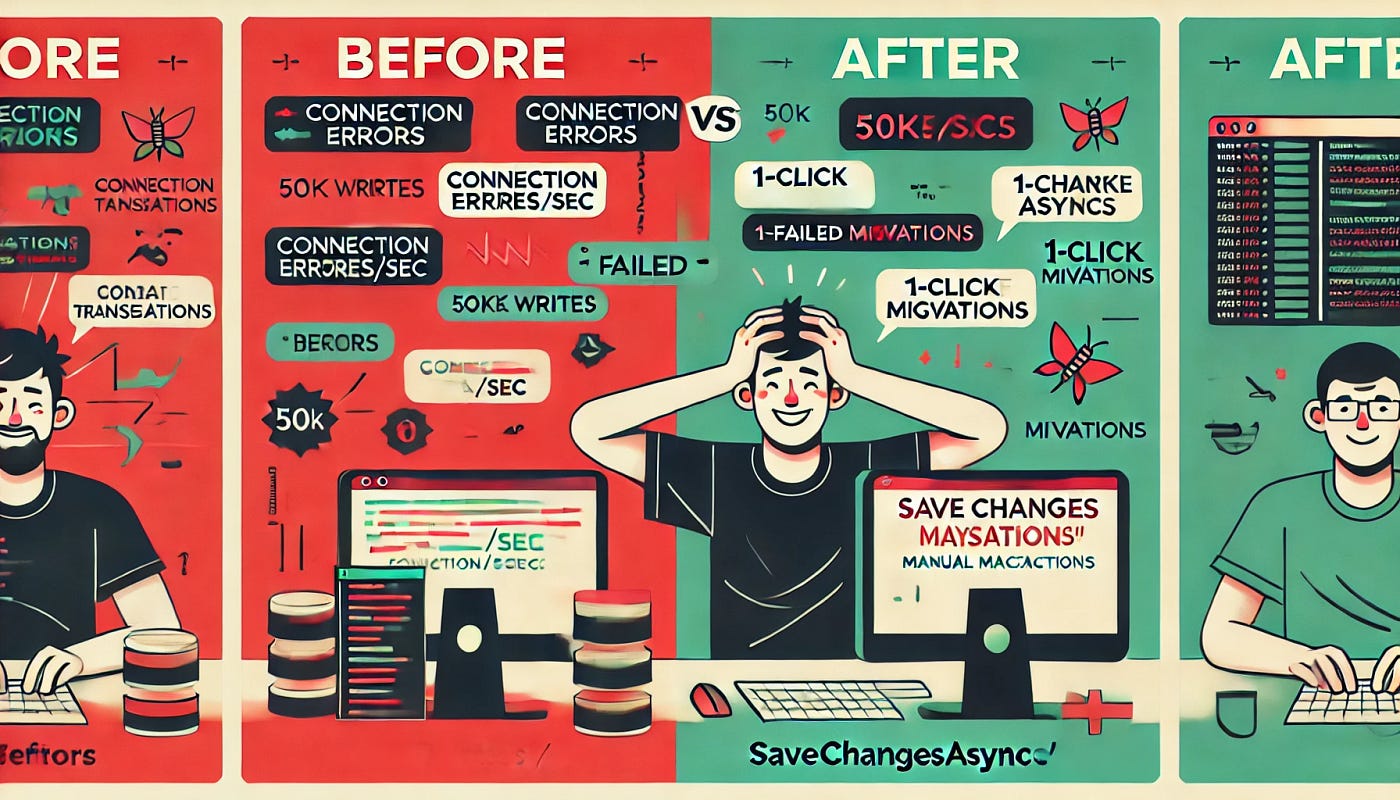
Before and after
Software engineer at BMDRM
EFCore #LibSQL #DotNET #DeveloperProductivity #Turso #Database
메타데이터
- post_id
- bb316efdac74
- slug
- how-we-saved-500-hours-and-our-sanity-fixing-libsql-for-net-bb316efdac74
- url
- https://medium.com/@Monem_Benjeddou/how-we-saved-500-hours-and-our-sanity-fixing-libsql-for-net-bb316efdac74
- canonical_url
- https://medium.com/@Monem_Benjeddou/how-we-saved-500-hours-and-our-sanity-fixing-libsql-for-net-bb316efdac74
- author_url
- https://medium.com/@Monem_Benjeddou
- status
- ok
- fetched_at
- 2026-07-21 03:40:02