NotebookLM Is Free, Genuinely Useful, and Most People Are Using It Wrong
Studying isn’t the ceiling. Here’s how to turn it into a content strategy engine, a product outline generator, and a research assistant…
NotebookLM Is Free, Genuinely Useful, and Most People Are Using It Wrong
Studying isn’t the ceiling. Here’s how to turn it into a content strategy engine, a product outline generator, and a research assistant with the real limits you need to know first.

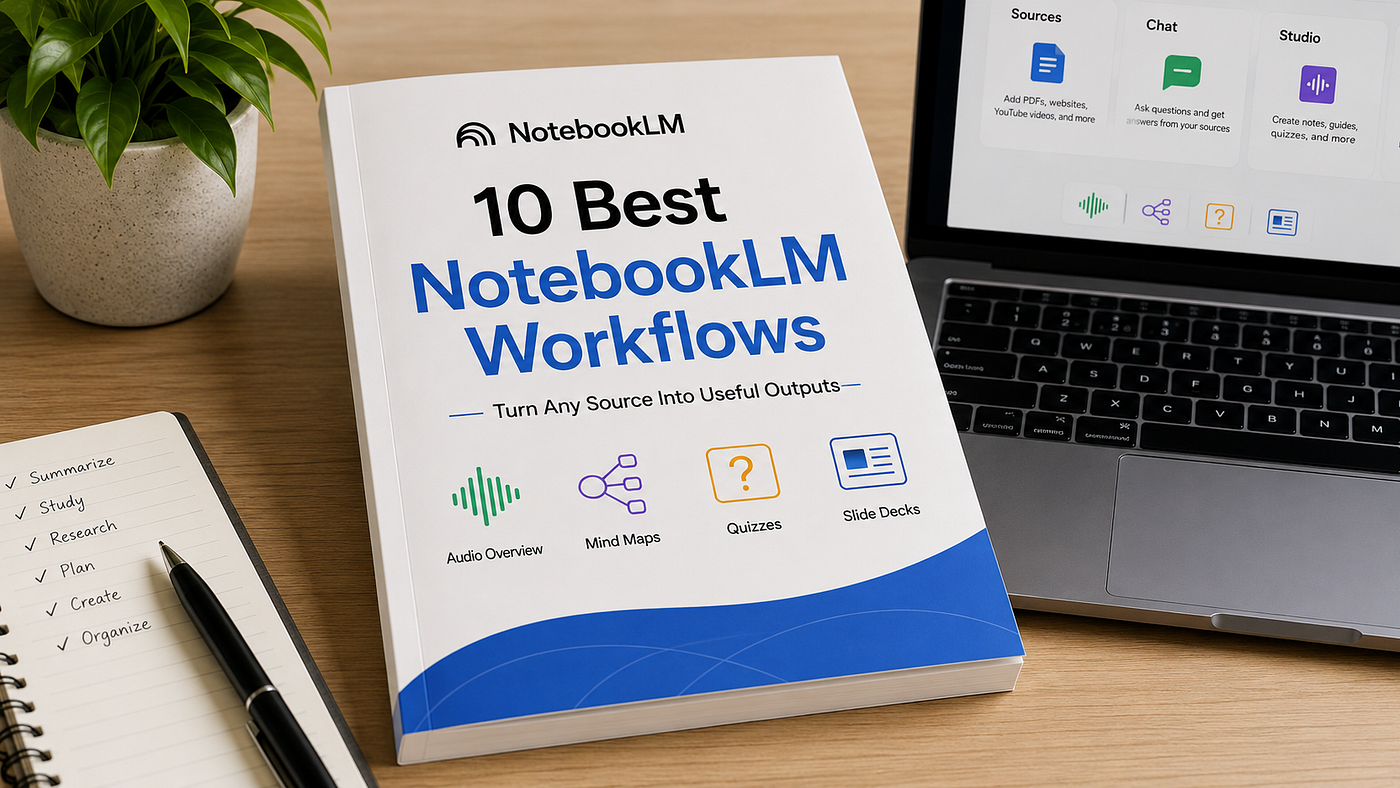
Image generated with ChatGPT, illustrating how NotebookLM turns your documents, videos, and notes into grounded answers, summaries, and research insights.
Most people who’ve heard of NotebookLM think of it as a study tool. Upload your textbook, ask it questions, get a podcast-style summary.
That’s true, but it’s the smallest part of what it actually does.
NotebookLM is Google’s free AI research tool that reads whatever you upload PDFs, YouTube videos, websites, audio files, your own notes and answers questions using only what’s actually in those documents, with citations pointing back to the source. It runs on Gemini 3, it’s free with any Google account, and it does something most AI chatbots don’t: it grounds every answer in material you control, rather than guessing from general training data.
Here’s how to use that grounding for real work content strategy, product development, client pitches along with the limits you need to know before you build a workflow around it. Read More
What Makes NotebookLM Different From a Regular Chatbot
When you ask ChatGPT or Claude a question with no documents attached, you get an answer pulled from general training. When you ask NotebookLM a question, it only answers from what you’ve uploaded, and every claim links back to the specific source and passage it came from.
That’s a meaningfully different tool. It’s not trying to know everything it’s trying to be a precise, citation-backed expert on exactly the documents you gave it. That precision is what makes the use cases below actually work, instead of producing the kind of confident-but-generic output you’d get from an ungrounded chatbot.
Use 1: Build a Content Strategy From What’s Already Working
If you create content in any niche, this turns competitor research into a structured plan instead of hours of manual scrolling.
Go to notebooklm.google.com and create a new notebook. Upload 5–10 articles, videos, or posts from top creators in your niche these can be YouTube links, PDFs, or web articles, all supported source types.
Then ask: “Based on all the sources I uploaded, identify the top 10 content topics that get the most engagement in this niche. For each topic, give me 5 specific post ideas, the best hook, and the format that works best.”
Because NotebookLM is reading the actual content you uploaded rather than guessing from general knowledge, the output reflects patterns that are genuinely present in your source material not generic advice that could apply to any niche.
Use 2: Outline a Digital Product Without Starting From Blank Page
Upload 10–15 sources on your topic articles, PDFs, YouTube transcripts, or your own notes.
Then ask: “Based on all my sources, identify the biggest problem my audience faces that nobody has fully solved yet. Then outline a complete digital product that solves this problem. Include the product title, the sections, the key points in each section, and the transformation the buyer will experience.”
This gives you a structured outline grounded in your actual source material. From there, taking that outline to Claude to write out the full content is a reasonable next step. NotebookLM is strong at synthesis and structure from sources, while a general-purpose model like Claude is better suited to long-form writing once you have a clear outline to work from.
Use 3: Build a Client Pitch That Sounds Specific, Not Generic
Find 5 articles or case studies about your target client’s industry and upload them.
Then ask: “Based on these sources, what are the 3 biggest problems businesses in this industry are struggling with right now? For each problem, write a short pitch explaining how a [your service] can solve it. Make it feel personal and specific, not generic.”
The value here isn’t that NotebookLM knows something you don’t it’s that reading 5 industry sources in 10 minutes and synthesizing the recurring pain points is exactly the kind of task that’s tedious to do manually but fast for a grounded AI tool to do well.
Use 4: Turn Research Into a Week of Social Posts
Pick a topic, find 5–8 sources, upload them.
Then ask: “Turn all of this information into 7 different social media posts for Facebook. Each post should have a hook under 8 words, a short body that teaches one specific thing, and end with a question to drive comments. Make each post feel like it was written by a real person, not a robot.”
One research session becomes a week of grounded content. The “not a robot” instruction matters without it, AI-generated social posts tend toward a recognizable formulaic tone, so being explicit about voice in your prompt makes a real difference.
Use 5: Research a Market Before You Build Anything
Upload 10 sources about a market you’re considering competitor websites, customer reviews, forum discussions, industry articles.
Then ask: “Based on all my sources, what are the gaps in this market that nobody is currently filling well? What are customers complaining about the most? What would they pay for that does not exist yet?”
This is a legitimate use of NotebookLM’s grounding strength. Synthesizing complaints and gaps across multiple real sources is exactly the kind of pattern-finding task it handles well, since every conclusion traces back to something actually said in your uploaded material.
Use 6: Draft a Full Course Outline
Upload everything you know about your topic old notes, saved articles, video transcripts, books you’ve read.
Then ask: “Based on my sources, create a complete online course outline for someone going from a complete beginner to a confident practitioner in [your topic]. Include the module names, the lesson titles inside each module, and the key outcome each lesson delivers.”
This gives you the structural skeleton of a course in minutes. Writing the actual lesson content afterward, in Claude or otherwise, is still real work but skipping straight to a clear module structure removes the hardest part of starting from scratch.
The Free Tier Limits You Actually Need to Know
This is where your expectations need to be accurate before you build a workflow around this.
The free tier gives you 100 notebooks total, 50 sources per notebook, and 50 chat queries per day, with each source capped at 500,000 words or 200MB. Daily limits reset on a rolling 24-hour window from your first use that day, not at midnight.
For the use cases above, 50 sources per notebook and 50 queries a day is genuinely generous a single content strategy or course outline session uses a small fraction of that daily allowance. Where people hit walls is running many of these systems back to back in one day, or trying to build a single notebook covering an enormous research base. If you outgrow the free tier, Plus is $7.99/month bundled into Google AI Plus and roughly doubles the caps.
One real limitation worth knowing: notebooks are isolated from each other. NotebookLM can’t pull context across multiple notebooks at once, so if you’re researching six different niches, you’re managing six separate workspaces rather than one combined brain.
A Necessary Reality Check on “Making Money”
NotebookLM is a genuinely capable free research and synthesis tool. What it produces are content strategies, product outlines, pitch frameworks, course structures are real, usable drafts that save meaningful time compared to doing the same research manually.
What it doesn’t do is make money by itself. A content strategy still needs to be executed and posted consistently. A product outline still needs to be written, designed, and actually marketed to real buyers. A client pitch still needs a real conversation and real delivery behind it. The tool removes a genuine bottleneck the blank-page research phase but the income still depends entirely on what you do with the output afterward.
That distinction matters, because treating any tool as a shortcut to income without the execution that follows is how people end up disappointed by something that’s actually useful when used correctly.
Honest Limitations
- Free tier caps at 50 sources per notebook and 50 daily chat queries, generous for the workflows above, but easy to hit if you’re running several research sessions in one day
- Notebooks don’t share context with each other; there’s no way to combine insights across multiple separate notebooks automatically
- Copy-protected PDFs won’t import on any tier
- NotebookLM only answers from what you’ve uploaded if your source material is thin or low-quality, the output will be too, regardless of how good your prompt is
- The “5 minutes” framing in some posts about this tool refers to the AI’s processing time, not the full real-world time to find, vet, and upload good sources that research step still takes genuine effort
What To Do Right Now
Go to notebooklm.google.com, create your first notebook, and upload 5 sources on a topic you actually care about right now not a hypothetical test topic. Ask it one specific question from the prompts above. The difference between a vague question and a structured one like these will be obvious within your first try.
Note on sourcing: This article is based on Google’s official NotebookLM documentation and reporting from Elephas, ToolChase, FelloAI, and Atlas Workspace, current as of June 2026. Free tier limits (50 sources, 50 daily chats, 100 notebooks) are confirmed and current as of the June 2026 NotebookLM pricing structure following the May 2026 Google AI subscription reshuffle.
메타데이터
- post_id
- bb4b74322c06
- slug
- notebooklm-is-free-genuinely-useful-and-most-people-are-using-it-wrong-bb4b74322c06
- url
- https://medium.com/ai-tomorrow/notebooklm-is-free-genuinely-useful-and-most-people-are-using-it-wrong-bb4b74322c06
- canonical_url
- https://medium.com/ai-tomorrow/notebooklm-is-free-genuinely-useful-and-most-people-are-using-it-wrong-bb4b74322c06
- author_url
- https://medium.com/@milandanushka
- status
- ok
- fetched_at
- 2026-07-09 10:05:04