Apple ][, //e Resources
I pulled my Apple //e out of mothballs, and I want to play with it and learn how to program it. Here’s a list of resources I’ve been using…
Apple ][, //e Resources
I pulled my Apple //e out of mothballs, and I want to play with it and learn how to program it. Here’s a list of resources I’ve been using to learn about this incredible machine.
I think learning how to program a machine like the Apple ][ or //e is a great resource for beginning programmers, or programmers who want to better understand how computers work at a lower level.
Modern computers are thick towers of layers between user applications and the hardware, but older machines have a lot fewer layers, letting you learn how machines actually work at a deeper level.
I’ll keep this list updated as I find neat stuff online for programming the Apple //e and family.
Photo by William Warby on Unsplash
General Information
- Nerdly Pleasures Beginner’s Guide to Running an Apple //e
- Wikipedia: [Apple ] and Apple //e
Technical Information
- MOS Technologies 6502 Wikipedia
- 6502 Technical Details from CPC Wiki
- Understanding the Apple //e by Jim Sather on Archive.org (Enhanced Edition available at Call-A.P.P.L.E.)
Programming Information
- 8-Bit Workshop online IDE for 8 bit hardware development
- Apple Oldie’s archive of Randy Hyde’s “How To Program the Apple II Using 6502 Assembly Language” (PDF) (Archive.org link)
- MOS Technologies Programming Guide for the 6502 (PDF)
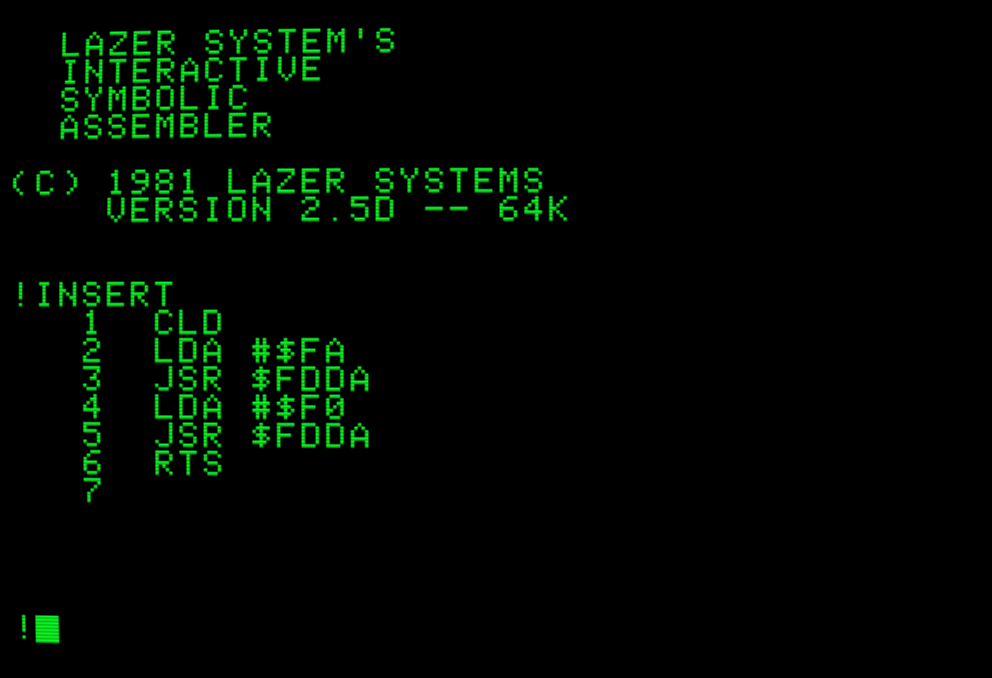
- LISA assembler documentation (The LISA assembler is an amazing piece of kit, written by Randy Hyde (the guy who wrote the book above)… and you can get it from the Apple Disk Server below.)
Emulators
- Linux: Mii Emu (Beautiful UI (don’t get to say that much on Linux) and lots of polish, but it emulates a SPECIFIC //e Enhanced setup)
- Windows: AppleWin (Perhaps the best emulator I’ve seen for flexibility)
- Cross Platform: microm8 from Paleotronic. (Lots of neat sugar, including a fake 3d mode)
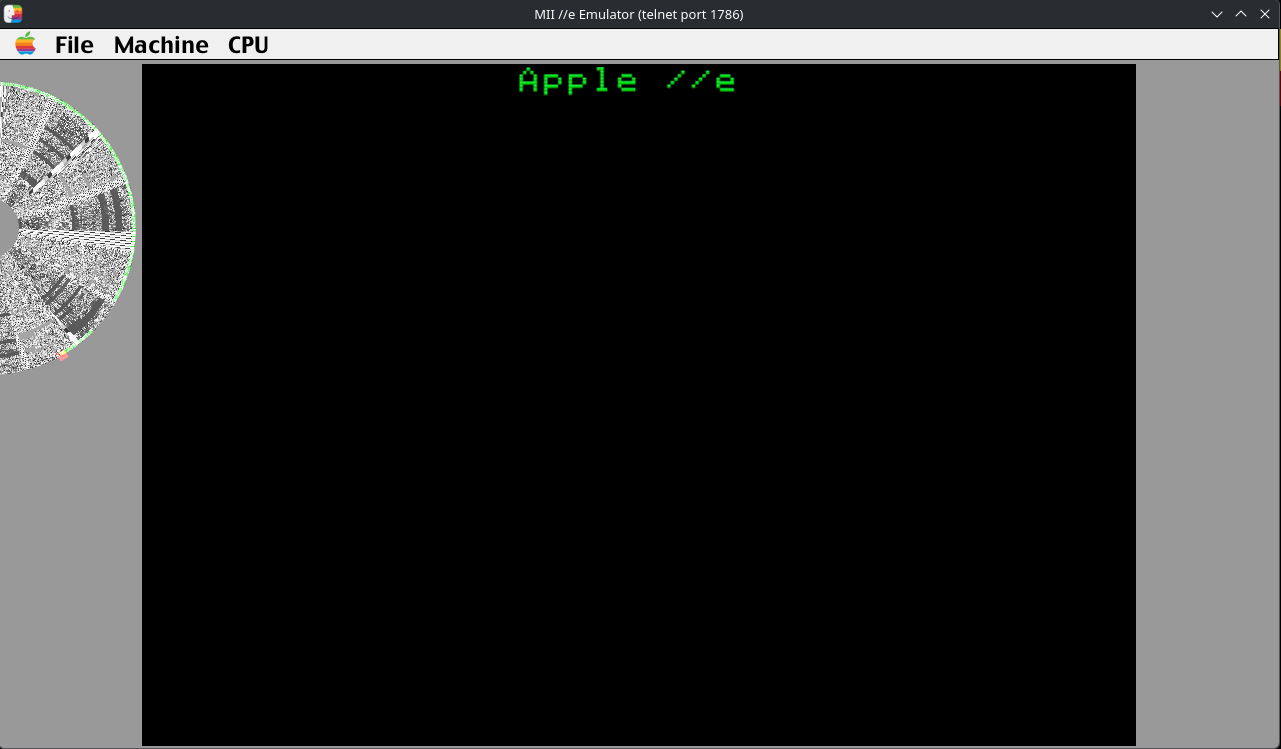
Mii Emu screenshot, showing Disk 1 being read on the left. I love the pointless pleasure of seeing the image representation of the data on the disk, with the read head (orange circle) and reading trace (green line) showing disk activity.
Software Resources
- Modern versions of ProDOS 8
- Apple Disk Server will stream diskettes through the cassette port onto a Disc ][ drive! Just plug a laptop or phone into the cassette port with an audio cable.
Hardware Resources
- Apple Rescue of Denver — Hardware resources for purchase
메타데이터
- post_id
- bb5a62de4063
- slug
- apple-e-resources-bb5a62de4063
- url
- https://medium.com/@autodmc/apple-e-resources-bb5a62de4063
- canonical_url
- https://medium.com/@autodmc/apple-e-resources-bb5a62de4063
- author_url
- https://medium.com/@autodmc
- status
- ok
- fetched_at
- 2026-07-15 15:40:31