Digital Surfaces: A Deep Dive into Physically Based Reflectance (Part 3)
The Indirect: Modeling Ambient Lighting
Digital Surfaces: A Deep Dive into Physically Based Reflectance (Part 3)
The Indirect: Modeling Ambient Lighting
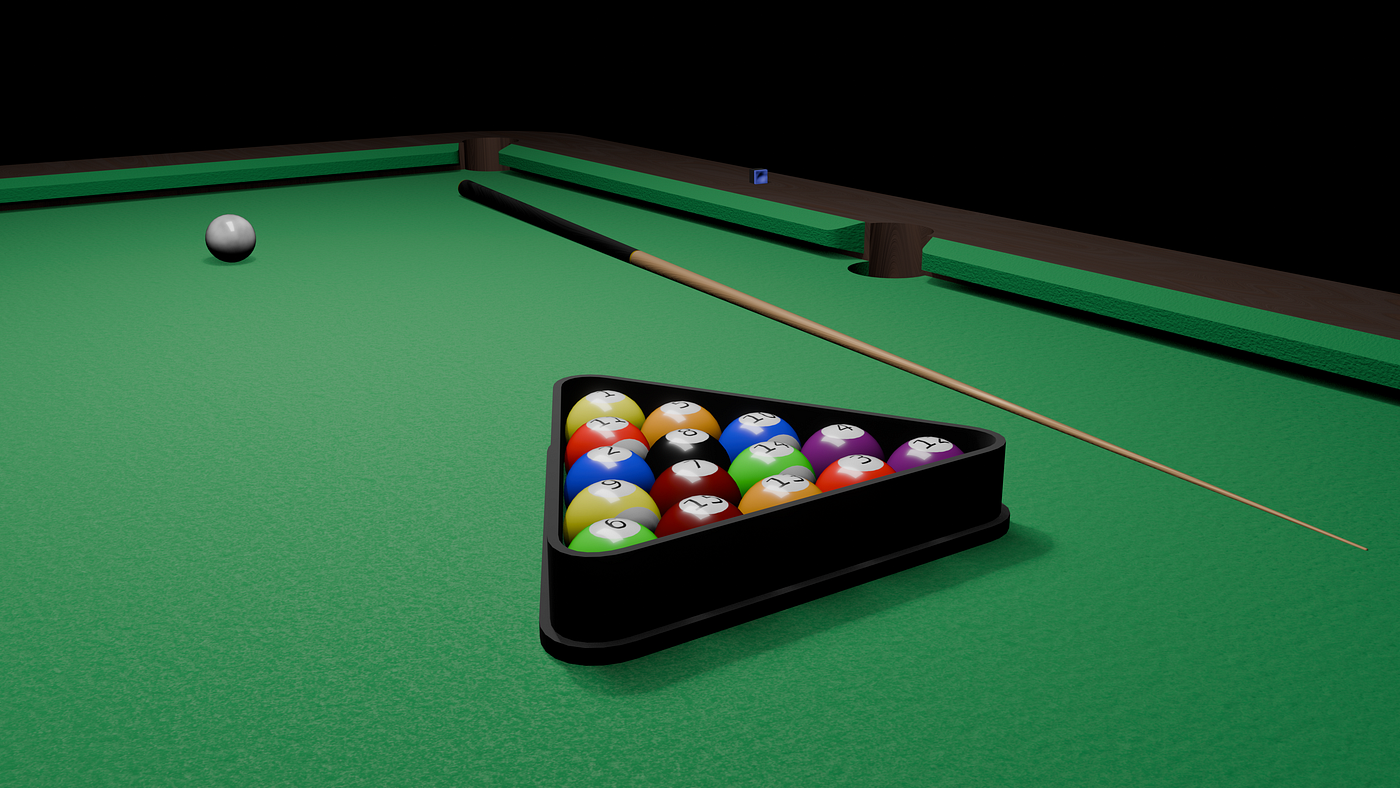
From Simplest forms of global illumination to smarter approaches of illuminating objects based on the ambient light.
In the previous parts, we looked at how the GPU evaluates geometry. Now, we begin our deep dive into the reflectance equation. Before we calculate the light coming from a direct source like the sun or a lamp, we must address the light that exists everywhere in the indirect world.
1. Constant Ambient
In a vacuum, any surface not directly facing a light source would be pitch black. In the real world, light bounces infinitely off walls, floors, and dust particles, filling the shadows with a low-level glow.
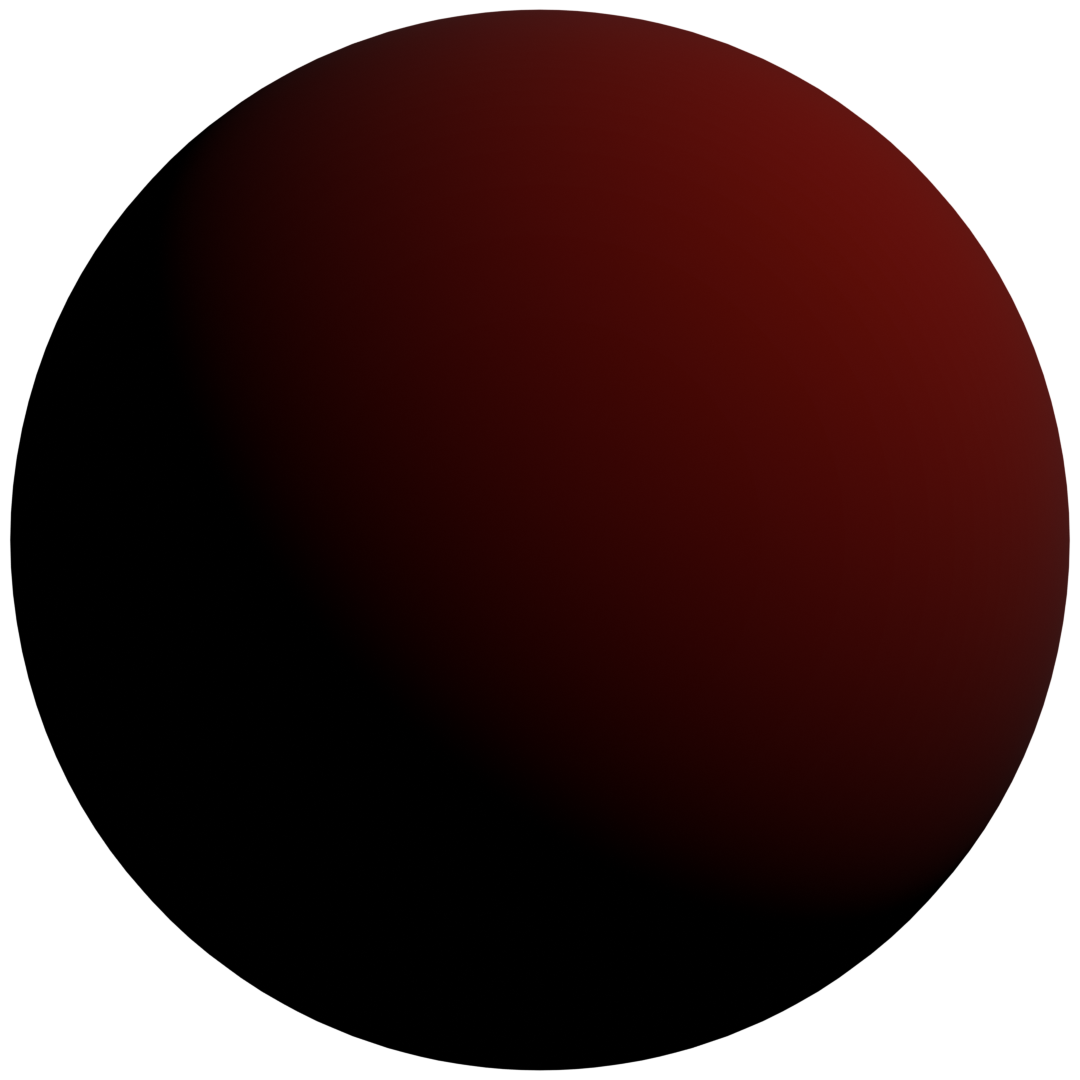
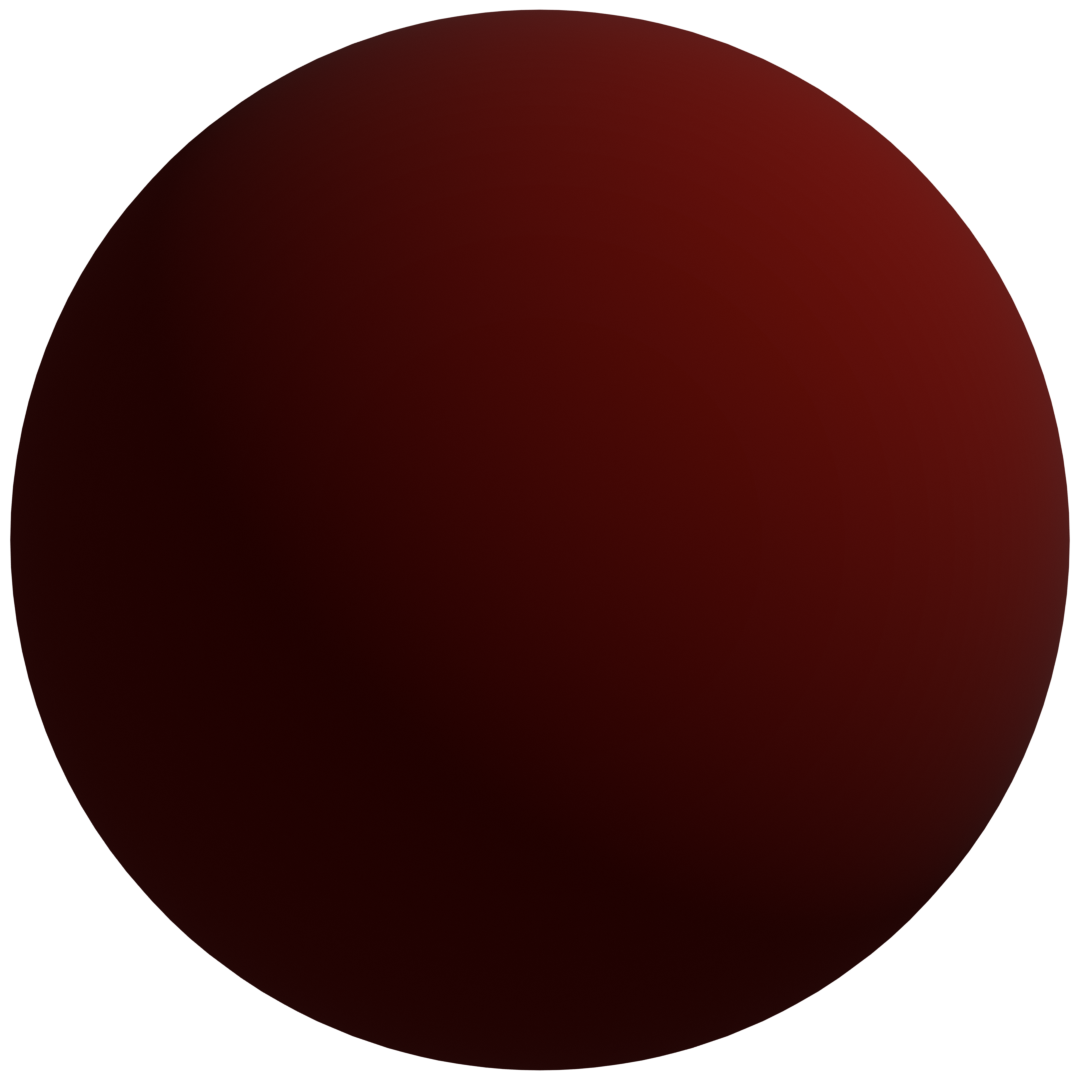
Fig 1: Pitch black shadows vs shadows lit with constant ambient light.
Concept
The simplest way to simulate this fill light is to apply a constant color value to every pixel in the scene, regardless of its position or orientation. We will use this for all future implementations given it is simple and provides a believable look.
Math
The formula is a basic linear scaling of the light color and the object’s base albedo:

Eqn 1: Constant ambient equation.
Where
- K_a is the ambient strength.
- L_color is the color of the ambient light.
- O_color is the base color of the object.
Advantages And Disadvantages
- Pros: Computationally inexpensive and gives believable results (preventing pitch black shadows) when added with diffusion and specular lighting.
- Cons: It destroys depth because the value is constant, a sphere rendered only with constant ambient light looks like a flat 2D circle. It provides no information about the surface curvature.
Implementation
In our Raylib setup, we pass the object and light colors as uniforms. The fragment shader is simple:
// ambient_simple.fs
void main() {
    float ambientStrength = 0.5;
    vec3 ambient = ambientStrength * lightColor * objectColor;

    // Final color is just the constant result
    finalColor = vec4(ambient, 1.0);
}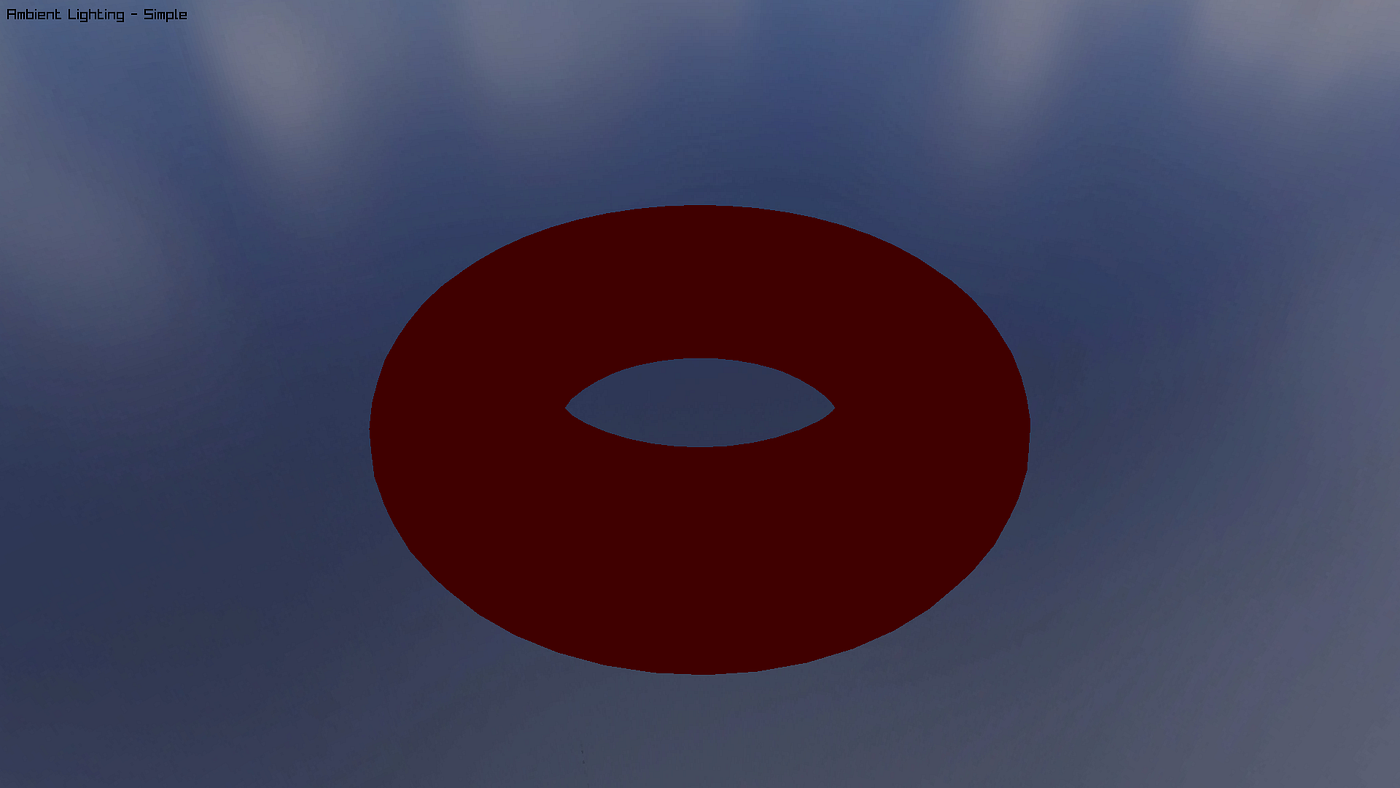
Fig 2: Constant ambient light on a torus.
2. Image Based Lighting
We stop using a single color for the environment and start using an image. This is Image-Based Lighting (IBL). We treat every pixel in a 360-degree panoramic image as a tiny light source.
Concept
Instead of one light, we have thousands of lights hitting the object from every possible angle. In this part, we specifically focus on how the surface sees the environment through its Normal and Reflection vectors.
Math
Most environment maps are stored as Equirectangular panoramas. To sample them, we map a 3D direction vector (x, y, z) to a 2D texture coordinate (u, v).

Eqn 2: Mapping (x, y, z) coordinate to (u, v).
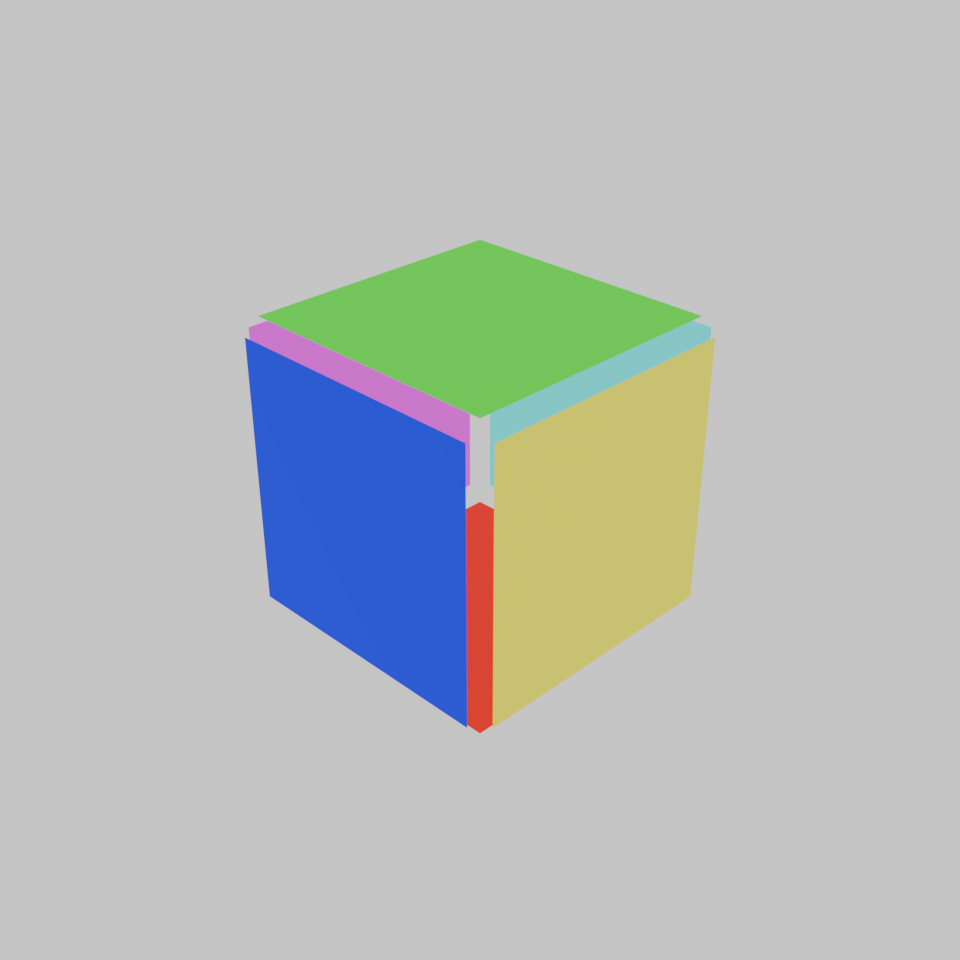
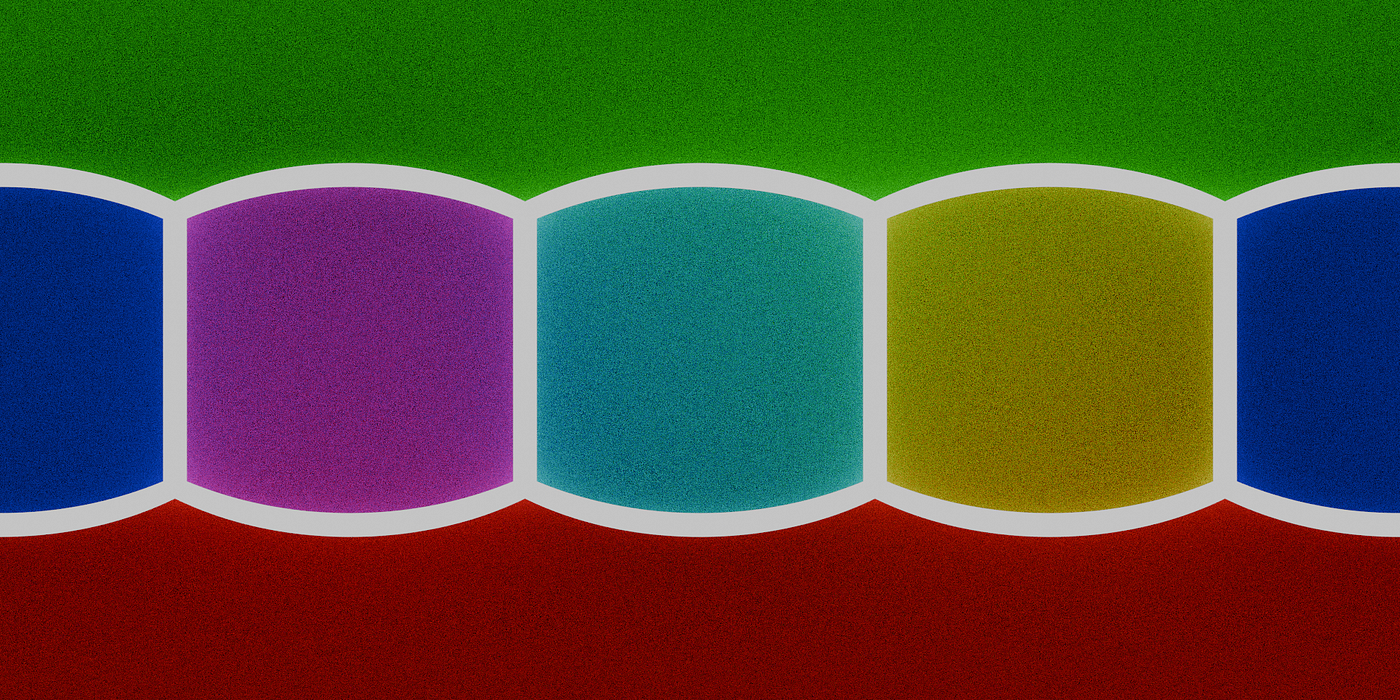
Fig 3: A scene with different colored panels an equirectangular panorama of the scene from the centre.
Advantages And Disadvantages
- Pros: Surfaces appear grounded in their environment. It allows for realistic metallic reflections and subtle color tinting from the sky.
- Cons: Sampling high-resolution textures for every pixel is more expensive than constant colors. It also requires properly handled UV projections to avoid seams or pinching at the poles.
Implementation
A major challenge in IBL is simulating different surface finishes. A mirror reflects a sharp image, while a matte surface reflects a blurred, average version of the sky. This implementation uses mipmaps to simulate this.
In the real world, rough surfaces scatter light in many directions, effectively seeing a blurred average of the environment. Mipmaps let us approximate this by sampling pre-blurred versions of our environment map.
In Raylib, we generate a mipmap pyramid on the CPU before uploading to the GPU. Each level of the pyramid is half the resolution of the previous one, effectively acting as a pre-blurred version of the environment.
// main.c

// Load the panoramic environment map
Image img = LoadImage("resources/sky2_2k.jpg");

// Generate mipmaps on CPU before uploading to GPU
ImageMipmaps(&img);
printf("Generated %d mipmap levels for environment map\n", img.mipmaps);

Texture2D panorama = LoadTextureFromImage(img);
In the shader, we use the texture LoD (Level of Detail) function to sample a specific mip level. To prevent harsh jumps as we move the reflectivity slider, we sample the two closest mip levels and linearly interpolate between them.
// ambient_ibl.fs

void main()
{
    vec3 N = normalize(fragNormal);
    vec3 V = normalize(viewPos - fragPosition);
    vec3 R = reflect(-V, N);

    // ==================== Ambient Term (IBL) ====================

    // Calculate which mip level to use based on reflectivity
    // reflectivity = 0 (diffuse): Use highest mip level (most blurred)
    // reflectivity = 1 (mirror): Use mip level 0 (sharpest)

    float maxMipLevel = 10.0;
    float mipLevel = (1.0 - reflectivityValue) * maxMipLevel;

    // Sample using different mip levels for diffuse vs specular
    vec2 uvDiffuse = directionToSphericalUV(N);
    vec2 uvSpecular = directionToSphericalUV(R);

    // Smooth mipmap blending - sample adjacent mip levels and blend
    float mipFloor = floor(mipLevel);
    float mipCeil = ceil(mipLevel);
    float mipFract = fract(mipLevel);

    // Sample two adjacent mip levels for specular
    vec3 specular1 = textureLod(reflectionMap, uvSpecular, mipFloor).rgb;
    vec3 specular2 = textureLod(reflectionMap, uvSpecular, mipCeil).rgb;
    vec3 envSpecular = mix(specular1, specular2, mipFract);

    // Diffuse always uses max mip (most blurred)
    vec3 envDiffuse = textureLod(reflectionMap, uvDiffuse, maxMipLevel).rgb;

    // Blend between diffuse and specular based on reflectivity
    vec3 environmentContribution = mix(envDiffuse, envSpecular, reflectivityValue);

    // Apply object color
    vec3 ambient = environmentContribution * objectColor * lightColor;

    // ==================== Combine ====================
    vec3 result = ambient;

    finalColor = vec4(result, 1.0);
}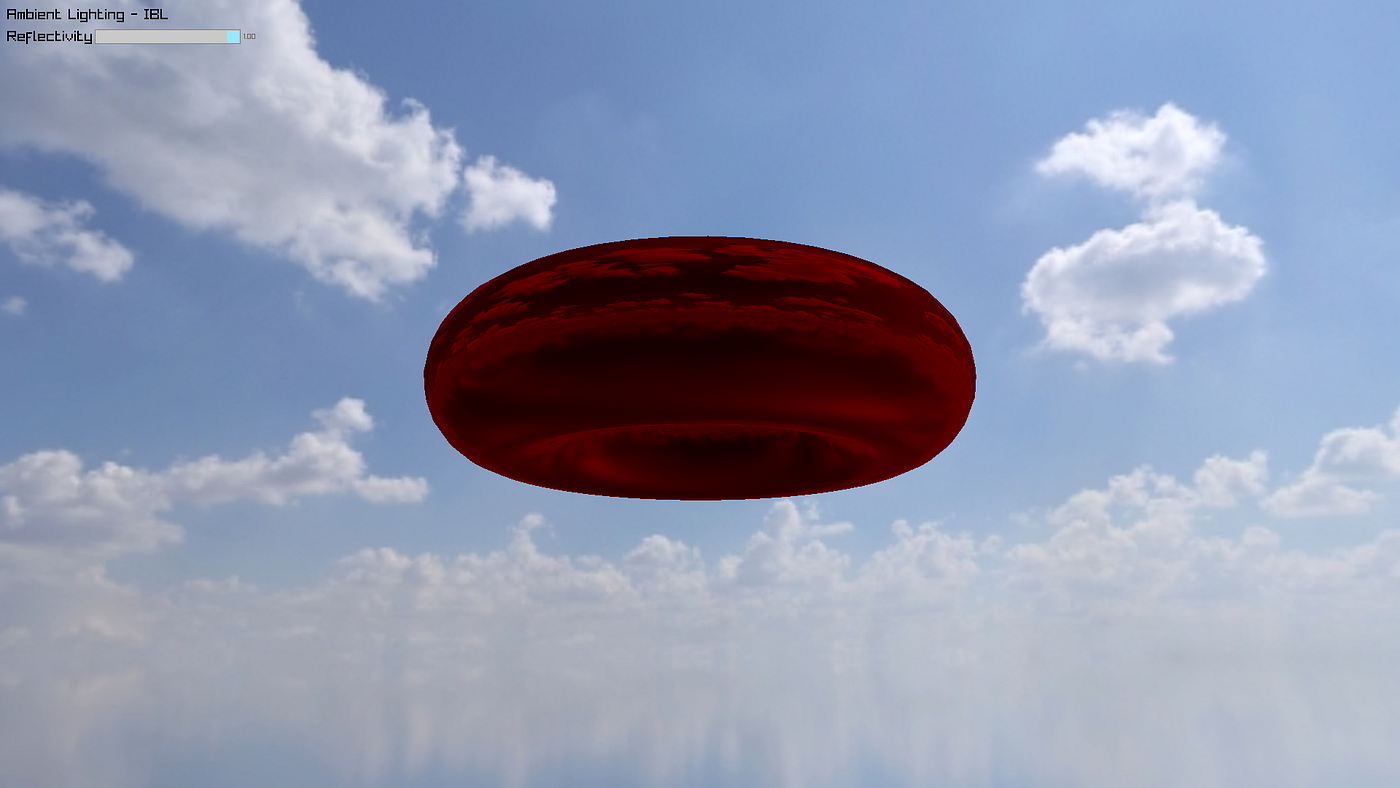
Fig 4: IBL ambient light on a torus.
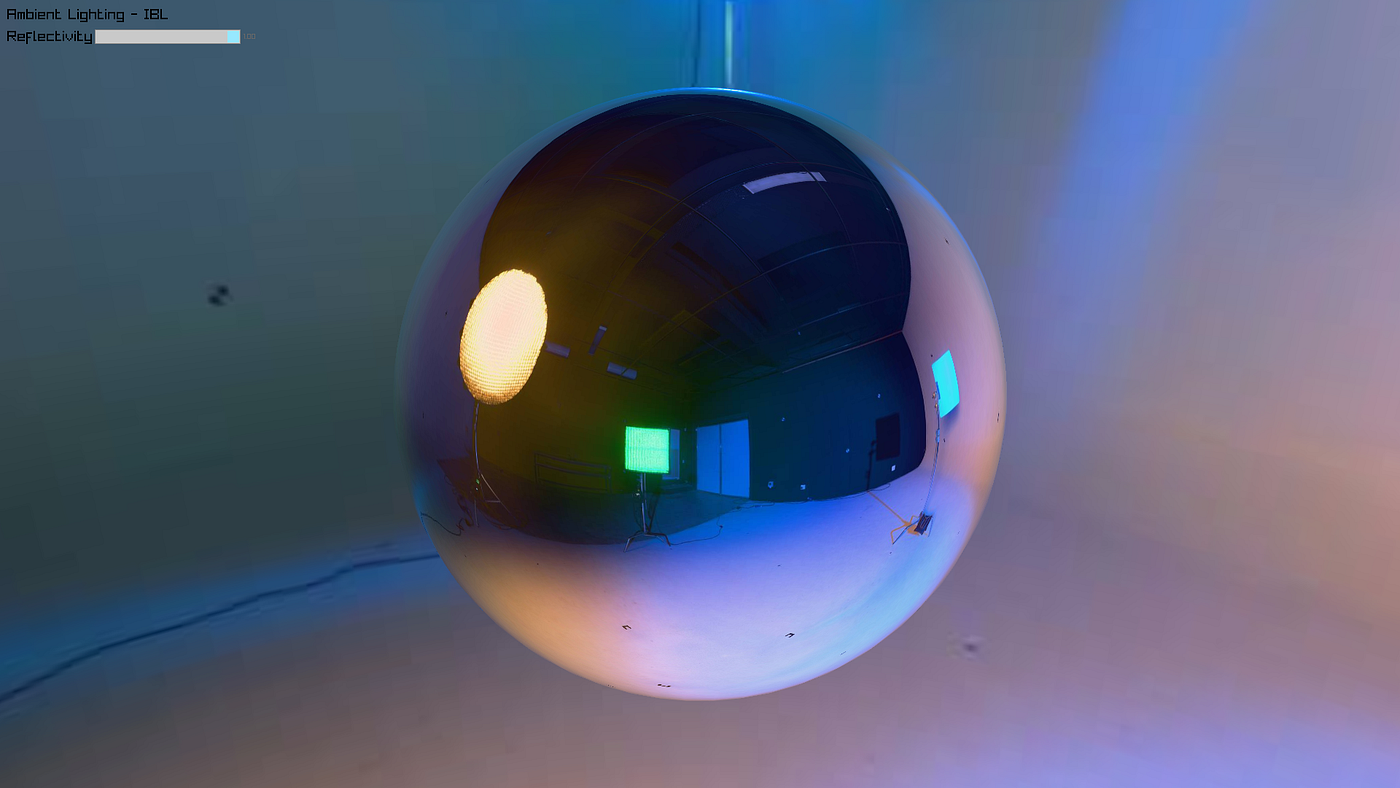
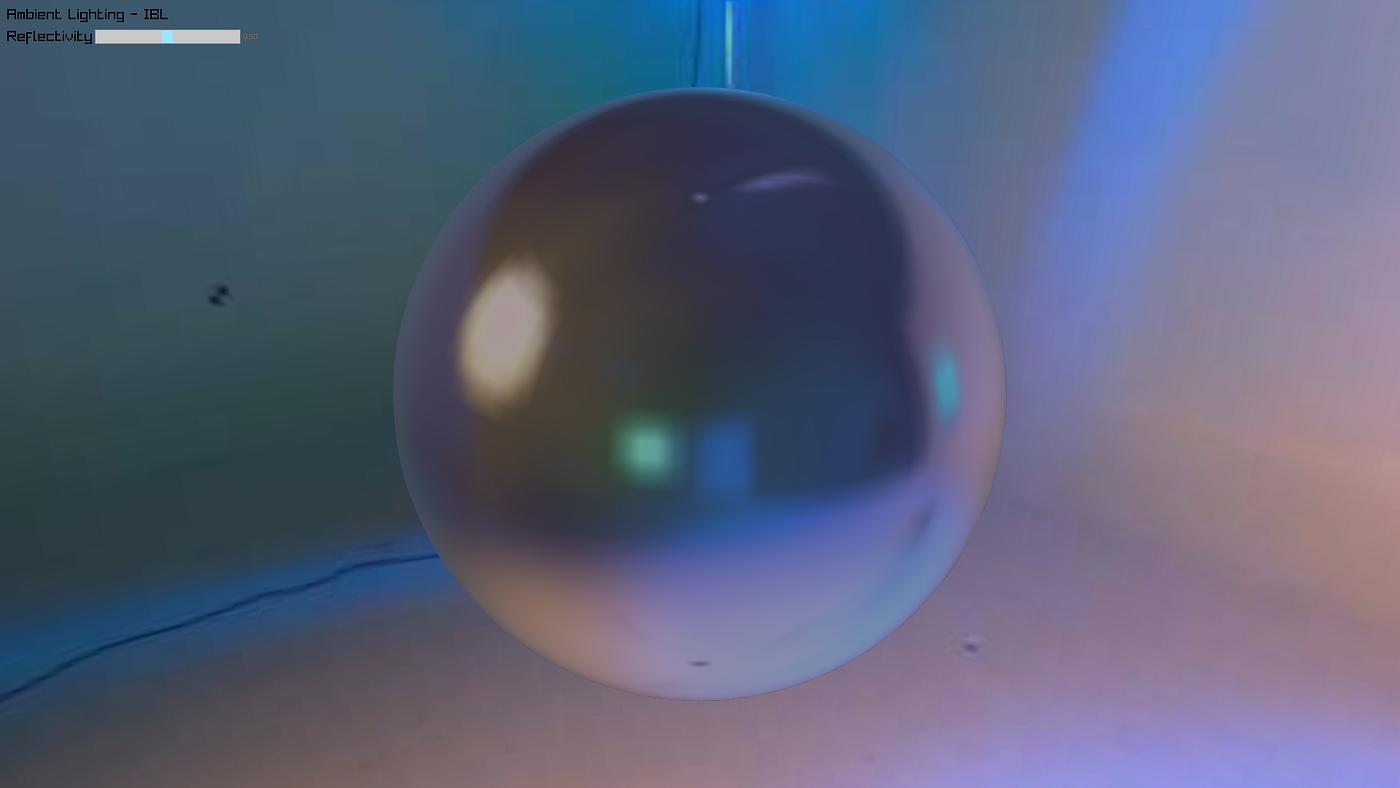
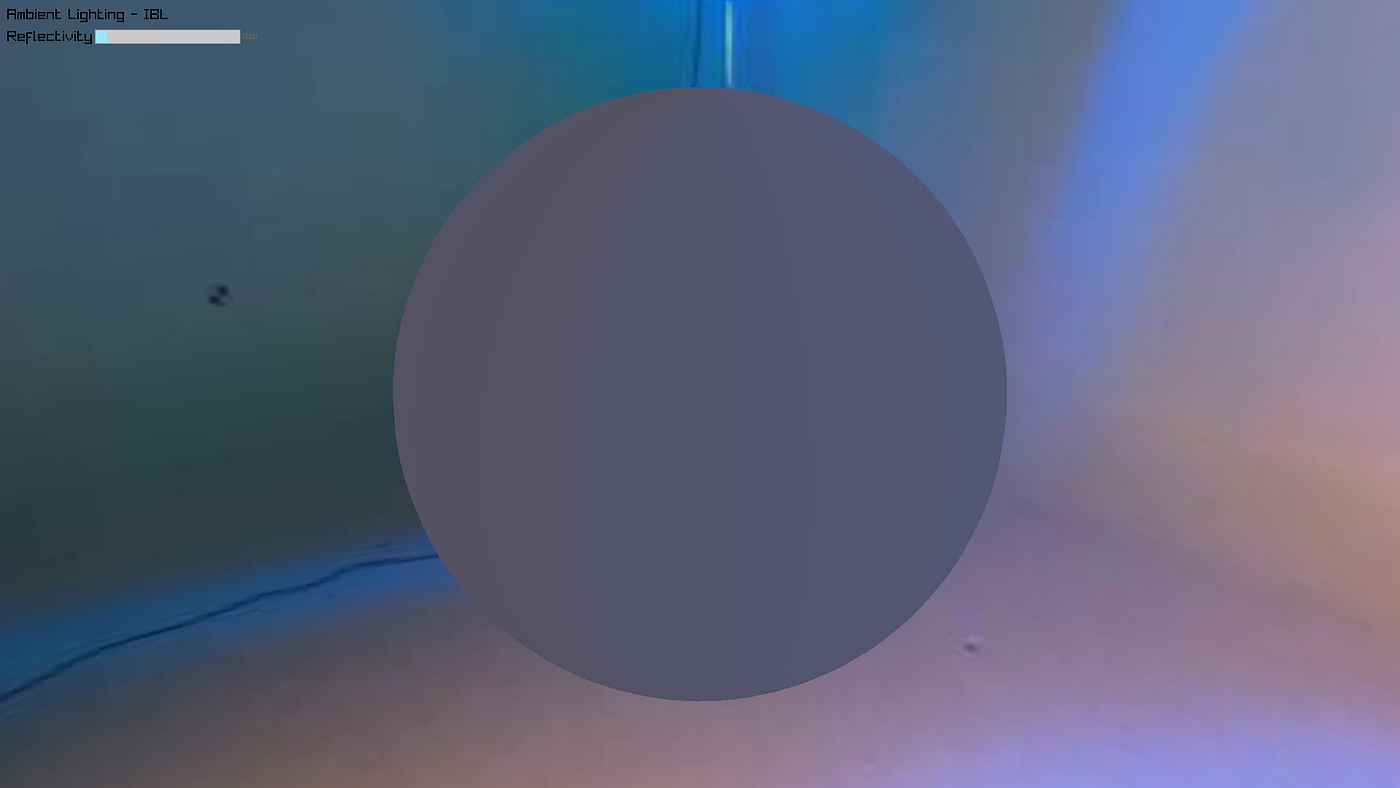
Fig 5: IBL ambient light on a sphere with varying reflectivity (1.00, 0.50, 0.00), We notice that even at 0 reflectivity, the shading is not a constant color, rather the various parts are affected by the environment accordingly.
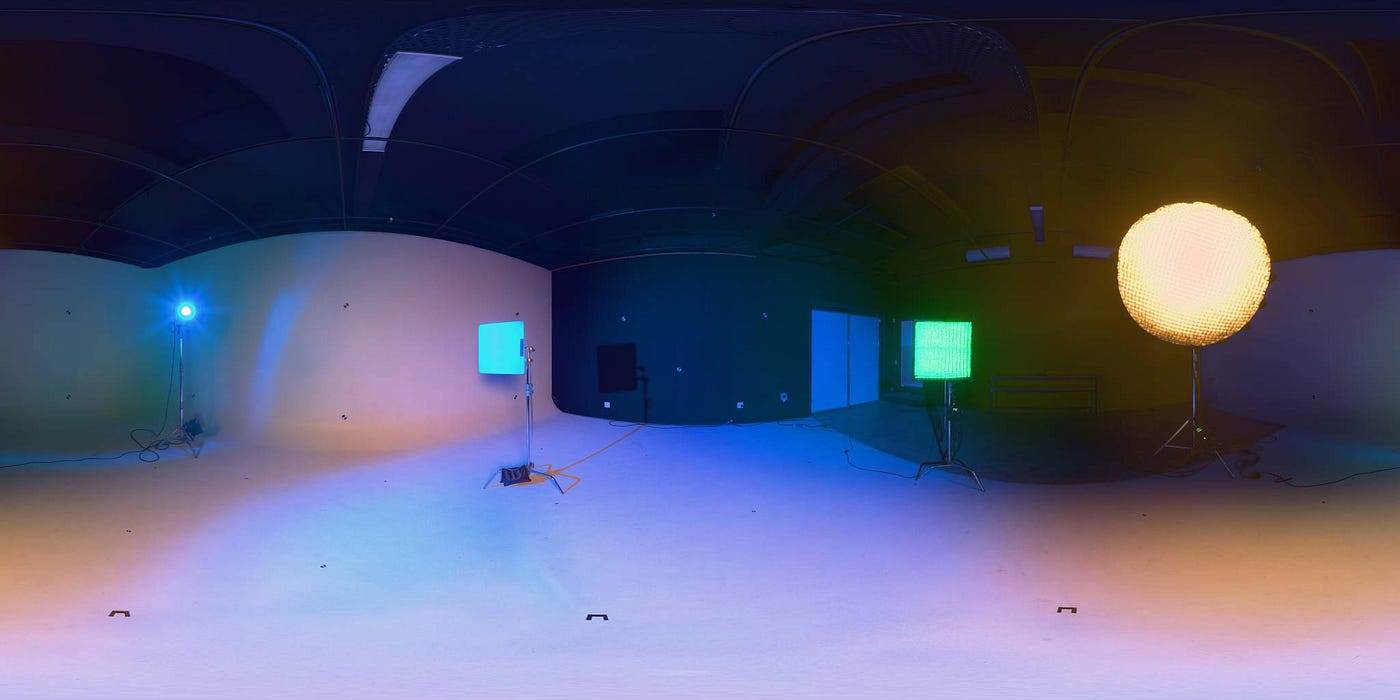
Fig 6: The panorama that the shader reads to create the reflections.
This implementation focuses purely on ambient/environmental lighting as an isolated component. View-dependent effects like Fresnel (where surfaces become more reflective at grazing angles) will be handled when we integrate IBL with our specular BRDF in future parts. For now, we’re building the foundation, understanding how surfaces sample their environment.
3. Advanced Methods
While mipmap-based IBL is powerful, industry-standard engines go even further to handle the Indirect World.
Spherical Harmonics (SH): This compresses the environment light into a set of mathematical coefficients. It allows the GPU to calculate diffuse ambient lighting extremely fast without performing expensive texture lookups.
Ray-Traced Global Illumination (RTGI): Instead of sampling a static image, the engine shoots rays into the scene to calculate actual bounces of light between objects, allowing for realistic object reflections, color bleeding and soft shadows.
Conclusion And What’s Next?
By gleaning into the Indirect World, we have moved from a flat guess to a system where the environment actively defines the surface. We have given our pixels an awareness of the room they inhabit.
However, environmental reflection is only half the story. Next, we move into The Physics of Matte, where we explore how light behaves when it strikes rough surfaces. We will deconstruct the ubiquitous Lambertian model and see why modern games have moved toward more complex models like Disney’s Burley diffuse.
메타데이터
- post_id
- bb69a971c4ae
- slug
- digital-surfaces-a-deep-dive-into-physically-based-reflectance-part-3-bb69a971c4ae
- url
- https://medium.com/@harvarsin/digital-surfaces-a-deep-dive-into-physically-based-reflectance-part-3-bb69a971c4ae
- canonical_url
- https://medium.com/@harvarsin/digital-surfaces-a-deep-dive-into-physically-based-reflectance-part-3-bb69a971c4ae
- author_url
- https://medium.com/@harvarsin
- status
- ok
- fetched_at
- 2026-06-24 23:31:39




