7 Numba/CuPy Boosts That Give GPUs to Plain Python
Practical accelerations — from @njit to custom CUDA kernels—that turn slow loops into blistering kernels without rewriting your codebase.
7 Numba/CuPy Boosts That Give GPUs to Plain Python
Practical accelerations — from @njit to custom CUDA kernels—that turn slow loops into blistering kernels without rewriting your codebase.

Seven field-tested Numba and CuPy techniques to bring GPU-class speed to Python: JIT, vectorize, CUDA kernels, memory tips, streams, and drop-in array swaps.
Python code is easy to write and painfully slow to run — until you hand it to the right compiler and the right device. With Numba and CuPy, you can keep your Python brain and still hit C/CUDA-like speeds. No heroics, no full rewrites. Here are seven accelerations I keep returning to when “it works” isn’t fast enough.
1) Start with the cheapest win: Numba @njit (CPU→GPU-ready)
Before you touch the GPU, make sure your numerics are actually fast on CPU. Numba’s nopython mode compiles a subset of Python/NumPy into machine code.
import numpy as np
from numba import njit

@njit(fastmath=True)  # fastmath can help if you accept IEEE tradeoffs
def softplus(x):
    out = np.empty_like(x)
    for i in range(x.size):
        out[i] = np.log1p(np.exp(x[i]))
    return out

x = np.random.randn(1_000_000)
y = softplus(x)  # often double-digit speedups vs pure Python loops
Why this matters:
- You confirm the algorithm is vectorizable and branch-light.
- You measure a clean baseline.
- You often get 10×+ on loopy code with zero GPU complexity.
If your bottleneck survives @njit, then it’s a candidate for GPU.
2) Push element-wise work to the GPU with Numba @vectorize / @guvectorize
Element-wise math is GPU candy. Numba can JIT a ufunc that runs on CPU or GPU by changing a single target flag.
import numpy as np
from numba import vectorize, float32

@vectorize([float32(float32)], target='cuda')   # 'cpu' for CPU ufunc
def mish(x):
    # mish(x) = x * tanh(softplus(x))
    return x * np.tanh(np.log1p(np.exp(x)))

x = np.random.randn(10_000_000).astype(np.float32)
y = mish(x)  # automatically launches a GPU kernel
For small fixed-shape chunks, @guvectorize lets you define mini-kernels over subarrays. It feels like NumPy broadcasting, but it’s compiled.
Rule of thumb:
**@vectorize** for pointwise transforms.**@guvectorize** for tiny windowed ops (e.g., per-row normalization).
3) Write a custom CUDA kernel when you need control
Sometimes you need custom memory access or fused math. Numba’s CUDA subset lets you create kernels with the familiar grid, block model.
import numpy as np
from numba import cuda

@cuda.jit
def l2_pairwise(X, Y, out):
    i, j = cuda.grid(2)
    if i < X.shape[0] and j < Y.shape[0]:
        acc = 0.0
        for k in range(X.shape[1]):
            diff = X[i, k] - Y[j, k]
            acc += diff * diff
        out[i, j] = acc

n, d = 2048, 128
X = np.random.rand(n, d).astype(np.float32)
Y = np.random.rand(n, d).astype(np.float32)

out = np.empty((n, n), dtype=np.float32)
threads = (16, 16)
blocks = ((n + threads[0]-1)//threads[0], (n + threads[1]-1)//threads[1])
l2_pairwise[blocks, threads](X, Y, out)
Tuning tips:
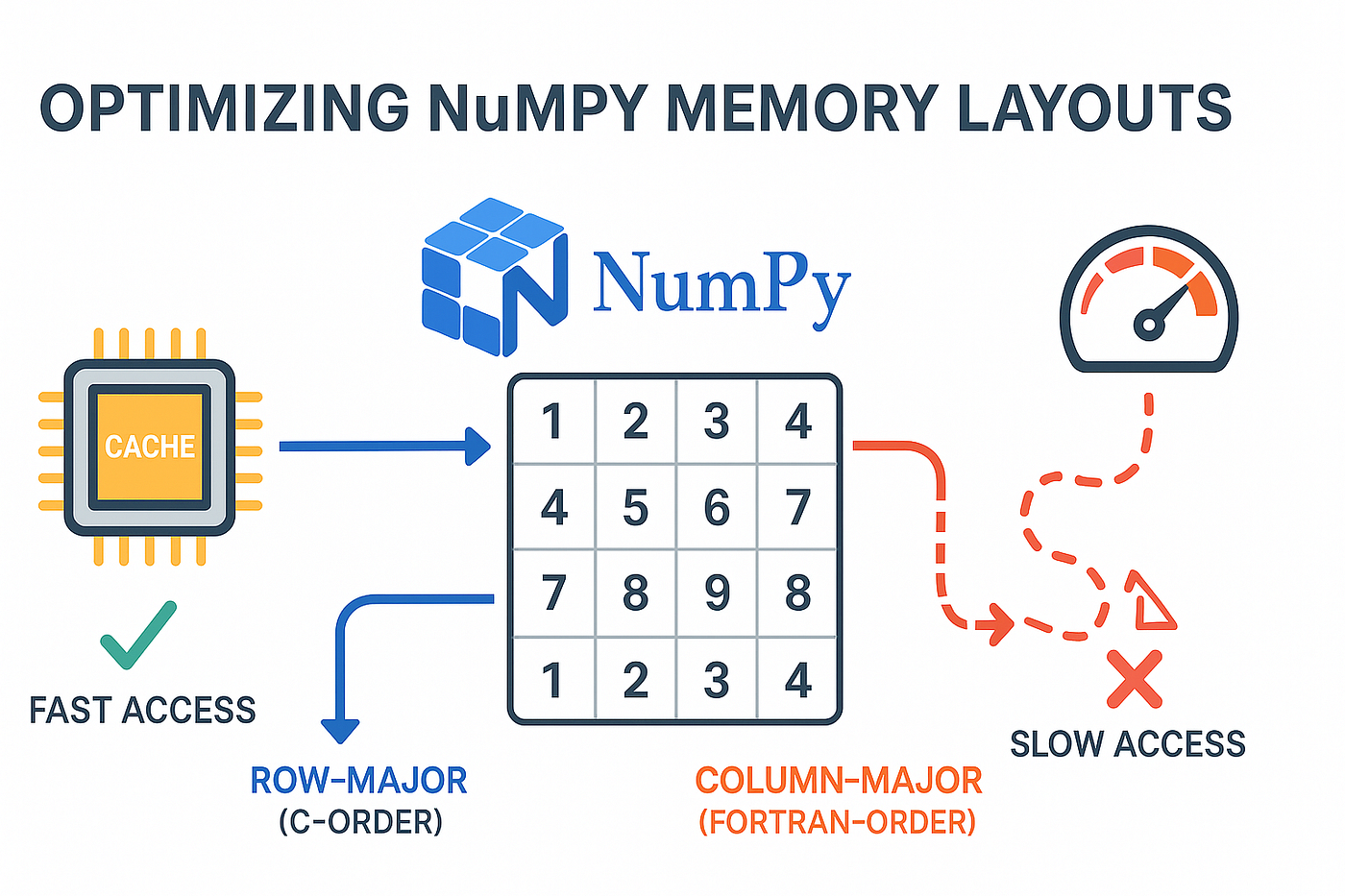
- Use row-major coalesced reads (neighbors in memory → neighbors in a warp).
- Unroll small inner loops or adopt shared memory for tiling when reuse exists.
- Measure with real shapes; the “right” block size is empirical.
4) CuPy as a drop-in NumPy that happens to live on GPU
CuPy mirrors much of NumPy’s API — ndarray, ufuncs, broadcasting, FFT, linalg—backed by CUDA libraries. For many pipelines, replace numpy with cupy and move on.
import cupy as cp

x = cp.random.randn(4_000_000, dtype=cp.float32)
w = cp.random.randn(4_000_000, dtype=cp.float32)

# vector math, all on GPU
y = cp.maximum(0, x * 1.5 + w)
z = cp.tanh(y).mean()

cp.cuda.Stream.null.synchronize()  # optional barrier when timing
When it shines:
- Element-wise transforms, reductions, BLAS/FFT heavy steps.
- Code paths that already “look like” NumPy.
Caveat: Device↔host transfers are expensive. Keep arrays on GPU as long as possible.
5) Avoid the PCIe tax: pinned memory, zero-copy, and batching
The fastest kernel is the one that doesn’t round-trip to the CPU. If you must, make transfers efficient.
- Pinned (page-locked) host memory allows higher throughput DMA.
- Batch small arrays into larger chunks to amortize latency.
- Asynchronous copies overlap compute with data movement.
import cupy as cp

# Pinned host buffer for faster H2D copies
pinned = cp.cuda.alloc_pinned_memory(4_000_000 * 4)  # float32 bytes
host_view = cp.ndarray((4_000_000,), dtype=cp.float32, memptr=pinned)
host_view[...] = 1.0  # fill on CPU

x = cp.asarray(host_view)           # fast H2D
with cp.cuda.Stream(non_blocking=True) as s:
    y = cp.tanh(x)                  # overlaps with other work
    s.synchronize()
Let’s be real: If your pipeline shuffles data back and forth each step, the GPU will look “slow.” The fix isn’t more cores; it’s less traffic.
6) Fuse operations and use streams to hide latency
Kernel launch overhead becomes visible with lots of tiny ops. Two fixes:
- Fuse element-wise math into a single expression (CuPy automatically fuses some chains; for more control, use
@cupy.fuseor write a RawKernel). - Streams to overlap kernels and copies when tasks are independent.
import cupy as cp
from cupy import fuse

@fuse()
def fused_activation(x, w, b):
    return cp.tanh(x * w + b) * cp.clip(x, 0, 1)

x = cp.random.rand(8_000_000, dtype=cp.float32)
w = cp.random.rand(8_000_000, dtype=cp.float32)
b = cp.random.rand(8_000_000, dtype=cp.float32)
s1, s2 = cp.cuda.Stream(), cp.cuda.Stream()

with s1:
    y1 = fused_activation(x, w, b)
with s2:
    y2 = cp.fft.rfft(x)  # independent path, runs concurrently
s1.synchronize(); s2.synchronize()
Result: fewer launches, more concurrency, better device occupancy.
7) Lean on libraries: cuBLAS, cuFFT, sparse, and interop
CuPy wraps high-performance CUDA libraries. Use them before re-inventing kernels.
- Linear algebra:
cupy.linalg(cuBLAS/cuSolver). - FFT/convolution:
cupyx.scipy.fftorcp.fft. - Sparse:
cupyx.scipy.sparse. - Random:
cupy.randomuses cuRAND. - Interop: zero-copy bridges via DLPack with PyTorch/JAX; seamless exchange with Numba (
cuda.as_cuda_array).
import cupy as cp
from numba import cuda

# Interop: launch a Numba kernel on a CuPy array without copying
@cuda.jit
def scale_inplace(x, s):
    i = cuda.grid(1)
    if i < x.size:
        x[i] *= s

arr = cp.arange(1_000_000, dtype=cp.float32)
scale_inplace[(arr.size + 255)//256, 256](cuda.as_cuda_array(arr), 0.5)
Why this matters: You keep best-in-class kernels (BLAS/FFT) and still drop to custom CUDA where the problem is unique.
Choosing: When Numba vs. when CuPy?
You might be wondering, “Do I pick one?” Think of them as complementary:
- CuPy is your drop-in GPU NumPy. If your code is already array-first and uses ufuncs/BLAS/FFT, start here.
- Numba is your compiler and escape hatch. It compiles loops (CPU), builds GPU ufuncs, and lets you write kernels for bespoke access patterns.
A healthy pattern I see in real teams:
- Replace NumPy with CuPy for the 80%.
- Fuse and stream for launch/latency wins.
- Hand-craft a Numba CUDA kernel for the stubborn 20% with irregular memory or branching.
Practical mini-case: cosine similarity at scale
Say you have millions of 512-dim vectors and need top-K neighbors per batch.
- CPU attempt:
@njit(parallel=True)withprangeto get a first win. - GPU pass: normalize with CuPy (
x /= cp.linalg.norm(x, axis=1, keepdims=True)), then use GEMM to compute dot products (cp.matmul(A, B.T))—this taps cuBLAS and will usually beat hand-rolled kernels. - Custom corner: If memory is tight or access is weird (sparse, blocked by user shards), write a Numba CUDA kernel that tiles into shared memory and streams shards; overlap H2D copies with compute using streams.
The “secret” isn’t a single trick; it’s stacking the right ones.
Gotchas that bite (and how to dodge them)
- Small arrays look slow on GPU. Batch until each launch does real work.
**objectdtypes or Python loops break JITs.** Stick to numeric types and vectorizable control.- Silent host/device syncs. A stray
print(arr)forces a sync; use explicitsynchronize()when benchmarking. - Randomness differences. cuRAND and NumPy won’t match bit-for-bit; test distributional properties, not exact seeds.
- Precision costs.
float64halves throughput on many GPUs; default tofloat32unless you truly need double.
A quick checklist you can paste into a PR
- Proved CPU baseline with
@njit(andparallel=Truewhere applicable). - Swapped NumPy→CuPy where arrays dominate.
- Minimized host↔device transfers; used pinned memory for required hops.
- Fused element-wise ops; used streams to overlap work.
- Preferred cuBLAS/FFT/sparse before custom kernels.
- Wrote Numba CUDA only for hotspots with irregular access.
- Benchmarked with real shapes and synchronized before timing.
Conclusion
Python can stay Python. With Numba and CuPy, you keep your readable code and still tap serious compute. Start cheap with @njit. Graduate to CuPy for array workloads. Fuse and stream to hide overhead. And when the hot path refuses to budge, write a focused kernel that earns its keep.
If you’ve hit a wall on a particular function, drop your array shapes and a gist of the math in the comments — I’ll suggest the fastest path without a full rewrite.
메타데이터
- post_id
- bb6b931e0cc9
- slug
- 7-numba-cupy-boosts-that-give-gpus-to-plain-python-bb6b931e0cc9
- url
- https://medium.com/@ThinkingLoop/7-numba-cupy-boosts-that-give-gpus-to-plain-python-bb6b931e0cc9
- canonical_url
- https://medium.com/@ThinkingLoop/7-numba-cupy-boosts-that-give-gpus-to-plain-python-bb6b931e0cc9
- author_url
- https://medium.com/@ThinkingLoop
- status
- ok
- fetched_at
- 2026-06-15 20:49:13